MPM UP2000印刷机中文操作手册 - 第24页
( 將 基板 往 前及 往 後 送到 印刷平台中 心 點位置 ) 你按 SELECT 之後 , 出 現 下 列訊息 : Please insert a stencil. ( 請 放 入鋼板 ) Pr ess NE XT to continu e! ( 按 NEXT 繼續 ) 你按 NEXT 之後 , 出 現 下列訊 息及視 窗: Jog to any target on th e board! ( 請移動 到 基板 上 任 一 個 對位…
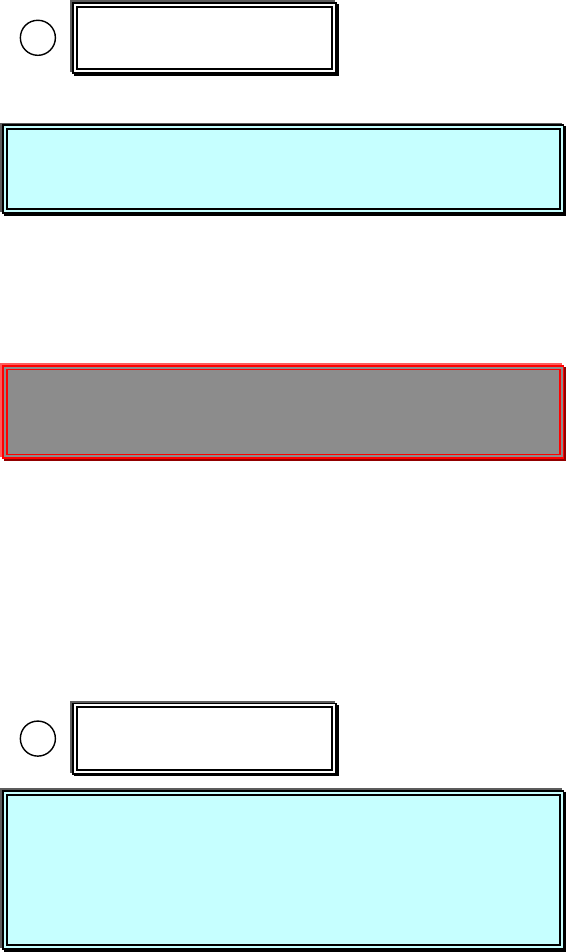
1.3.1 選擇 Teach Boardstops-Y 進入基板 Y 方向板邊停止位置參數設定
Place a board on the input track. (請將 PCB 板放到軌道輸入端)
Press SELECT to Continue.(按 SELECT 繼續)
你按 SELECT 之後,出現開始做板邊視窗:
Jog to the leading edge of the board. (請將十字游標移動到基板板邊
Stay 1/2 inch in from the rails. Press EXIT! 中間位置後,按 EXIT 離開)
※此動作最主要是讓視覺系統內基板停止感應器,感應基板是否停止
在印刷平台中心點位置
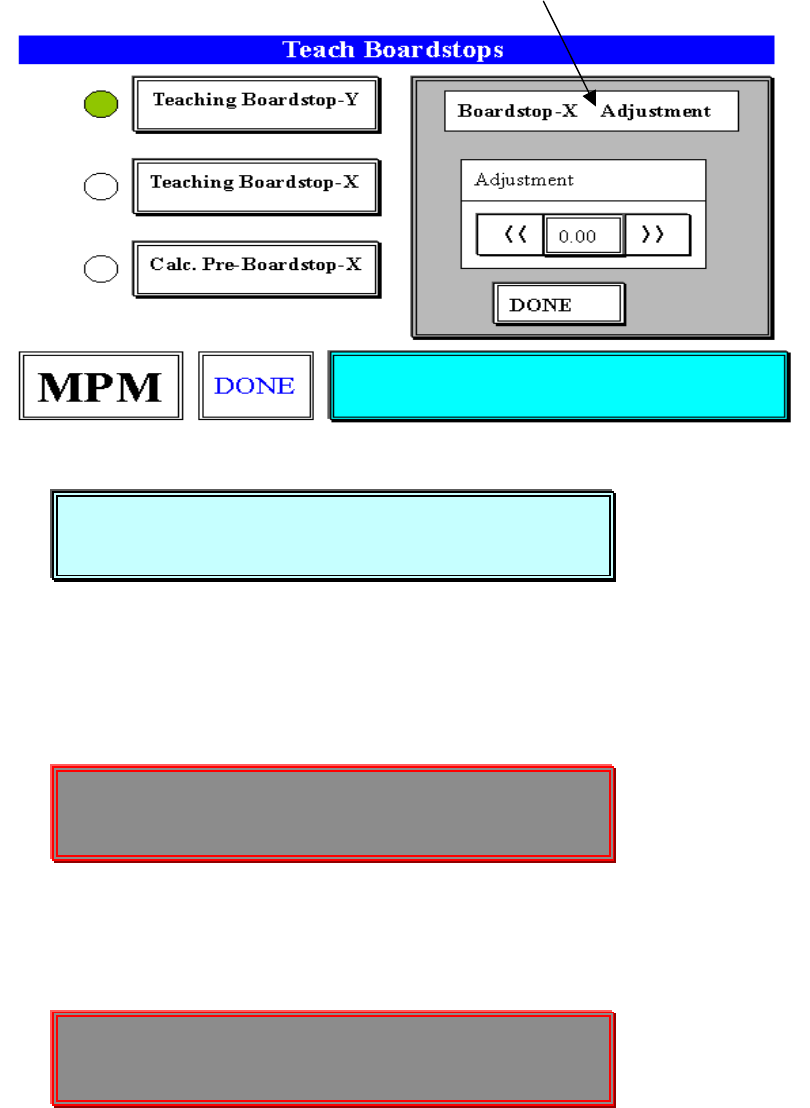
1.3.2 選擇 Teach Boardstops-X 進入 PCB 板停止到印刷平台中心點位置參數設
定與 PCB 板和鋼板對位 Mark 點)
Is the board centered correctly? (基板有無正確停止到印刷平台中心
點位置)
Press SELECT to accept location. (按 SELECT 接受目前位置 )
Press NEXT to-locate board. (按 NEXT 調整基板正確停止到印刷平
台中心點位置)
Press EXIT to abort process. (按 EXIT 中止這一項步驟)
你按 NEXT 之後,出現下列視窗:
Teaching Boardstop-Y
Teaching Boardstop-X
Place a board on the input track.
Press SELECT to Continue.
Jog to the leading edge of the board.
Stay 1/2 inch in from the rails. Press EXIT!
Is the board centered correctly?
Press SELECT to accept location.
Press NEXT to-locate board.
Press EXIT to abort process.
锡膏印刷机 www.smt11.cn
(將基板往前及往後送到印刷平台中心點位置)
你按 SELECT 之後,出現下列訊息:
Please insert a stencil. (請放入鋼板)
Press NEXT to continue! (按 NEXT 繼續)
你按 NEXT 之後,出現下列訊息及視窗:
Jog to any target on the board! (請移動到基板上任一個對位 Mark 點)
Center the object. Press EXIT(對正 Mark 中心點,按 EXIT 離開)
你按 EXIT 之後,出現下列訊息及視窗:
Jog to the same target on the stencil!(請移動到鋼板上任一個對位 Mark 點
Center the object. Press EXIT ,對正 Mark 中心點,但必須與基板上
Mark 點一樣,按 EXIT 離開)
※但如果 X 軸方向,超過軟體保護極限會出現下列訊息,可能需重做對位點。
Please insert a stencil.
Press NEXT to continue!
Jog to any target on the board!
Center the object. Press EXIT
Jog to the same target on the stencil!
Center the object. Press EXIT
锡膏印刷机 www.smt11.cn
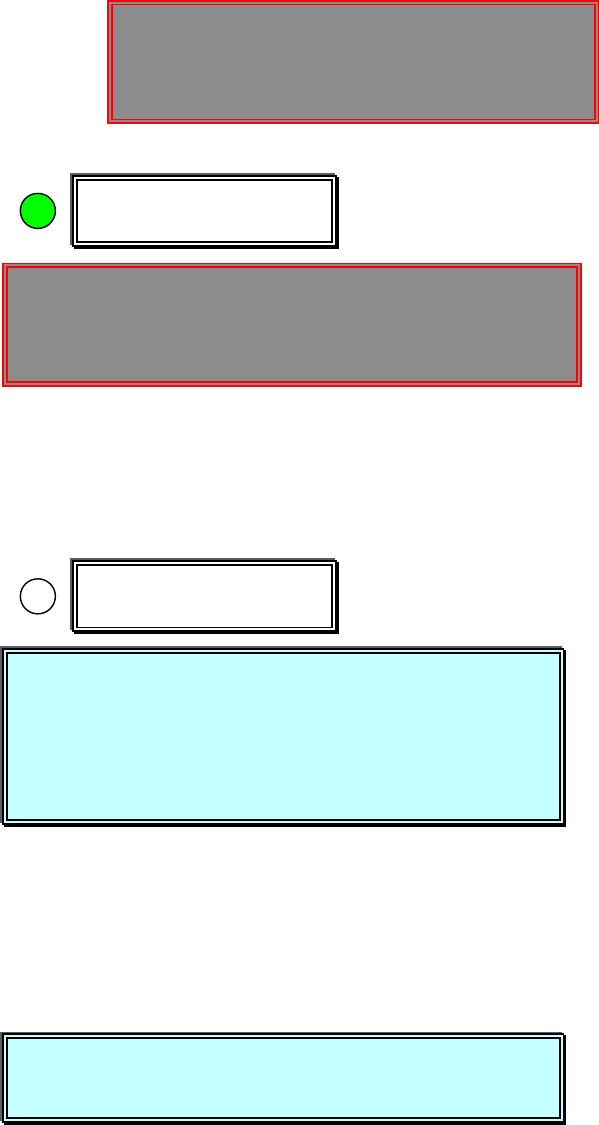
1.3.3 選擇 Calc. Pre-Boardstops-X 進入基板 X 方向停止位置參數設定
Pre board stop position learned (機器自行計算基板停止位置)
Press SELECT to continue(按 SELECT 繼續)
Press Done when finished. (當你做完上述之步驟,按 Done)
1.4 選擇 Stencil 進入測鋼板高度參數設定
Hardware Required:
Board , Stencil , Tactile ,
Please install a stencil now. (請現在放入鋼板)
The FRAME CLAMPS will activate when (按 NEXT 後,啟動鎖住鋼板)
you press NEXT.
Press NEXT to Continue, or EXIT to Quit. (按 NEXT 繼續, 按 EXIT 離開)
你按 NEXT 之後,出現下列訊息及視窗:
The next step is to set STENCIL HEIGHT. (然後進行測鋼板高度)
Press NEXT to Continue, or EXIT to Quit. (按 NEXT 繼續, 按 EXIT 離開)
你按 NEXT 之後,出現下列訊息及視窗:
Calc. Pre-Boardstop-X
-----Warning Message-----
X AXIS – SOFTWARE LIMIT WARNING!
Press NEXT to Continue.
Stencil
Pre board stop position learned
Press SELECT to continue
Press Done when finished.
Please install a stencil now.
The FRAME CLAMPS will activate when
y
ou press NEXT.
Press NEXT to Continue, or EXIT to Quit.
The next step is to set STENCIL HEIGHT.
Press NEXT to Continue, or EXIT to Quit.
锡膏印刷机 www.smt11.cn