MPM UP2000印刷机中文操作手册 - 第28页
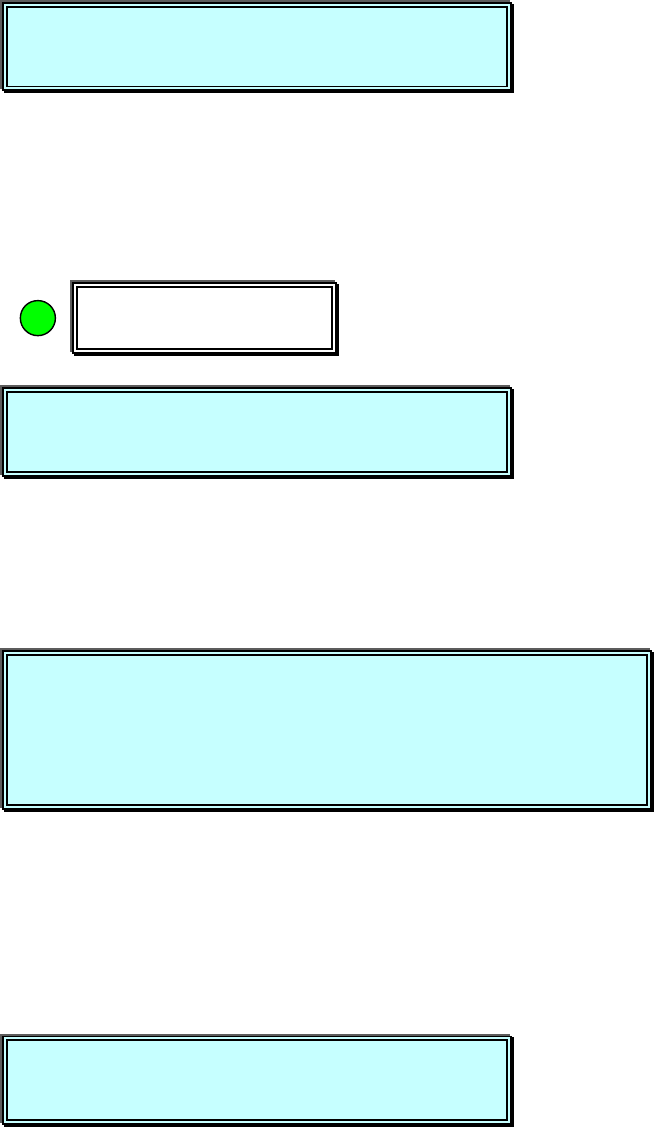
按 NEXT 之後 , 出 現 下列訊息視 窗: CAUTION, The machine is n ow goin g to ( 注意 , 機器的 Z 軸 和 刮刀上下 將 Move t he Z TO WER and cycle 會移動 ) the SQUEE GEE UP and DOWN. Pr ess NE XT to Continue, o r EXIT to Qu it. ( 按 NEXT 繼續 , 按 EXIT 離開 )…
(開始載入 PCB,自動偵測鋼板高度)
Stencil height FOUND. (完成偵測鋼板高度)
Press NEXT to Continue. (按 NEXT 繼續下一步驟)
1.5 選擇 Squeegee 進入測刮刀高度與刮刀行程參數設定
Hardware Required:
Squeegee Blades , Stencil , Tactile
This Utility will set the SQUEEGEE height.(使用測刮刀高度)
Press NEXT to Continue, or EXIT to quit. (按 NEXT 繼續, 按 EXIT 離開)
按 NEXT 之後,出現下列訊息視窗:
Please install a stencil now. (現在請放入鋼板)
The REAME CLAMPS will activate when(按 NEXT 之後,啟動鋼板固定夾)
you press NEXT.
Press NEXT to Continue, or EXIT to quit. (按 NEXT 繼續, 按 EXIT 離開)
按 NEXT 之後,出現下列訊息視窗:
You must now install the squeegee blade. (你現在必須安裝刮刀)
Press NEXT to Continue, or EXIT to quit. (按 NEXT 繼續, 按 EXIT 離開)
Squeegee
This Utility will set the SQUEEGEE height.
Press NEXT to Continue, or EXIT to quit.
Please install a stencil now.
The REAME CLAMPS will activate when
y
ou press NEXT.
Press NEXT to Continue, or EXIT to quit.
You must now install the squeegee blade.
Press NEXT to Continue, or EXIT to quit.
Stencil height FOUND.
Press NEXT to Continue.
锡膏印刷机 www.smt11.cn
按 NEXT 之後,出現下列訊息視窗:
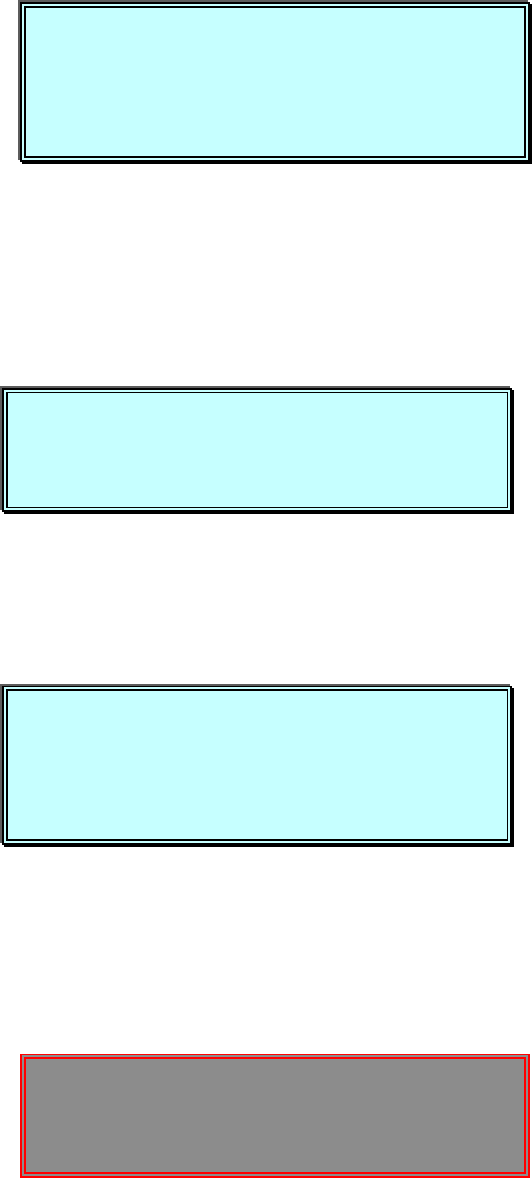
CAUTION, The machine is now going to(注意,機器的 Z 軸和刮刀上下將
Move the Z TOWER and cycle 會移動)
the SQUEEGEE UP and DOWN.
Press NEXT to Continue, or EXIT to Quit. (按 NEXT 繼續, 按 EXIT 離開)
按 NEXT 之後,出現下列訊息視窗:
Press SELECT to find Stencil Height(按 SELECT 之後,再測一次鋼板高度
or NEXT to Bypass. 按 NEXT 之後,不測鋼板高度)
Press NEXT to Continue, or EXIT to Quit. (按 NEXT 繼續, 按 EXIT 離開)
按 NEXT 之後,出現下列訊息視窗:
Press SELECT to JOG the sensor clear of(按 SELECT 移動偵測感應器,勿
paste or stencil apertures 碰到鋼板上錫膏及鋼板上 PAD 孔)
or press NEXT to CONTINUE. (按 NEXT 馬上開始在本位置偵測刮刀高度)
Press SELECT or NEXT to Continue. (按 SELECT 或 NEXT 繼續)
你按 SELECT 之後,出現下列訊息及視窗:
JOG ACTIVE…(移動 現在刮刀行程位置
移動現在刮 刀行程位置移動現在刮 刀行程位置
移動現在刮 刀行程位置)
CAUTION, The machine is now going to
Move the Z TOWER and cycle
the SQUEEGEE UP and DOWN.
Press NEXT to Continue, or EXIT to Quit.
Press SELECT to find Stencil Height
or NEXT to Bypass.
Press NEXT to Continue, or EXIT to Quit.
Press SELECT to JOG the sensor clear of
paste or stencil apertures
or press NEXT to CONTINUE.
Press SELECT or NEXT to Continue.
JOG ACTIVE…
SQUEEGEE STROKE
Press EXIT to quit.
锡膏印刷机 www.smt11.cn
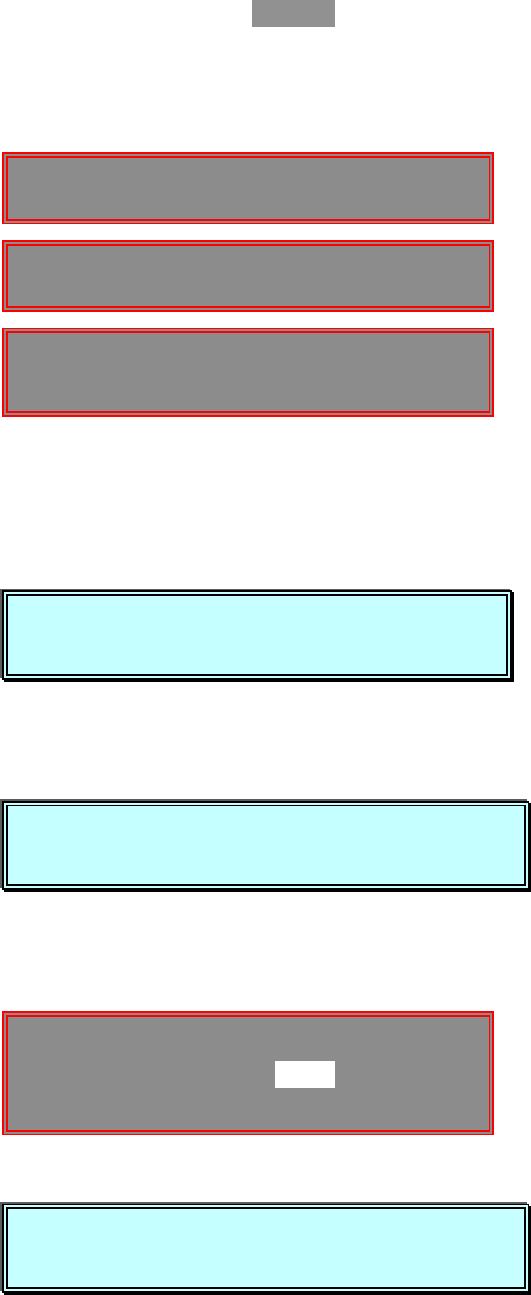
SQUEEGEE STROKE -112.050
Press EXIT to quit. (按 EXIT 離開)
你按 NEXT 與 EXIT 之後,出現下列訊息及視窗並開始測前後刮刀高度:
(開始偵測刮刀高度。測前刮刀時,偵測感應器先下降碰到鋼板後,前刮刀下降,第
一次先壓平刮刀,第二次自動偵測前刮刀高度;測後刮刀時, 偵測感應器先下降
碰到鋼板後,後刮刀下降,第一次先壓平刮刀,第二次自動偵測後刮刀高度)
(測完刮刀高度後,開始設定刮刀行程)
About to set SQUEEGEE STROKE. (開始設定刮刀行程)
Press NEXT to Continue, or EXIT to Quit. (按 NEXT 繼續, 按 EXIT 離開)
You must now jog to the Rear squeegee position. (你必須現在移動後刮
刀位置)
Press NEXT to Continue, or EXIT to quit. (按 NEXT 繼續, 按 EXIT 離開)
(開始移動刮刀行程,完畢按 EXIT 離開)
JOG ACTIVE…
SQUEEGEE STROKE -0.050
Press EXIT to quit.
About to set SQUEEGEE STROKE.
Press NEXT to Continue, or EXIT to quit.
CAUTION:
::
:Auto height sensor in
progress. Please wait…
Leveling front blade.
Leveling rear blade.
You must now jog to the Rear squeegee position.
Press NEXT to Continue, or EXIT to quit.
You must now
j
o
g
to the front squee
g
ee position.
Press NEXT to Continue, or EXIT to quit.
锡膏印刷机 www.smt11.cn