MPM UP2000印刷机中文操作手册 - 第9页
1.Auto P rint 自動印刷 , 機器會做印錫膏的 動作 Press SEL ECT to beg in or( 按 SELECT 開始自動印刷 ) Next to change Cy cle Limits : No Limit 如下 圖 ( 按 NE XT , 以 更換 印刷 片 數 : 不 限 制 ) ---Print Cycle Limits--- ( 印刷週期設定 ) Roll T rackball T o Change…
3.1.1
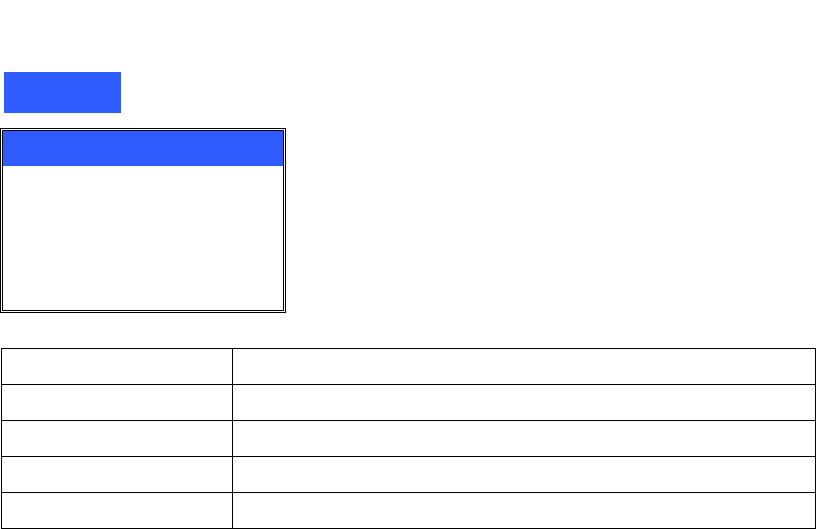
下拉式功能表
Print
Auto Print
Manual Print
Pass Through
Demo Print
SPC Data
Auto Print
自動印刷模式
Manual Print
手動印刷模式
Pass Through
將機器當做輸送帶
Demo Print
展示印刷模式
SPC Data
生產統計過程資料
锡膏印刷机 www.smt11.cn
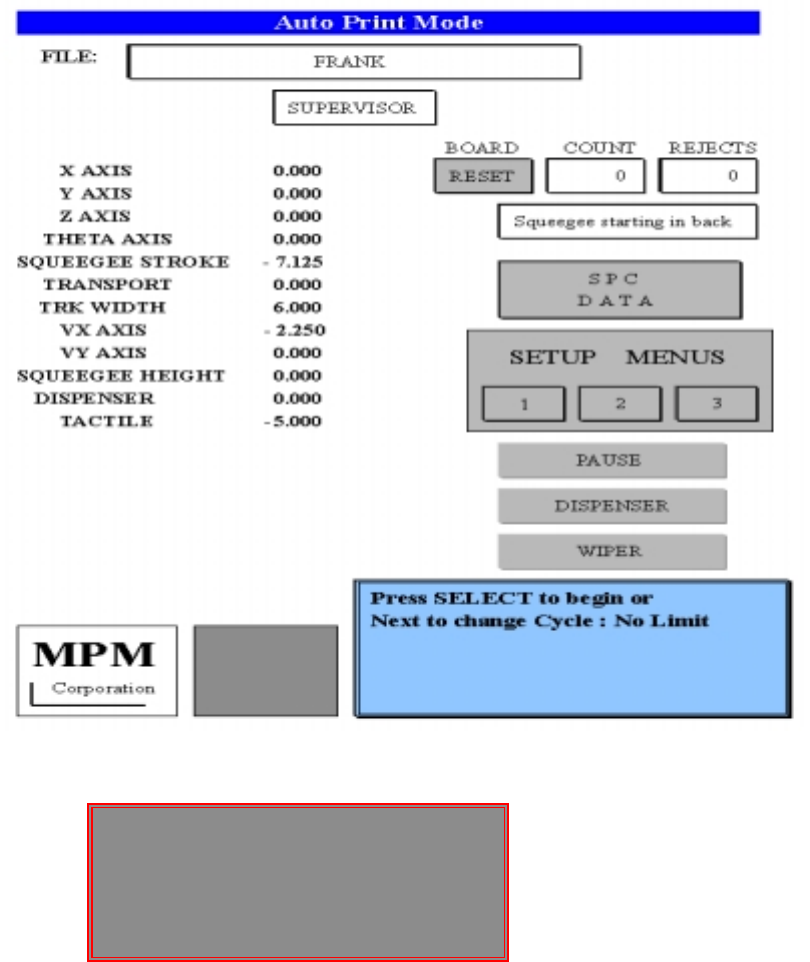
1.Auto Print 自動印刷,機器會做印錫膏的動作
Press SELECT to begin or(按 SELECT 開始自動印刷)
Next to change Cycle Limits : No Limit 如下圖(按 NEXT,以更換印刷片數:不限制)
---Print Cycle Limits--- (印刷週期設定)
Roll Trackball To Change Value (滾動軌跡球,以變更印刷片數)
Print Cycle Limit : 3 (限定印刷週期: 3 片)最高 999 片
Press Exit When Done. (當設定完成後,按 EXIT)
---Print Cycle Limits---
Roll Trackball To Change Value
Print Cycle Limit : 3
Press Exit When Done.
锡膏印刷机 www.smt11.cn
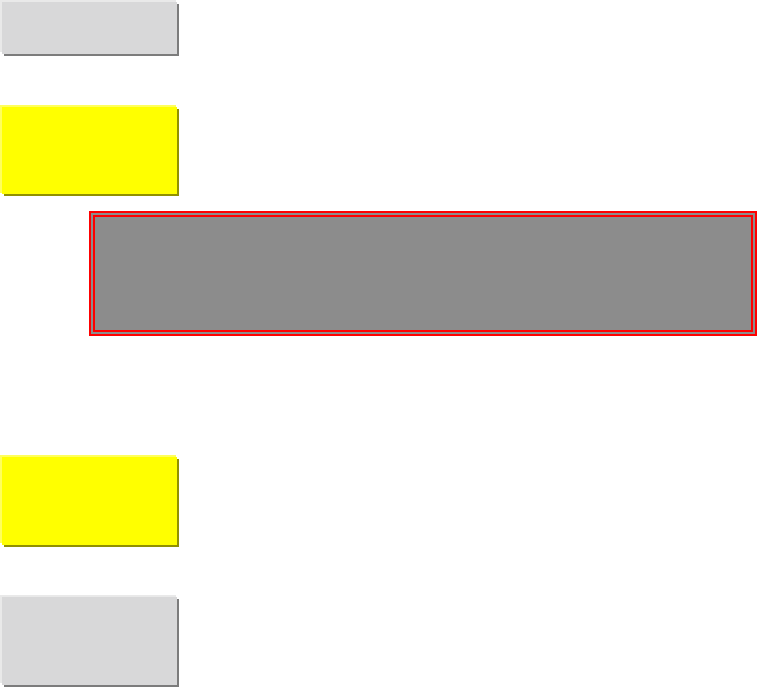
暫時停止印刷按鈕
啟動加錫膏按鈕
※(必須在設定第 2 頁 Enable Buttons 內將 Dispense 打開為 Yes)
Press SELECT to raise squeegee (按 SELECT 後刷刀會上昇,以便產生
to allow move room when adding paste, 足夠空間,讓操作員加錫)
or Press NEXT to continue (按 NEXT 後在原地,讓使操作員加錫)
啟動一次擦拭鋼板按鈕
※(必須在設定第 2 頁 Enable Buttons 內將 Wiper 打開為 Yes)
進入生產統計過程資料視窗按鈕
PAUSE
DISPENSER
PENDING
WIPER
PENDING
SPC
DATA
Press SELECT to raise squeegee
to allow move room when adding paste,
or Press Next to continue
锡膏印刷机 www.smt11.cn