ServiceInstruction_Vision XP - 第65页
Vision XP+ V AC Page 61 2 Maintenance 2.17 Overall System Operating Instructions V ersion 1.5 2.17 Overall System 2.17.1 Electrical Safety Inspection Can be arran ged for by the safet y expert. 2.17.2 Complete Maintenanc…
Page 60 Vision XP+ VAC
2 Maintenance
2.16 Cleaning the Control Cabinets
Operating Instructions
Version 1.5
2.16 Cleaning the Control Cabinets
Attention!
The system must be turned off at the mains switch. Components may nev-
ertheless be electrically charged.
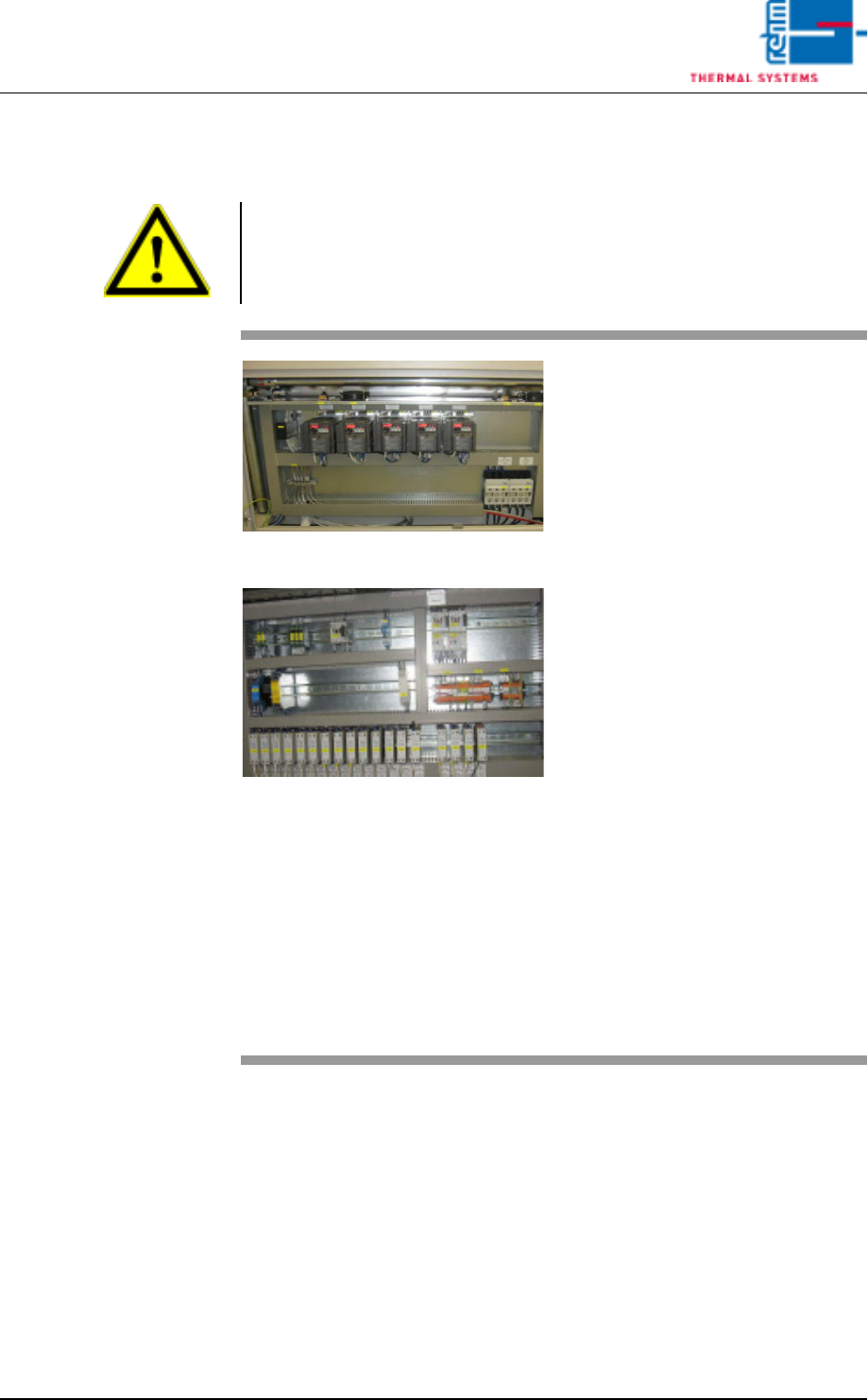
Fig. 2-102 Control Cabinet 1
Fig. 2-103 Control Cabinet 2
Tools:
• Vacuum cleaner
Procedure:
1. Carefully clean all of the com-
ponents in the control cabinet
with the vacuum cleaner.
Note!
The components must not be
allowed to pop out of their re-
tainers.
2. Vacuum the fans in the control
cabinet doors as well (above
the components).
3. The frequency converters have
to be de-energized before suc-
tion.
Now, exhaust the fans in the fre-
quency converters up and
down.
Note!
In order to assure cooling of the
electrical components, all fans
included with the system must
be vacuum cleaned on a regu-
lar basis.
Vision XP+ VAC Page 61
2 Maintenance
2.17 Overall System
Operating Instructions
Version 1.5
2.17 Overall System
2.17.1 Electrical Safety Inspection
Can be arranged for by the safety expert.
2.17.2 Complete Maintenance Check
A complete maintenance check can be ordered from Rehm Thermal Sys-
tems. Please schedule an appointment with our service hotline.
2.17.3 Service Department Address
Rehm Thermal Systems GmbH
Leinenstrasse 7
D-89143 Blaubeuren-Seissen
Germany
Service Hotline
Phone: +49 7344-9606-511
e-mail: service@rehm-group.com
Opening Times
Monday to Thursday7 a.m. to 4:30 p.m.
Friday 7 a.m. to 12:15 p.m.
Standby Duty
1
Friday 12:15 to 10 p.m.
Saturday, Sunday8 a.m. to 10 p.m.
1. Standby duty is only available via the hotline operated by Rehm Thermal Systems GmbH.
Page 62 Vision XP+ VAC
2 Maintenance
2.17 Overall System
Operating Instructions
Version 1.5