EdisonStandardOwnersManual-RevA-20170818B.pdf - 第146页
M AINTENANCE Edison Printer User Manual (Part Number 1023838) 146 Rev. A Copyright © 2017 ITW EAE All rights reserved. No part of the contents of thi s manual may be reproduced, copied or transmitted in any form or by an…
Edison Printer User Manual (Part Number 1023838) MAINTENANCE
Rev. A 145
Copyright © 2017 ITW EAE
All rights reserved. No part of the contents of this manual may be reproduced, copied or transmitted in any form or by any
means including graphic, electronic, or mechanical methods or photocopying, recording, or information storage and
retrieval systems without the written permission of ITW EAE, unless for purchaser's personal use.
6.2.10. Inspect Vacuum Hose–Monthly
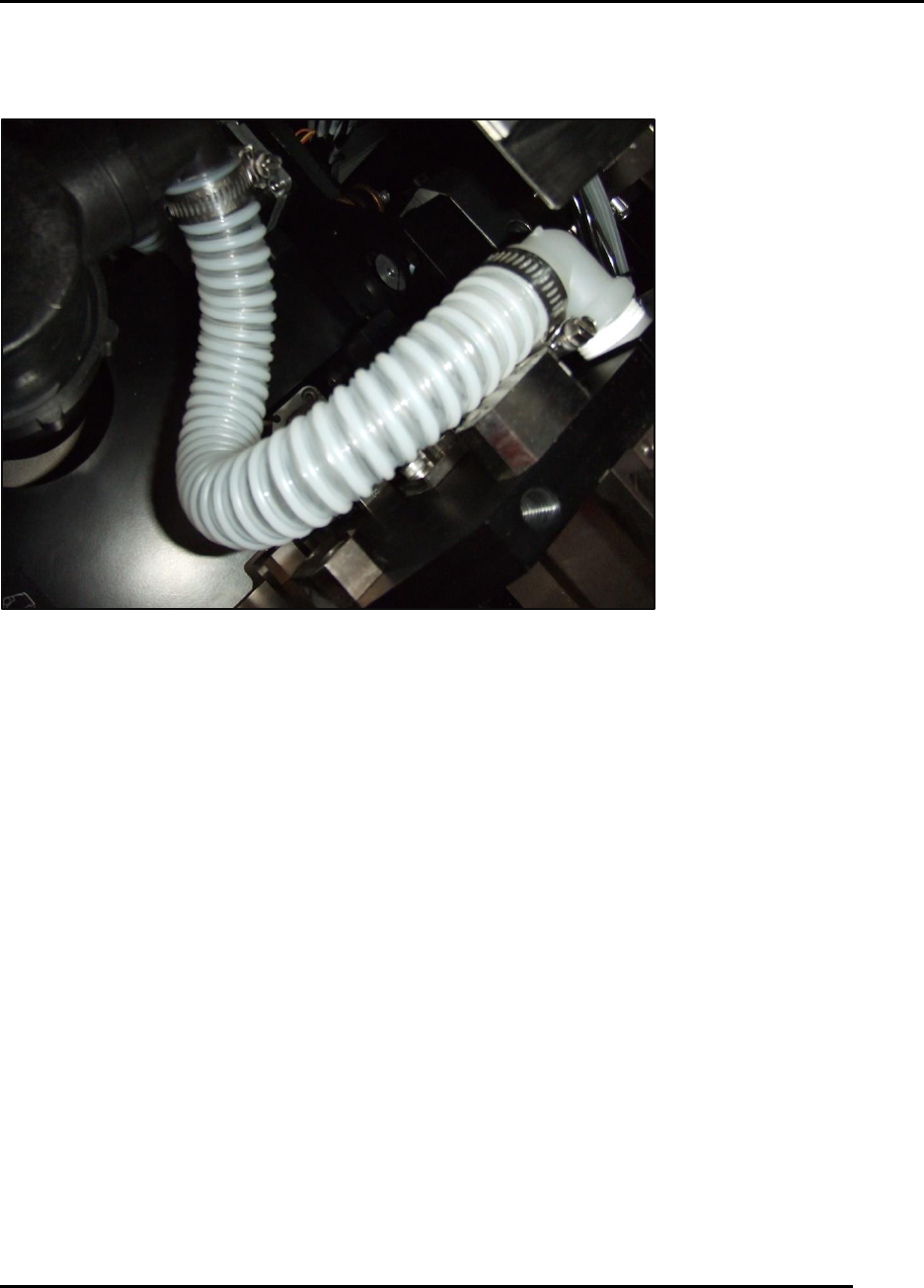
Figure 144. Inspect Vacuum Hose.
Introduction
Inspect the condition of the vacuum hose of the venturi vacuum
Estimated Completion Time
Less than 5 minutes
Procedure
The vacuum hose is subject to wear and attack by solvents.
Using the I O screen actuate the wiper up and down and check for any restriction of hose
movement.
o The hose should be pliable and move smoothly with wiper motion.
Inspect for cracks or deterioration—there should be no evidence of either.
Check that hose clamps are properly secured onto the fittings.
Inspect for solvent on the base frame assembly.
o Solvent indicates a leak from either the clamp area or a compromised hose.
MAINTENANCE Edison Printer User Manual (Part Number 1023838)
146 Rev. A
Copyright © 2017 ITW EAE
All rights reserved. No part of the contents of this manual may be reproduced, copied or transmitted in any form or by any
means including graphic, electronic, or mechanical methods or photocopying, recording, or information storage and
retrieval systems without the written permission of ITW EAE, unless for purchaser's personal use.
6.2.11. Inspect Trackball Condition–Monthly
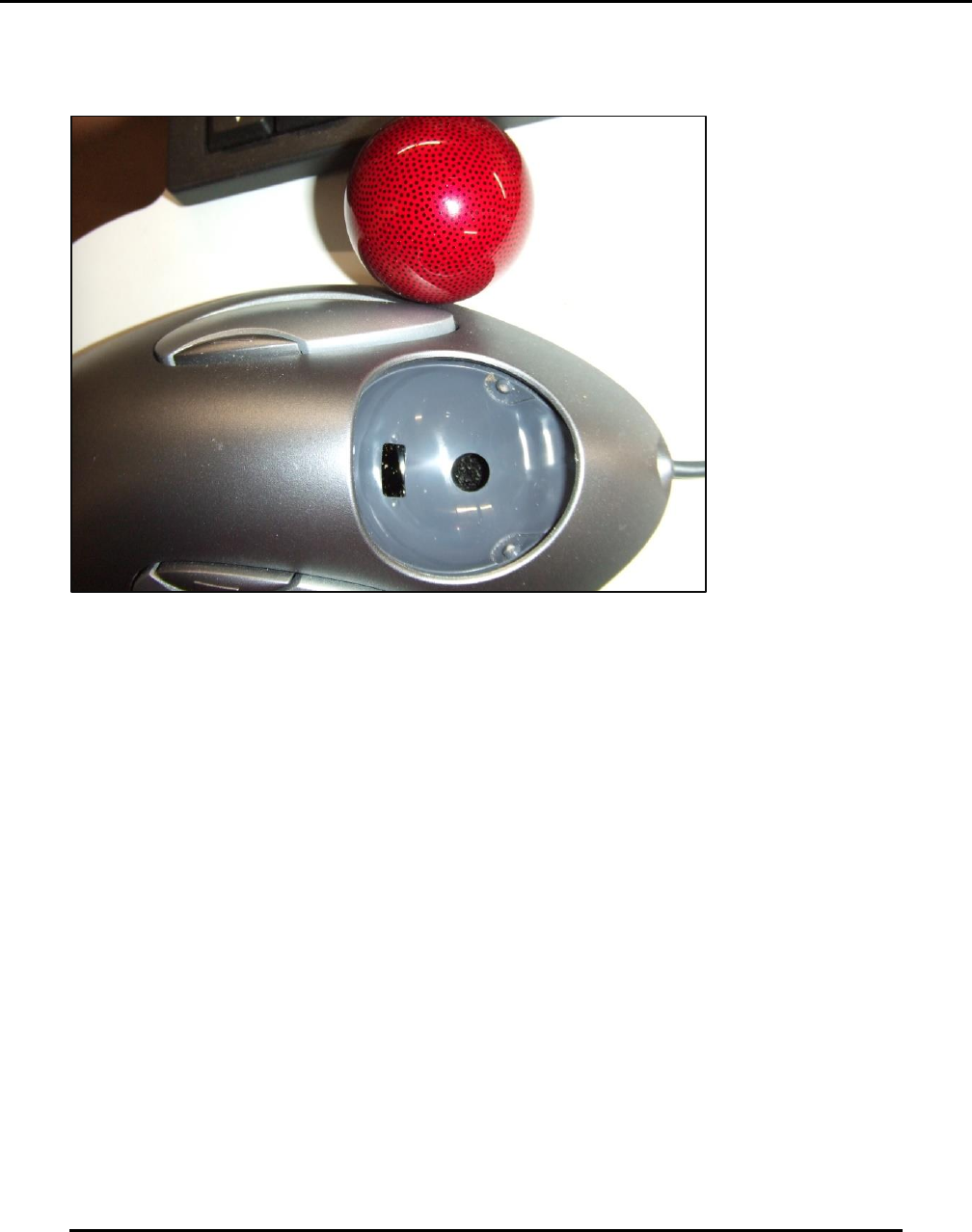
Figure 145. Inspect Trackball.
Introduction
Inspect the condition of the trackball and clean the pocket and marble.
Estimated Completion Time
Less than 5 minutes
Procedure
The trackball will become less responsive and harder to roll when contaminated with debris or
solder paste.
Clean the trackball in place and using Q-tips and a soft cloth.
o Pop the marble out by pressing gently through the hole in the bottom of the pocket.
o Ensure the small window that scans the marble is free of dust and all contamination.
o The white points support the marble. Clean the white points of all dust and all
contamination.
Clean the marble using isopropyl alcohol
Edison Printer User Manual (Part Number 1023838) MAINTENANCE
Rev. A 147
Copyright © 2017 ITW EAE
All rights reserved. No part of the contents of this manual may be reproduced, copied or transmitted in any form or by any
means including graphic, electronic, or mechanical methods or photocopying, recording, or information storage and
retrieval systems without the written permission of ITW EAE, unless for purchaser's personal use.
6.2.12. Inspect and Clean Keyboard–Monthly
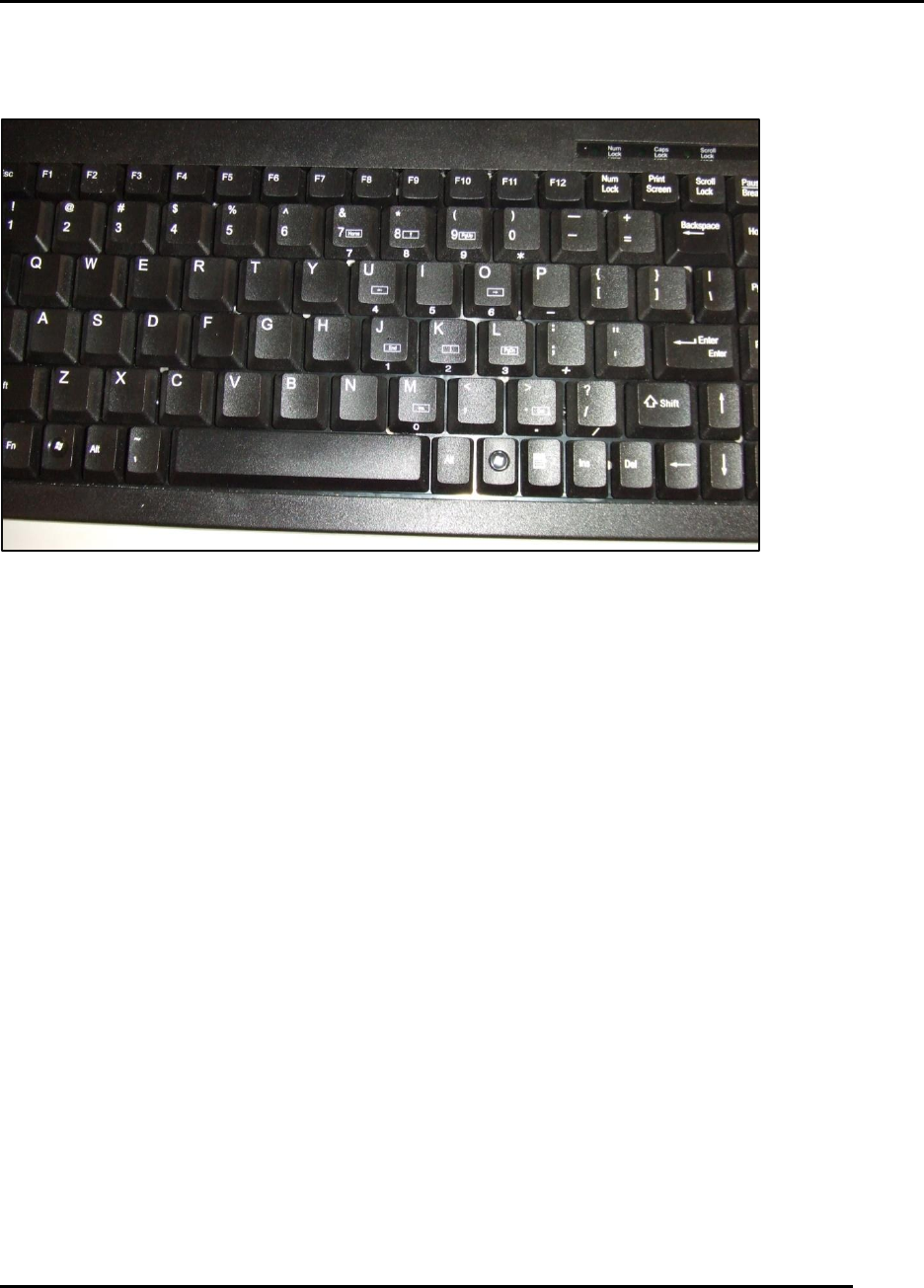
Figure 146. Clean the keyboard in place.
Introduction
Inspect the condition of the keyboard and clean surface.
Estimated Completion Time
Less than 5 minutes
Procedure
The keyboard is subject to contamination and debris build-up. It will become less responsive and
harder to enter data when contaminated with debris or solder paste,
Clean the keyboard in place, using stiff bristle brush and a vacuum cleaner (Figure 146).
Contamination with solder paste may be harder to remove. Replace the keyboard if it too
contaminated to clean and use.