EdisonStandardOwnersManual-RevA-20170818B.pdf - 第160页
M AINTENANCE Edison Printer User Manual (Part Number 1023838) 160 Rev. A Copyright © 2017 ITW EAE All rights reserved. No part of the contents of thi s manual may be reproduced, copied or transmitted in any form or by an…
Edison Printer User Manual (Part Number 1023838) MAINTENANCE
Rev. A 159
Copyright © 2017 ITW EAE
All rights reserved. No part of the contents of this manual may be reproduced, copied or transmitted in any form or by any
means including graphic, electronic, or mechanical methods or photocopying, recording, or information storage and
retrieval systems without the written permission of ITW EAE, unless for purchaser's personal use.
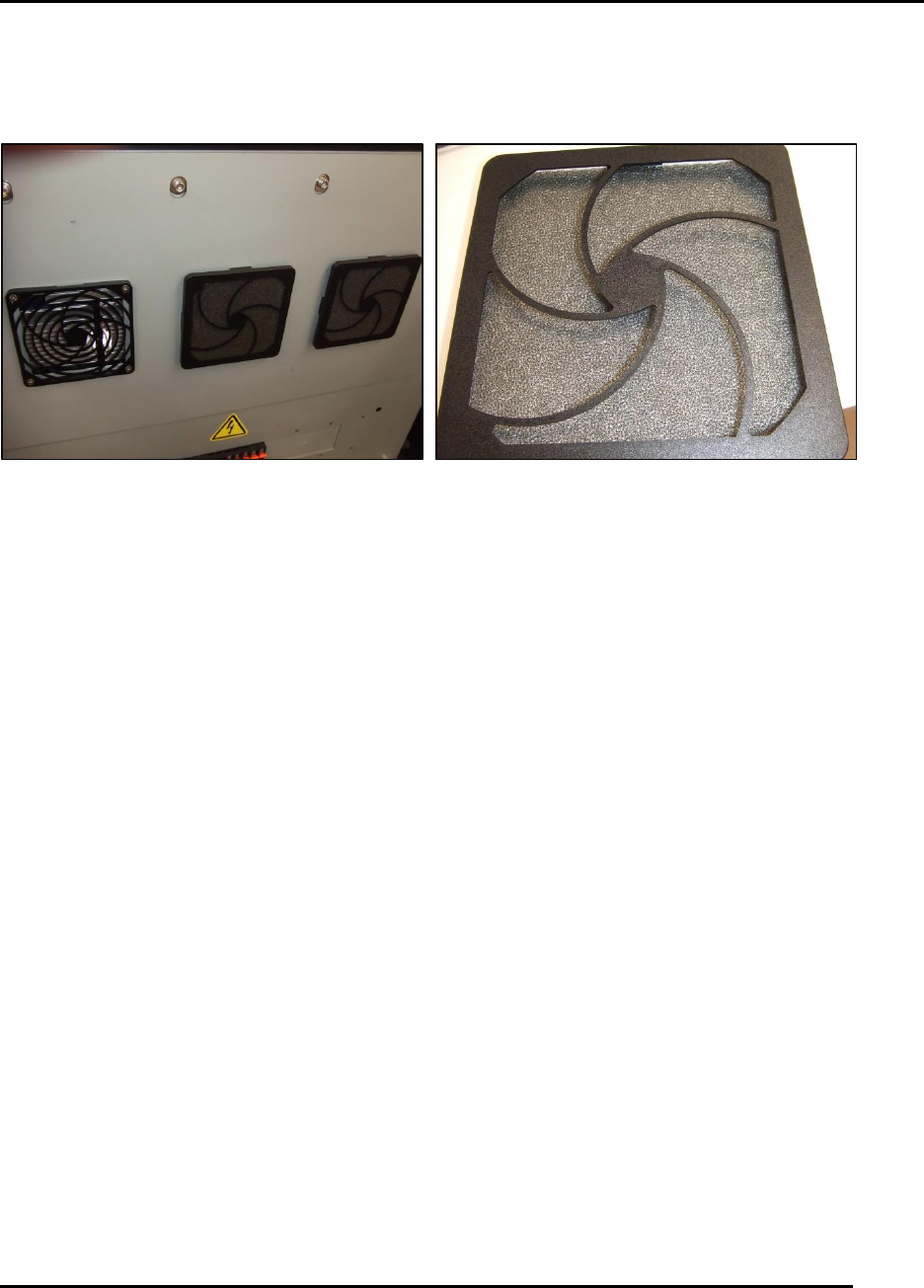
6.2.23. Inspect Inlet Filters –Monthly
Figure 157. Inspect Inlet Filters.
Introduction
Inspect the three air inlet filters and clean (Figure 157).
Estimated Completion Time
Less than 5 minutes.
Procedure
Open the front door.
Inspect the three air inlet filter screens mounted to the cover for the Main Control Module
(MCM). If these filters show dirt build-up:
o Remove the grills retaining the screen material.
o Vacuum and want the screen material as necessary.
MAINTENANCE Edison Printer User Manual (Part Number 1023838)
160 Rev. A
Copyright © 2017 ITW EAE
All rights reserved. No part of the contents of this manual may be reproduced, copied or transmitted in any form or by any
means including graphic, electronic, or mechanical methods or photocopying, recording, or information storage and
retrieval systems without the written permission of ITW EAE, unless for purchaser's personal use.
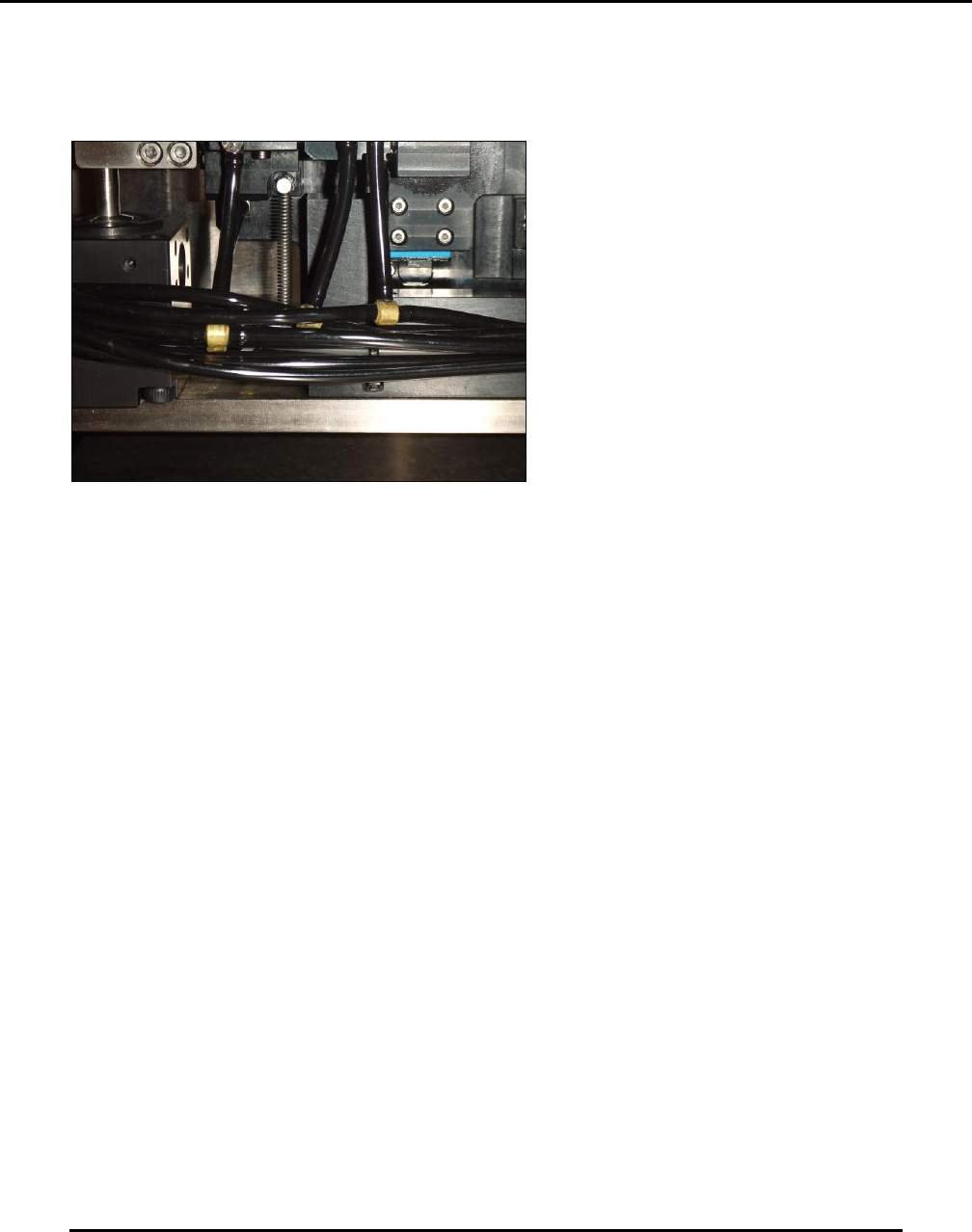
6.2.24. Inspect EdgeLoc+ System Springs–Monthly
Figure 158. Inspect EdgeLoc+ System Springs.
Introduction
Verify the condition of the springs used in the EdgeLoc + system for compliance monthly.
Estimated Completion Time
Less than 5 minutes.
Procedure
Each of the four springs (one at each corner) of the EdgeLoc+ assemblies are assist springs to pull
down the assembly when released (Figure 158).
Inspect and verify:
The springs are in place.
The springs do not appear stretched out.
Edison Printer User Manual (Part Number 1023838) MAINTENANCE
Rev. A 161
Copyright © 2017 ITW EAE
All rights reserved. No part of the contents of this manual may be reproduced, copied or transmitted in any form or by any
means including graphic, electronic, or mechanical methods or photocopying, recording, or information storage and
retrieval systems without the written permission of ITW EAE, unless for purchaser's personal use.
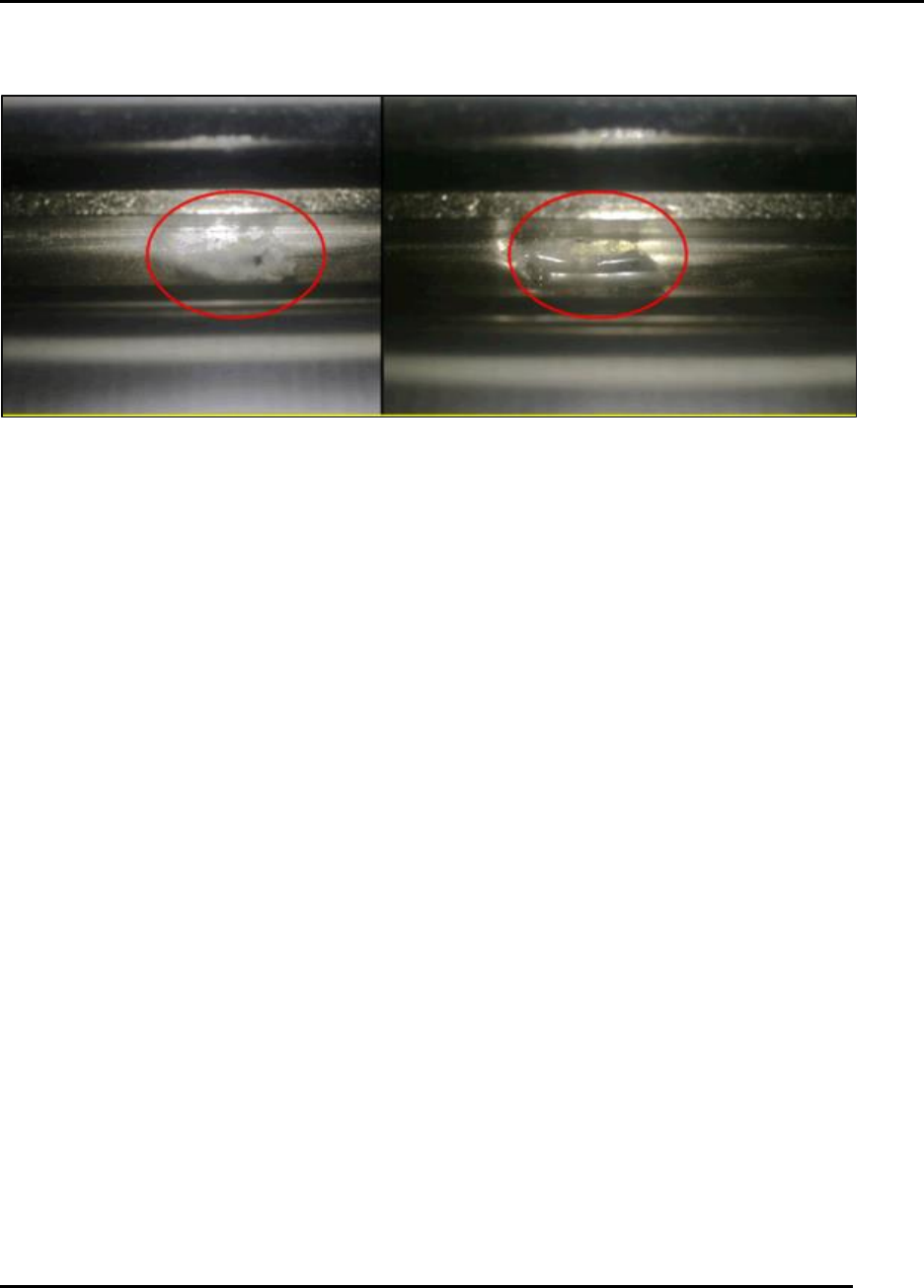
6.2.25. Inspect Solvent Return Trough–Monthly
Figure 159. Inspect Solvent Return Trough.
Introduction
Inspect solvent return trough for debris and clean for proper drainage (Figure 159).
Estimated Completion Time
Less than 5 minutes.
Procedure
Inspect the drainage return port in the center of the return trough for contamination by paste
or wiper paper debris.
o If the drainage return port is blocked, solvent can overflow into the catch tray.
Clean the port.
Cycle the solvent system by the I O pull-down maintenance feature.
o Solvent should pump into the return trough and then be drawn down through the port
then to the solvent tank.
o Run this for two minutes while observing the return.