EdisonStandardOwnersManual-RevA-20170818B.pdf - 第162页
M AINTENANCE Edison Printer User Manual (Part Number 1023838) 162 Rev. A Copyright © 2017 ITW EAE All rights reserved. No part of the contents of thi s manual may be reproduced, copied or transmitted in any form or by an…
Edison Printer User Manual (Part Number 1023838) MAINTENANCE
Rev. A 161
Copyright © 2017 ITW EAE
All rights reserved. No part of the contents of this manual may be reproduced, copied or transmitted in any form or by any
means including graphic, electronic, or mechanical methods or photocopying, recording, or information storage and
retrieval systems without the written permission of ITW EAE, unless for purchaser's personal use.
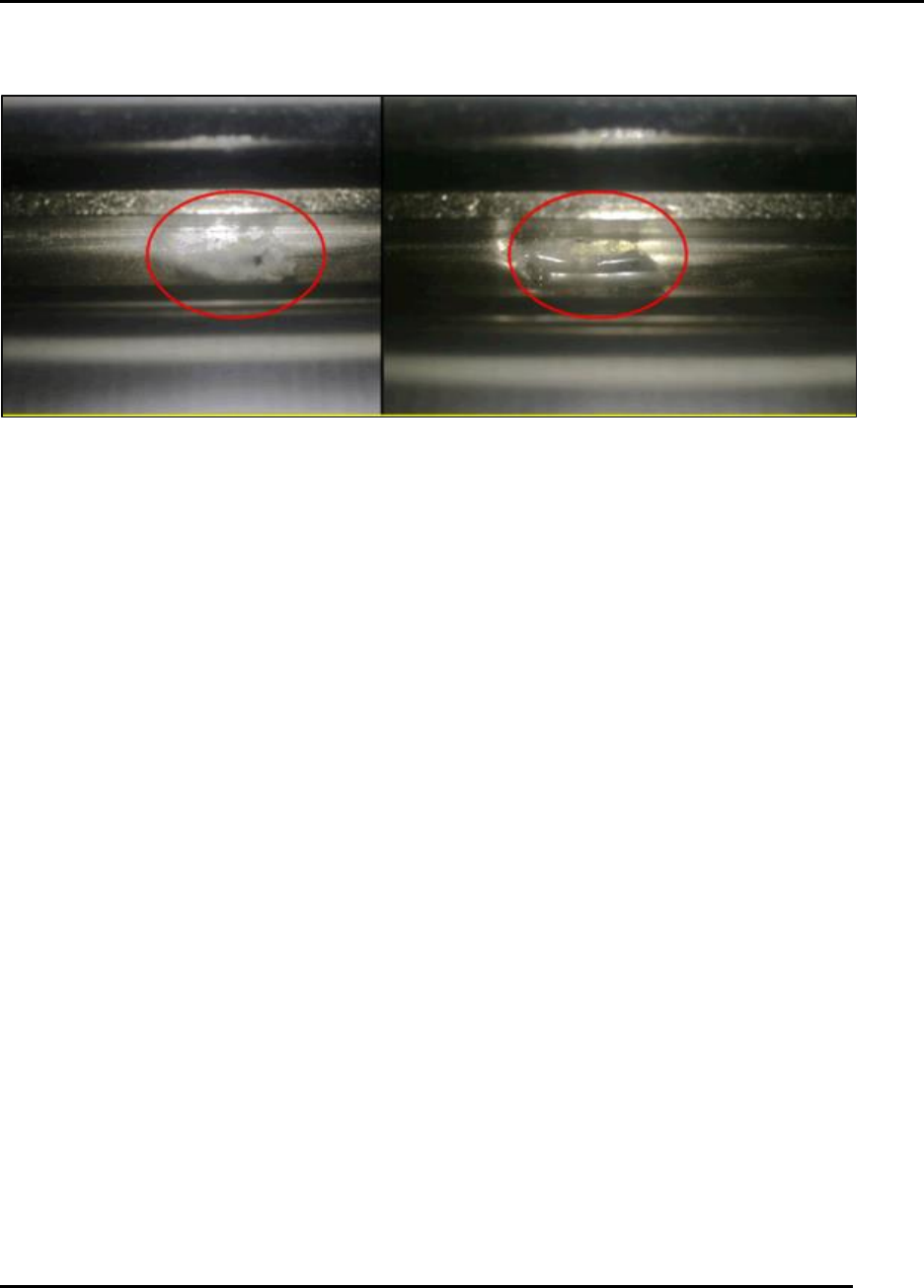
6.2.25. Inspect Solvent Return Trough–Monthly
Figure 159. Inspect Solvent Return Trough.
Introduction
Inspect solvent return trough for debris and clean for proper drainage (Figure 159).
Estimated Completion Time
Less than 5 minutes.
Procedure
Inspect the drainage return port in the center of the return trough for contamination by paste
or wiper paper debris.
o If the drainage return port is blocked, solvent can overflow into the catch tray.
Clean the port.
Cycle the solvent system by the I O pull-down maintenance feature.
o Solvent should pump into the return trough and then be drawn down through the port
then to the solvent tank.
o Run this for two minutes while observing the return.
MAINTENANCE Edison Printer User Manual (Part Number 1023838)
162 Rev. A
Copyright © 2017 ITW EAE
All rights reserved. No part of the contents of this manual may be reproduced, copied or transmitted in any form or by any
means including graphic, electronic, or mechanical methods or photocopying, recording, or information storage and
retrieval systems without the written permission of ITW EAE, unless for purchaser's personal use.
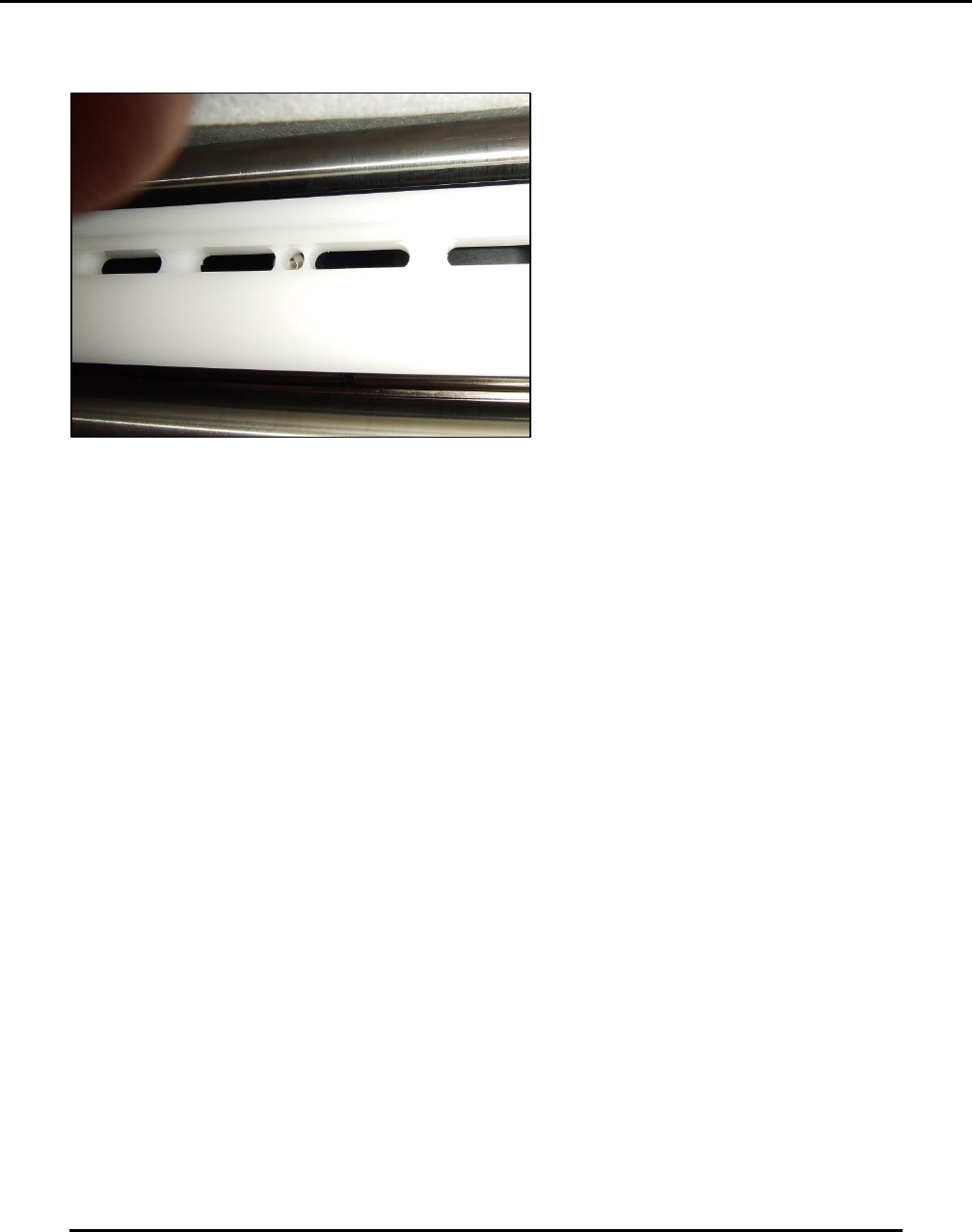
6.2.26. Inspect Vacuum Plenum and Chamber–Monthly
Figure 160. Inspect vacuum plenum and chamber.
Introduction
Inspect and clean vacuum plenum and chamber (Figure 160).
Estimated Completion Time
Less than 5 minutes.
Procedure
Examine and clean the Wipe plenum:
Remove plenum and inspect for excessive debris and clean.
Check O-ring integrity
o Re-apply vacuum grease.
Inspect vacuum chamber for excessive debris and clean.
Ensure plenum is re-installed in the correct direction:
o Flat edge toward front of machine.
Edison Printer User Manual (Part Number 1023838) MAINTENANCE
Rev. A 163
Copyright © 2017 ITW EAE
All rights reserved. No part of the contents of this manual may be reproduced, copied or transmitted in any form or by any
means including graphic, electronic, or mechanical methods or photocopying, recording, or information storage and
retrieval systems without the written permission of ITW EAE, unless for purchaser's personal use.
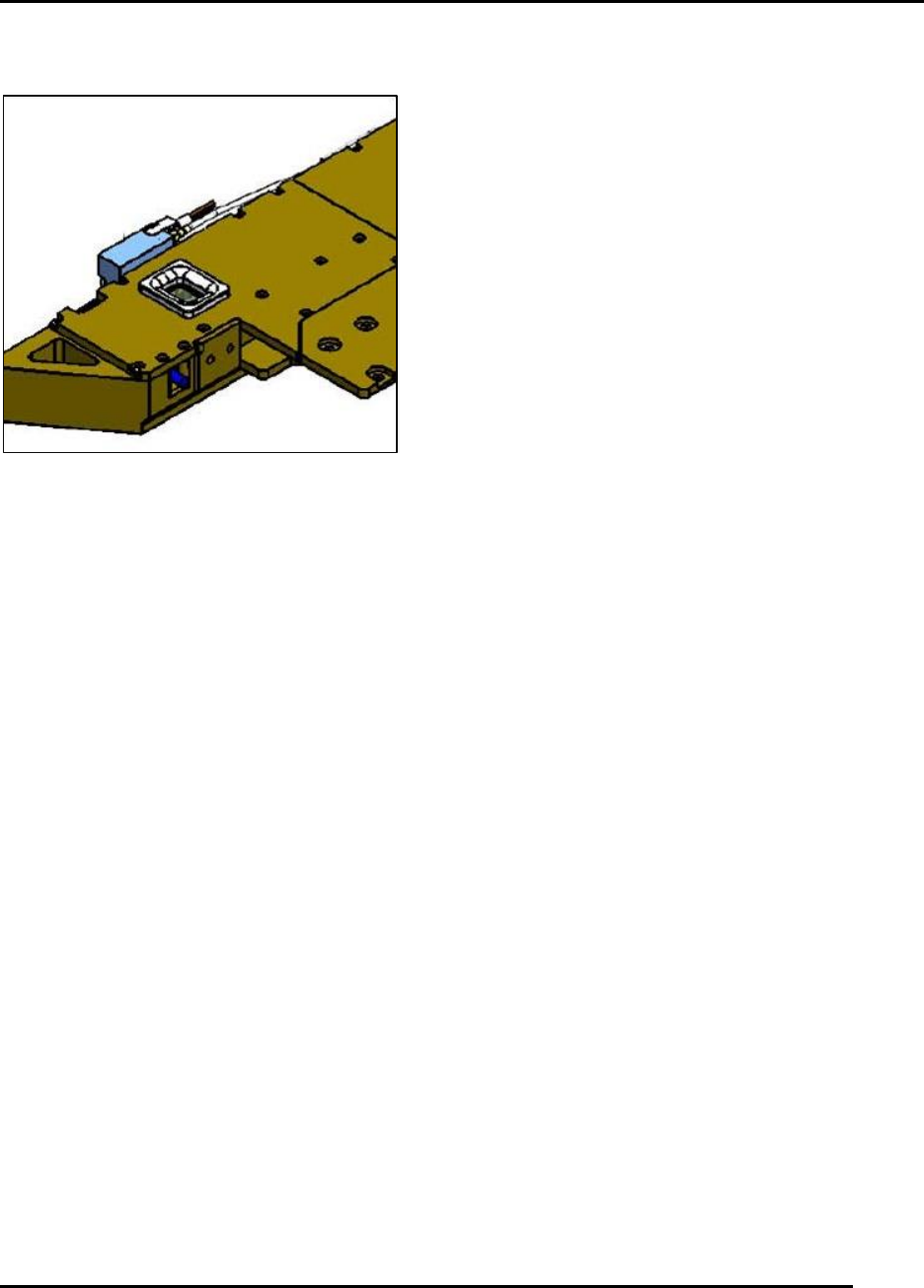
6.2.27. Inspect, Clean, and Verify Functionality of the Hard Stop–Monthly
Figure 161. Inspect functionality of the Hard Stop.
Introduction
Inspect, clean and verify functionality of the hard stop (Figure 161).
Estimated Completion Time
Less than 5 minutes.
Procedure
Jog the vision gantry forward so the hard stop can be observed.
With the hard stop retracted, look for a red LED indicating the hard stop shaft is up.
Using the Diagnostics I/O screen, toggle the VISION_X_HARDSTOP_EXTEND output to
move the hard stop down.
o Examine the shaft for contamination by solder paste.
o Clean the surfaces using isopropyl alcohol and a lint free cloth.
o Check carefully for any air leaks at the cylinder.
NOTE:
Do not jog the Vision Y gantry with the hard stop extended.
Return the hard stop to the up position immediately when done.
Initialize the machine.