EdisonStandardOwnersManual-RevA-20170818B.pdf - 第167页
Edison Printer User Manual (Part Number 1023838) M AINTENANCE Rev. A 167 Copyright © 2017 ITW EAE All rights reserved. No part of the contents of this manual ma y be reproduced, copied or transmitted in any form or by an…
MAINTENANCE Edison Printer User Manual (Part Number 1023838)
166 Rev. A
Copyright © 2017 ITW EAE
All rights reserved. No part of the contents of this manual may be reproduced, copied or transmitted in any form or by any
means including graphic, electronic, or mechanical methods or photocopying, recording, or information storage and
retrieval systems without the written permission of ITW EAE, unless for purchaser's personal use.
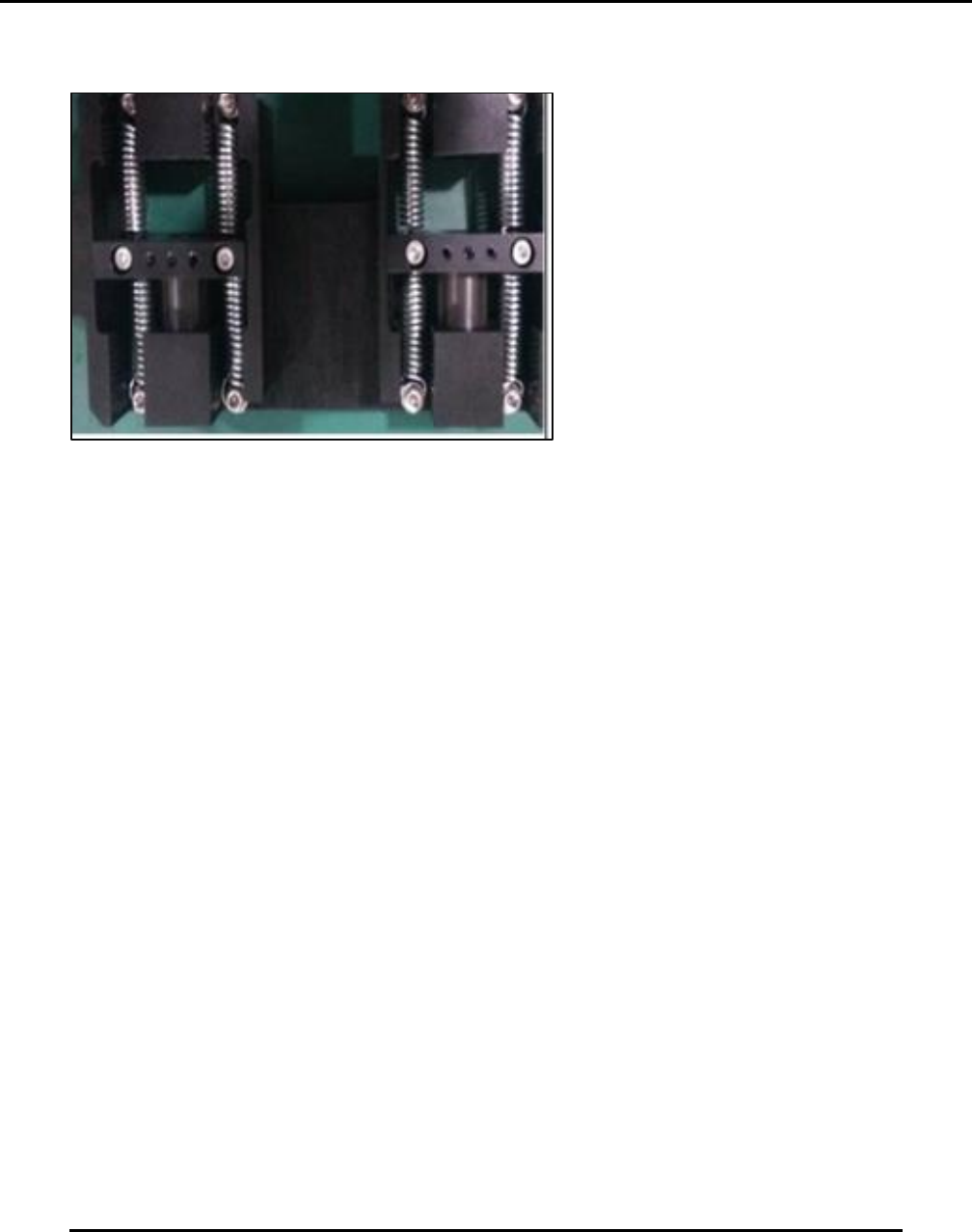
6.2.30. Inspect Squeegee Z Springs–Monthly
Figure 164. Inspect Squeegee Z springs.
Introduction
Inspect the condition of the Squeegee Z springs (Figure 164).
Estimated Completion Time
Less than 5 minutes.
Procedure
Jog Print Head Y to the front of the printer
Examine the springs used to drive the squeegee Z assembly for:
o Mechanical integrity
o Overall condition.
o Replace all springs if there is any noticeably difference in one spring.
Edison Printer User Manual (Part Number 1023838) MAINTENANCE
Rev. A 167
Copyright © 2017 ITW EAE
All rights reserved. No part of the contents of this manual may be reproduced, copied or transmitted in any form or by any
means including graphic, electronic, or mechanical methods or photocopying, recording, or information storage and
retrieval systems without the written permission of ITW EAE, unless for purchaser's personal use.
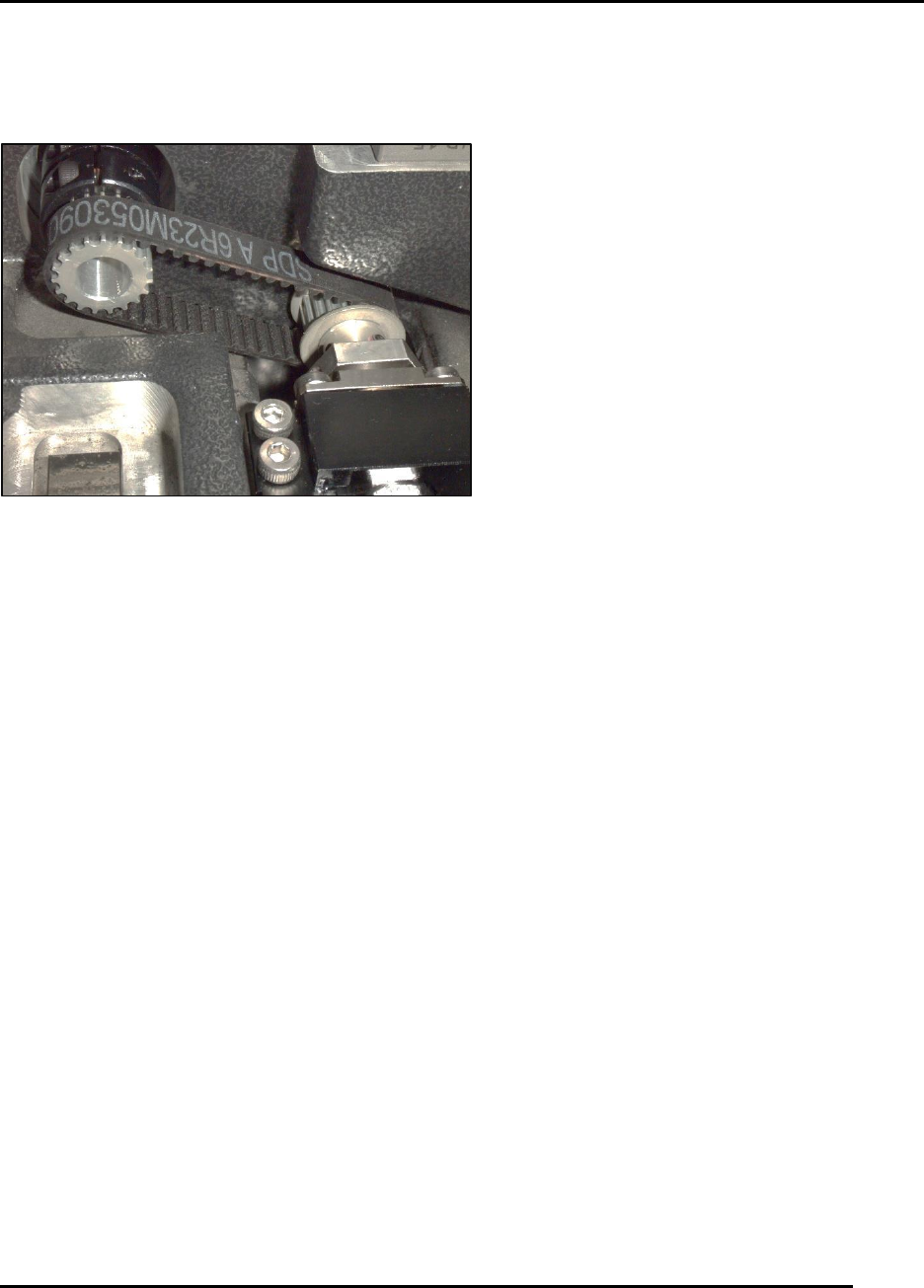
6.2.31. Inspect Vision X Motor Drive Belt–Monthly
Figure 165. Inspect Vision X Motor Drive Belt.
Introduction
Inspect condition of the Vision X motor drive belt monthly (Figure 165).
Estimated Completion Time
Less than 5 minutes.
Procedure
Note: If the printer was installed as Back-To-Back, pull the printer from the production line to
gain access to the rear of the printer.
Jog the vision Y as far to the rear as possible.
Examine the small vision X timing belt and toothed pulleys for wear or contamination from
paste.
o If contaminated, clean the belt and pulleys using a stiff brush or vacuum.
o If worn or frayed, replace the belt.
MAINTENANCE Edison Printer User Manual (Part Number 1023838)
168 Rev. A
Copyright © 2017 ITW EAE
All rights reserved. No part of the contents of this manual may be reproduced, copied or transmitted in any form or by any
means including graphic, electronic, or mechanical methods or photocopying, recording, or information storage and
retrieval systems without the written permission of ITW EAE, unless for purchaser's personal use.
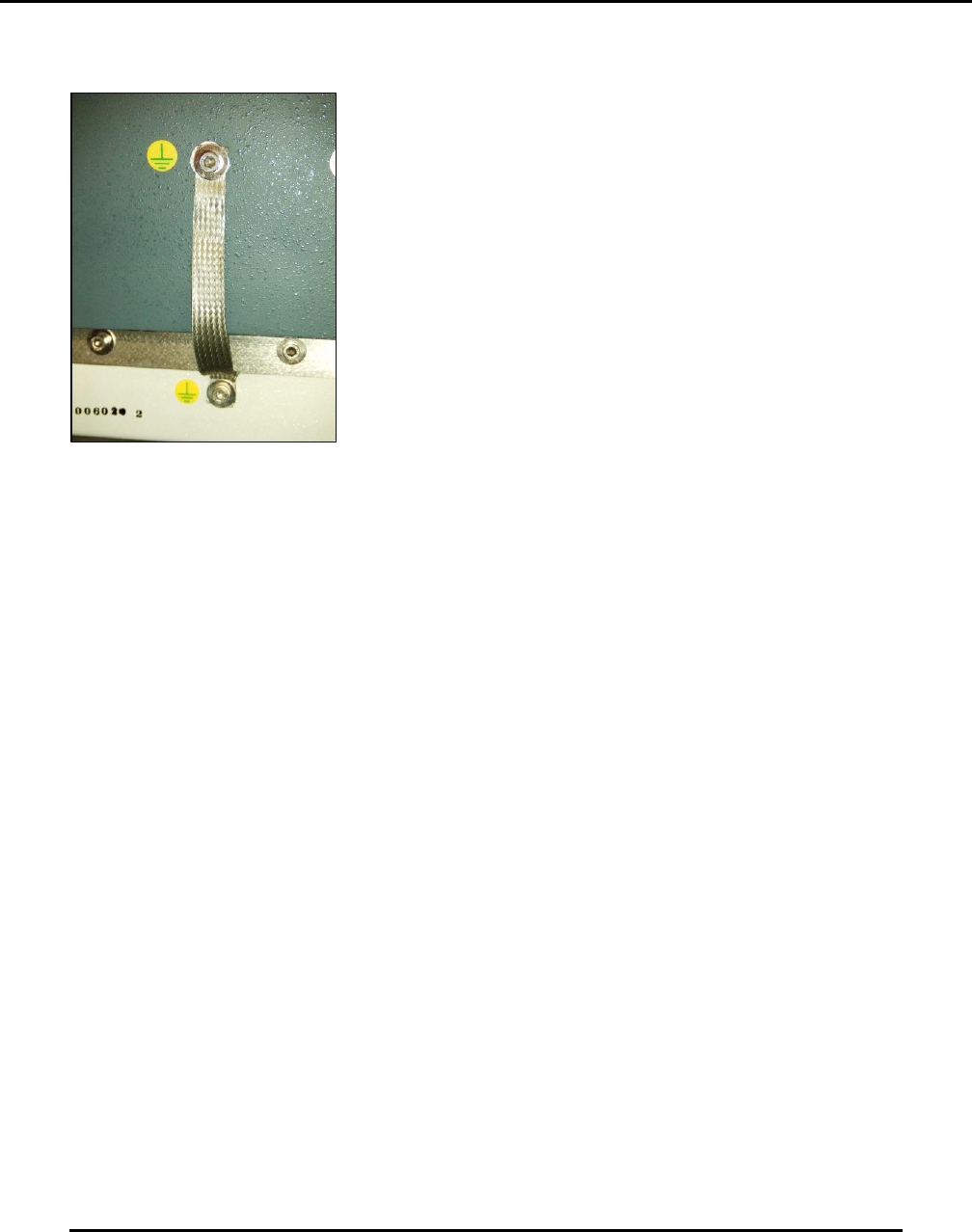
6.2.32. Inspect Hood To Hoop Roll Ground Strap–180 Days
Figure 166. Inspect hood to hoop roll ground strap.
Introduction
Inspect the hood to hoop roll ground strap (Figure 166).
Estimated Completion Time
Less than 5 minutes.
Procedure
Open the hood.
Examine the small braided strap from the hood to the hoop roll frame.
This electrostatic discharge (ESD) strap should not show any fraying or deterioration and/or
metal strand breakage.
o Replace strap if any strands are frayed.
6.2.33. Clean Work Table–Daily
Introduction
Clean the work table.
Estimated Completion Time
Less than 5 minutes
Procedure
Navigate to View (pull-down) > Diagnostics, then click the Motion Control tab to display the
Motion Control dialog.