EdisonStandardOwnersManual-RevA-20170818B.pdf - 第36页
S AFETY Edison Printer User Manual (Part Number 1023838) 36 Rev. A Copyright © 2017 ITW EAE All rights reserved. No part of the contents of thi s manual may be reproduced, copied or transmitted in any form or by an y mea…
Edison Printer User Manual (Part Number 1023838) SAFETY
Rev. A 35
Copyright © 2017 ITW EAE
All rights reserved. No part of the contents of this manual may be reproduced, copied or transmitted in any form or by any
means including graphic, electronic, or mechanical methods or photocopying, recording, or information storage and
retrieval systems without the written permission of ITW EAE, unless for purchaser's personal use.
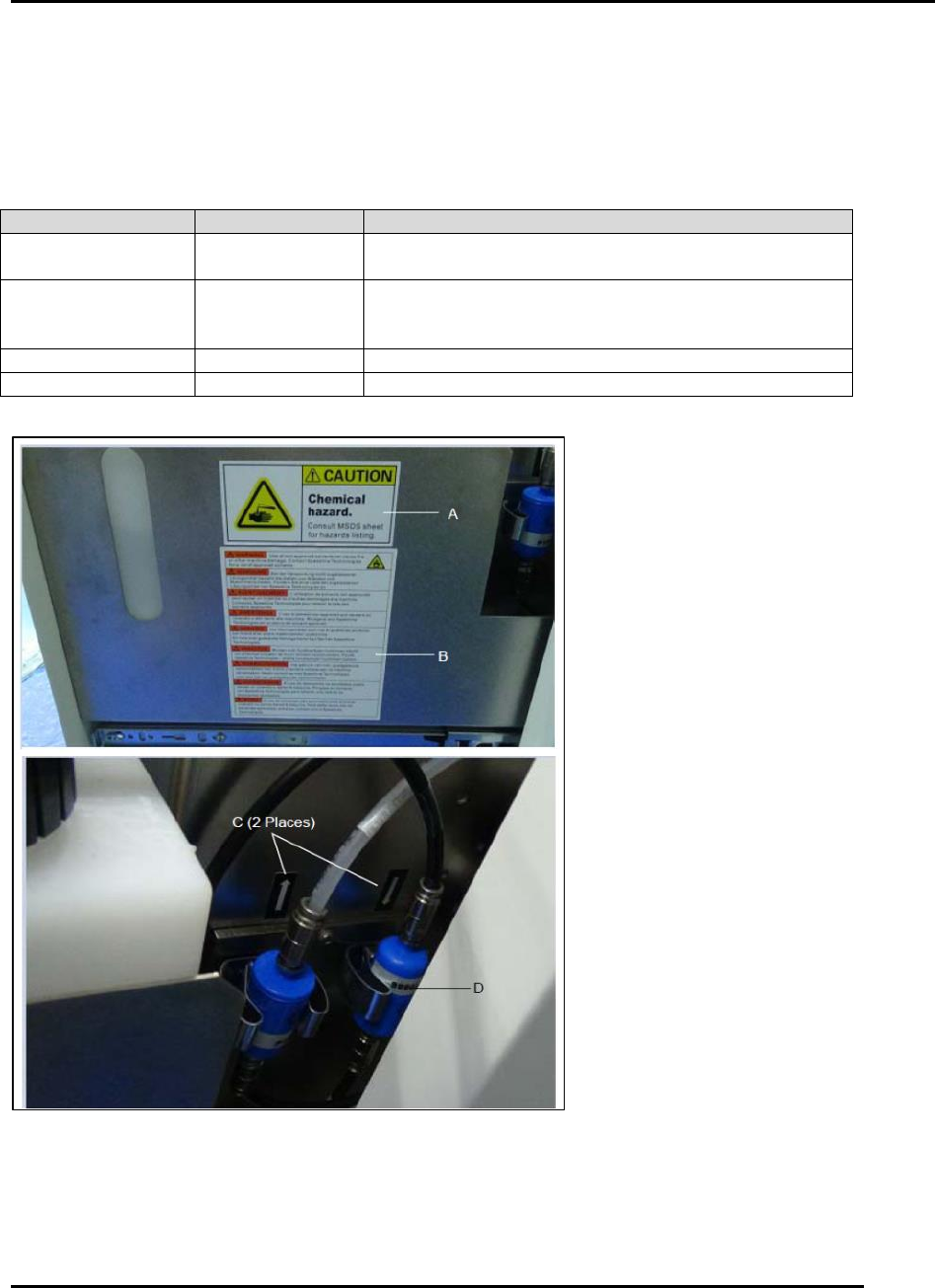
2.2.3.3.7. Solvent System Label
Table 12 provides placement and label reorder part number information. Figure 10 provides label
locations.
Table 12. Solvent System Labels and Placement.
Figure 10. Solvent System Label Placement.
Figure Designator
Part Number
Label Text
A
P7149
Caution. Chemical hazard. Consult MSDS sheet for
hazards listing.
B
1010323
WARNING. Use of non-approved solvents can cause
fire or other machine damage. Contact MPM for a list
of approved solvents.
C
N/A
N/A
D
N/A
N/A
SAFETY Edison Printer User Manual (Part Number 1023838)
36 Rev. A
Copyright © 2017 ITW EAE
All rights reserved. No part of the contents of this manual may be reproduced, copied or transmitted in any form or by any
means including graphic, electronic, or mechanical methods or photocopying, recording, or information storage and
retrieval systems without the written permission of ITW EAE, unless for purchaser's personal use.
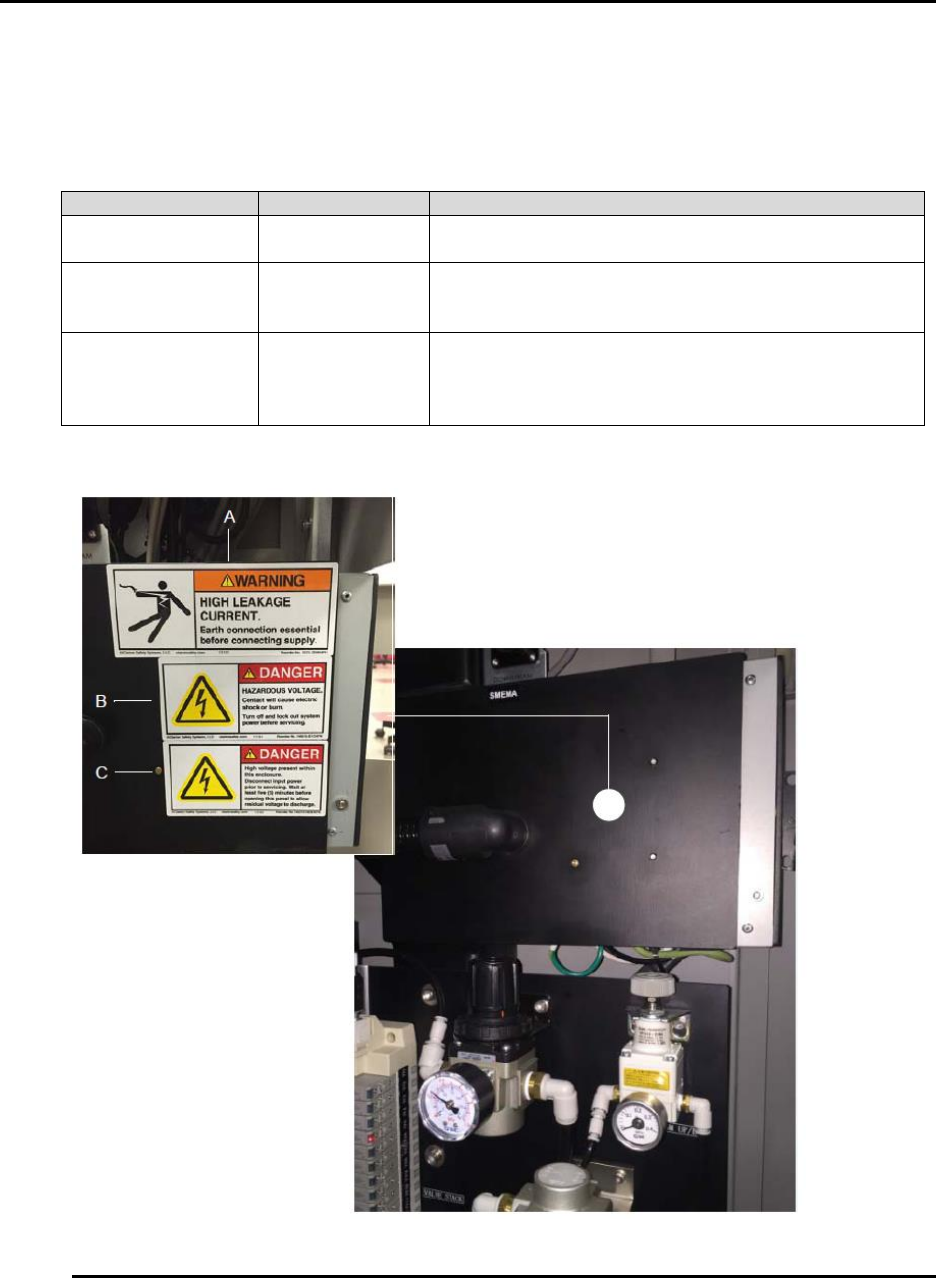
2.2.3.3.8. Pneumatics Panel Labels
Table 13 provides placement and label reorder part number information. Figure 11 provides label
locations.
Table 13. Pneumatics Panel Labels and Placement.
Figure 11. Pneumatic Panel Label Placement.
Figure Designator
Part Number
Label Text
A
P12401
WARNING. HIGH LEAKAGE CURRENT. Earth
connection essential before connecting supply.
B
37928
DANGER. HAZARDOUS VOLTAGE. Contact may
cause electric shock or burn. Turn off and lock out
system power before servicing.
C
47382
DANGER. High voltage present within this enclosure.
Disconnect input power prior to servicing. Wait at
least five (5) minutes before opening this panel to
allow residual voltage to discharge.
Edison Printer User Manual (Part Number 1023838) SAFETY
Rev. A 37
Copyright © 2017 ITW EAE
All rights reserved. No part of the contents of this manual may be reproduced, copied or transmitted in any form or by any
means including graphic, electronic, or mechanical methods or photocopying, recording, or information storage and
retrieval systems without the written permission of ITW EAE, unless for purchaser's personal use.
2.3. Software Safety Systems
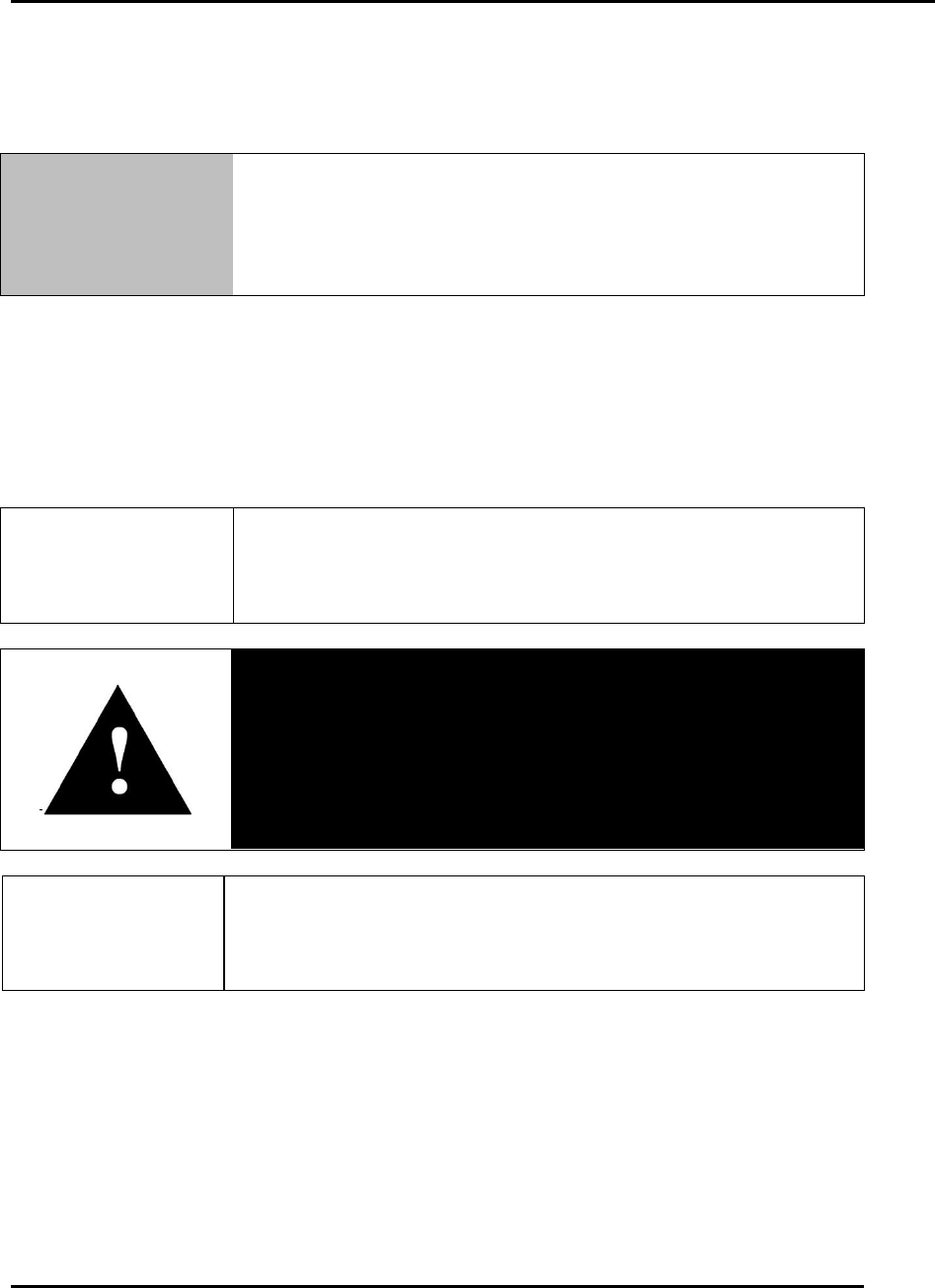
Notice
The Edison printer makes use of propriety software provided by
the customer for controlling printer operation, including safety
systems. Refer to customer documentation to operate the
Edison printer.
2.4. Lockout
Machine lockout places the Edison printer into a zero energy state and prevents accidental
machine start up. Always follow the Lockout Procedure described in this section before cleaning,
maintaining or repairing the Edison printer. An accidental start-up, while working on the Edison
printer, can result in serious injury or death.
Carefully follow the established and approved Lock-Out Tag-Out
policies of your company in all cases.
Danger!
High voltage is present. Make sure to remove printer power and
apply a locking device and tags to the Main Disconnect switch
prior to performing printer maintenance procedures.
Failure to comply could result in serious injury or death.
Press EMO (Emergency Stop Button) to automatically remove air
from the printer, up to the main air regulator. See Section 2.8.1 for
more information.