PPS Pro version 8.2 - 第14页
User Manual 4022 591 98247 10 PPS-Pro v8.2 05.07 General Introduction TSOP Thin Small Outlin e Pa ckage TTF Twin T ape F eeder U, V , W WLM Wid e Laser Modul e WPM Wide Pla cement M odule WPM-VIS WPM Vision WPM-LAS WPM L…

4022 591 98247 User Manual
05.07 PPS-Pro v8.2 9
General Introduction
P
PCB Printed Circuit Board
PES Production Evaluation System
PIP Pick and Place (Module)
PM Placement Module
PM-LAS PM Laser
PM-PIP PM Mechanical
PM-VIS PM Vision
PP Placement Program
PPB Parts Per Billion
PPM Parts Per Million
PPS Production Preparation System
PPU Placement Phi Unit
PR Standard Placement Robot
PSF Programmable Stick Feeder
PTDB Package Type DataBase
PTF Programmable Tape Feeder
Q
QFP Quad Flat Pack
R
RADDS Random Access Die Delivery System (ACM Wafer
feeder)
RVS Reel Verification System
RNET Resistor Network
S
SMC Surface Mounted Component
SMD Surface Mounted Device
SMEMA Surface Mount Equipment Manufacturers Association
SMT Surface Mount Technology
SNR Step and Repeat
SO Small Outline
SOD Small Outline Diode
SOIC Small Outline Integrated Circuit
SOP Small Outline Package
SOT Small Outline Transistor
SVS Setup Verification System
T
TBF Twin Bulk Feeder
User Manual 4022 591 98247
10 PPS-Pro v8.2 05.07
General Introduction
TSOP Thin Small Outline Package
TTF Twin Tape Feeder
U, V, W
WLM Wide Laser Module
WPM Wide Placement Module
WPM-VIS WPM Vision
WPM-LAS WPM Laser
WPM-LCC WPM Large Component Capability
WPM-LCL WPM with Large Laser
WVM Wide Vision Module
X, Y, Z
1.3 Conventions
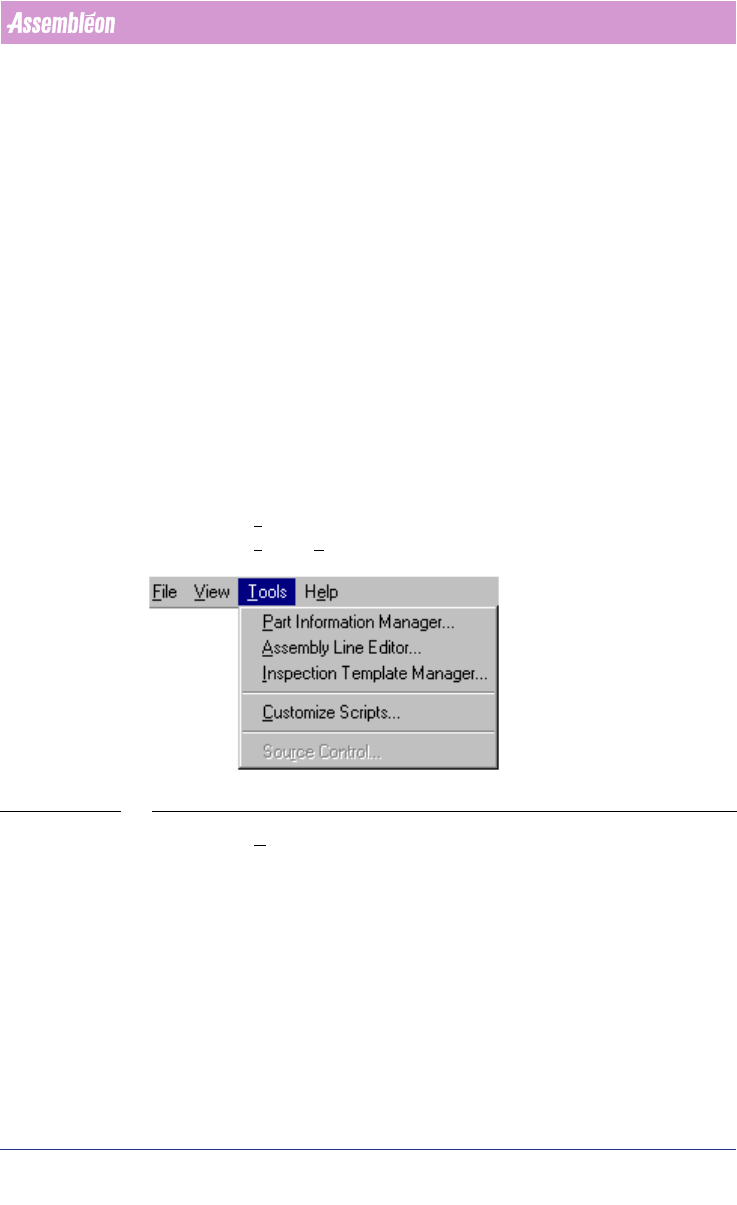
1.4 Menu items and pop-up menu items
■ Style in text: These items are printed in bold. First the function of the
menu item followed by “menu item”.
■ Example: Tools menu item(see SCREEN 1 on page 10).
■ Example: Tools > Part Information Manager...
SCREEN 1 Menu-items
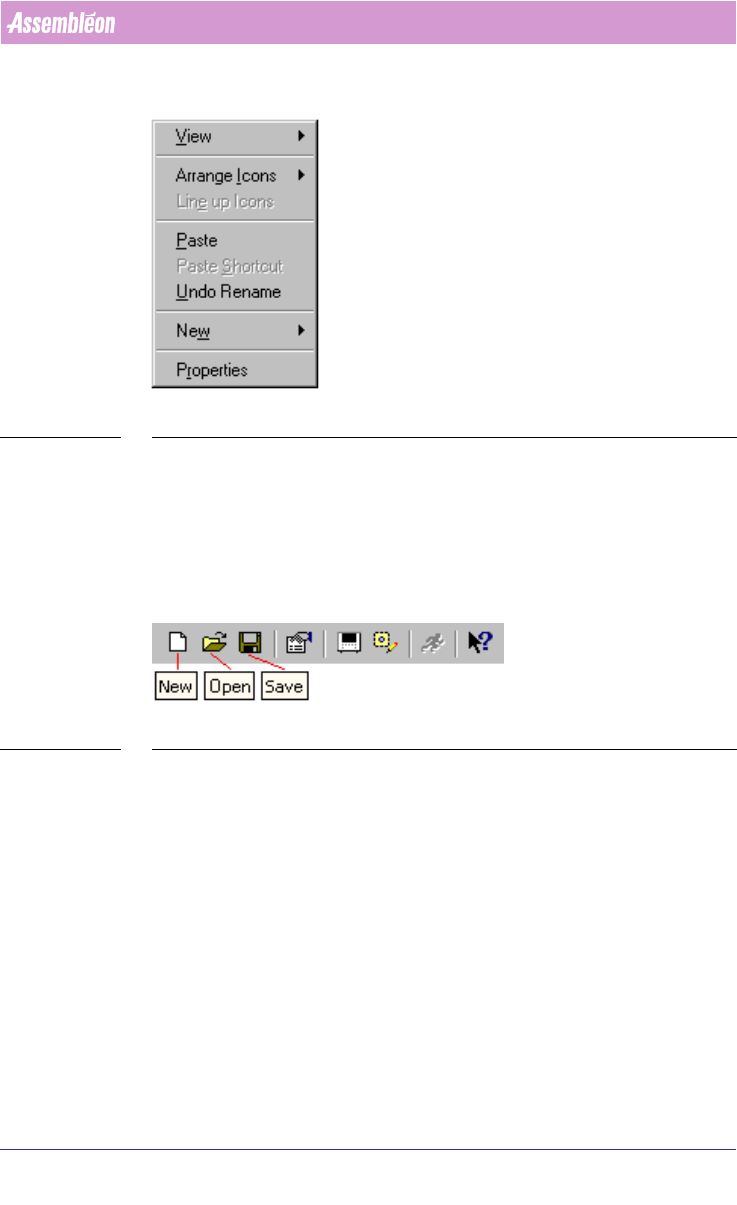
■ Example: Undo Rename menu item (see SCREEN 2 on page 11).
4022 591 98247 User Manual
05.07 PPS-Pro v8.2 11
General Introduction
SCREEN 2 Pop-up menu-items
1.5 Toolbar
■ Style in text: Toolbar icons are printed in bold. First the function of the
icon followed by “icon”.
■ Example: New icon, Open icon, Save icon (see SCREEN 3 on page 11).
SCREEN 3 Toolbar with icons
1.6 Control-items
■ Style in text: Control item names (see SCREEN 4 on page 12) are printed in
italic. First the name of the item followed by the type of the controlitem.
■ Example: Surface-mount checkbox (see SCREEN 7 on page 13).