PPS Pro version 8.2 - 第71页
4022 591 98 247 User Manual 05.07 PPS-Pro v8.2 67 PPS-Pro GUI SCREEN 44 Optimizer Monitor NOTE: The Optimizer Monitor only works for the Assemblé on PowerLine optimiz er/ generator and the Assembléon A- s eries optimizer…
User Manual 4022 591 98247
66 PPS-Pro v8.2 05.07
PPS-Pro GUI
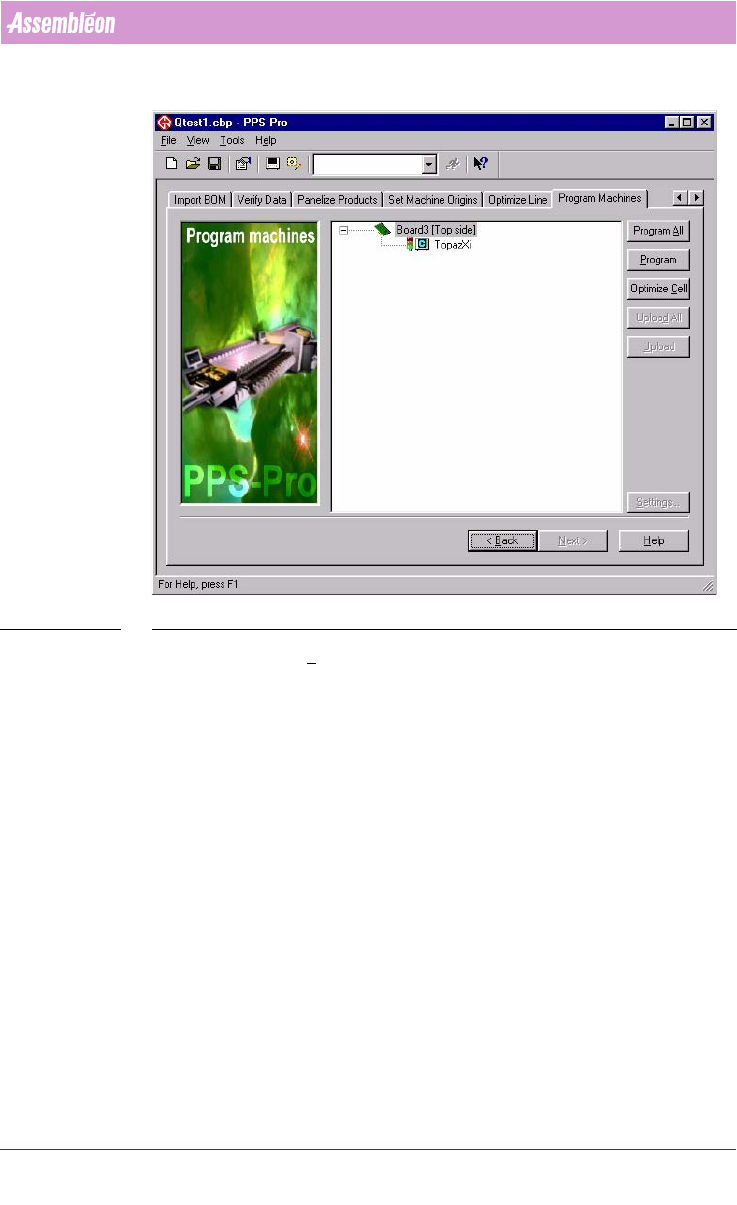
SCREEN 43 OptimizeCell
Press the Optimize Cell button to run one of the optimizers. Depending on
Machine types are in the line configuration.
Depending on the setting in PPS-Pro the optimization is started. When the
“Quality”-frame of the Machine-Specific Controls
(see SCREEN 40 "Philips
Optimizer Machine-Specific Controls Powerline and A-Series" on page 63) is
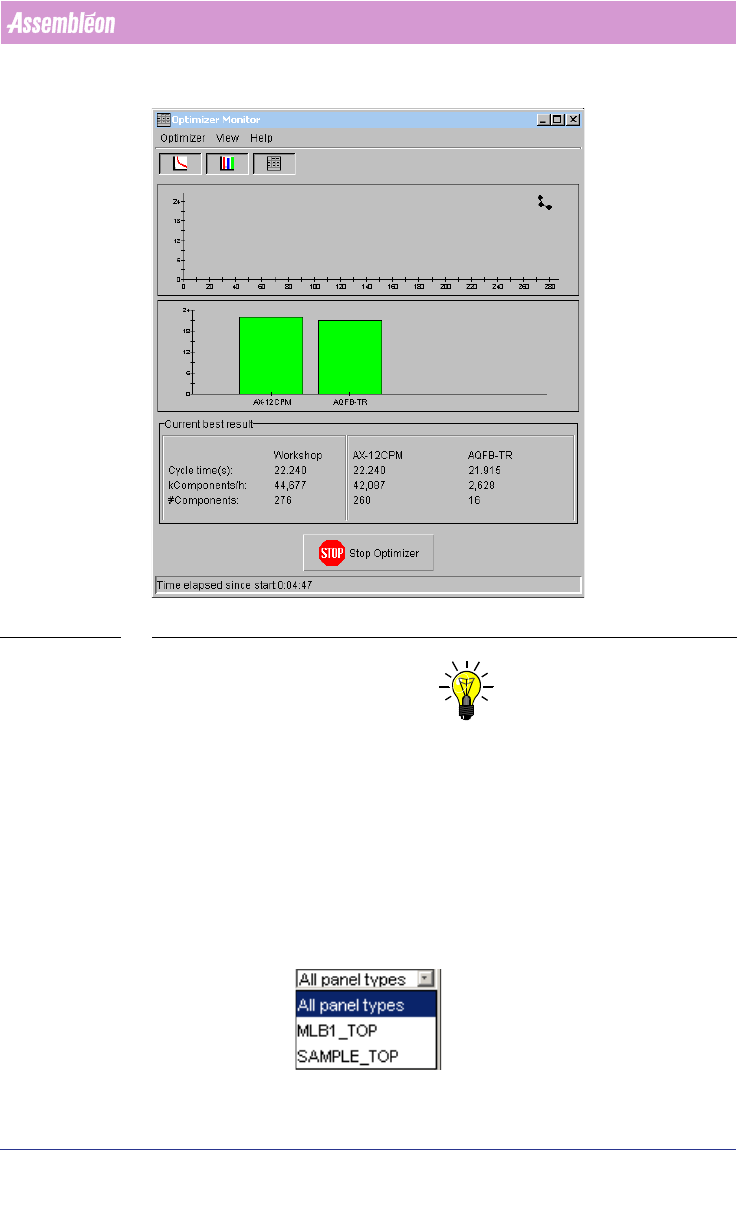
set to “Good” the Optimize Monitor is started. (see SCREEN 44 "Optimizer
Monitor" on page 67). The time estimations that are shown in the Optimizer
Monitor are based on the machine’s ideal performance.
4022 591 98247 User Manual
05.07 PPS-Pro v8.2 67
PPS-Pro GUI
SCREEN 44 Optimizer Monitor
NOTE: The Optimizer Monitor only works for the Assembléon PowerLine optimizer/
generator and the Assembléon A-series optimizer/generator. The
Assembléon Gemline Optimizer does not need the monitor because calcu
-
lations do not take that long.
When the optimization is successfully completed or stopped via the optimize
monitor “Stop Optimizer”-button, documents and Placement Programs are
created (
see SCREEN 45 on page 68).
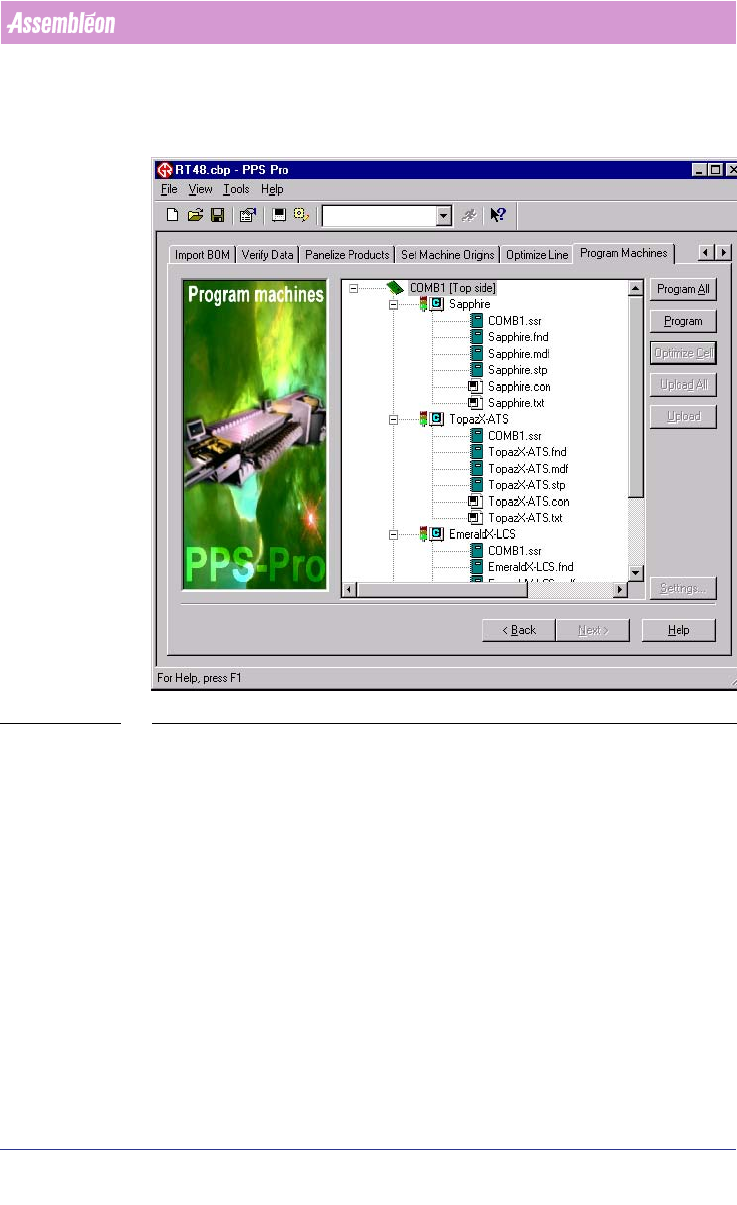
In combined product calculations the following selection box is shown in the
optimizer monitor, it can be used to view the current results of one PCB:
User Manual 4022 591 98247
68 PPS-Pro v8.2 05.07
PPS-Pro GUI
If ‘All panel types’ is chosen then the mathematical average is calculated and
shown.
SCREEN 45 Optimizer Result
In the *.ssr file the feeder setup is shown.
The *.vnd file shows the calculated performance time in kcpn/hr and the
count for one circuit. The placement time in sec is for the PCB.
For GemLine calculations: If a PCB consists of more than one circuit the
calculated time has to be multiplied by the amount of circuits on the PCB.
If the expand feature in Pro is used, the generated *.fnd file shows only the
components of one circuit.
When the optimization is not successful an error file is created see SCREEN 46
on page 69.