PPS Pro version 8.2 - 第82页
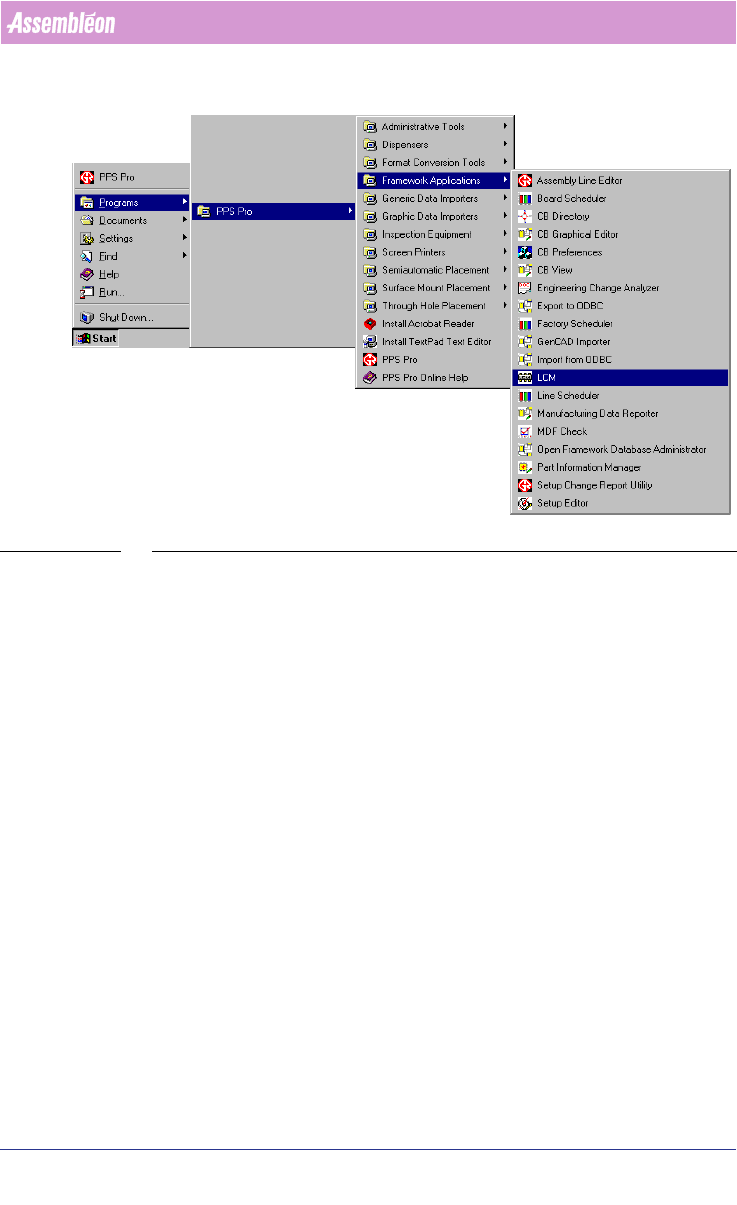
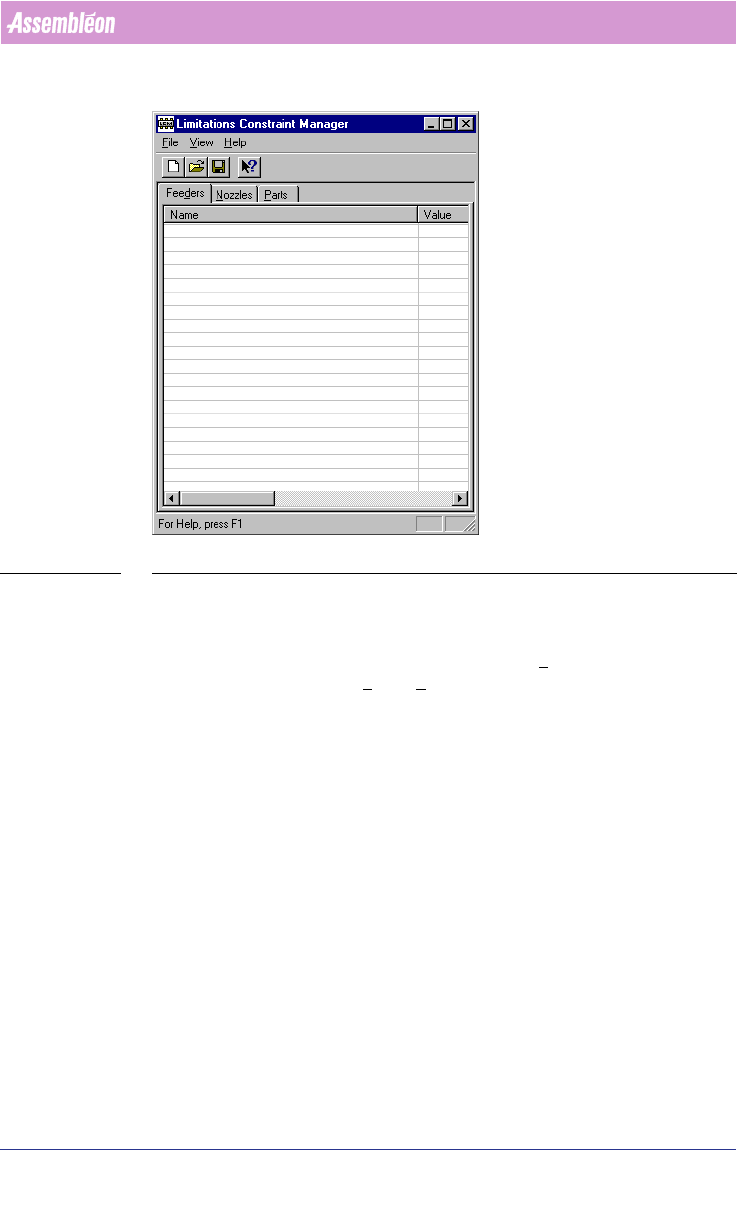
User Manual 4022 591 98247 78 PPS-Pro v8.2 05.07 PPS-Pr o GUI SCREEN 54 Start LCM The fir st time th e LCM is laun ched, it s screen con tains n o values (see SCREEN 55 on pag e 79) .
4022 591 98247 User Manual
05.07 PPS-Pro v8.2 77
PPS-Pro GUI
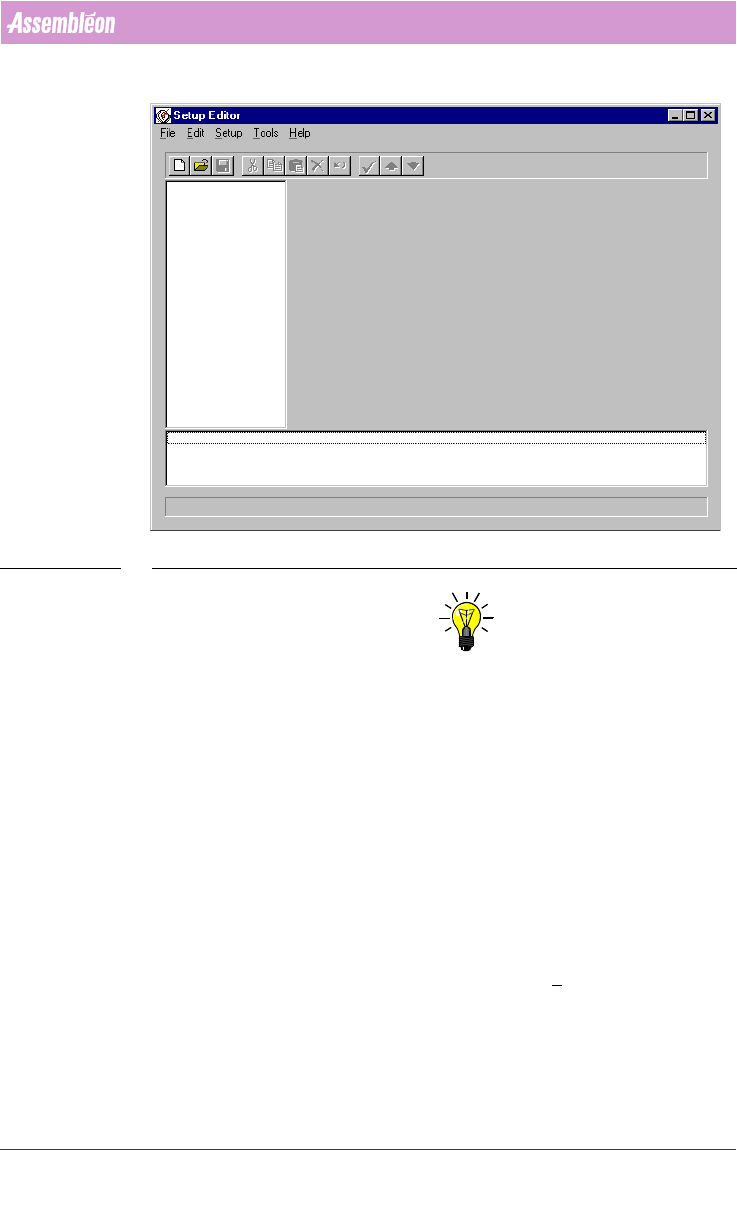
SCREEN 53 Setup Editor
NOTE: To reuse a setup file, it must be placed in a directory other than the machine
directory else it will be overwritten in a successive optimization.
2.31 How to set Inventory Limitations
The Limitations Constraints Manager (LCM) makes it possible to apply
inventory limitations to feeders, nozzles, and parts while maintaining only
one ALE and one PSI file. In the ALE-file the inventory of feeders and nozzles
is fixed for the whole factory or line. The LCM provides the capability to set
the inventory for each project. This chapter describes how a calculation can
be done using the LCM.
2.32 Step 1: Start the LCM
The LCM can be started by pressing the Start > Programs > PPS-Pro >
Framework Applications > LCM menu item
(see SCREEN 54 on page 78).