2OM-1075-002.pdf - 第226页
AHB01ESPP (3-1) Select the desired test pattern in the combo box (*1) under the title "TEST P A TTERN". Select "Pattern1", "Pattern2", or "Pattern3". (3-2) Turn on the check boxes …
AHB01ESPP
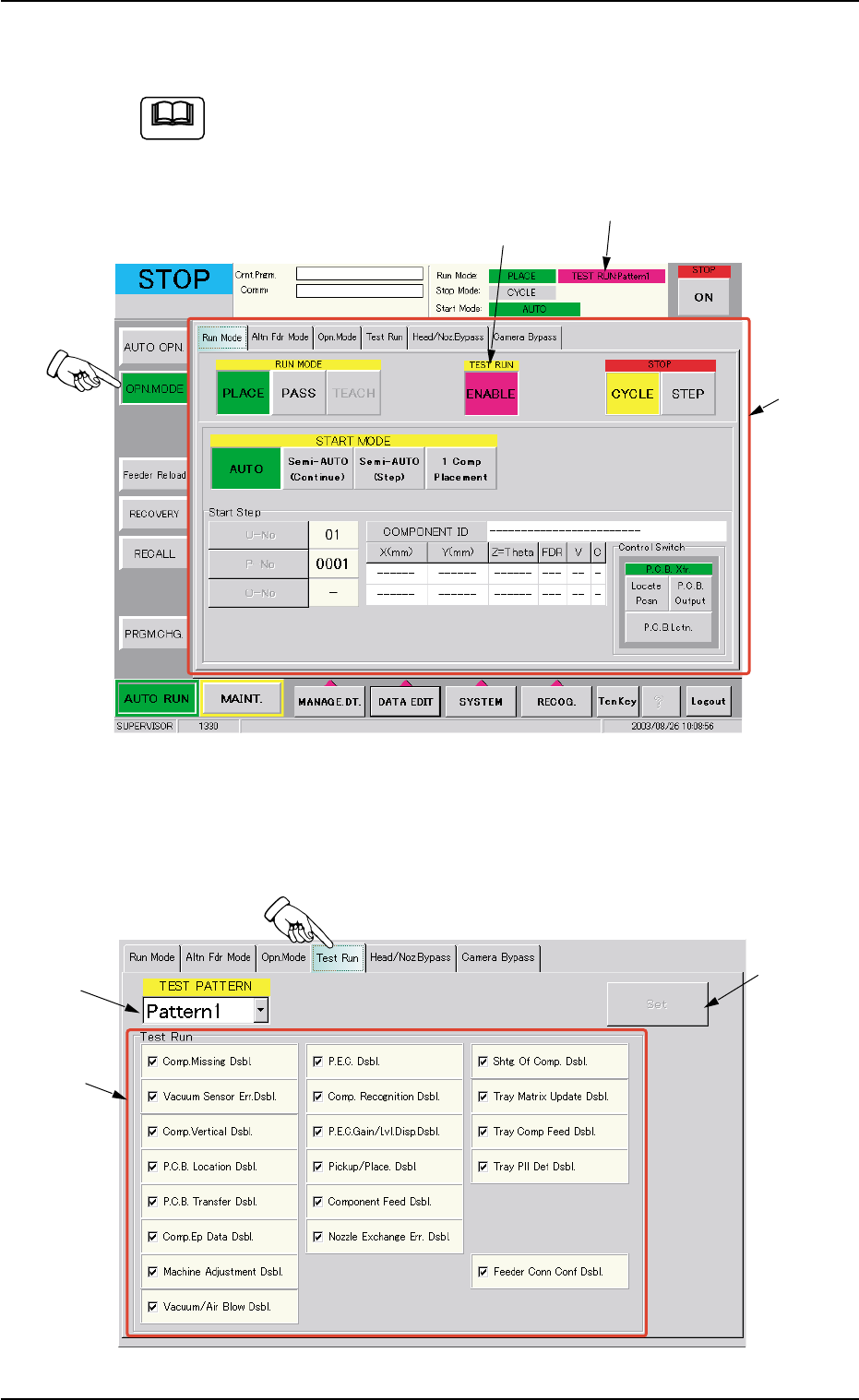
(2) Press the [ENABLE] button (entitled "TEST RUN") in the "Run Mode"
tab sheet ("OPN. MODE" Submenu Window).
Refer to "3. "OPN. MODE" Window (Submenu)" in "Section 5"
for the detailed information on the "OPN. MODE" window
(submenu).
Fig. 2E49 "Run Mode" Tab Sheet
(3) Press the "Test Run" tab in the "OPN. MODE" window (submenu).
The "Test Run" tab sheet appears inside the window.
Fig. 2E50 "Test Run" Tab Sheet
Note
*1
[ENABLE] Button
TEST RUN
8. Running-In Operation
*3
*1
*2
0308-003 5-59
AHB01ESPP
(3-1) Select the desired test pattern in the combo box (*1) under the
title "TEST PATTERN".
Select "Pattern1", "Pattern2", or "Pattern3".
(3-2) Turn on the check boxes in the "Test Run" group box (*2) to set
the test run modes. After that, press the [Set] button (*3).
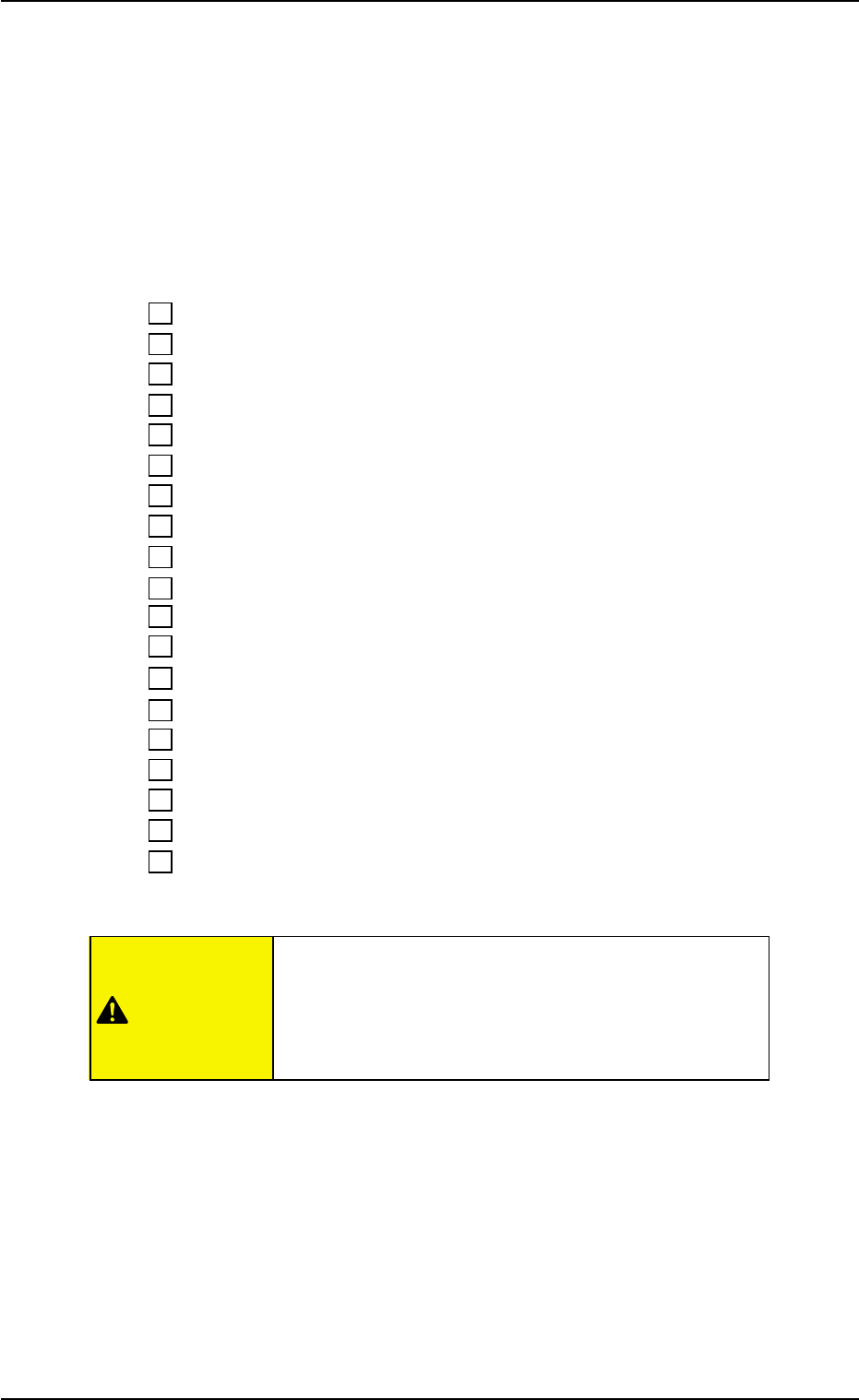
Recommended Selections
Turn on all check boxes as follows.
9 Comp. Missing Dsbl.
9 Vacuum Sensor Err. Dsbl.
9 Comp. Vertical Dsbl.
9 P.C.B. Location Dsbl.
9 P.C.B. Transfer Dsbl.
9 Comp. Ep Data Dsbl.
9 Machine Adjustment Dsbl.
9 Vacuum/Air Blow Dsbl.
9 P.E.C. Dsbl.
9 Comp. Recognition Dsbl.
9 P.E.C. Gain/Lvl. Disp. Dsbl.
9 Pickup/Place. Dsbl.
9 Component Feed Dsbl.
9 Nozzle Exchange Err. Dsbl.
9 Shtg. Of Comp. Dsbl.
9 Tray Matrix Update Dsbl.
9 Tray Comp Feed Dsbl.
9 Tray Pll Det Dsbl.
9 Feeder Conn Conf Dsbl.
Wrong selections (test run in wrong modes) will cause
various deficiencies such as component picks by
vacuum nozzles, scattering of components, or colli-
sion with the chute, etc.
8. Running-In Operation
0308-002 5-60
CAUTION

AHB01ESPP
(4) When the [START] button on the operation panel is pressed, the
running-in operation starts.
(5) To stop the running-in operation, press the [ON] button (entitled
"STOP") on the touch screen.
To invalidate the test run modes, press the [ENABLE] button (en-
titled "TEST RUN") in the "Run Mode" tab sheet ("OPN. MODE"
submenu window).
The [ENABLE] button turns gray, indicating that the normal mode
has resumed.
8. Running-In Operation
01 12-001 5-6 1