2OM-1075-002.pdf - 第227页
AHB01ESPP (4) When the [ST ART] button on the operation panel is pressed, the running-in operation starts. (5) T o stop the running-in operation, press the [ON] button (entitled "STOP") on the touch screen. T o…
AHB01ESPP
(3-1) Select the desired test pattern in the combo box (*1) under the
title "TEST PATTERN".
Select "Pattern1", "Pattern2", or "Pattern3".
(3-2) Turn on the check boxes in the "Test Run" group box (*2) to set
the test run modes. After that, press the [Set] button (*3).
Recommended Selections
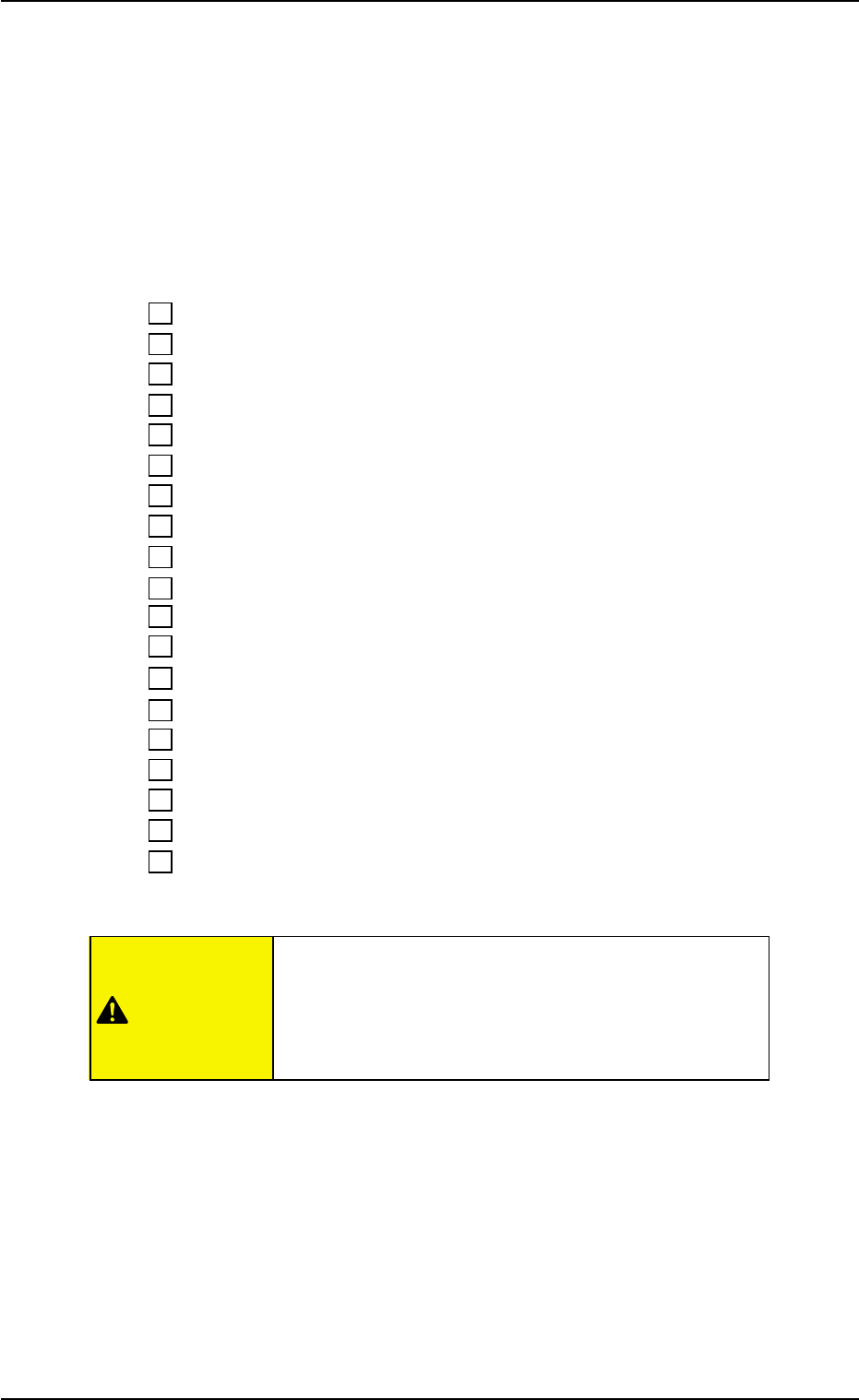
Turn on all check boxes as follows.
9 Comp. Missing Dsbl.
9 Vacuum Sensor Err. Dsbl.
9 Comp. Vertical Dsbl.
9 P.C.B. Location Dsbl.
9 P.C.B. Transfer Dsbl.
9 Comp. Ep Data Dsbl.
9 Machine Adjustment Dsbl.
9 Vacuum/Air Blow Dsbl.
9 P.E.C. Dsbl.
9 Comp. Recognition Dsbl.
9 P.E.C. Gain/Lvl. Disp. Dsbl.
9 Pickup/Place. Dsbl.
9 Component Feed Dsbl.
9 Nozzle Exchange Err. Dsbl.
9 Shtg. Of Comp. Dsbl.
9 Tray Matrix Update Dsbl.
9 Tray Comp Feed Dsbl.
9 Tray Pll Det Dsbl.
9 Feeder Conn Conf Dsbl.
Wrong selections (test run in wrong modes) will cause
various deficiencies such as component picks by
vacuum nozzles, scattering of components, or colli-
sion with the chute, etc.
8. Running-In Operation
0308-002 5-60
CAUTION

AHB01ESPP
(4) When the [START] button on the operation panel is pressed, the
running-in operation starts.
(5) To stop the running-in operation, press the [ON] button (entitled
"STOP") on the touch screen.
To invalidate the test run modes, press the [ENABLE] button (en-
titled "TEST RUN") in the "Run Mode" tab sheet ("OPN. MODE"
submenu window).
The [ENABLE] button turns gray, indicating that the normal mode
has resumed.
8. Running-In Operation
01 12-001 5-6 1

AHB01ESPP
Section 6
Menus for Maintenance
This section describes the functions and operations in each
window (window which opens after a menu button is
pressed at the “MAINT.” window).
0308-002 6-A