2OM-1075-002.pdf - 第234页
AHB01ESPP 2. "MNL OPN." Window (Submenu) • Window Layout When the [MNL OPN.] button on the submenu bar of the "MAINT ." win- dow is pressed, the following window (submenu) opens. Fig. 2F3 "MNL OP…
AHB01ESPP
(From the previous page)
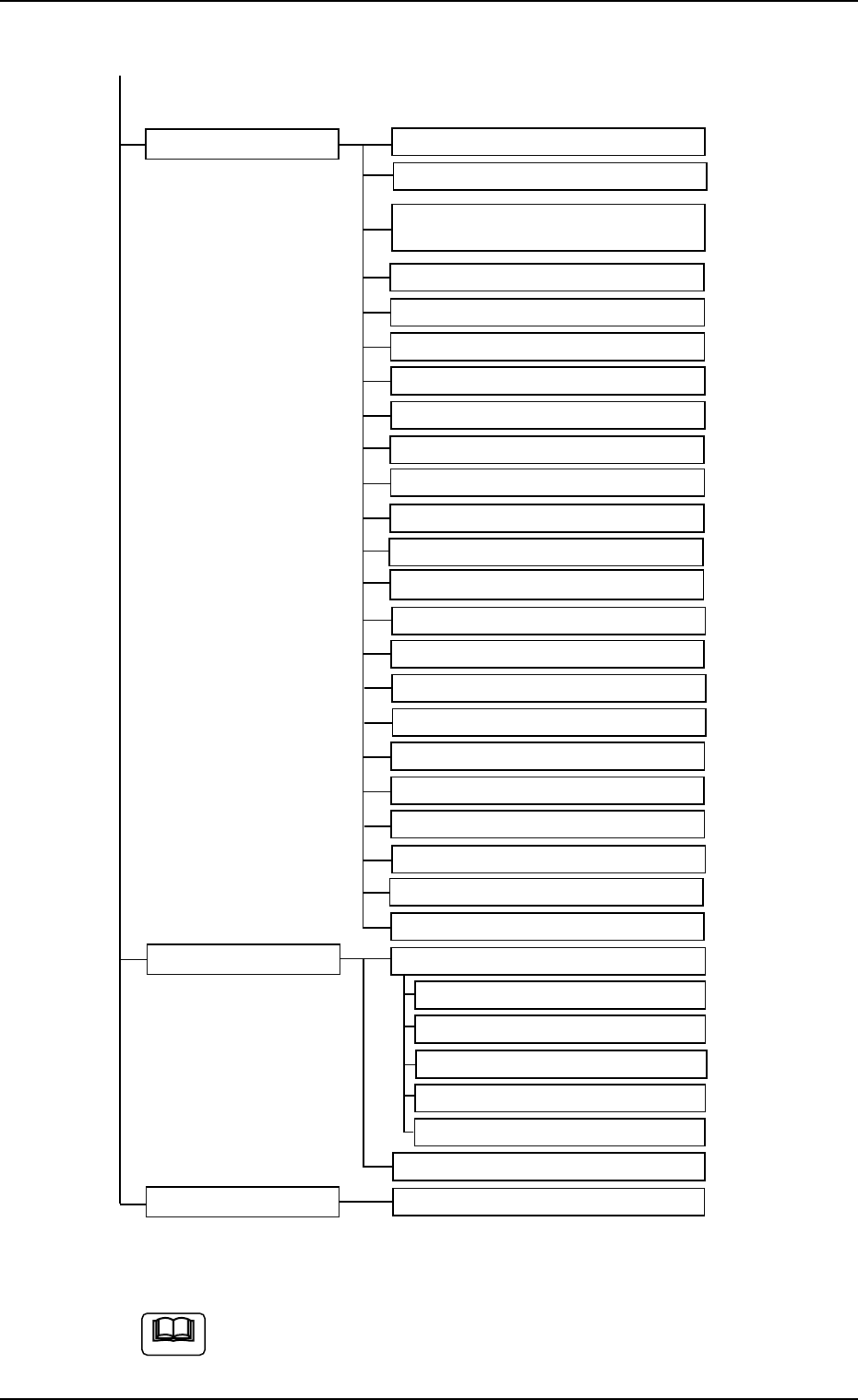
Submenus Tabs (Tab Sheets) Reference Item Nos.
TEACHING Pick-Up Location (5.1)
Library Teaching (5.2)
P.E.C. Recog Camr & (5.3)
Beam Ofs
Table Ofs (5.4)
NC Axis Ofs (5.5)
Nozzle Level Ofs (5.6)
Cmpnt Fxd Camr Mag (5.7)
Cmpnt Recog Fxd Camr Ofs (5.8)
Head Center Ofs (5.9)
Head Rotation Ofs (5.10)
Cmpnt Recog Mvbl Mag (5.11)
Cmpnt Recog Mvbl Camr Ofs (5.12)
Nozzle Stocker Ofs (5.13)
Nozzle Stocker Ofs (5.14)
Feeder Base Ofs (5.15)
Feeder (A) Ofs (5.16)
Feeder (B) Offset (5.17)
Teaching Plate Ofs (5.18)
Nozzle Center Ofs (5.19)
Nozzle Tip Pos Ofs (5.20)
Head Master Offset (5.21)
Travers Ofs (Option)
Lighting Teach (5.22)
DVC. CHECK Input Check (7.1)
I/O Diag. (7.1.1)
I/O (Op) (7.1.2)
Motor Cont (EB005) (7.1.3)
Motor Cont (MCB) (7.1.4)
HLS Connect (7.1.5)
Machine Prgm. Info. (7.2)
FILE OPN. Save/Load (8.1)
Fig. 2F2-1 Composition of Menus for Maintenance (2)
The above tree is based on the selection of the multi-layer tray
feeder (option).
0308-003 6-4
1.1 Composition of Menus for Maintenance
Note
AHB01ESPP
2. "MNL OPN." Window (Submenu)
• Window Layout
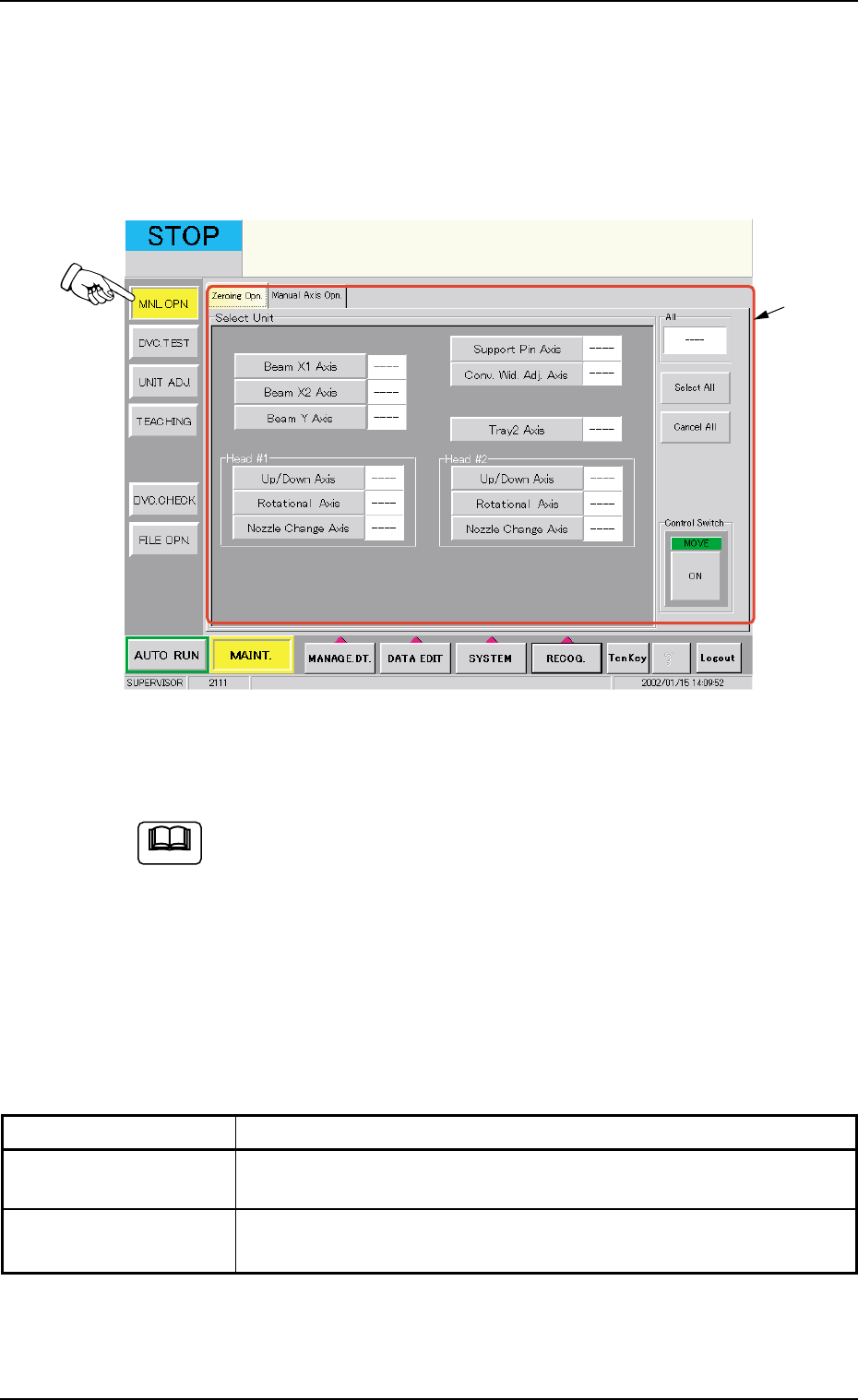
When the [MNL OPN.] button on the submenu bar of the "MAINT." win-
dow is pressed, the following window (submenu) opens.
Fig. 2F3 "MNL OPN." Window (Submenu)
(Provided with Multi-Layer Tray Feeder 2)
The tab sheet may look different, depending on which options
are selected.
• Window Composition
*1 Tabs and Tab Sheets
The "MNL OPN." window (submenu) is provided with the following 2
tabs. When a tab is pressed, the corresponding tab sheet appears
inside the window.
Table 2F1
Tabs Description
Zeroing Opn. The corresponding tab sheet enables the operator to zero each de-
vice.
Manual Axis Opn. The corresponding tab sheet enables the operator to perform the
manual alignment of each device.
01 12-002 6 - 5
2. "MNL OPN." Window (Submenu)
*1
Note
AHB01ESPP
2.1 "Zeroing Opn." Tab
The corresponding tab sheet enables the operator to zero each device
(axis).
• Sheet Layout
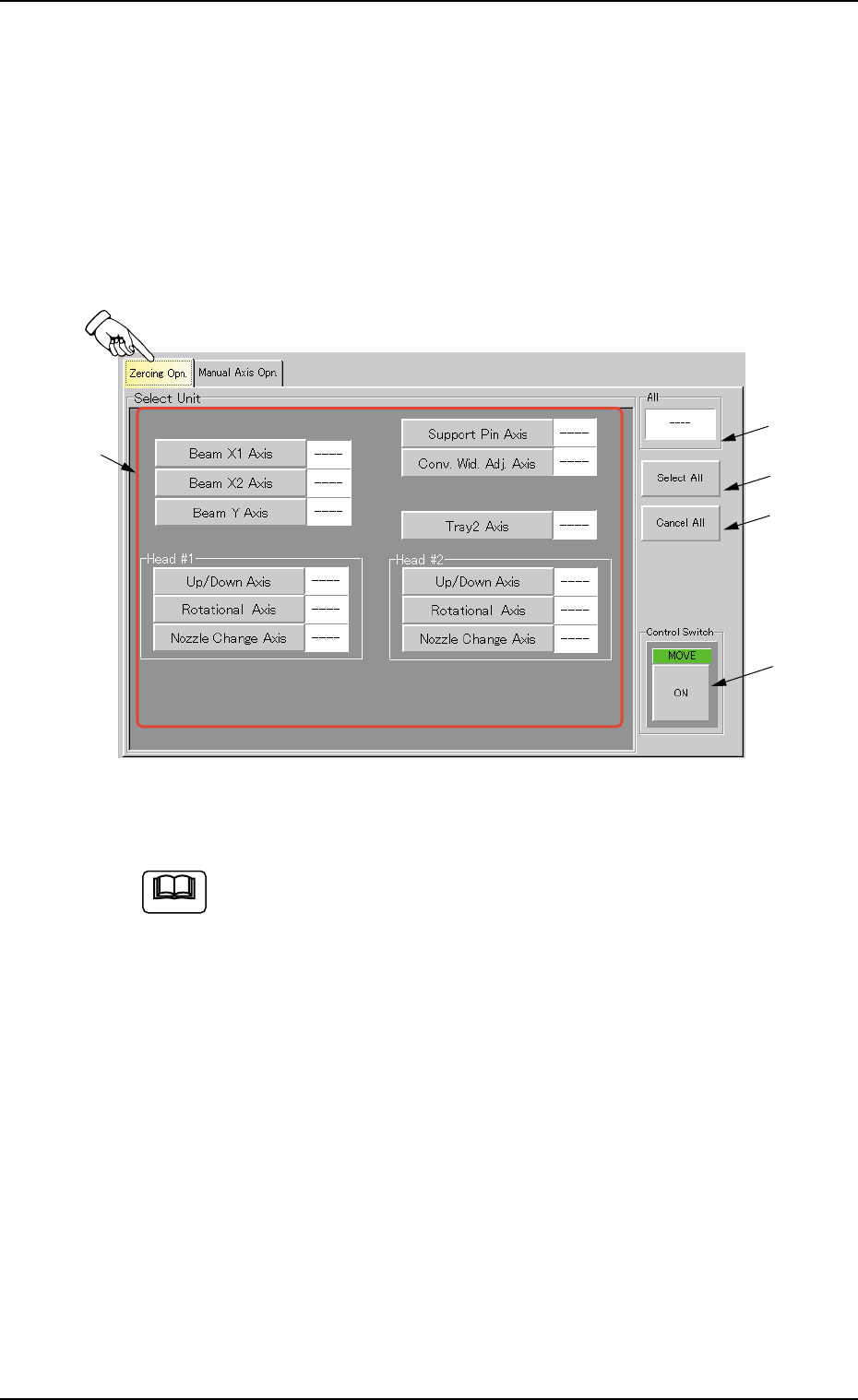
When the "Zeroing Opn." tab is pressed in the "MNL OPN." window
(submenu), the following tab sheet opens.
Fig. 2F4 "Zeroing Opn." Tab Sheet
(Provided with Multi-Layer Tray Feeder 2)
The tab sheet may look different, depending on which options
are selected.
• Sheet Composition
*1 Select Unit Buttons
The following buttons are provided.
[Beam X1 Axis] Button
[Beam X2 Axis] Button
[Beam Y Axis] Button
[Support Pin Axis] Button
[Conv. Wid. Adj. Axis] Button
[Tray2 Axis] Button (Option)
[Up/Down Axis] Button in "Head #1" Group Box
[Rotational Axis] Button in "Head #1" Group Box
[Nozzle Change Axis] Button in "Head #1" Group Box
[Up/Down Axis] Button in "Head #2" Group Box
01 12-002 6 - 6
2.1 "Zeroing Opn." Tab
*1
*2
*3
*5
*4
Note