2OM-1075-002.pdf - 第379页
AHB01ESPP 5.3 "P .E.C. Recog Camr & Beam Ofs" T ab The corresponding tab sheet enables the operator to perform the teach- ing operation on the P .E.C. recognition camera & X/Y beam offset data. The offs…
AHB01ESPP
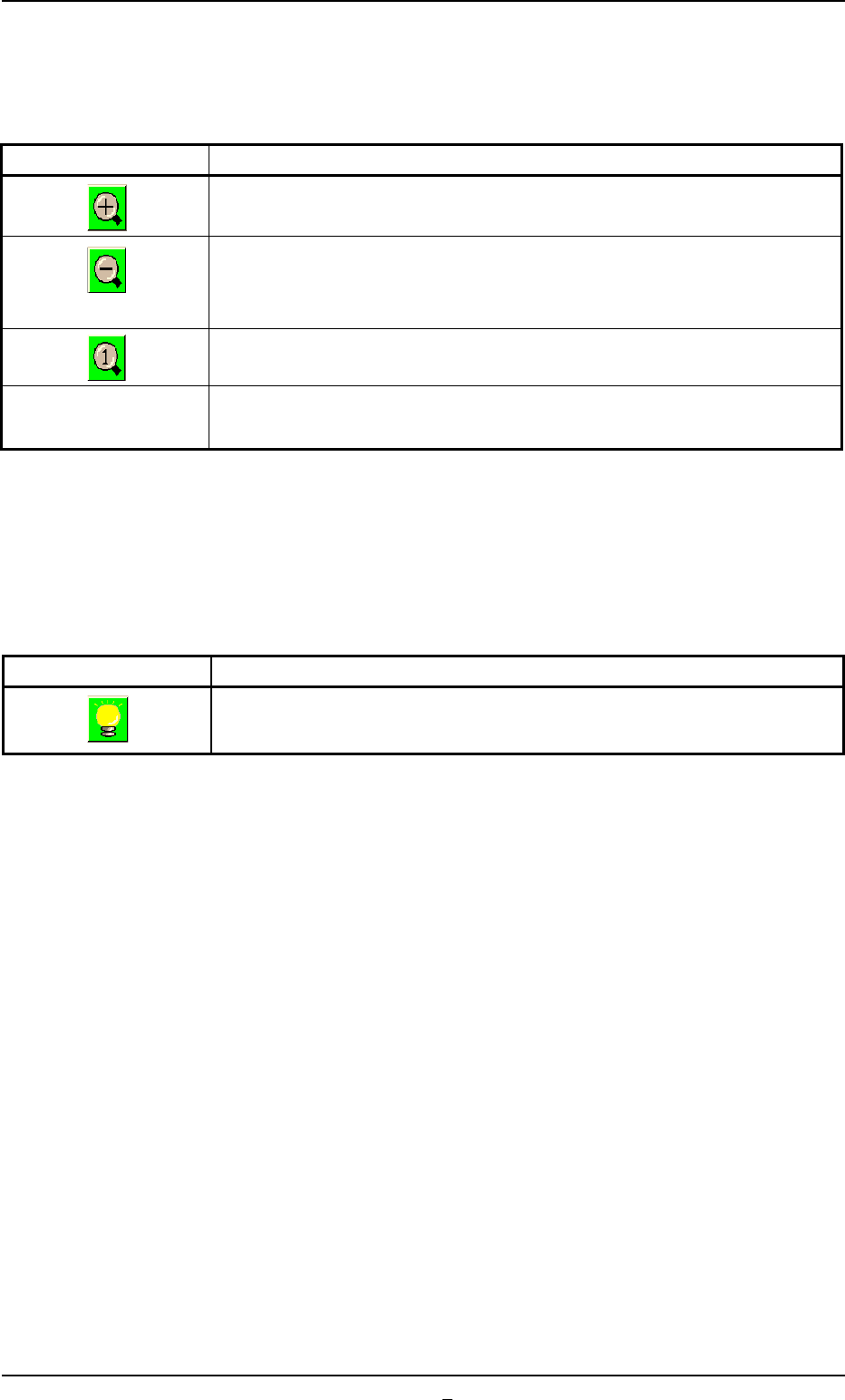
• Image Scroll/Zoom Function
The object image can be zoomed in or out or scrolled up or down.
Table 2F21
Keys Functions
The displayed image and graphic can be zoomed in (enlarged).
The enlarged image and graphic can be zoomed out (reduced).
The image and graphic cannot be reduced to be smaller than the origi-
nal size. (zoomed out to the original size)
The scrolled or zoomed image and graphic return to the original location
and size.
Scroll It can be determined whether or not the displayed image and graphic
ON/OFF can be scrolled.
This scroll function makes it possible to shift the image such that the
hidden part of the image (part of the image hidden behind a subwindow)
becomes visible.
••
••
• Image Capture Function
Table 2F22
Keys Functions
An image can be captured in the selected lighting system.
Front Lighting System < - > Back Lighting System
5.2 Library Teaching
0308-001 6-144-2
AHB01ESPP
5.3 "P.E.C. Recog Camr & Beam Ofs" Tab
The corresponding tab sheet enables the operator to perform the teach-
ing operation on the P.E.C. recognition camera & X/Y beam offset data.
The offset values are calculated by recognizing the printed pattern on
the positioned special jig P.C.B. (option) with the P.E.C. recognition cam-
era.
Determine the magnification and tilting (Theta Z) of the P.E.C. recogni-
tion camera and the tilting of the beam (Angles X and Y).
This teaching operation must be performed only by our service
personnel.
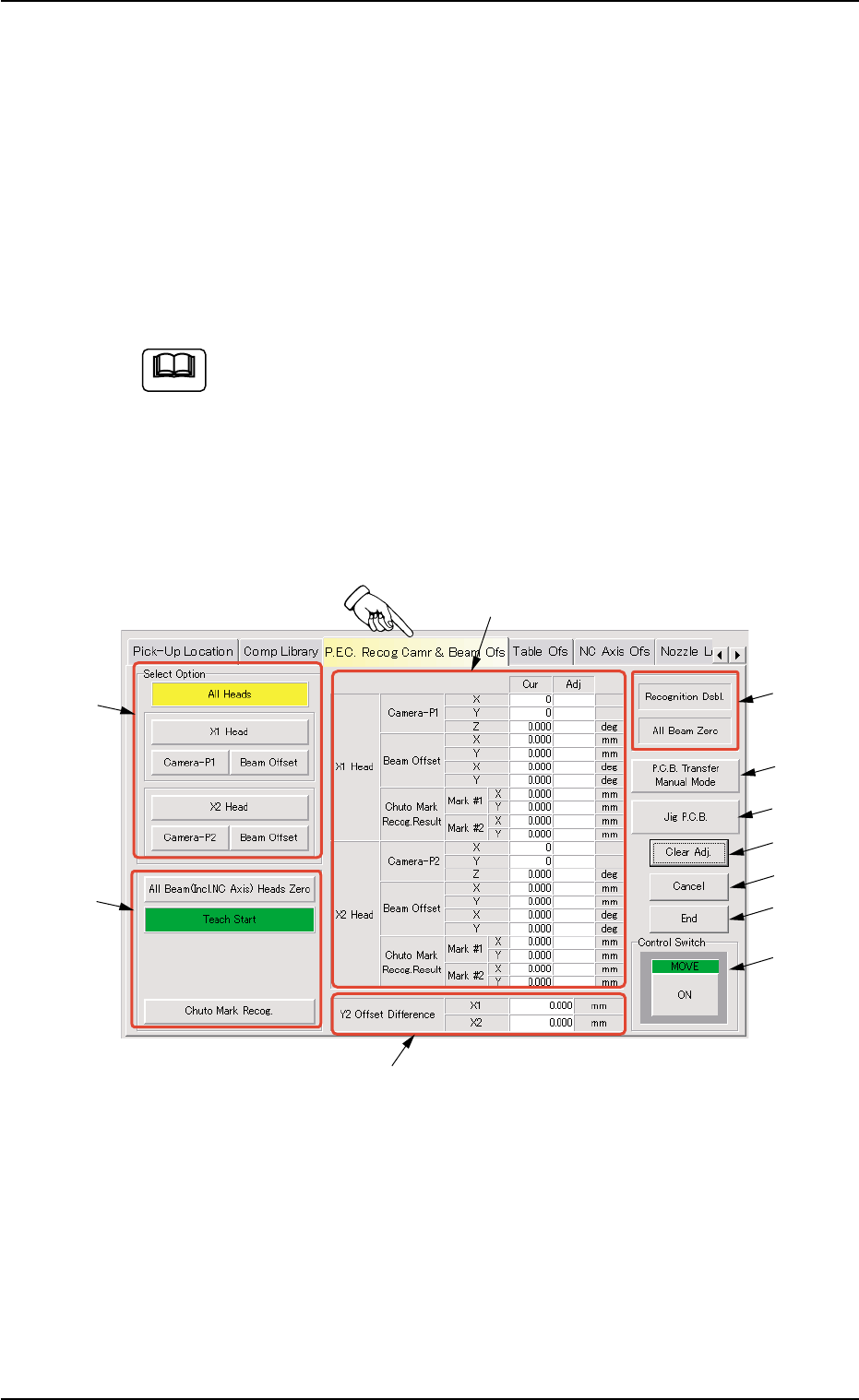
• Sheet Layout
When the "P.E.C. Recog Camr & Beam Ofs" tab is pressed in the
"TEACHING" window (submenu), the following tab sheet appears in-
side the window.
Fig. 2F105 "P.E.C. Recog Camr & Beam Ofs" Tab sheet
5.3 "P.E.C. Recog Camr & Beam Ofs" Tab
Note
0206-003 6-145
*1
*2
*5
*4
*3
*6
*7
*8
*9
*10
*11

AHB01ESPP
• Sheet Composition
*1 "Select Option" Group Box
Select the head to be used for teaching operations.
The following buttons are provided in this group box.
[All Heads] Button
The machine performs the teaching operations on the offsets
of the P.E.C. recognition cameras on both X1 and X2 heads
and the beam offsets.
(a) The teaching operations are performed first on the X1
head and then the X2 head.
(b) Before performing any teaching operation, position the
jig P.C.B. and zero all beams.
[X1 Head] and [X2 Head] Buttons
When these buttons are pressed, the machine performs the
teaching operations on the offsets of the P.E.C. recognition
camera on the X1 or the X2 head and the beam offsets.
(a) The machine can perform the teaching operations re-
lated to only the X1 or the X2 head.
(b) Before performing any teaching operation, position the
jig P.C.B. and zero all beams.
[Camera-P1], [Beam Offset], [Camera-P2], and [Beam Offset]
Buttons
The machine performs an offset teaching operation for each
individual devices.
(a) Before performing any teaching operation, position the
jig P.C.B. and zero all beams.
(b) When a teaching operation must be implemented sepa-
rately, perform the teaching operation first on the cam-
era offsets and then the beam offsets. (To calculate
the beam offsets by using the results of the teaching
operation on the camera offsets)
Note
Note
Note
0206-003 6-146
5.3 "P.E.C. Recog Camr & Beam Ofs" Tab