2OM-1075-002.pdf - 第5页
Contents Page Before Use .......................................................................................... 1 About the Instruction Manual ............................................................ 2 Contents .…
About the Instruction Manual
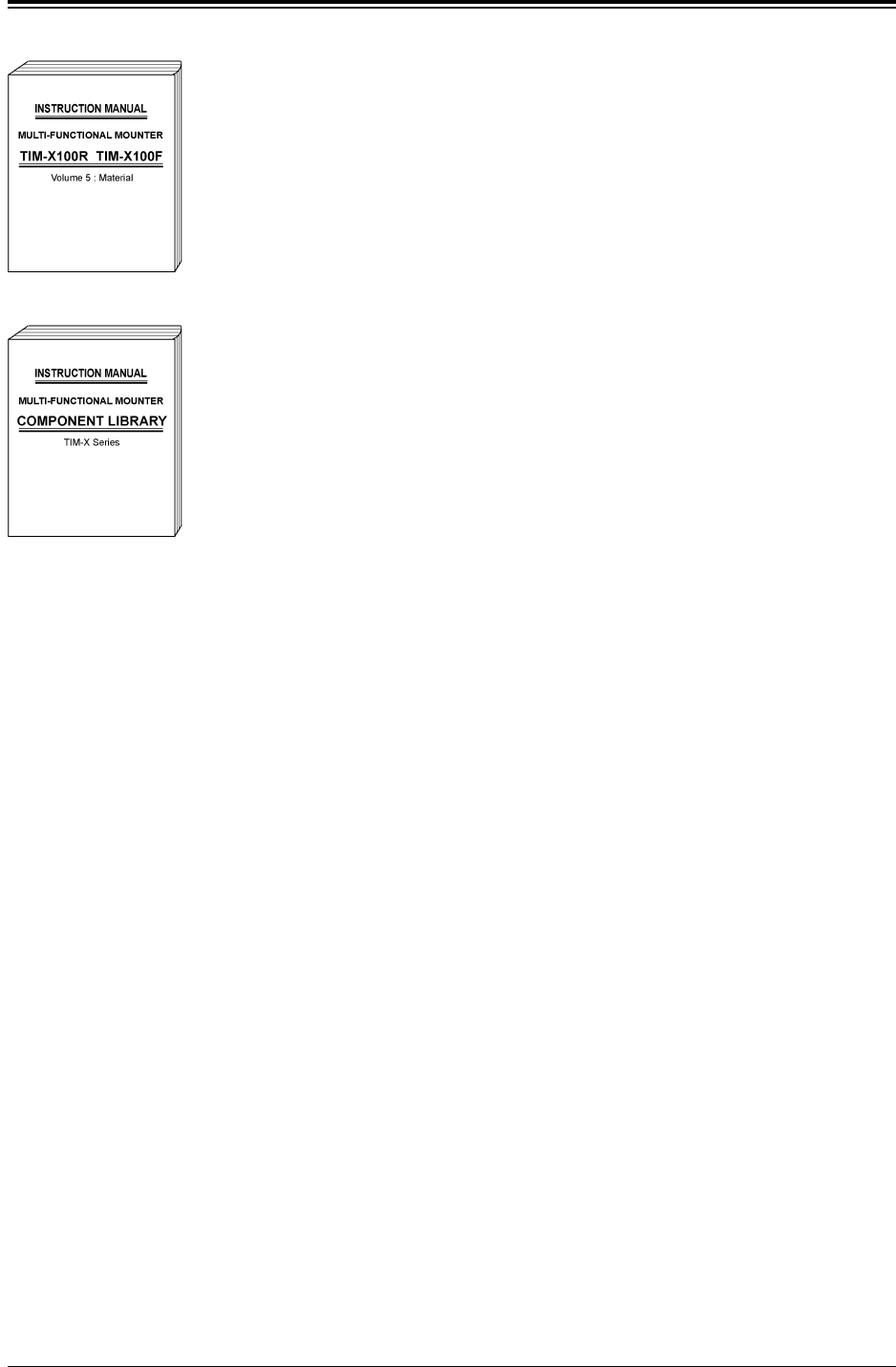
Volume 5: Pneumatic and Electrical Diagrams
This provides various kinds of material such as pneu-
matic and electrical circuit diagrams for those who are
in charge of machine servicing operations.
Coverage: Pneumatic Diagram, Parts Location, Elec-
trical Circuit Diagrams, etc.
COMPONENT LIBRARY:
This describes an explanation of component library data
and how to create it.
• This manual may not be copied, in whole or part, with-
out written consent of the publisher.
• This manual should be regarded as part of the ma-
chine and the contents comply with all the specifica-
tions regarding the purchased machine. Please keep
this manual within reach to serve as a handy tool in
completely understanding the workings of this ma-
chine.
• The contents of this manual are subject to change
without prior notice.
Fig. 2X6
Fig. 2X7
0107-001 3 AHB01ESPP

Contents
Page
Before Use .......................................................................................... 1
About the Instruction Manual ............................................................ 2
Contents .............................................................................................. 4
Checking Items.................................................................................... 11
Safety Precautions .............................................................................. 13
Section 1 Scope
........................................................................1- A
1. Features .......................................................................................1- 1
2. Specifications ..............................................................................1- 2
3. Standard Accessory Parts ..........................................................1-24
3.1 Standard Accessory Parts List ...............................................1-24
4. Vacuum Nozzle Types .................................................................1-25
5. Adjoining Pitch for Tape Feeder Installation ............................1-27
5.1 Minimum Adjoining Pitch Based on Guide Feeder ..............1-27
5.2 Installable Feeder Slot Nos.
at Both Feeder Base Ends ............................................1-27
6. Fixed Recognition Cameras .......................................................1-28
6.1 Types of Fixed Recognition Cameras ...................................1-28
6.2 Compound View Unit (Option) ...............................................1-30
Section 2 Scope of Actions and
Various Functions
.............................................2- A
1. Outline of Actions ........................................................................2- 1
1.1 P.C.B. Transfer and Positioning .............................................2- 1
1.2 Component Placement
(starting with preparation for component picks)..............2- 3
1.2.1 Preparation for Component Picks ....................................2- 4
1.2.2 Component Supply and Pick-up ........................................2- 5
1.2.3 Preparation for Component Placement ...........................2- 6
1.2.4 Component Placement .......................................................2-11
1.3 Discharge of P.C.B. .................................................................2-12
2. Various Functions ........................................................................2-13
2.1 Equivalent Repetitive Pattern Function ...............................2-13
2.2 Multi-Model Repetitive Pattern Function for
Mixed Programs ...................................................................2-14
2.3 Priority Sorting Function ........................................................2-15
2.4 P.E.C. Recognition Function ..................................................2-16
2.5 Automatic Feeder Axis Adjustment Function ........................2-18
2.6 Conveyor Width Automatic Adjustment Function.................2-18
2.7 File Operation ..........................................................................2-18
0308-004 4 AHB01ESPP

Contents
Page
2.8 Simultaneous Pick-Up Function.............................................2-19
2.9 Pick-Up Priority Function ........................................................2-19
2.10 Component Carriage Data Edit Function ............................2-20
2.11 Pick-Up Location Teaching Function ..................................2-20
2.12 Library Teaching Function ....................................................2-20
2.13 Feeder Alternate Function ...................................................2-21
2.14 Placement Coordinates Teaching Function .......................2-25
2.15 Automatic Recovery
(Priority of Component) Function ..............................2-26
Section 3 Program Change Operation
........................3- A
1. Scope ............................................................................................3- 1
2. Preparation for Program Change Operation ............................3- 2
2.1 Preparation for Component Library ......................................3- 2
2.2 Creation of Pattern Program for Production Model ............3- 2
2.3 Registration of Pattern Program for Production Model ......3- 2
2.4 Preparation for Nozzles ..........................................................3- 3
3. Program Change Operation .......................................................3- 5
3.1 Selection of Current Pattern Program ..................................3- 5
3.2 Setting of P.C.B. Support Pins ...............................................3- 6
3.2.1 Setting of P.C.B. Support Pins in
"PCB Support Pins Set-up Mode" Tab Sheet ..............3- 6
3.2.2 Setting of P.C.B. Support Pins with Power "OFF" ..........3- 7
3.2.3 Setting of P.C.B. Support Pins and
Precautionary Items on Detachment .............................3- 8
3.3 Conveyor Width Adjustment ...................................................3-10
3.4 P.C.B. Positioning ....................................................................3-12
3.5 Preparation for Feeders .........................................................3-13
3.6 P.E.C. Recognition Test ..........................................................3-14
3.7 All Clear Operation of Offset Data "Feeder B" .................... 3-15
3.8 Re-Verification of Component Library ...................................3-15
4. Confirmation of Component Placement ....................................3-17
4.1 Setting of Operation Mode .....................................................3-17
4.2 Component Placement Test ...................................................3-20
Section 4 Navigation on Touch Screen
......................4- A
1. Composition of Menus ................................................................4- 1
1.1 Main Menu Bar.........................................................................4- 1
1.1.1 Selection Buttons on Main Menu Bar ..............................4- 1
1.1.2 Other Operation Buttons ...................................................4- 2
0206-003 5
AHB01ESPP