00197458-01_UG_EDM_V2.2_en - 第61页
EDM V2.2 / U ser Guid e Ausgabe 10/2013 E dition 61 6.2 Configur ation F ile s NOTICE Use the " EDM Config uratio n Man a ger" (s ee sectio n 4.1 ) to cha nge the c onfigurati on whenever possible. Only t he co…
EDM V2.2 / User Guide Ausgabe 10/2013 Edition
60
The User Specific Registry-Keys are sub-keys of:
"HKEY_CURRENT_USER\Software\Siemens SIPLACE\EDM"
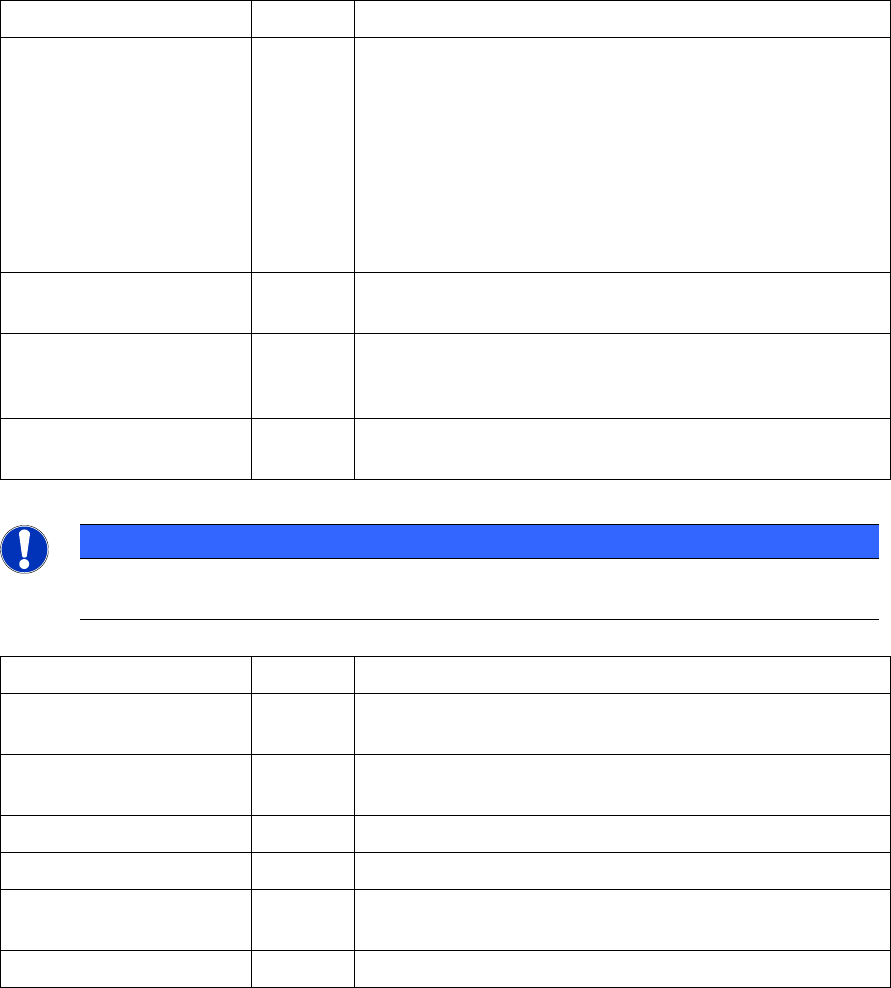
Key Type Contents
Service String Language setting for the EDM Tool.
This key is generally *not* used by the EDM Service!
(The service runs as "SYSTEM" user. Previous EDM Versions used the
Key from: HKEY_USERS\S-1-5-18\Software\Siemens
SIPLACE\EDM\LanguageSettings. Due to access restrictions, this was not
configurable for a normal user).
Thus the EDM service uses the setting found in:
HKEY_LOCAL_MACHINE\SOFTWARE\Wow6432Node\Siemens
SIPLACE\EDM\LanguageSettings\Service).
Client String Language setting for the EDM Client.
Default: English. Can be changed in the EDM Client.
ClearingPool String Language setting for the Clearing Pool and Line Data
Transfer Manager.
Default: English. Can be changed in the Clearing Pool.
Configuration String Language setting for the Configuration. Default: English.
Can be changed in the Configuration Manager.
Table 6-2: EDM "LanguageSettings" (HKCU) entries in the Registry
NOTICE
Changing the Language with the "EDM Client" or the "EDM Configuration Manager" will
also change the Language for the "EDM Service" and "EDM Tool" on this computer.
Key Type Contents
ConfigCache Sub-Key A List of the configurations received by the configuration
server (used to find the current configuration on startup).
ForcedPull Sub-Key Data about the last data transfer (used by the "forced pull"
mode).
LanguageSettings
Sub-Key User specific language settings see: Table 6-4
Performance
Sub-Key Misc performance stats
PushMode Sub-Key User specific settings and History of the Data Transfer
Manager
Settings
Sub-Key User specific settings and History for the "Clearing Pool"
Table 6-3: List of EDM Registry Keys (HKCU)
EDM V2.2 / User Guide Ausgabe 10/2013 Edition
61
6.2 Configuration Files
NOTICE
Use the "EDM Configuration Manager" (see section 4.1) to change the configuration
whenever possible.
Only the configuration files on the "EDM Configuration Server" should be edited. Any
change to a local (i.e. inside the _cache subdirectoy)
copy of the configuration will be lost
during the next configuration synchronization (i.e. an application restart or configuration
push).
This section describes the technical details of the EDM configuration files.
Hint: To edit a configuration that is not located in the EDM configuration path of the local machine
use the Change root folder… context menu in the Configuration-Set tree view display of the EDM
Configuration Set Editor. (If you want to paste a path instead of using the folder browser dialog,
"Shift-Click" on the Change root folder entry to show a text input-window.)
The EDM Configuration uses the following sub-folders of the 'config' folder:
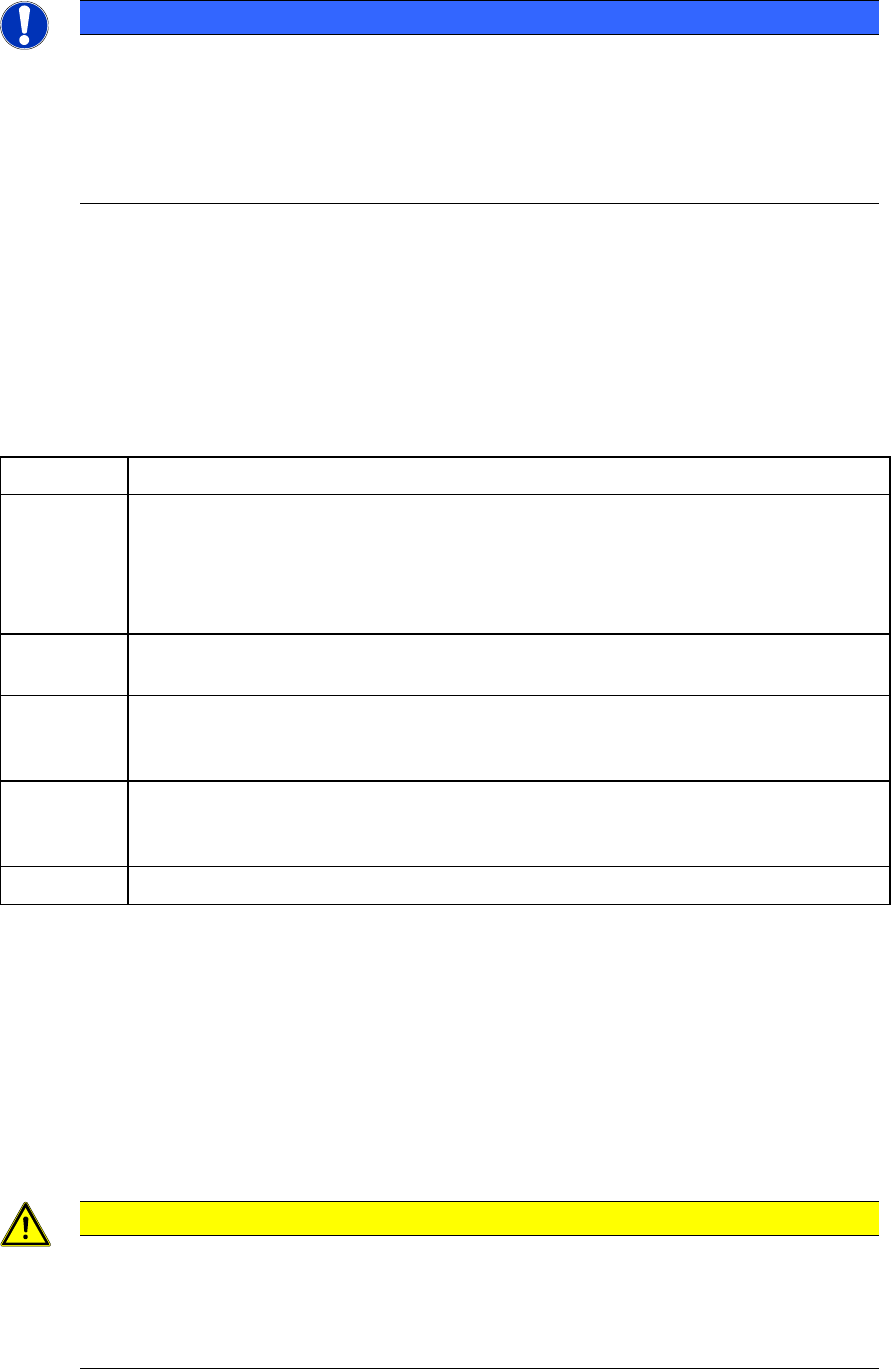
Folder Contents
_cache Local (cached) copy of all configurations obtained from the EDM configuration
server. Contains a sub-folder with a name based on the EDM-Application the
configuration belongs to (e.g. the "_cache\EdmTool").
Do not edit the files contained in this folder or any sub-folder, as they will be
overwritten the next time the corresponding application is restarted!
conversion Contains the transformation files the "EdmUpdater" uses to upgrade the
configurations from a previous EDM Version to the current version.
default This folder contains the most of the standard EDM configuration files. The files in
this folder are generally copied to create new configuration sets with different
settings.
global This folder contains the 'global' EDM configuration files. All EDM Configuration-Set
should reference the same global configuration files to ensure a consistent EDM
installation.
workflows This folder contains the predefined EDM workflows.
Table 6-4: EDM configuration folders
EDM 2.x provides a role-based centralized configuration. The EDM configuration server always
uses the "EdmConfiguration.xml" file in the "ConfigDir" to load its own configuration.
All other EDM applications receive their configuration data based on a role definition (currently
based on application-, user-, host-name and type). The matching relies on the "RoleConfig" entry in
the configuration set used by the configuration server (typically "global\RoleConfig.xml").
By default, all EDM Applications use the same configuration as the EDM Configuration server (the
standard RoleConfig only contains a single entry that matches any role and points to the default
EdmConfiguration.xml file).
CAUTION
Please keep in mind, that any change to a configuration file referenced by the EDM
configuration server configuration set (EdmConfiguration.xml) will be applied
immediately. For example changing the "configurationServerPort" setting will cause the
configuration server to change its port to the new value – making it unreachable for all
existing clients.

EDM V2.2 / User Guide Ausgabe 10/2013 Edition
62
EDM 2.x uses the following configuration files (some are new others just moved to another folder):
Folder File (Editor) Contents
. EdmConfiguration.xml
(EDM Configuration Sets)
Default EDM configuration set (always used by the EDM
configuration server).
global MachineConfig.xml
(Line Settings)
This configuration contains the data about all EDM computers.
Especially it contains the Line-Alias definition and SIPLACE-
Line-Assignments for all EDM Hosts. See 6.2.2 for details.
Contains basically the entries previously found in the
<machineAliasNames> section of the EDM.config file.
global RoleConfig.xml
(Roles)
This file contains the mapping from EDM Line to
ConfigurationSet.
Note: The Display order is determined by the 'index' attribute
and not the order in the file.
default CommentConfig.xml
(Comment Categories)
Contains most of the settings previously found in the
<commentCategories> section of the EDM.config.
Note: The Display order is determined by the 'index' attribute
and not the order in the file.
default DataTransferConfig.xml
(Data Transfer (Push))
Settings used by the Data Transfer Manager when pushing
data. See 6.2.7 for details. The file just moved from the root
configuration folder to the 'default' folder.
default NotificationFilterConfig.xml
(
Notifications / Filtering – Notification Filter)
Contains the EDM Notification filtering configuration. The file
format has been changed with EDM 2.1.
default EmailConfig.xml
(Notifications / Filtering – EMail)
Contains the EDM Email notification settings. The files just
moved from the root configuration folder to the 'default' folder.
default SystemConfig.xml
(Advanced Settings – System Settings)
Contains most of the settings previously found in the
<appSettings> section of the EDM.config file. See 6.2.3 for
details.
default CustomConfig.xml
(Advanced Settings – Custom Settings)
Contains the entries previously found in the <customConfig>
section of the EDM.config file.
Note: The values may be accessed programmatically via:
InternalConfig.Instance.EdmSettings.CustomSettings.* or
InternalConfig.Instance.GetCustomData(…)
default RequestConfig.xml
(Advanced Settings – Requests)
Contains the entries previously found in the
<requestCommandConfig> section of the EDM.config file.
Enter settings used by custom workflows here.
Note: If your workflow uses custom actions, they must be
entered in this file to be usable by EDM.
default NotificationDisplayTemplates.resx Contains a list of Properties that need to be converted before
display.