Error Code List.pdf - 第15页
AV131 ERROR CODE LIST 2.1 Self -di agnosi s D79EEC- 91-220-A 0 2.1- 2
AV131
ERROR CODE LIST
2.1 Self-diagnosis
D79EEC-91-220-A0
2.1-1
2.1. Self-diagnosis
D79EEC-91-220-A0
The AV131 performs self-diagnostic checks when power is turned ON. If any error message appears on the
Self-diagnosis screen, take appropriate action according to the following.
2.1.1 Self-diagnosis before Starting Operation
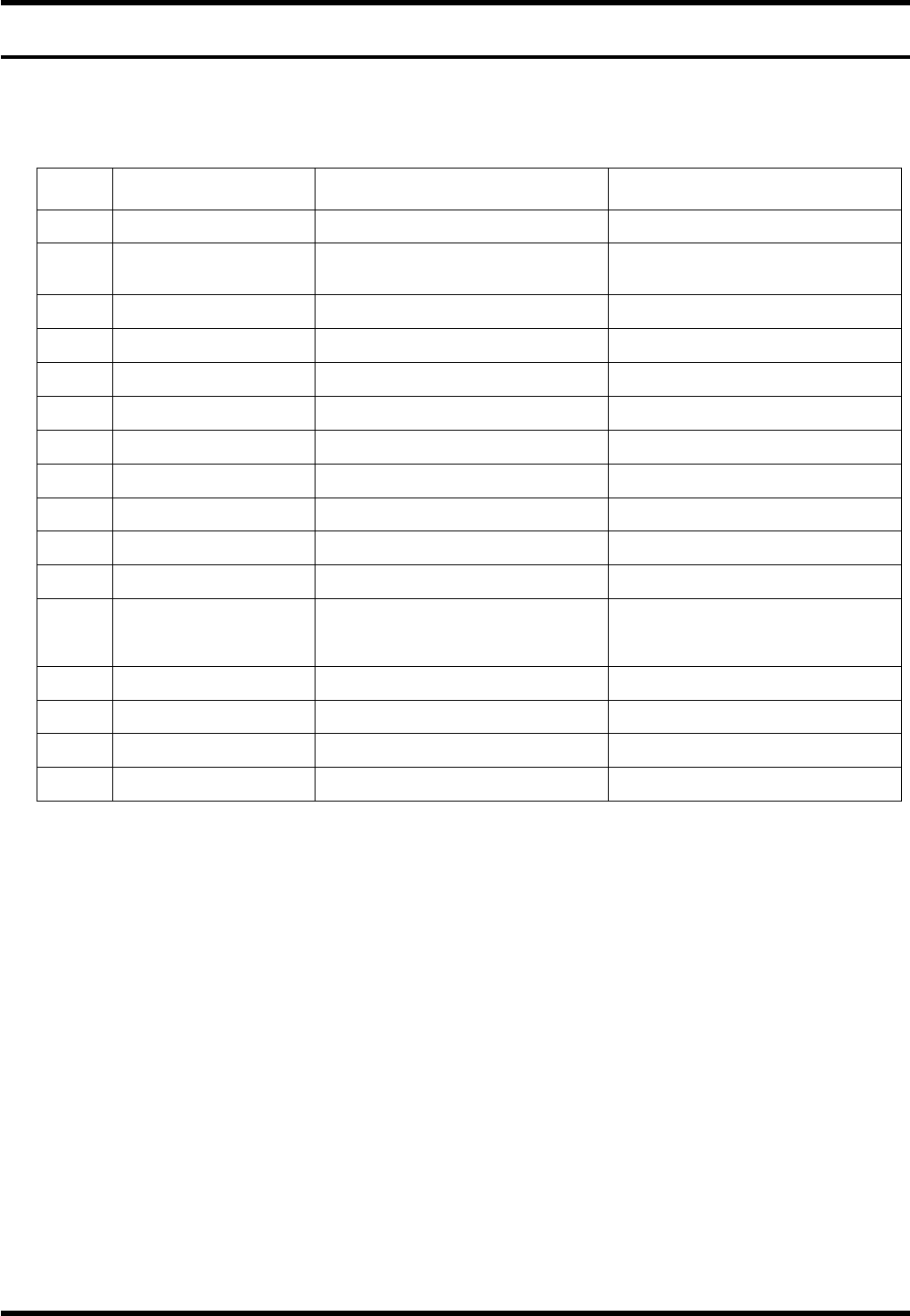
Error
code
Message Cause Solution
None Handle detection The cam rotation handles has been
pushed in.
Pull back the cam rotation handle.
The right rail may have been lowered. Return the right rail to the upper
position.
None Right rail traverse limit
The sensor may be defective. Check the condition of the sensor.
The right rail may have been lowered. Return the left rail to the upper position. None Left rail traverse limit
The sensor may be defective. Check the condition of the sensor.
None No M.ORG The camshaft has been stooped at a
position other than the machine origin.
Return the camshaft to the machine
origin.
None No NC data NC data not selected in the production
setting.
Select an NC data file from the
production setting menu.
None No Part data Part data not selected in the production
setting.
Select a part data file from the
production setting menu.
None No PCB data Part data not selected in the production
setting.
Select a PCB file from the production
setting menu.
None NC data contents abnormal There may be invalid values in the NC
data.
Check the contents of data on the NC
data edit screen.
None Parts data contents
abnormal
There may be invalid values in the parts
data.
Check the contents of data on the Parts
data edit screen.
None PCB data contents abnormal There may be invalid values in the PCB
data.
Check the contents of data on the PCB
data edit screen.
None No insert step There may be no insertion steps in the
selected NC data.
Check the contents of the NC data.
The transfer rail may be out of its return
limit.
Check the return limit of the transfer
arm.
None No Loader origin
The left/right rails may be out of their
return limits.
Check the return limits of the left/right
rails.
None Transfer arm traverse limit The transfer arm may have been
stopped at the traverse limit.
Move the transfer arm to the return limit.
None H brake SW The H brake switch has been set to the
Release position.
Set the H brake switch to the Lock
position.
None H brake SW release OFF Brake may have been applied with the
H-axis servo lock engaged.
Release the H-axis brake.
None Thermal trip (dust collector) Thermal trip may have been occurred on
the dust collector.
Reset the thermal relay of the dust
collector.

AV131
ERROR CODE LIST
2.1 Self-diagnosis
D79EEC-91-220-A0
2.1-2
AV131
ERROR CODE LIST
2.2 Overview of Error Messages
D79EEC-91-230-A0
2.2-1
2.2. Overview of Error Messages
D79EEC-91-230-A0
2.2.1 Error Message Display Screen
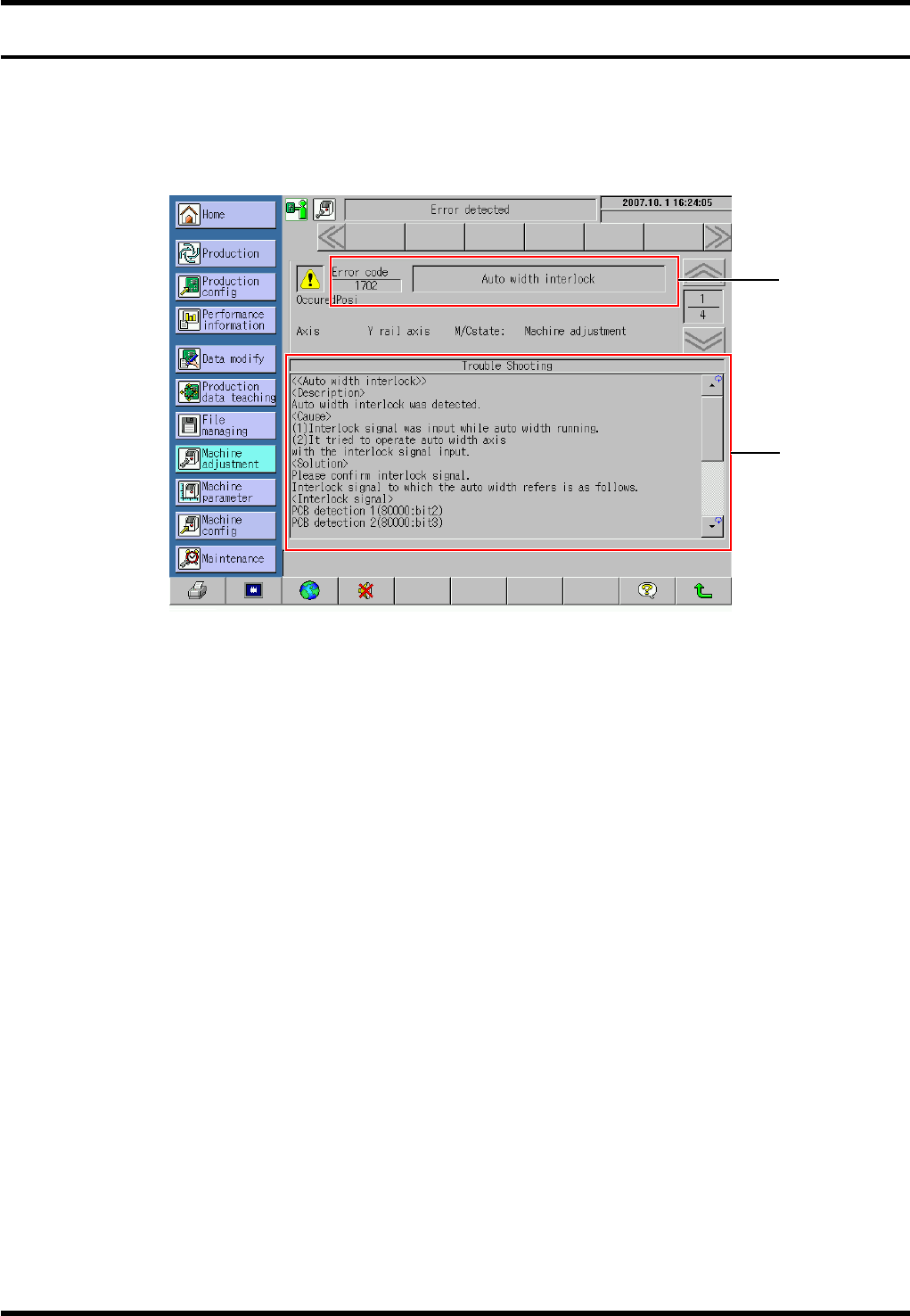
When an error has occurred on the AV131, messages for the error are displayed on the screen as shown in
the below example.
1.
1. Error message area
An error code and a message for the error occurred appear in this area.
2. Troubleshooting area
Description, possible causes and solution to the error occurred are displayed in this area.
=HINT=
The same contents are also included in this manual. Use them when dealing with the errors occurred.
1
2