1OM-1625-004_w.pdf - 第150页
1OM-1603 3-27 2. Program Change Operation : Chap.3 2.4 ConrmationofPlacement 2.4.1 Setting of Operation Mode Before starting the automatic operation, press the [Operation] button on the submenu bar. The "OPERATI…
1OM-1603
3-26
2. Program Change Operation : Chap.3
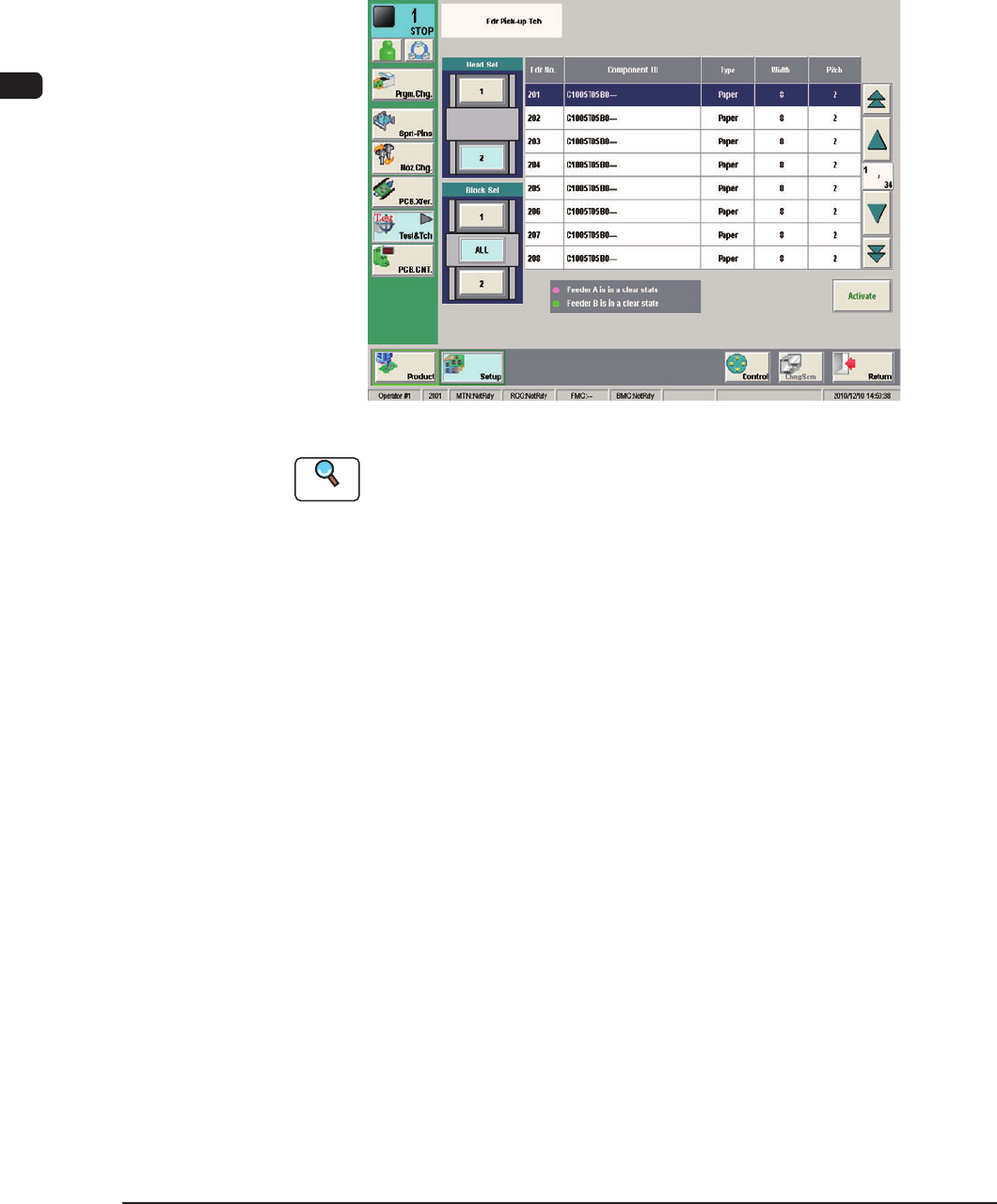
2.3.6 ConrmationofComponentPickupPosition
In normal cases, it is not necessary to check the pickup position because slightly
shifted position is automatically adjusted.
However, when a component that requires to be positioned precisely cannot be
picked up correctly for the rst time, a teaching operation must be performed on
the feeder Pickup Position.
F1C19-1
Reference
Refer to "7.5 "PU Pos Ofst Tch" Window" in Chapter 6, Volume 2 for the details.
1012-004
1OM-1603
3-27
2. Program Change Operation : Chap.3
2.4 ConrmationofPlacement
2.4.1 Setting of Operation Mode
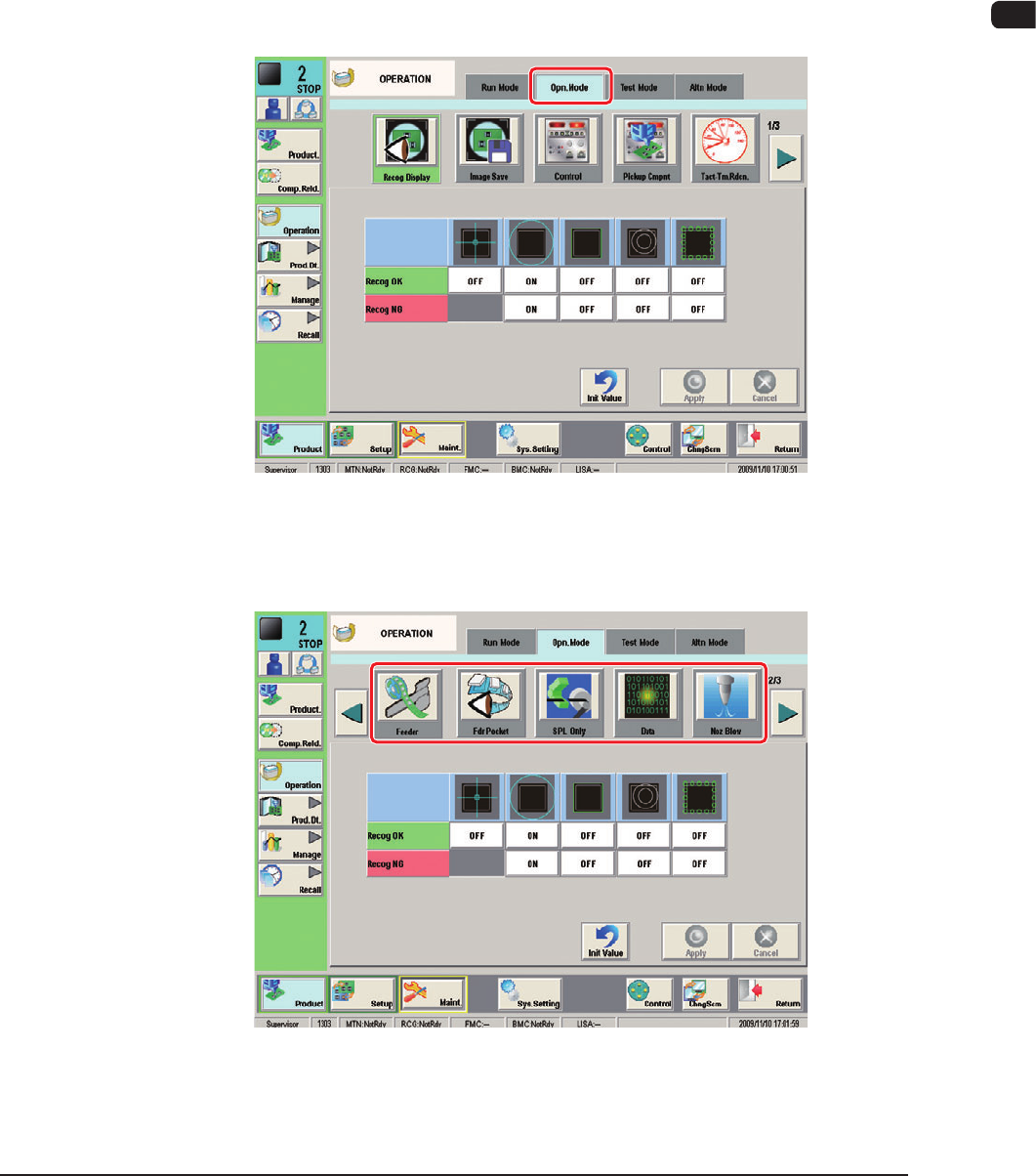
Before starting the automatic operation, press the [Operation] button on the
submenu bar. The "OPERATION" window appears. Conrm and specify the
following items related to the operation mode for the production model.
ConrmationandSettingofOperationMode
When the [Opr.Mode] tab is pressed in the "OPERATION" window, the "Opr.
Mode" window appears.
"Opr. Mode" Window (First Page) F1C20
Every time the [Page] button is pressed, the next page in the "Opr.Mode" is
displayed.
"Opr. Mode" Window (Second Page) F1C21
1012-005
1OM-1603
3-28
2. Program Change Operation : Chap.3
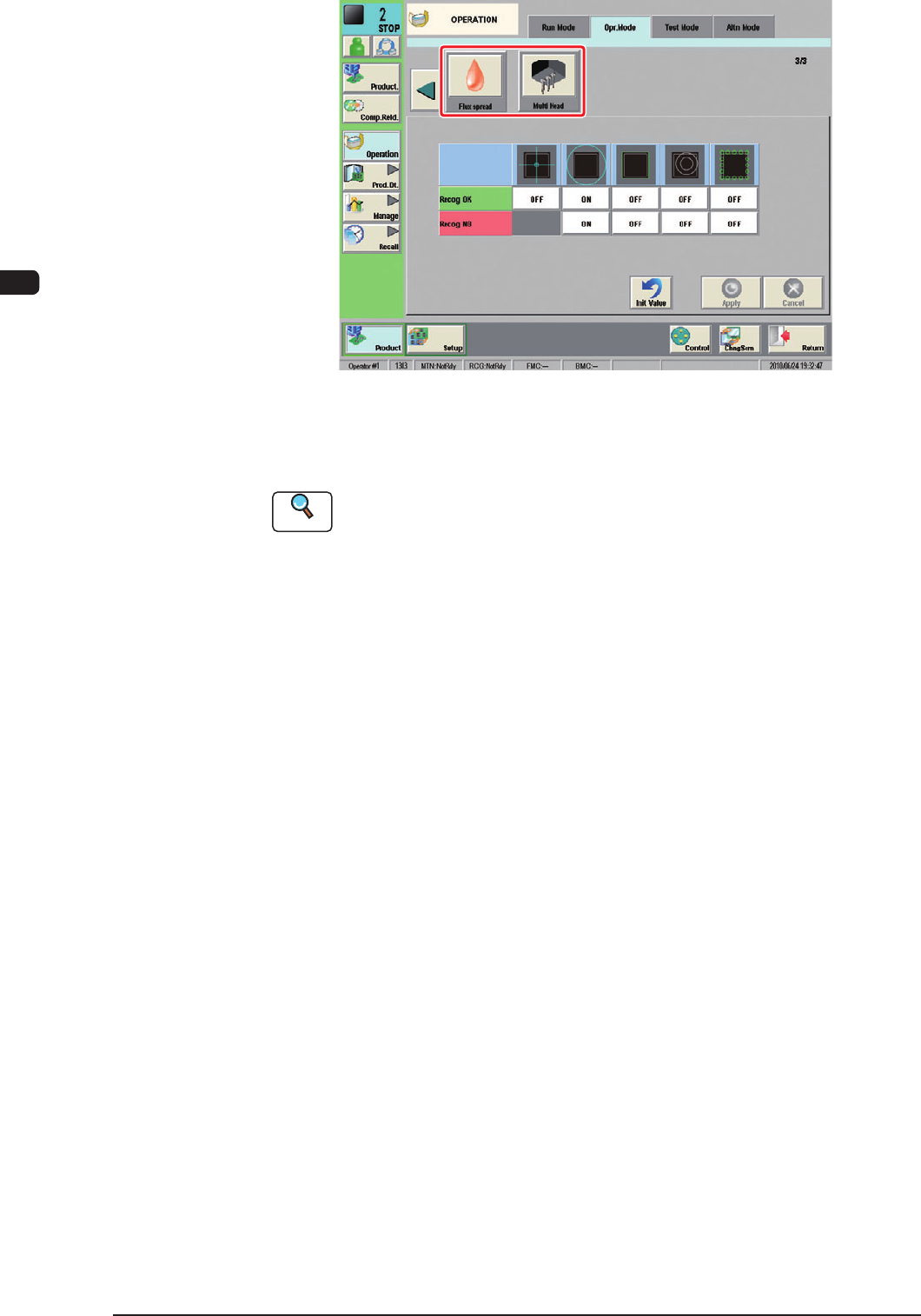
F1C22
Using each icon, the check and setting of the corresponding function are
performed.
Reference
Refer to "4.2 Operation Mode" in "Chapter 1 (Volume 2)" for details.
1007-004