SIPLACE Line Computer UNIX.pdf - 第523页
User Manual Line Computer UNIX 17 Practical Tips on Using the LC UNIX Software Vers ion 502.xx 10/2000 Issue 17.2 From the Placement Program to the Assembly 521 I t I I Open Set-Up Editor/Fe eder Part E ditor S.17- 568 D…
17 Practical Tips on Using the LC UNIX User Manual Line Computer UNIX
17.2 From the Placement Program to the Assembly Software Version 502.xx 10/2000 Issue
520
I
t I I
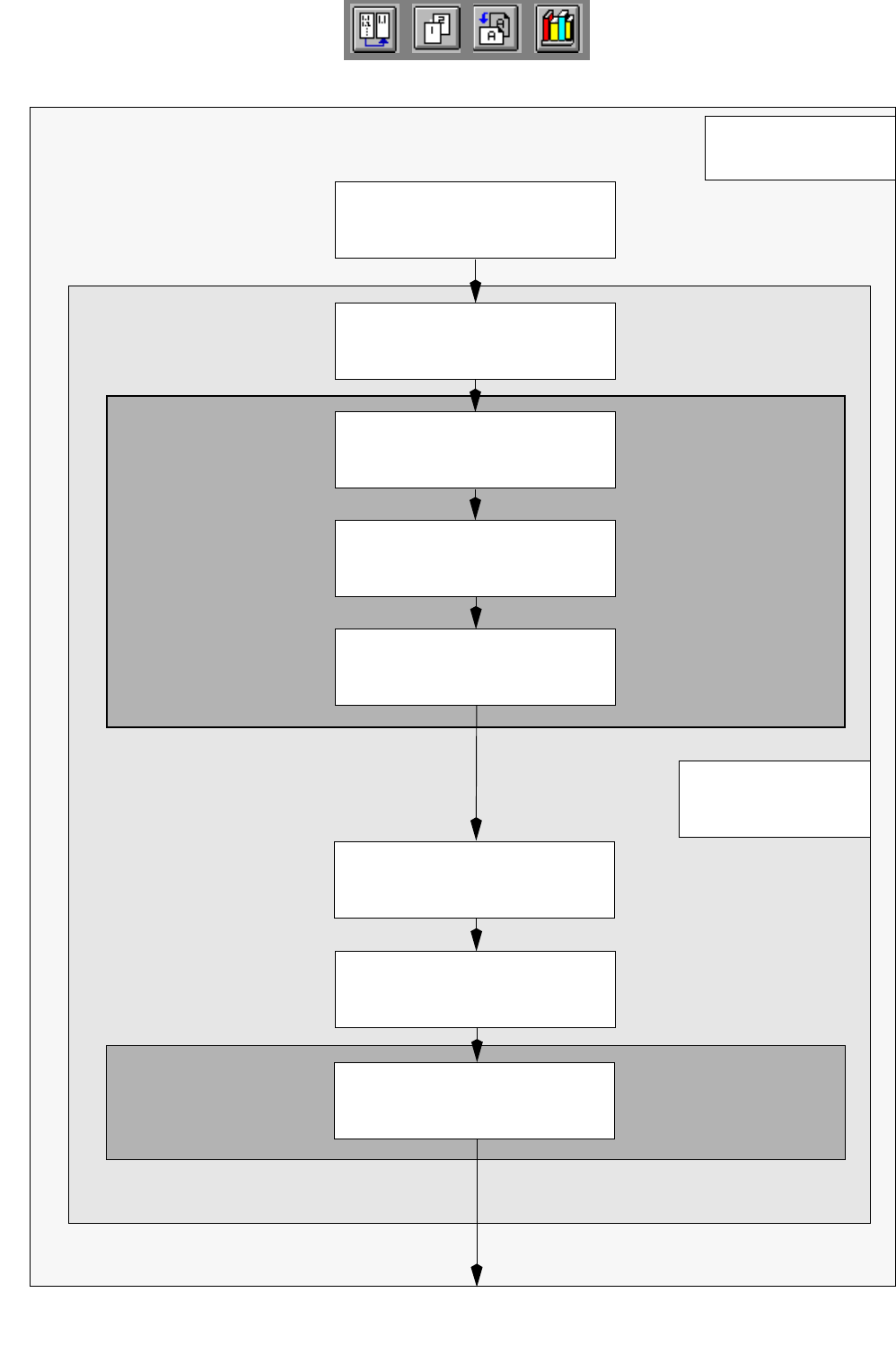
17.2.6 Flowchart Set-Up Generation
Open
Optimization Dialog
S.17-564
Create lot file
S.17-564
Desktop
Edit lot file
S.17-564
Save lot file
S.17-564
Generate
basic optimization data
S.17-564
Optimization Dialog
Start optimization
for lot file
S.17-566
Start producibility check
for lot file
S.17-566
Display and print
optimized set-up
S.17-566
Set-Up Modification
Job Control
Lot Handling
Section 17.4.1
Automatic
Set-Up Generation
Section 17.4.2
Generator
User Manual Line Computer UNIX 17 Practical Tips on Using the LC UNIX
Software Version 502.xx 10/2000 Issue 17.2 From the Placement Program to the Assembly
521
I
t I I
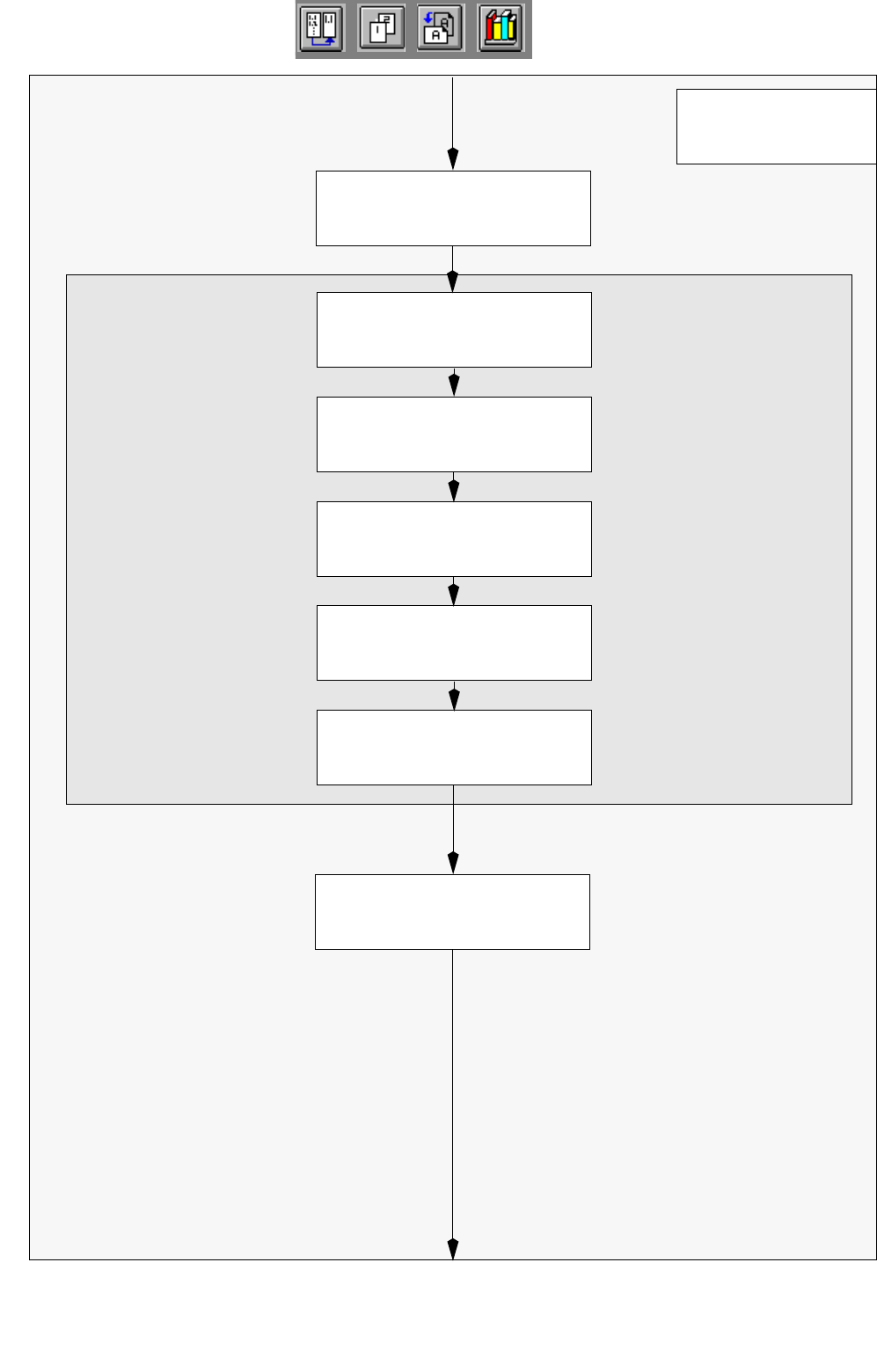
Open
Set-Up Editor/Feeder Part Editor
S.17-568
Delete feeders,
which are not required
S.17-568
Allocate new feeders
to the tracks
S.17-568
Desktop
Allocate components
to the feeders
S.17-568
Adjust vibration time
and pick-up angle
S.17-570
Save set-up
S.17-570
Set-Up Editor/
Manual
Set-Up Adjustment
Section 17.4.3
Feeder Part Editor
Open
Set-Up Editor/WPC Editor
S.17-570
17 Practical Tips on Using the LC UNIX User Manual Line Computer UNIX
17.2 From the Placement Program to the Assembly Software Version 502.xx 10/2000 Issue
522
I
t I I
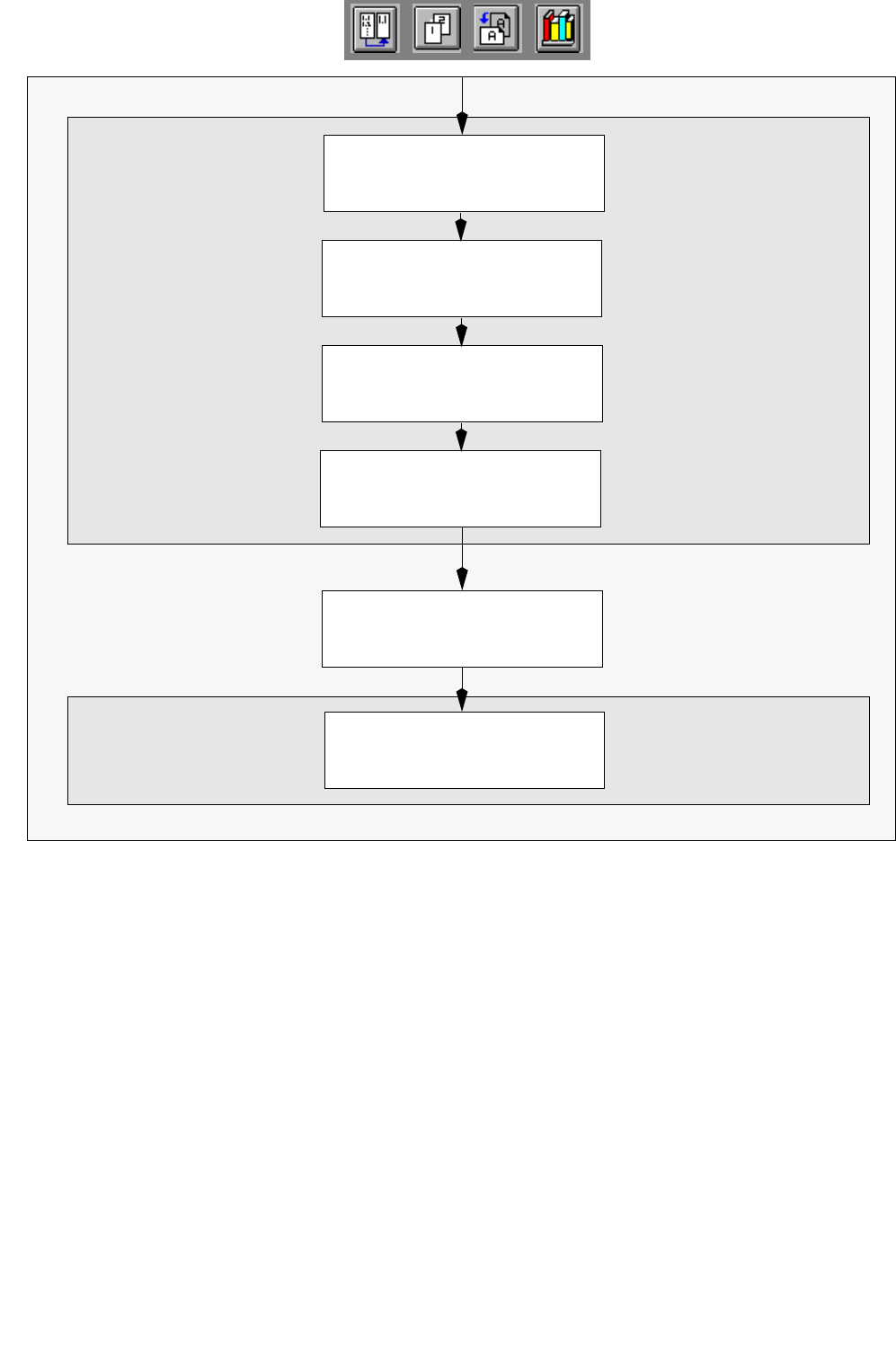
Allocate component
to tray
S.17-572
Save set-up
S.17-572
Allocate tray to
Waffle-Pack Changer
S.17-570
Set-Up Editor/
Define tray
S.17-570
Open Line Control
S.17-572
Adjust conveyor width
S.17-572
Line Control
WPC Editor