00191027-01.pdf - 第560页
Istruzioni per l’ uso SIPLACE 80 S/F/G 15 Installazione del software Edizione 12/96 V ersione software dalla S R.009.xx 15.1 S oftware per calcolatore di stazione versione dalla 8.x Preparato re 15 - 5 Fig. 15.1.3 15.1.2…
15 Installazione del software Istruzioni per l’uso SIPLACE 80 S/F/G
15.1 Software per calcolatore di stazione versione dalla 8.x Edizione 12/96 Versione software dalla SR.009.xx
15 - 4 Preparatore
Fig. 15.1.2
INDICAZIONE
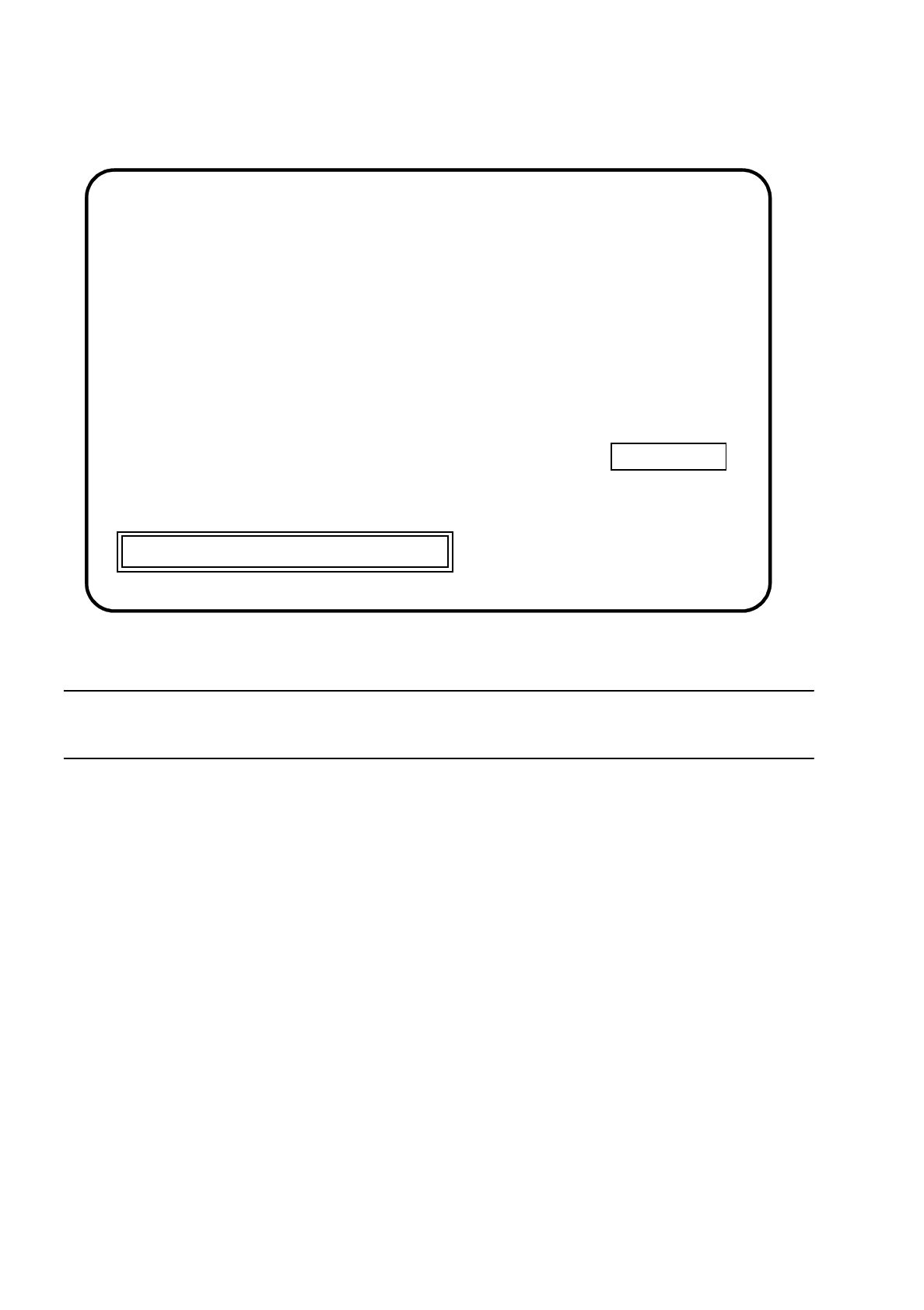
Nella finestra di visualizzazione a destra sono indicati il tipo di macchina e la versione del software.
●
Se volete interrompere l'installazione, premete il tasto Esc.
●
Premete un tasto a piacere per proseguire con l'installazione.
Apparirà il menu principale:
Press [Esc] to quit, any other key to continue
SIPLACE
SIEMENS AG
***
INSTALLATION
SI80X007.xxx
Istruzioni per l’uso SIPLACE 80 S/F/G 15 Installazione del software
Edizione 12/96 Versione software dalla SR.009.xx 15.1 Software per calcolatore di stazione versione dalla 8.x
Preparatore 15 - 5
Fig. 15.1.3
15.1.2.1 Install Revision of SIPLACE Software /
Revisione dell'installazione del software SIPLACE
In questo sottomenu viene effettuata l'installazione completa del software. Tutte le fasi necessarie per l'instal-
lazione vengono eseguite automaticamente.
Tutte le rimanenti funzioni di menu possono essere eseguite come funzioni singole indipendentemente
dall'installazione.
INDICAZIONE
I dati di macchina vengono salvati e risalvati automaticamente e non devono essere salvati a partire dal menu
principale.
●
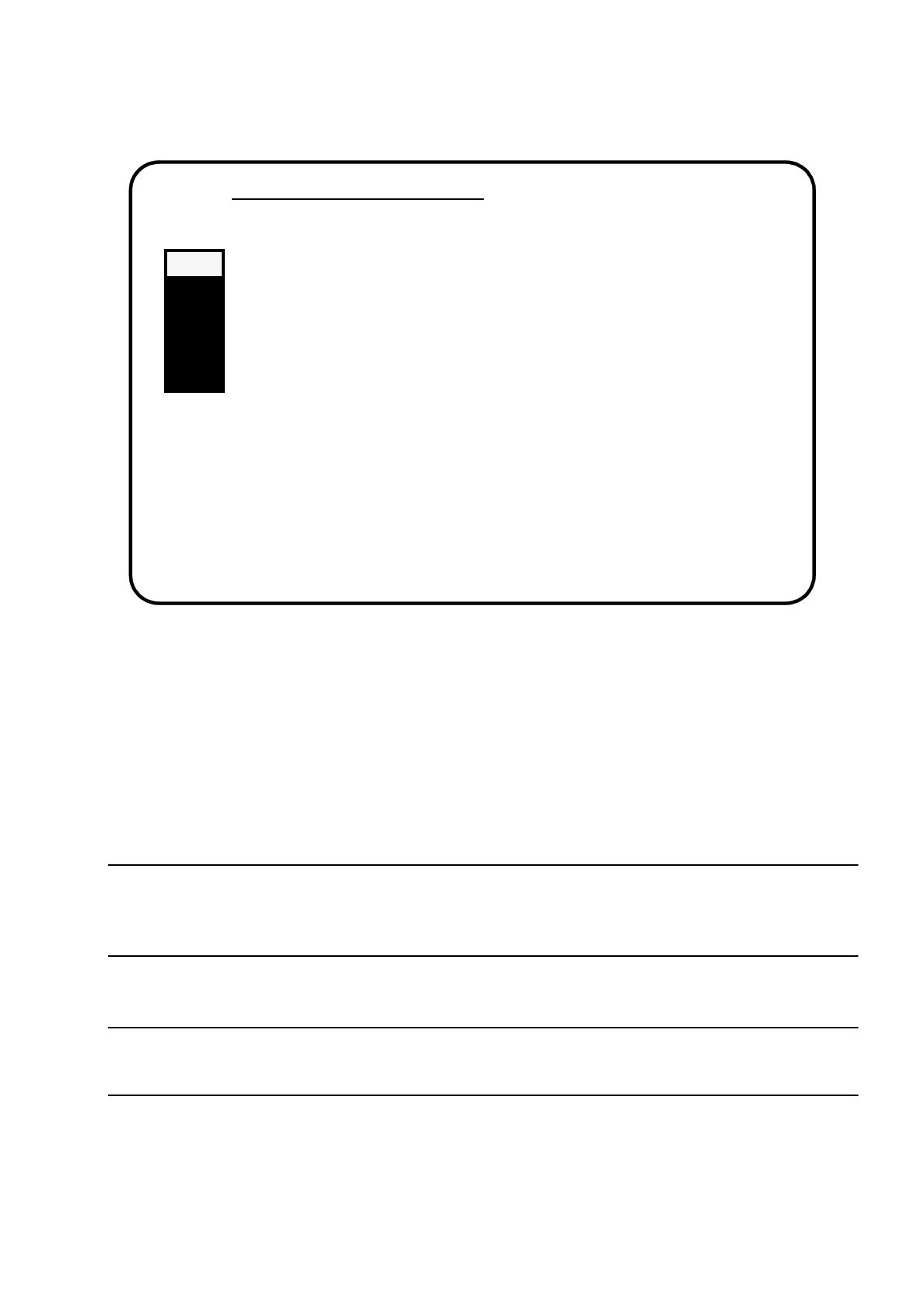
Selezionate con i tasti cursore il sottomenu "Install Revision of SIPLACE Software".
INDICAZIONE
Se viene selezionato un sottomenu, si accende una spia grigia.
●
Confermate con il tasto Return.
Si avvia l'installazione ed appare la seguente schermata:
Main Menue of SIPLACE Installation
>>> -----------------------------Install Revision of SIPLACE Software
>>> -----------------------------Set Language Configuration of SIPLACE System
>>> -----------------------------Set Address of IEC Bus of SIPLACE System
>>> -----------------------------Save Machine Data (
⇒
Partition "D:")
>>> -----------------------------Install Saved Machine Data(
⇐
Partition "D:")
>>> -----------------------------Terminate SIPLACE Installation Programm
Use the [Up Arrow] [Down Arrow] [Pg Up] [Pg Dn] keys to move the highlight bar to select the
button you prefer.
Press [Enter] to activate your selection
15 Installazione del software Istruzioni per l’uso SIPLACE 80 S/F/G
15.1 Software per calcolatore di stazione versione dalla 8.x Edizione 12/96 Versione software dalla SR.009.xx
15 - 6 Preparatore
Fig. 15.1.4
●
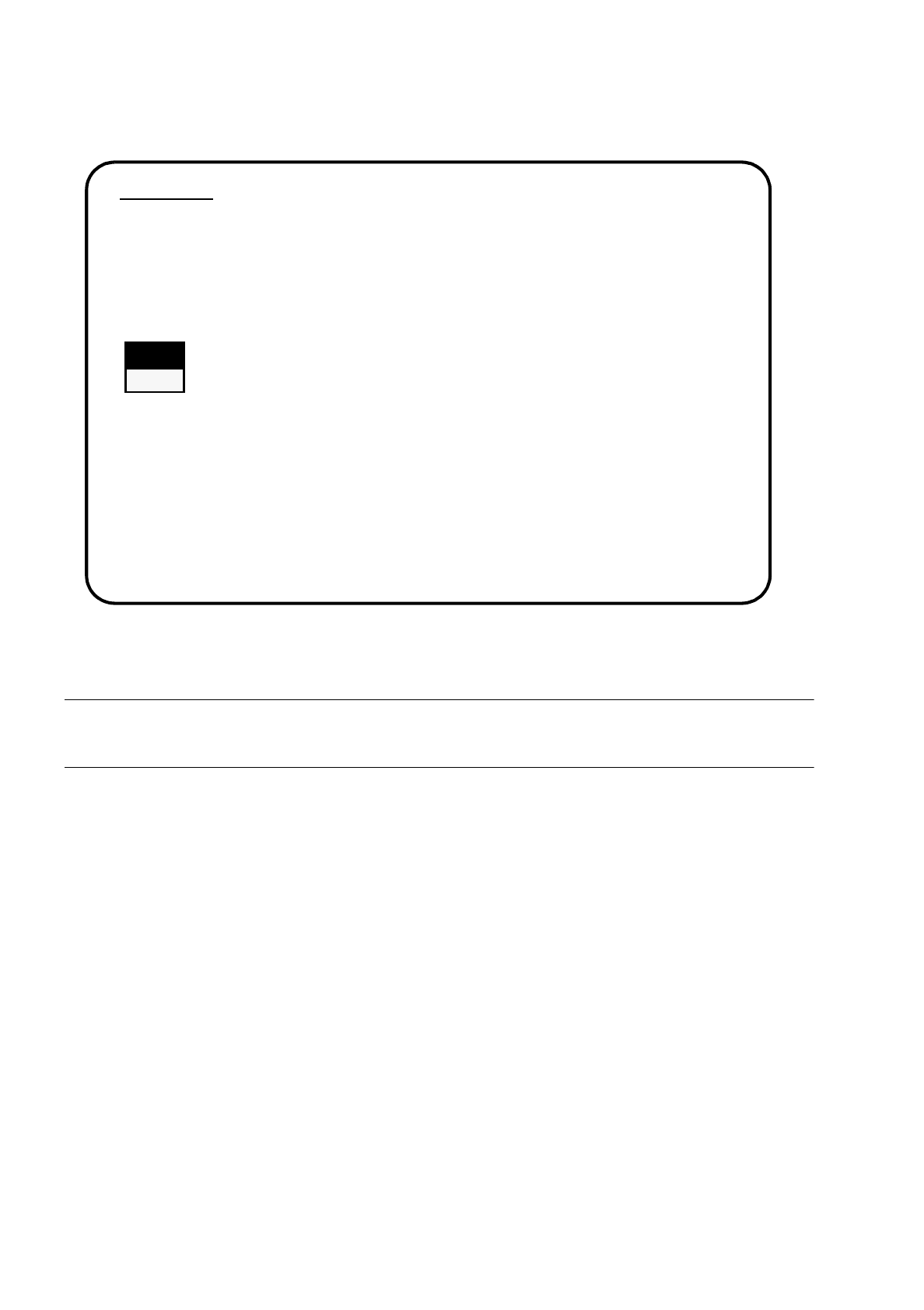
Selezionate con i tasti cursore se volete continuare oppure interrompere l'installazione.
AVVERTENZA
O
O
Tutti i dati di utenza verranno cancellati. Se è necessario salvate su dischetto tutti i Vostri dati di utenza.
●
Confermate con il tasto Return.
Verrà continuata l'installazione ed apparirà la seguente schermata:
1. WARNING
SIPACE installation will only save files keeping machine data. All other files of user’s
interest have to be saved on floppy disc by user manually. Otherwise these files will be
deleted.
Continue SIPLACE Installation Job?
>>> -----------------------------Install Revision of SIPLACE Software
>>> ----- No
>>> ----- Yes
Use the [Up Arrow] [Down Arrow] [Pg Up] [Pg Dn] keys to move the highlight bar to select the
button you prefer.
Press [Enter] to activate your selection