00197191-02_IM_SIPLACE_Pro_10.1_EN.pdf - 第60页
Installation Manual 6 Update SIPLACE Pro 10.1 Edition 09/2012 58

6 Update Installation Manual
Edition 09/2012 SIPLACE Pro 10.1
57
6Update
Basically, follow the same procedure as for initial installation when making an update. Please refer
to chapter 4 in this regard.
If you've installed SIPLACE Pro 5.2 or lower, you have to uninstall it manually before upgrading.
If you've installed a newer version of SIPLACE Pro, Setup will uninstall it automatically for up-
grade. The database will be kept untouched by that uninstallation and will be upgraded during the
installation of SIPLACE Pro.
Note
Any update from lower to higher versions is possible provided that an upgrade script is available.
In case of problems, please note any messages and check the installation logfile in your tempo-
rary folder (to locate it enter %temp% in the address field of Windows Explorer) or in the program
folder. For more details please contact your service technician. 6
Installation Manual 6 Update
SIPLACE Pro 10.1 Edition 09/2012
58
7 Troubleshooting Installation Manual
Edition 09/2012 SIPLACE Pro 10.1
59
7 Troubleshooting
7.1 During installation
If it is not possible to solve a problem during installation of SIPLACE Pro, please send the file
SIPLACEProSetupLog.html and all similarly named files to SIPLACE Service (see 7.1.1).
7.1.1 Relevant files to analyze setup problems
Error description:
Whenever problems arise during setup, please inspect the file SIPLACEProSetupLog.html, which
is written anew by each installation.
Cause:
Setup problems.
Solution:
The log file is found either in %temp% or in the unified Installation Log folder defined in the registry
value HKLM\SOFTWARE\Siemens SIPLACE\SIPLACE Discovery\LogFilesDirectory
(default: %ProgramFiles%\Siemens SIPLACE\Installation\Log).
Old versions of the log file can be found in the same folder or the program folder, too. They have
a timestamp added to the filename.
Hint
If you need SIPLACE support regarding installation problems, please provide all installation log
files. If you already have a SIPLACE Pro installation on your computer, the SIPLACE Pro Error
Reporting Tool is available and can be used from the start menu (Start/Programs/
Siplace Pro/Error Reporting Tool). 7
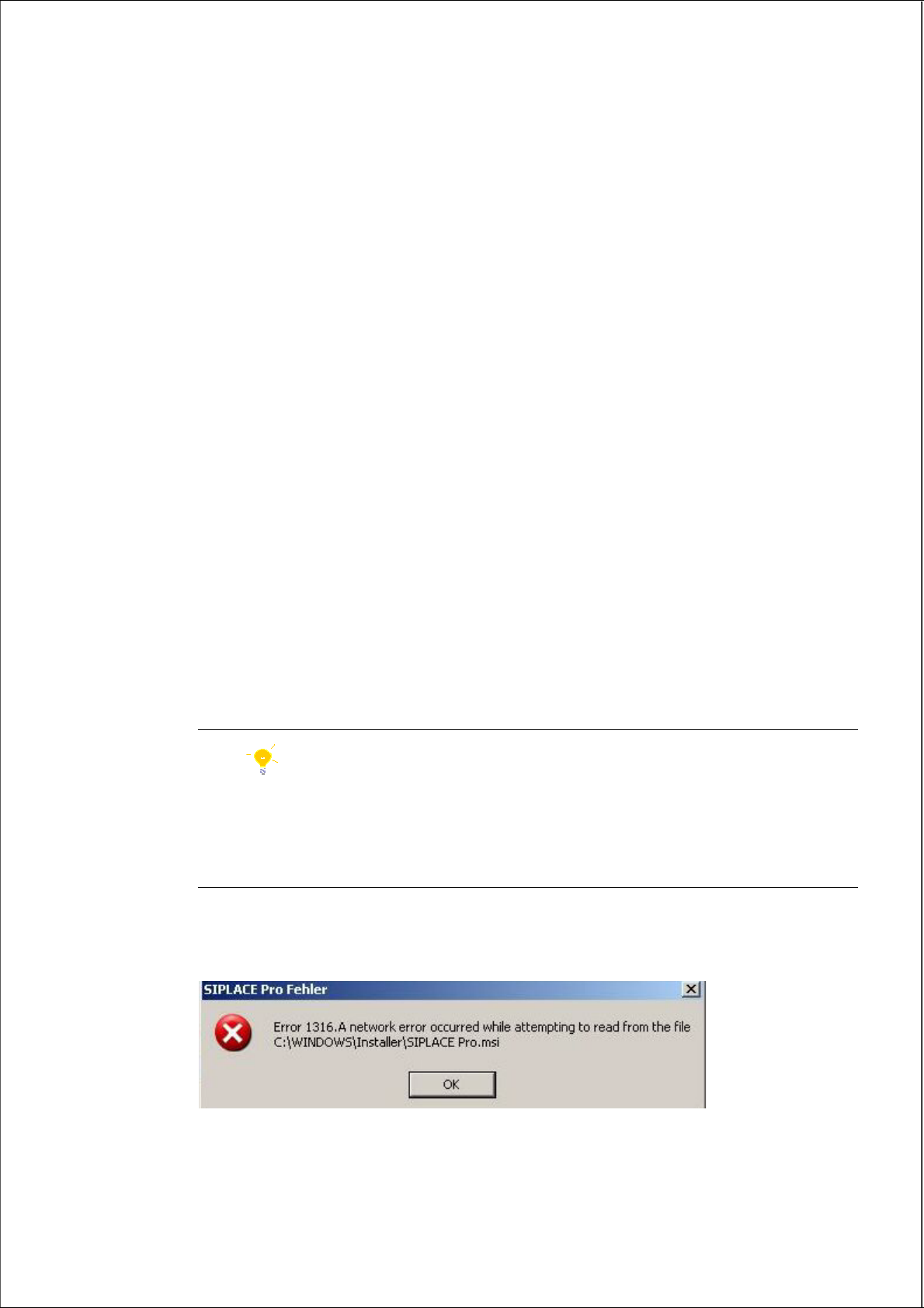
7.1.2 Error code 1316 and 1603
7
Fig. 7.1 - 1 "Error " dialog box