00195166-0402_SM_D4_EN.pdf - 第210页
Measuring Equipment and Tools Calibration Tool [03010565-01] Scope of Delivery 210 Serv ice Manual SIPLACE D4 5.1 1 Calibration T ool [03010565-01] 5.12 Calibration Nozzle for T win Head [03008862-xx] Application: The …
Measuring Equipment and Tools
Scope of Delivery Adjustment Aid for C&P DLM [00327005-01]
Service Manual SIPLACE D4
209
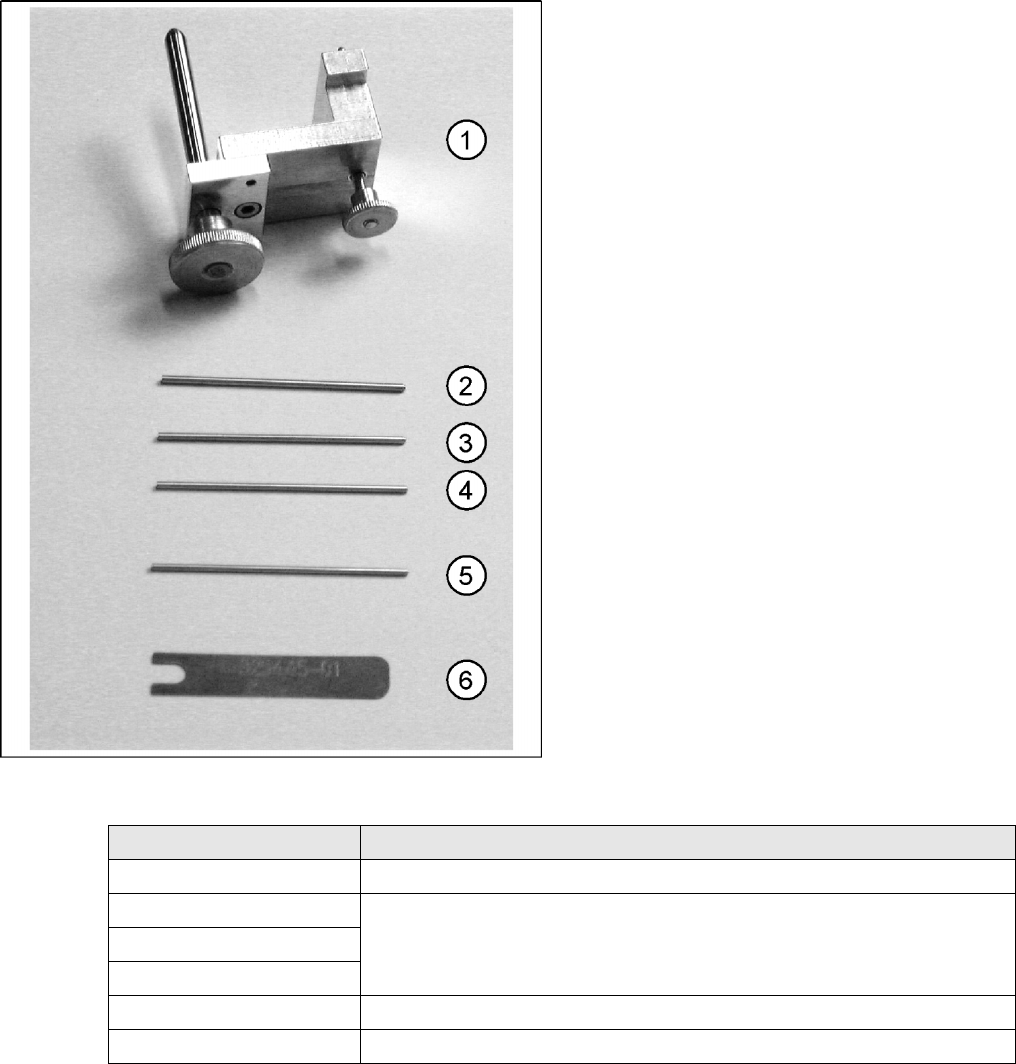
5.10 Adjustment Aid for C&P DLM [00327005-01]
Complete set: Art. No. 00327005-01
1. Gauge for star [00326164-01]
2. Test probe 1.4 mm [00326160-01]
3. Test probe 1.5 mm [00326161-01]
4. Test probe 1.6 mm [00326162-01]
5. Test probe 1.0 mm [00376656-01]
6. Distance gauge [00325445-01]
Measurement tools Application type
Gauge for star Setting the zero point correction for the star
Test probe 1.4 mm Setting the distance between the DP station incremental encoder and the glass for
the sleeve
Test probe 1.5 mm
Test probe 1.6 mm
Test probe 1.0 mm Setting the distance from the Z axis light barrier down to the sleeve shaft
Distance gauge Setting the distance of the valve plunger to the star
Measuring Equipment and Tools
Calibration Tool [03010565-01] Scope of Delivery
210 Service Manual SIPLACE D4
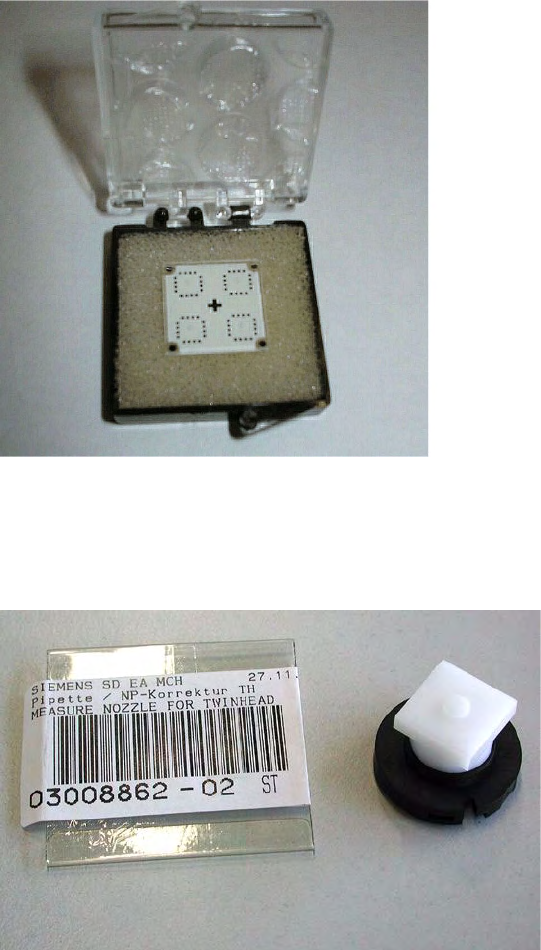
5.11 Calibration Tool [03010565-01]
5.12 Calibration Nozzle for Twin Head [03008862-xx]
Application:
The calibration tool [003010565-xx] is used for
calibration of the C&P6/12 placement heads,
P&P and Twin Head (for X series).
Application:
The calibration nozzle is used to calibrate the
D axis of the Twin Head or P&P head.
Settings
Checking the Firmware Function Electrical System
Service Manual SIPLACE D4
211
6Settings
The electrical assemblies are in part set via jumpers or DIP switches. The following tables provide a brief
overview of the electrical settings. For details, please consult the setting instructions.
6.1 Electrical System
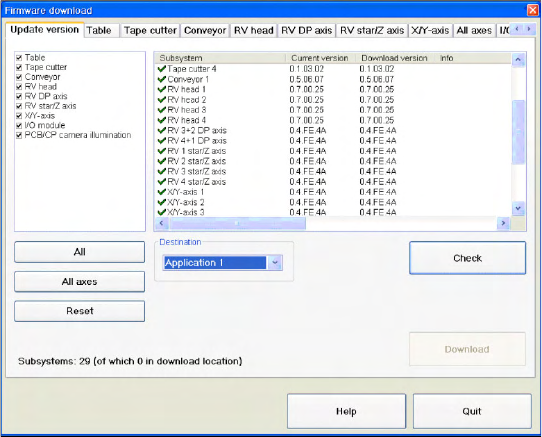
6.1.1 Checking the Firmware Function
6.1.2 Firmware Download Note
From the following station software versions, the firmware download can be performed to all CAN bus
nodes, via the standard SITEST interface.
505.04 SP2
603.01 SP1
604.01 SP1
X Select a
Target
(BIOS/application 1/
application 2) and click on the
Check
.