00194591_02.pdf - 第42页
3 Instal lation Installation Manual SIPLACE Setup Center RF 2.1 3.3 Installation of SIPLACE Setup Center and Possible Setup Types Edition 09/2005 EN 42 3.3.3.8 Setting of the Scanner Address Each scanner re quires a uniq…
Installation Manual SIPLACE Setup Center RF 2.1 3 Installation
Edition 09/2005 EN 3.3 Installation of SIPLACE Setup Center and Possible Setup Types
41
3
3
3
3
3
3
3
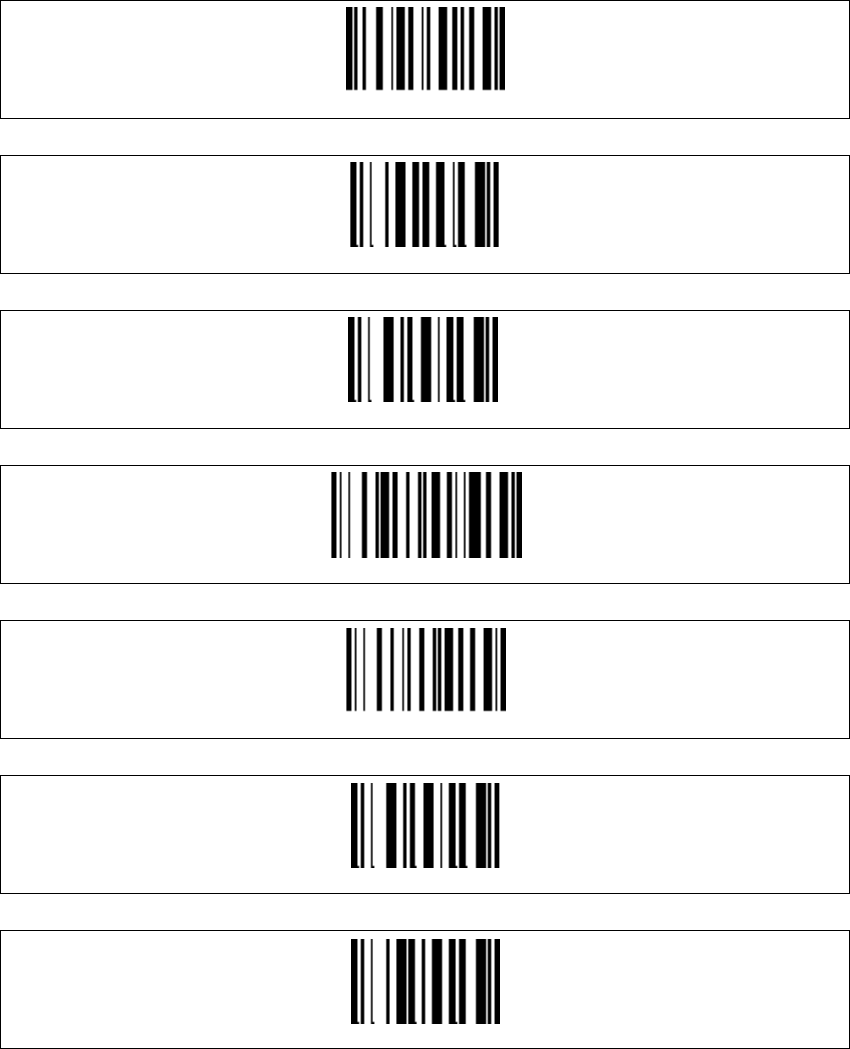
Radio protocol timeout
1
9
Two-Ways
Display-off Timeout
9
0
3 Installation Installation Manual SIPLACE Setup Center RF 2.1
3.3 Installation of SIPLACE Setup Center and Possible Setup Types Edition 09/2005 EN
42
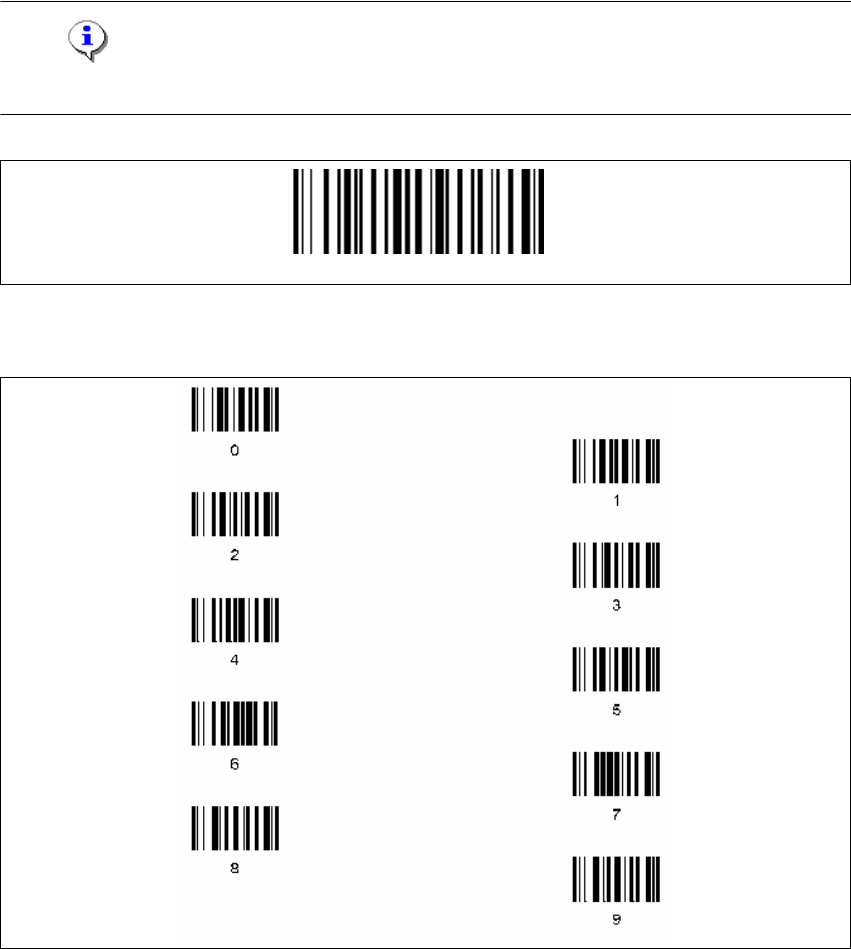
3.3.3.8 Setting of the Scanner Address
Each scanner requires a unique address.
→ Enter the following barcode and scan the four digits for the scanner address, e.g. '0' '0' '0' '1'.
Note
The address must consist of four digits. Don't forget to enter heading zeros. 3
3
Four digits for the DRAGON ™ M Address (from 0000 to 1999)
3
Set Radio Address
Installation Manual SIPLACE Setup Center RF 2.1 3 Installation
Edition 09/2005 EN 3.3 Installation of SIPLACE Setup Center and Possible Setup Types
43
3
3
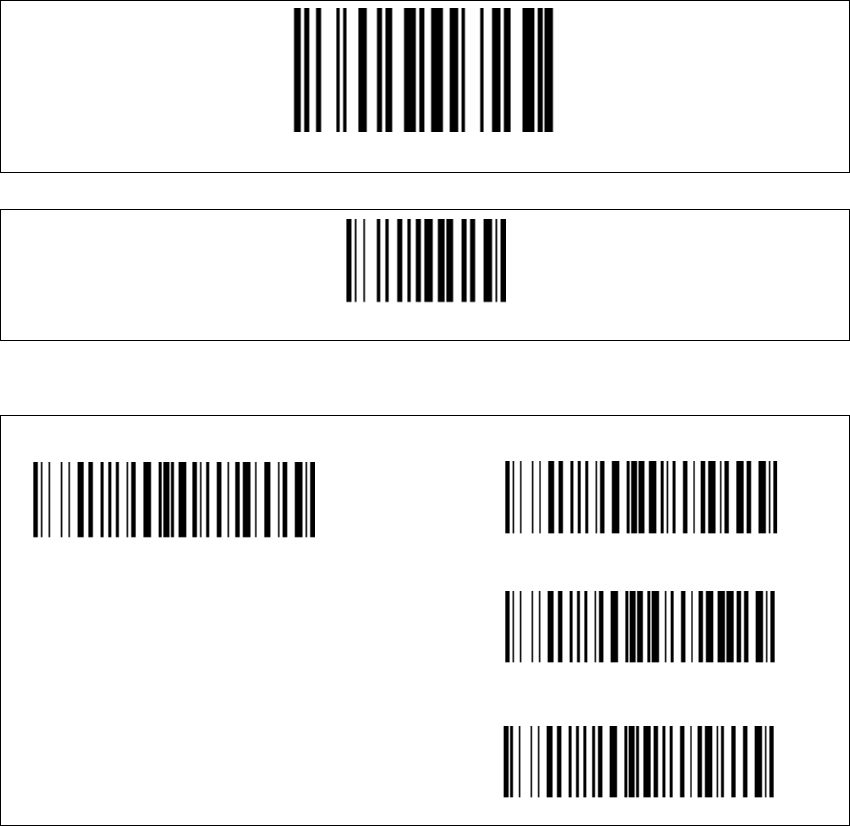
Aiming pointer (standard is 300 ms). The aiming pointer holds the laser beam on a single spot
before reading a barcode. 3
3
3
The scanner is now ready configured. Now it needs to be bound to a RF station as described
below. 3
Barcode Type Code 93
Exit and Save configuration
300ms
500ms
1 sec
Aiming system disabled