00194591_02.pdf - 第5页
Installation Manual SIPLACE Setup Center RF 2.1 1 Introduction Edition 09/2005 EN 1.1 Explanation of Symbols 5 1 Introduction Please read chapters 1 th rough 3 before you inst all SIPLACE Setup Center . Chapter 4 descri …
Installation Manual SIPLACE Setup Center RF 2.1
Edition 09/2005 EN
4
3.3.2.1 Setup Type - SIPLACE Setup Center GUI . . . . . . . . . . . . . . . . . . . . . . . . . . . . . . . 20
3.3.2.2 Setup Type - SIPLACE Setup Center Database . . . . . . . . . . . . . . . . . . . . . . . . . . 25
3.3.2.3 Setup Type - SIPLACE Pro Complete . . . . . . . . . . . . . . . . . . . . . . . . . . . . . . . . . . 31
3.3.3 Steps to Perform after Installation . . . . . . . . . . . . . . . . . . . . . . . . . . . . . . . . . . . . . . . 38
3.3.3.1 SIPLACE Setup Center Database and Windows XP SP2 . . . . . . . . . . . . . . . . . . . 38
3.3.3.2 SIPLACE Setup Center Configuration . . . . . . . . . . . . . . . . . . . . . . . . . . . . . . . . . . 38
3.3.3.3 Dragon Scanner Configuration . . . . . . . . . . . . . . . . . . . . . . . . . . . . . . . . . . . . . . . . 38
3.3.3.4 Scanner Hardware Installation . . . . . . . . . . . . . . . . . . . . . . . . . . . . . . . . . . . . . . . . 39
3.3.3.5 Safety Instructions . . . . . . . . . . . . . . . . . . . . . . . . . . . . . . . . . . . . . . . . . . . . . . . . . 39
3.3.3.6 Setting up the Scanner . . . . . . . . . . . . . . . . . . . . . . . . . . . . . . . . . . . . . . . . . . . . . . 40
3.3.3.7 Scanner Configuration . . . . . . . . . . . . . . . . . . . . . . . . . . . . . . . . . . . . . . . . . . . . . . 40
3.3.3.8 Setting of the Scanner Address . . . . . . . . . . . . . . . . . . . . . . . . . . . . . . . . . . . . . . . 42
3.3.3.9 Bind or Join the scanner to a RF station. . . . . . . . . . . . . . . . . . . . . . . . . . . . . . . . . 44
3.3.3.10 RF Station Communication Configuration . . . . . . . . . . . . . . . . . . . . . . . . . . . . . . 45
3.3.4 Testing the Setup. . . . . . . . . . . . . . . . . . . . . . . . . . . . . . . . . . . . . . . . . . . . . . . . . . . . 45
4 Troubleshooting . . . . . . . . . . . . . . . . . . . . . . . . . . . . . . . . . . . . . . . . . . . . . . . . . . . 47
4.1 During Installation . . . . . . . . . . . . . . . . . . . . . . . . . . . . . . . . . . . . . . . . . . . . . . . . . . . . . . . . . . . . . . 47
4.1.1 Relevant Files to Analyze Setup Problems . . . . . . . . . . . . . . . . . . . . . . . . . . . . . . . . 47
4.1.2 How to run Setup with Verbose Logging? . . . . . . . . . . . . . . . . . . . . . . . . . . . . . . . . . 48
4.1.3 Error code 1316 and 1603 . . . . . . . . . . . . . . . . . . . . . . . . . . . . . . . . . . . . . . . . . . . . . 49
4.1.5 Conflicts with old SIPLACE Setup Center configurations . . . . . . . . . . . . . . . . . . . . . 50
4.1.6 IRemote installation with Windows XP clients . . . . . . . . . . . . . . . . . . . . . . . . . . . . . . 50
4.1.7 Conflicting applications . . . . . . . . . . . . . . . . . . . . . . . . . . . . . . . . . . . . . . . . . . . . . . . 51
5 Modify . . . . . . . . . . . . . . . . . . . . . . . . . . . . . . . . . . . . . . . . . . . . . . . . . . . . . . . . . . . . 53
5.1 Modify the Installation . . . . . . . . . . . . . . . . . . . . . . . . . . . . . . . . . . . . . . . . . . . . . . . . . . . . . . . . . . . 53
6 Uninstalling . . . . . . . . . . . . . . . . . . . . . . . . . . . . . . . . . . . . . . . . . . . . . . . . . . . . . . . 55
6.1 Backup Configuration Files . . . . . . . . . . . . . . . . . . . . . . . . . . . . . . . . . . . . . . . . . . . . . . . . . . . . . . 55
6.2 Uninstalling the Software . . . . . . . . . . . . . . . . . . . . . . . . . . . . . . . . . . . . . . . . . . . . . . . . . . . . . . . . 55
6.2.1 Step 1 . . . . . . . . . . . . . . . . . . . . . . . . . . . . . . . . . . . . . . . . . . . . . . . . . . . . . . . . . . . . 55
6.2.2 Step 2 . . . . . . . . . . . . . . . . . . . . . . . . . . . . . . . . . . . . . . . . . . . . . . . . . . . . . . . . . . . . 56
6.3 Uninstalling the Database . . . . . . . . . . . . . . . . . . . . . . . . . . . . . . . . . . . . . . . . . . . . . . . . . . . . . . . . 56
6.3.1 Uninstalling MSDE Installation. . . . . . . . . . . . . . . . . . . . . . . . . . . . . . . . . . . . . . . . . . 57
Installation Manual SIPLACE Setup Center RF 2.1 1 Introduction
Edition 09/2005 EN 1.1 Explanation of Symbols
5
1 Introduction
Please read chapters 1 through 3 before you install SIPLACE Setup Center. Chapter 4 describes
the installation sequence for SIPLACE Setup Center as well as the related setup types and impor-
tant information regarding the installation. 1
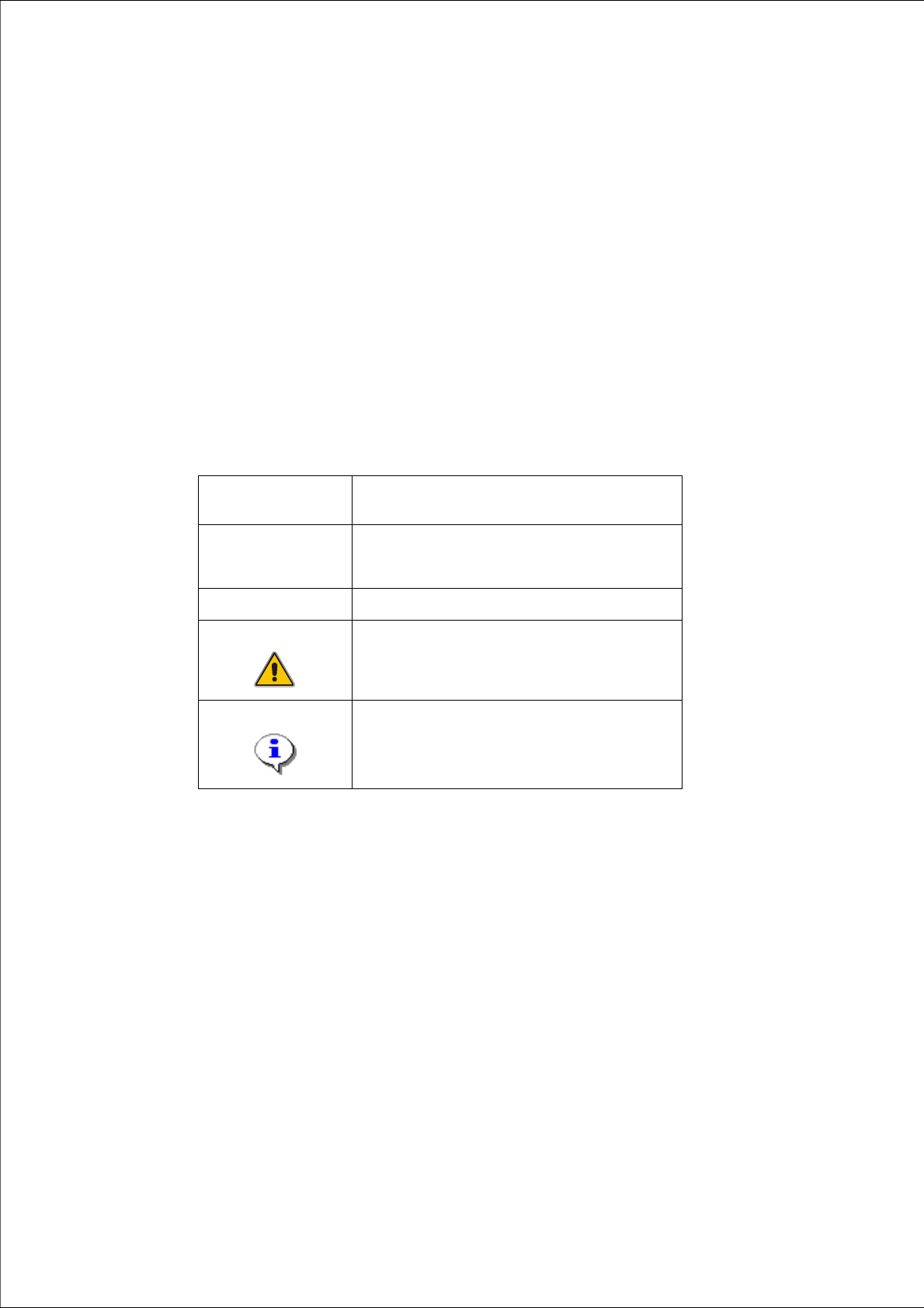
1.1 Explanation of Symbols
Various symbols and notes are used for making this document easier to read. 1
1
1
Words in bold/
italics
These are dialog boxes and menu commands.
Step …
An installation step includes all the actions relating
to a specific dialog box. An installation step may be
composed of several actions.
→
Requires an action (e.g. mouse click, open file)
Corresponds to a warning. The information is
critical to the success of the installation process.
The installation will be cancelled if you do not
comply with the warning.
Explanatory information about the installation
sequence.
Tab. 1 - 1 Explanation of symbols
1 Introduction Installation Manual SIPLACE Setup Center RF 2.1
1.2 Scope of Delivery Edition 09/2005 EN
6
1.2 Scope of Delivery
The SIPLACE Setup Center software package contains the following software and documenta-
tion: 1
– 1 CD-ROM "SIPLACE Setup Center RF 2.1"
– SIPLACE Setup Center Setup
– Microsoft MSDE 2000, SP4
– Documentation
– Basic documents
– "Software Version Description SIPLACE Setup Center RF 2.1"
(English and German; Art. No. 00194590-02)
– "Installation Manual SIPLACE Setup Center RF 2.1" (English, Art. No. 00194591-02)
– "Getting Started SIPLACE Setup Center RF 2.1" (English, Art. No. 00194592-02),
(German, Art. No. 00194593-02)
– "Installation Manual SIPLACE Setup Center RF 2.1
SIPLACE Setup Selection Assistant" (English, Art. No. 00194703-01)
– "Installation Manual SIPLACE Setup Center RF 2.1
SIPLACE Trace Config Assistant" (English, Art. No. 00194702-01
– Hardware package
– 1 DATALOGIC DRAGON™ M101/D 433MHz Barcode Scanner
– 1 DATALOGIC OM-DRAGON™ Radio Cradle
–1 Serial Cable
– 1 Power Supply