00196962-04-BA-SX12-V2-EN.pdf - 第55页
User manual SIPLACE SX1/SX2 2 Operational safety From software version SC 706.1 SP1 Version 10/2014 2.4 Safety instructions for transporting the machine 55 2.3.3 Laser class 2 The following modules are assi gned to laser…
2 Operational safety User manual SIPLACE SX1/SX2
2.3 Laser classification From software version SC 706.1 SP1 Version 10/2014
54
2.3 Laser classification
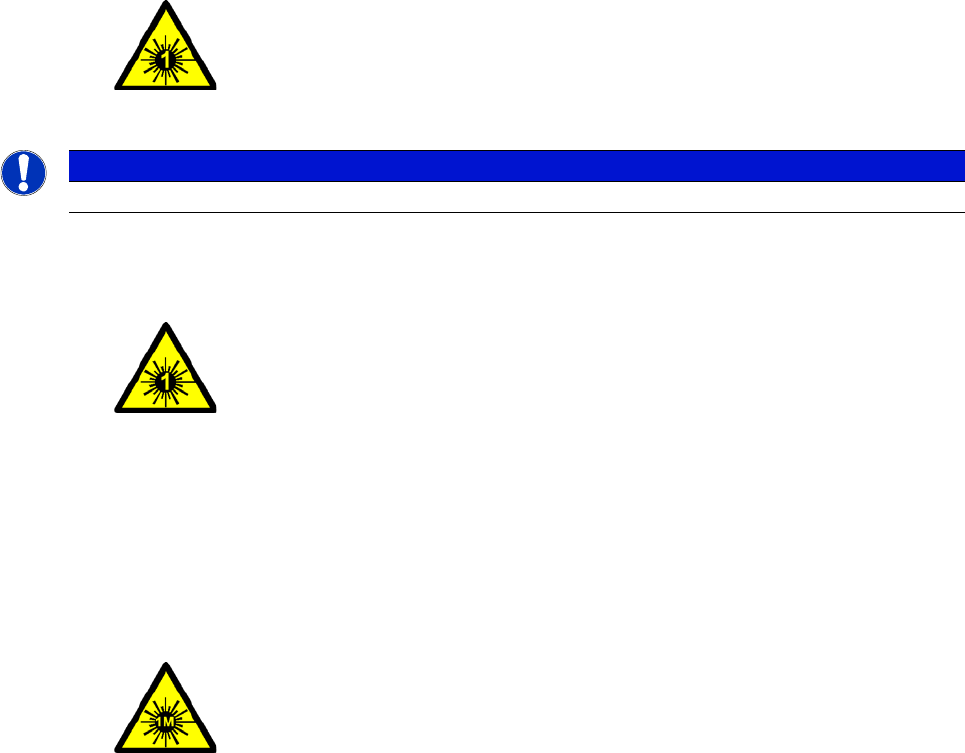
2.3.1 Laser class 1
2.3.1.1 Classification of the whole machine
2
2
2.3.1.2 Classification of the camera systems
2
2.3.2 Laser class 1M
Do not look directly at this with optical instruments!
2
2
All installed camera systems and the whole machine when ready
for operation are assigned to laser class 1.
The laser classes are determined according to DIN EN 60825-1.
PLEASE NOTE
Modules in laser classes 1 and 1M are not identified.
2
The following camera systems are assigned to laser class 1:
– Stationary cameras
Stationary component camera P&P, type 33, 55 x 45, digital
Stationary component camera P&P, type 25, 16 x 16, digital
2
The following camera systems are assigned to laser class 1M:
– Component camera C&P, type 23, 6 x 6 on SpeedStar
– Component camera C&P, type 41, 6 x 6 on SpeedStar
– Component camera C&P, type 30, 27 x 27 on MultiStar
– Component Camera C&P, Type 30, 18 x 18 on a 12 Segment Collect&Place
Head
User manual SIPLACE SX1/SX2 2 Operational safety
From software version SC 706.1 SP1 Version 10/2014 2.4 Safety instructions for transporting the machine
55
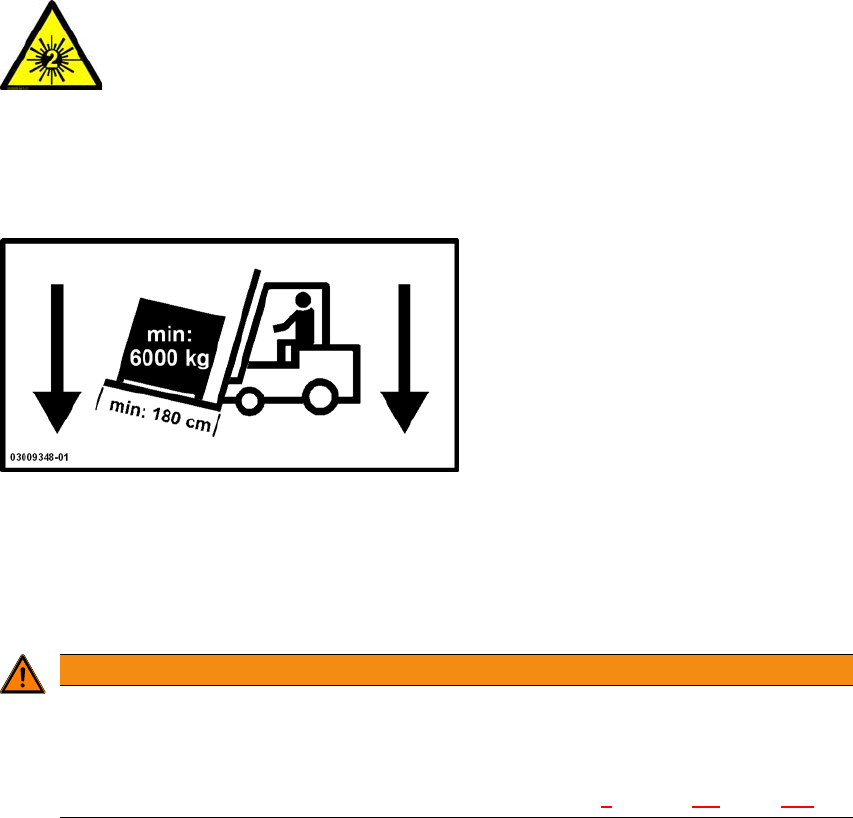
2.3.3 Laser class 2
The following modules are assigned to laser class 2:
– PCB barcode scanner
– Component sensor on SpeedStar
– Component sensor on MultiStar
(The entire machine is classified as laser class 2 if the coplanarity laser module option is installed.)
2
2.4 Safety instructions for transporting the machine
2
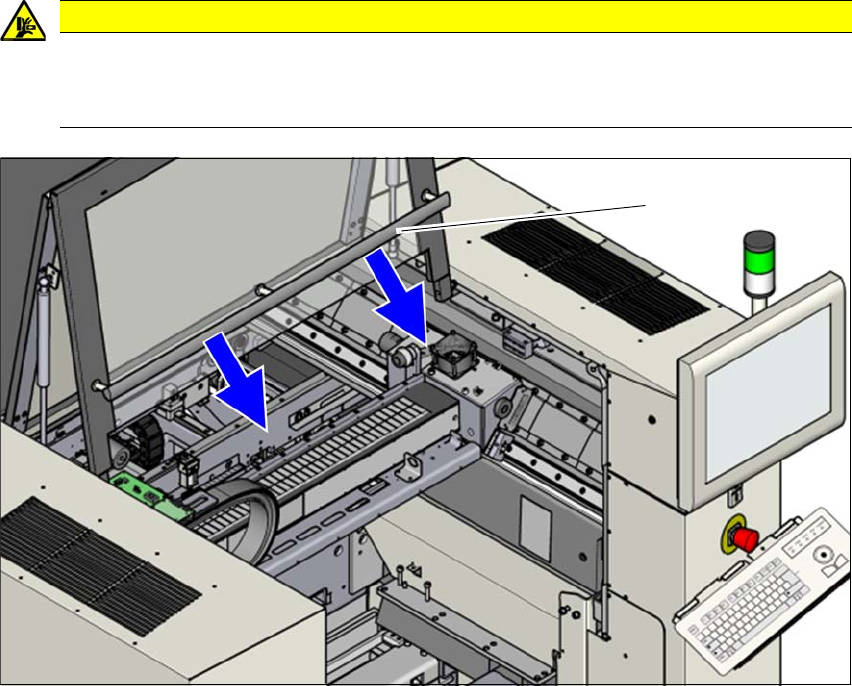
Use a fork-lift truck with the following specification to carry the machine:
Fork length: Min. 1800 mm
Carrying power: Min. 6,000 kg
Clear width between forks: Min. 350 mm 2
2
2
Laser radiation
Do not look into beam!
WARNING
Risk of tilting!
Risk of tilting, if the required specifications for the fork-lift truck are not observed.
Only use the specified fork-lift for transportation.
Proper transportation of the machine is described in chapter 4
, section 4.1, page 183.
2 Operational safety User manual SIPLACE SX1/SX2
2.5 Safety instructions for operating the SX1/SX2 machine From software version SC 706.1 SP1 Version 10/2014
56
2.5 Safety instructions for operating the SX1/SX2
machine
2.5.1 Safety instructions for closing the protective covers
To avoid risk of injury when closing the protective covers on the machine, the operator must in-
struct the personnel concerned to always follow the instructions below when handling the protec-
tive covers.
2
2
Fig. 2.5 - 1 Safety instructions for closing the protective covers
(1) Grab handles
To open or close the protective covers, always take hold of these by the grab handles.
When closing, do not reach into the gap between the protective cover and the machine panel.
CAUTION
DANGER OF CRUSHING!
Risk of crushing hands if the protective covers are not closed correctly.
Close the protective covers correctly.
(1)