00196962-04-BA-SX12-V2-EN.pdf - 第65页
User manual SIPLACE SX1/SX2 2 Operational safety From software version SC 706.1 SP1 Version 10/2014 2.7 Safety features 65 2.7 Safety features 2.7.1 Protective covers The protective hoods and covers se rve as protective …
2 Operational safety User manual SIPLACE SX1/SX2
2.6 Additional safety instructions for the SX1/SX2 machines From software version SC 706.1 SP1 Version 10/2014
64
2.6 Additional safety instructions for the SX1/SX2
machines
2.6.1 Safety instructions for docking the component trolley in or out
2
2
2
2
2.6.2 Safety instructions for emptying the waste tape container
The waste tape container must be pulled out of the component trolley for emptying. There is a risk
of catching your thumbs as you do so. To prevent this, observe the safety instructions in section
5.8.2
, page 253.
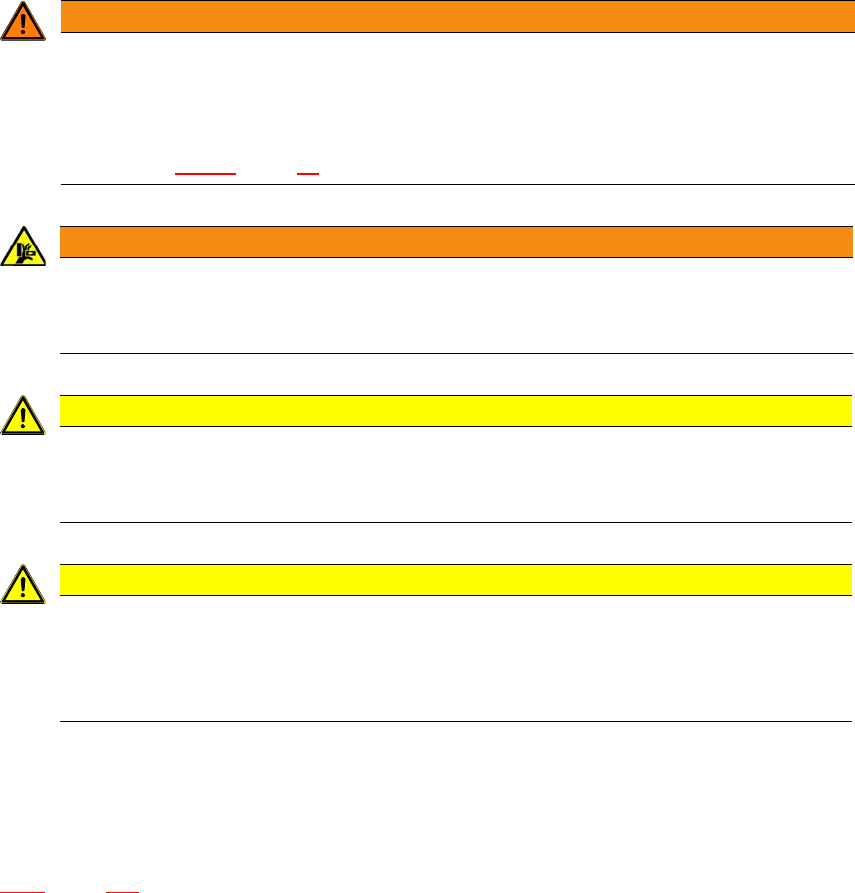
WARNING
Operation only with component trolley!
The placement machine may only be operated if there is a component trolley present and
docked at each location.
Fill any free locations with dummy feeder modules as described in
section 2.7.5.1
, page 77.
WARNING
DANGER OF CRUSHING!
Risk of crushing limbs when docking and undocking the component trolley.
Always dock/undock the component trolley alone.
CAUTION
Risk of breaking handles!
Risk of breaking handles when transporting the component trolley.
When transporting the component trolley, do not lift it by its handles.
CAUTION
Risk of injuring limbs!
Risk of injuring limbs when docking and undocking.
When docking and undocking, make sure that there are no body limbs in the travel
area of the component trolley.
User manual SIPLACE SX1/SX2 2 Operational safety
From software version SC 706.1 SP1 Version 10/2014 2.7 Safety features
65
2.7 Safety features
2.7.1 Protective covers
The protective hoods and covers serve as protective devices which prevent unauthorized access
to the inside of the machine.
2
2
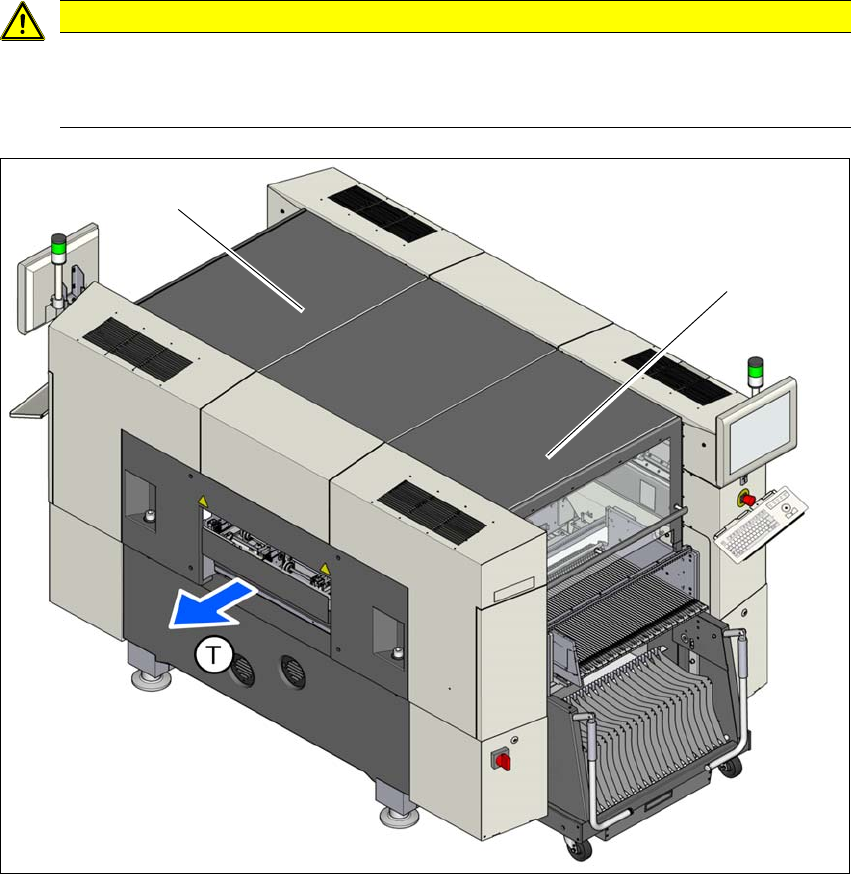
Fig. 2.7 - 1 Protective covers
(1) Protective cover location 1
(2) Protective cover location 2
The travel range of the gantries is protected with two covers which can be opened (items 1 and 2).
CAUTION
Risk of damage!
The protective covers and other covers could be damaged if too much force is exerted.
Do not stand on or climb up the protective covers and other covers.
(1)
(2)
2 Operational safety User manual SIPLACE SX1/SX2
2.7 Safety features From software version SC 706.1 SP1 Version 10/2014
66
Function 2
If the protective cover is swung upwards, the power supply to the gantry axes will be immediately
interrupted. The gantry axes stop moving. The message "Close cover" is displayed on the screen.
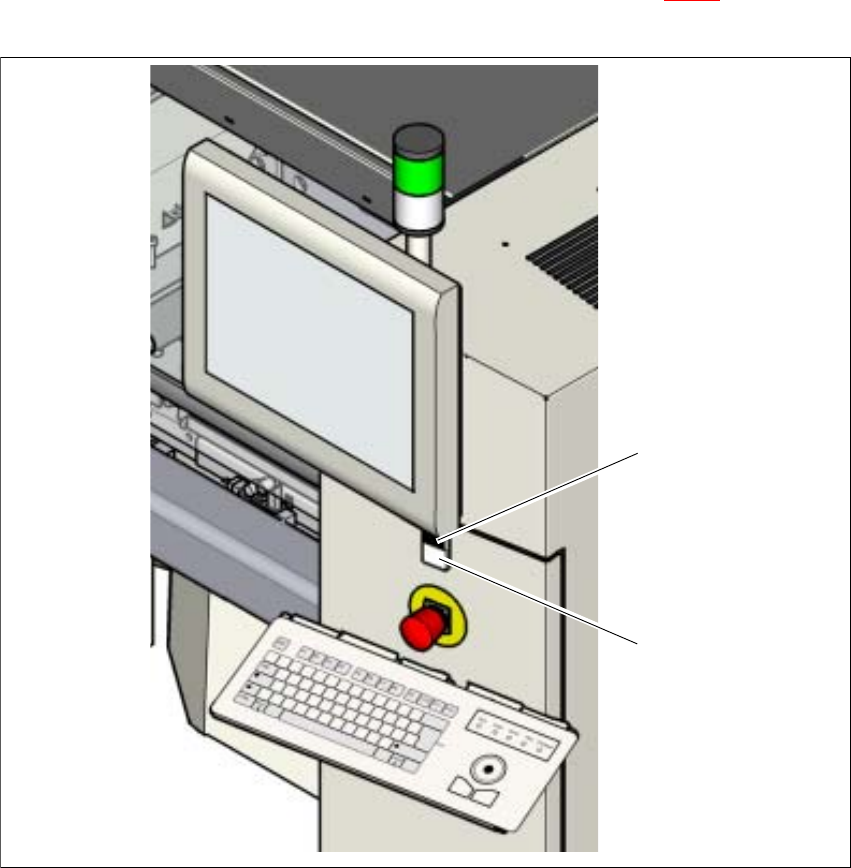
Close the protective covers and press the START button (item 2 in fig. 2.7 - 2), to continue
placement.
2
Fig. 2.7 - 2 Position of the start button on the machine
(1) STOP button (black) on machine
(2) Start button on the machine
(2)
(1)