SYS-CP842-1.1E.pdf - 第151页
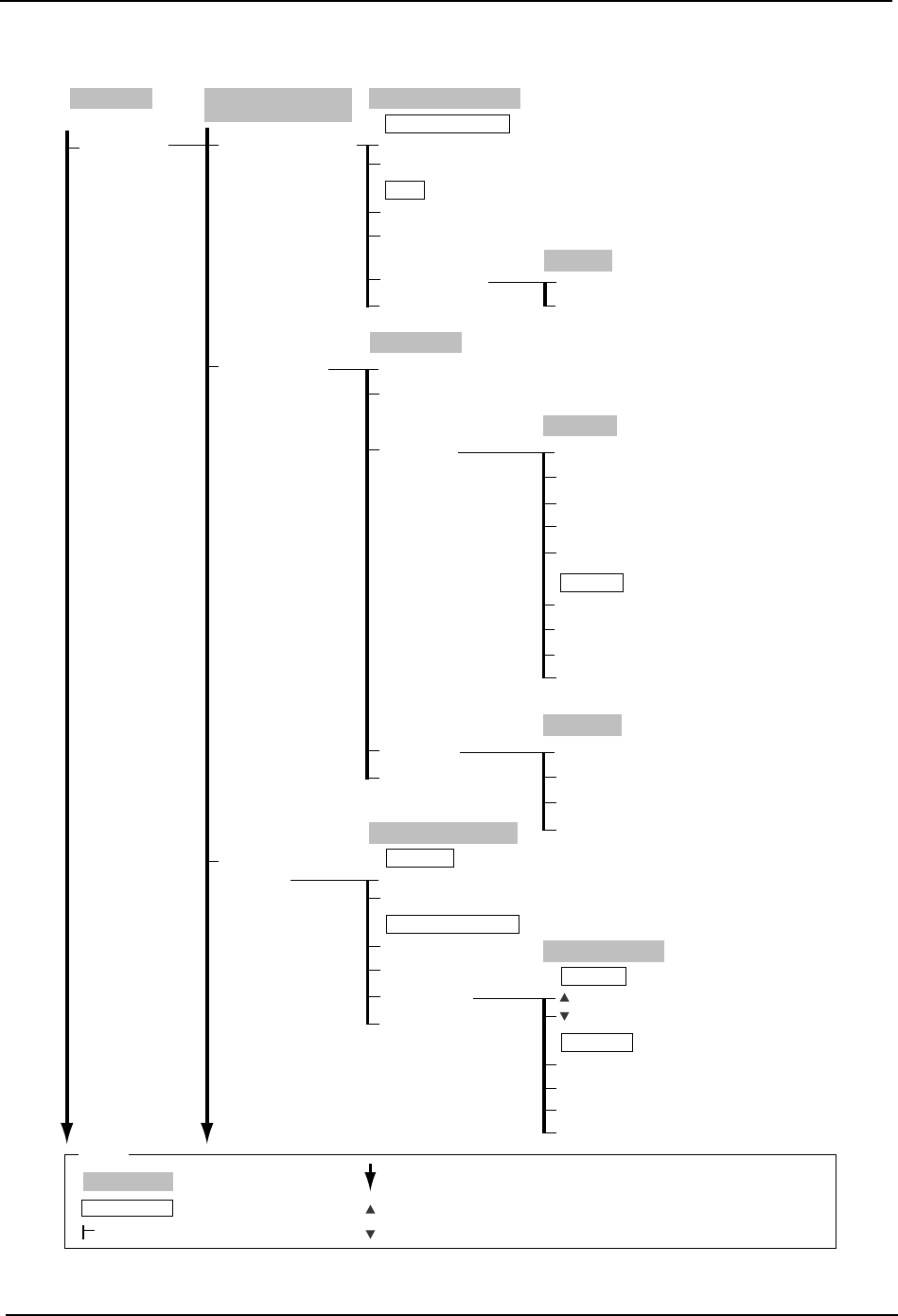
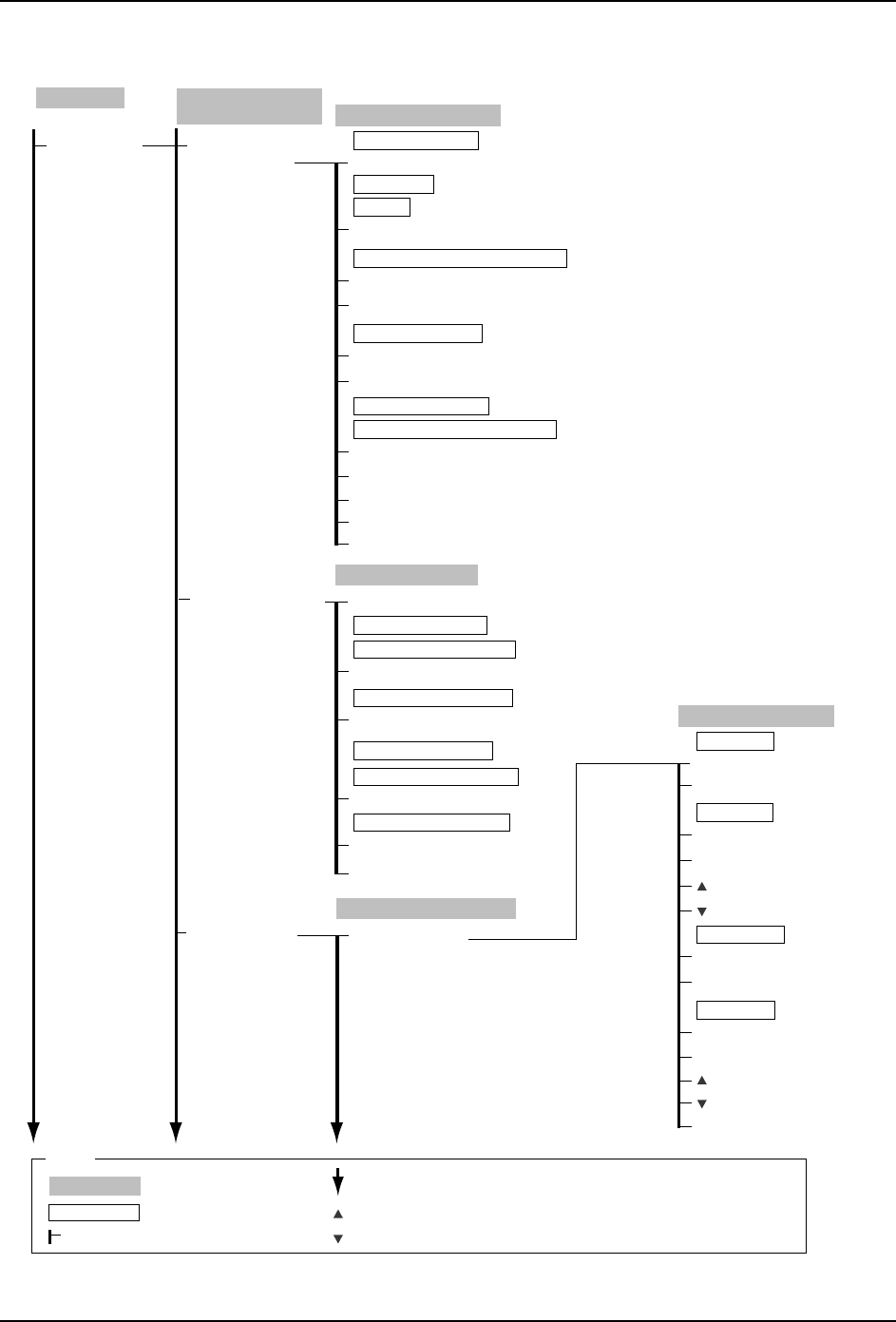
4.Commands SYS-CP842-1.1E 142 CP-842E / CP-842ME System Reference Maintenance Configuration (Continued) C73SC008E-6 Machine Communication Statistical Processing Machine Configuration Data (Continued) Machine Communicat…
SYS-CP842-1.1E 4.Commands
CP-842E / CP-842ME System Reference 141
Maintenance
Configuration
(Continued)
C73SC008E-5
Machine Configuration
Data (Continued)
Automatic Conveyor
Width
Mail Settings
Trace Output
Settings
Auto Conveyor Change
Not Use
Use
Maximum Value → Numeric Keypad
Minimum Value → Numeric Keypad
Width
Error no.
Parameter
Time to Mail Delivery → Numeric Keypad
Comments
Counter Origin
Close
Automatic Width Change
Question
OK
Cancel
Trace Output Settings
Floppy Disk
Hard Disk
Yes
No
Close
Send Trace Data by Mail
Trace Acquisition
Destination
Trace Acquisition
Hard Disk
Floppy Disk
Output Media
Send Mail
Trace Data
Mail Settings
Mail Trace
Mail Error
Close
Mail Server Name (SMTP) → Virtual Keyboard
Return-Address
→ Virtual Keyboard
Mail Error
Comment → Virtual Keyboard
Subject → Virtual Keyboard
Ignore Error Codes
Close
Mail to → Virtual Keyboard
Clear Address
Mail Trace
Machine Ser. No. → Numeric Keypad
Close
Close
Mail to → Virtual Keyboard
Subject
→ Virtual Keyboard
Production
Operation Mode
: Command name
: Screen name
Production
: Command group
: Continued on the next page
: Press to scroll upwards
Legend
: Press to scroll downwards
( )
: General description
[ ]
: Push button
→
: Displays separate dialog box
4.Commands SYS-CP842-1.1E
142 CP-842E / CP-842ME System Reference
Maintenance
Configuration
(Continued)
C73SC008E-6
Machine
Communication
Statistical Processing
Machine Configuration
Data (Continued)
Machine Communication
Bad Mark Information
Edit → Virtual Keyboard
Line Name
Acquire from database.
(under development)
(under development)
Data acquisition time-out setting → Numeric Keypad
Pick-up Count → Numeric Keypad
For Mark Information
Share with Fujitrax Profiler
Action performed when no data is pre-read.
Sequience Skip Settings
Basic Settings
Edit (Host Name) → Virtual Keyboard
Edit (IP Address)→ Virtual Keyboard
Select Host for machine communication
Mark Information Settings
Close
Machine communication
Statistical Processing
Perform Statistical Processing
Pick-up Count → Numeric Keypad
Close
Pick-up count stoppage monitor
Error Count → Numeric Keypad
Machine stoppage error count
Machine Stoppage Settings
Warning Monitor Settings
Pick-up count warning monitor
Error Count → Numeric Keypad
Warning notification error count
Machine Function
Settings
Brightness Adjustment
Auto
Fixed
Change → Numeric Keypad
Reference Value
Fixed
Change → Numeric Keypad
Reference Value
Shutter Speed
Auto
Narrow Camera
Shutter Speed
Close
Wide Camera
Machine Function Settings
Brightness Adj.
Func. Settings
Production
Operation Mode
: Command name
: Screen name
Production
: Command group
: Continued on the next page
: Press to scroll upwards
Legend
: Press to scroll downwards
( )
: General description
[ ]
: Push button
→
: Displays separate dialog box
SYS-CP842-1.1E 4.Commands
CP-842E / CP-842ME System Reference 143
Maintenance
Configuration
(Continued)
C73SC008E-7
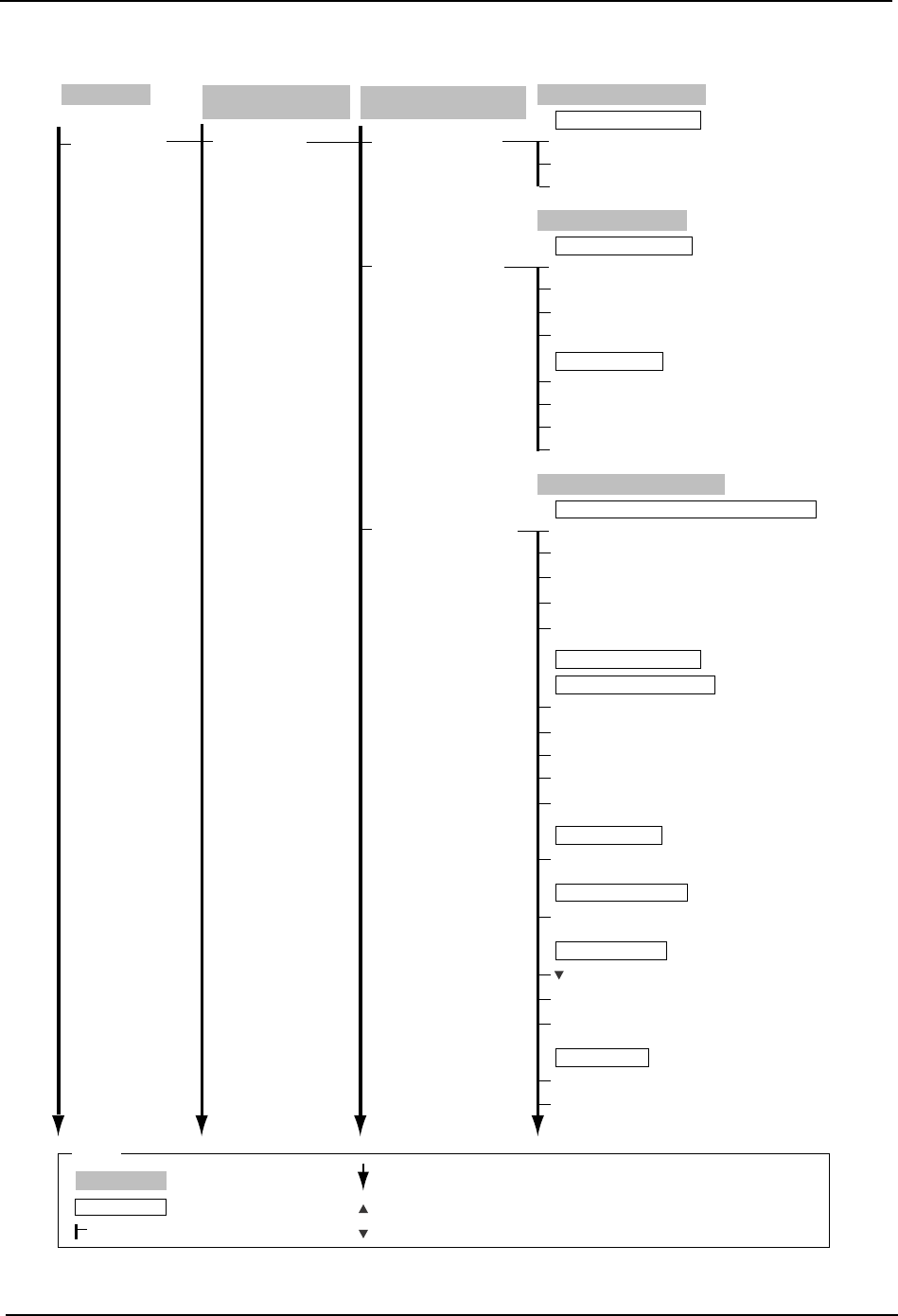
Machine Configuration
Data(Continued)
Machine Function
Settings
(Continued)
Machine Function Settings
(Continued)
Barcode Management
Parts Reject
Confirmation
Parts Reject Confirmation
Yes
No
Close
Use part reject confirmation?
Barcode Management
Use Upper ID Reader
Use Lower ID Reader
Upper ID Reader Port → Numeric Keypad
Lower ID Reader Port → Numeric Keypad
Change Test Reader
Change Test Mode
Start
Close
Panel ID Reader Settings
Panel ID Read Test
Parts Administration System
Use Handy Terminal
Use Setup Sensor and LED system
Use Fujitrax-Verifier
Use Fujitrax-Profile
Use
Not use
H → Numeric Keypad
M → Numeric Keypad
S → Numeric Keypad
Edit
→ Numeric Keypad
Remaining parts administration
Simple Parts Mgmt. Settings
Parts count settings
Handy Terminal Port Number → Numeric Keypad
Handy Terminal Settings
Handy Terminal Type
Allow Manual
Enable Automatic Position Selecting
Select the appropriate Verification system equipment.
Parts Administration
System
? (Help Button)
→
DID Joint Symbol
Use
Set → Virtual Keyboard
Production
Operation Mode
: Command name
: Screen name
Production
: Command group
: Continued on the next page
: Press to scroll upwards
Legend
: Press to scroll downwards
( )
: General description
[ ]
: Push button
→
: Displays separate dialog box