SYS-CP842-1.1E.pdf - 第228页
SYS-CP842-1.1E 6.System Installation and Upgrade CP-842E / CP-842ME System Reference 219 6. Close the dial og box. 7. Remove the CD.
6.System Installation
and Upgrade SYS-CP842-1.1E
218 CP-842E / CP-842ME System Reference
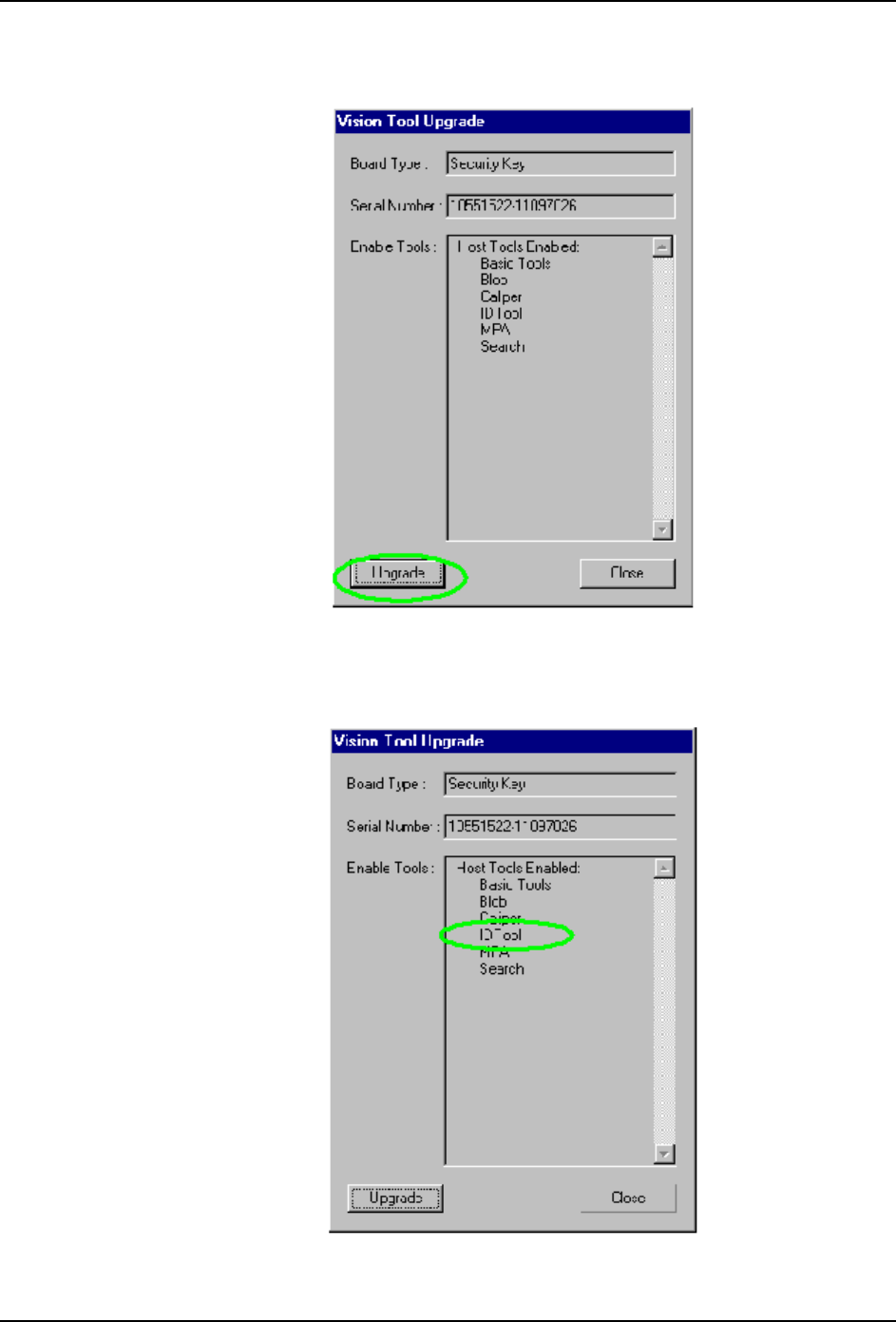
4. Press the [Upgrade] button at the [Vision Tool Upgrade] dialog box.
5. Verify that the IDTool item has been added to the [Enable Tools] list in the [Vision Tool
Upgrade] dialog box.
SYS-CP842-1.1E 6.System Installation
and Upgrade
CP-842E / CP-842ME System Reference 219
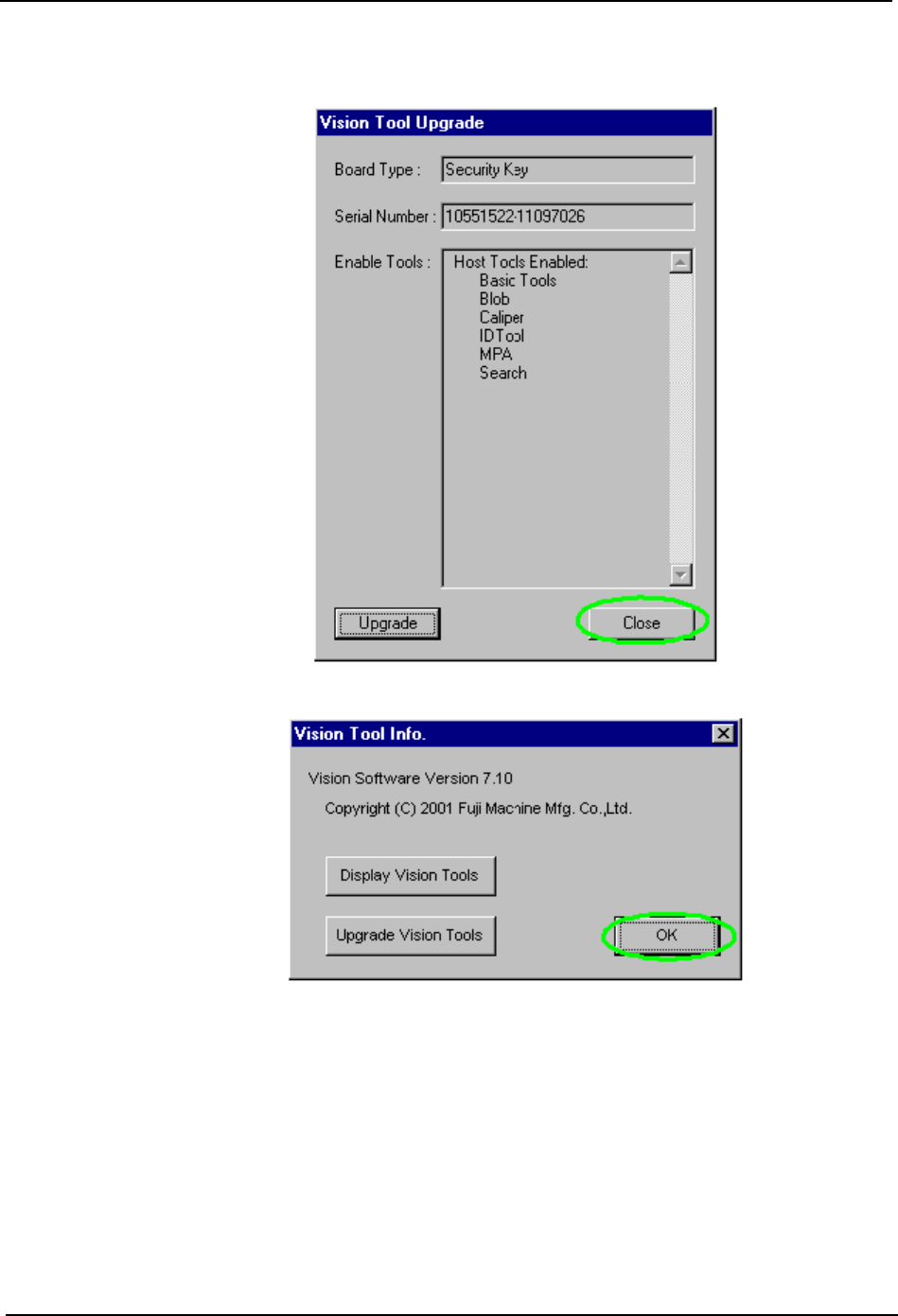
6. Close the dialog box.
7. Remove the CD.

6.System Installation
and Upgrade SYS-CP842-1.1E
220 CP-842E / CP-842ME System Reference
MEMO: