MPM UP2000印刷机培训教材 - 第41页
• 印网 高度 • 此操作 将決定 Z 形架帶 着 PCB 移动 到与印网的下面接触的位置的距 离 。 • 放入正确的 PCB ( 也就是将要印的 ) 在正确的位置。 • 移动光标在 Utilities 菜单的上面 , 然后在 Stencil Height 选项上面。 ⚫ 按 Select . ⚫ Utiliti es ⚫ Load Board ⚫ Stencil Height ⚫ Set Stroke ⚫ Squeegee Heig …
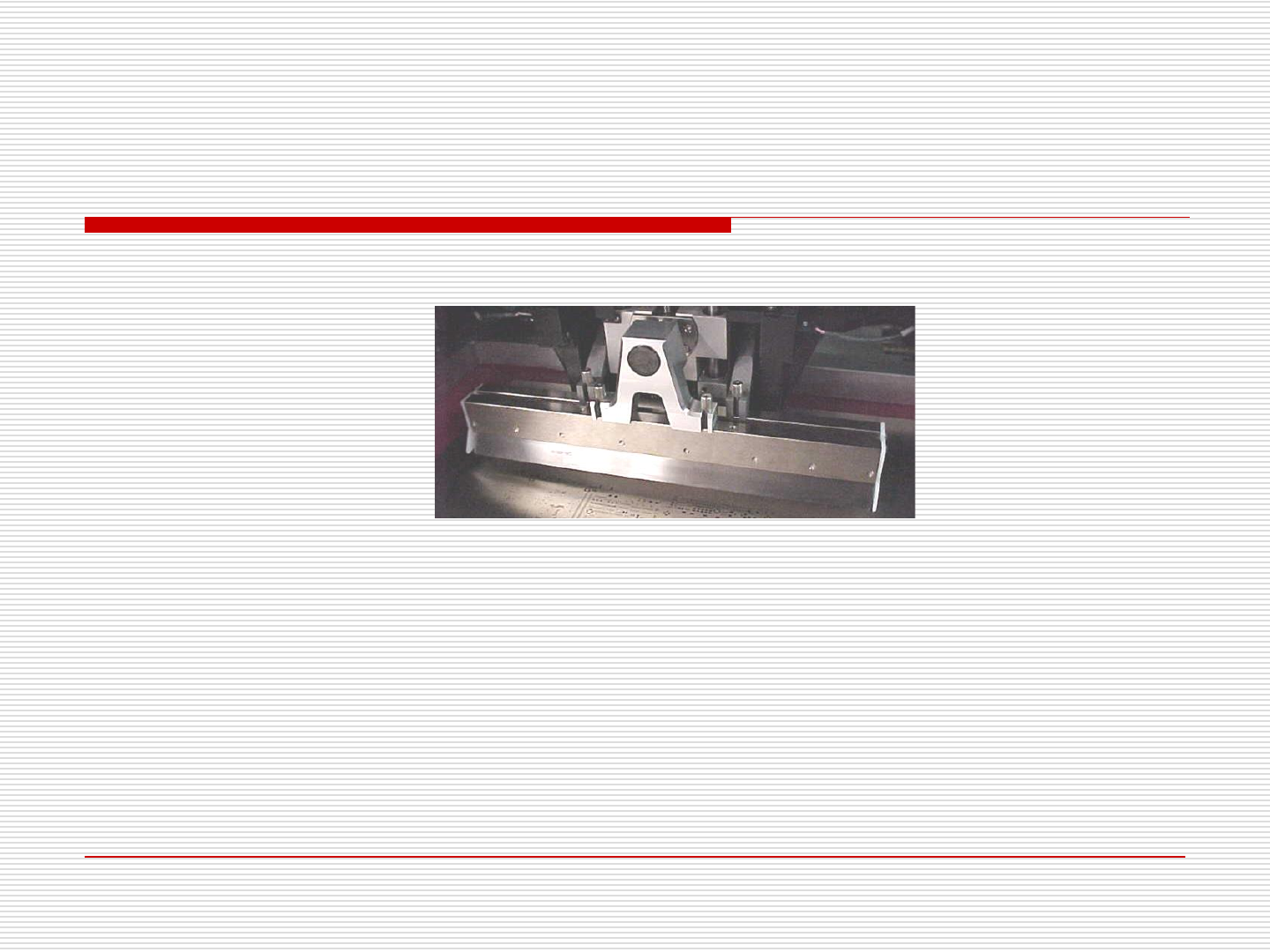
• 当后刮已被固定, 插入前刮。 如下图:
⚫ 下一步确定刮刀与印网的相对位置。
⚫ 为此我们要执行两步操作。
⚫ 印网高度
⚫ 刮刀高度
• 首先, 我们必须执行印网高度设定。
11.印刷机設置
• 印网高度
• 此操作将決定Z形架帶着PCB移动到与印网的下面接触的位置的距离。
• 放入正确的PCB (也就是将要印的) 在正确的位置。
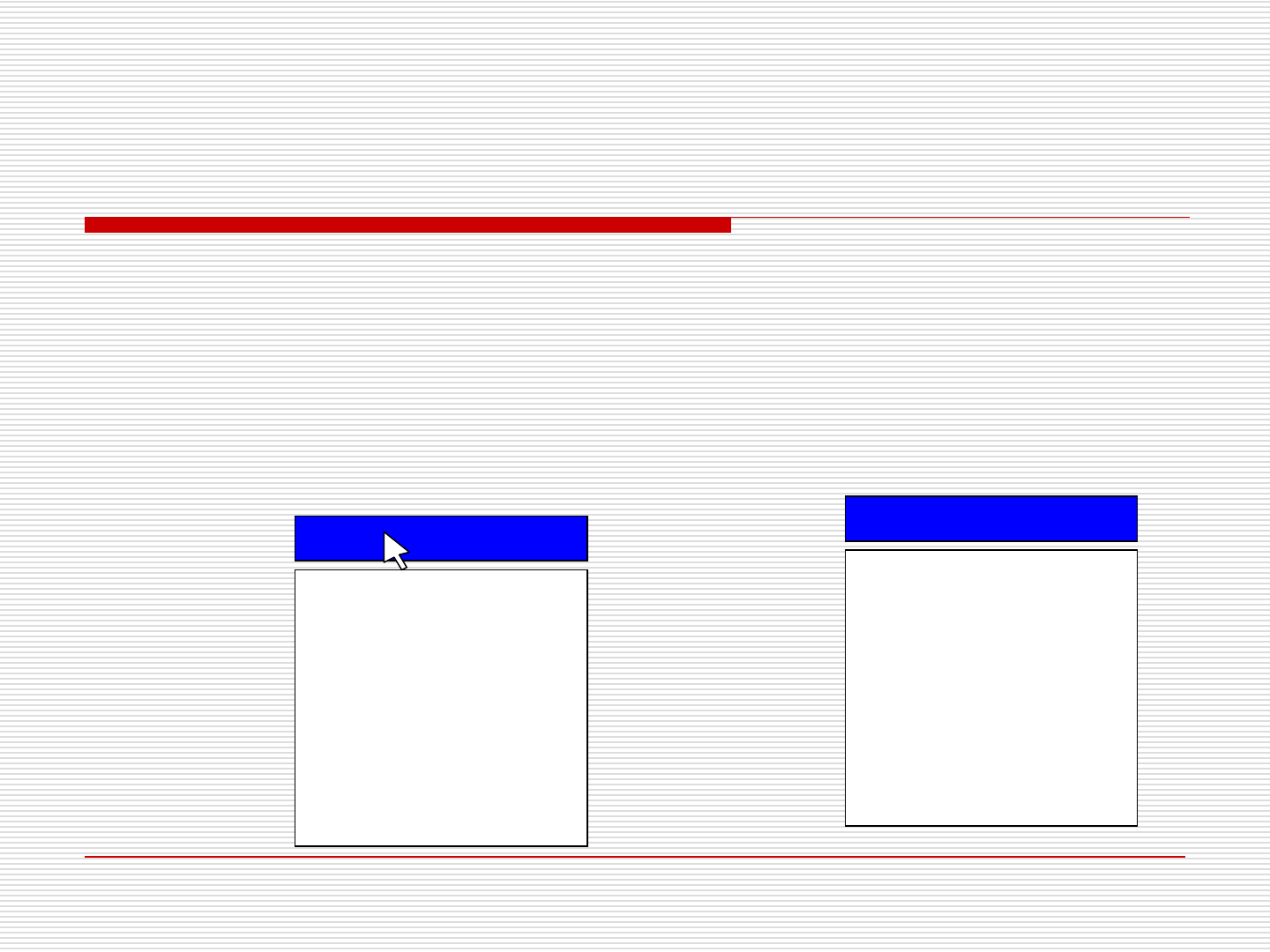
• 移动光标在 Utilities 菜单的上面, 然后在Stencil Height选项上面。
⚫ 按 Select.
⚫ Utilities
⚫Load Board
⚫Stencil Height
⚫Set Stroke
⚫Squeegee Height
⚫Knead Paste
⚫Cycle Squeegee
⚫Cycle Wiper
⚫Cycle Dispenser
⚫Verify Stencil
⚫Cal Prestop Position
⚫ Utilities
⚫Load Board
⚫Stencil Height
⚫Set Stroke
⚫Squeegee Height
⚫Knead Paste
⚫Cycle Squeegee
⚫Cycle Wiper
⚫Cycle Dispenser
⚫Verify Stencil
⚫Cal Prestop Position
11.
印刷机設置
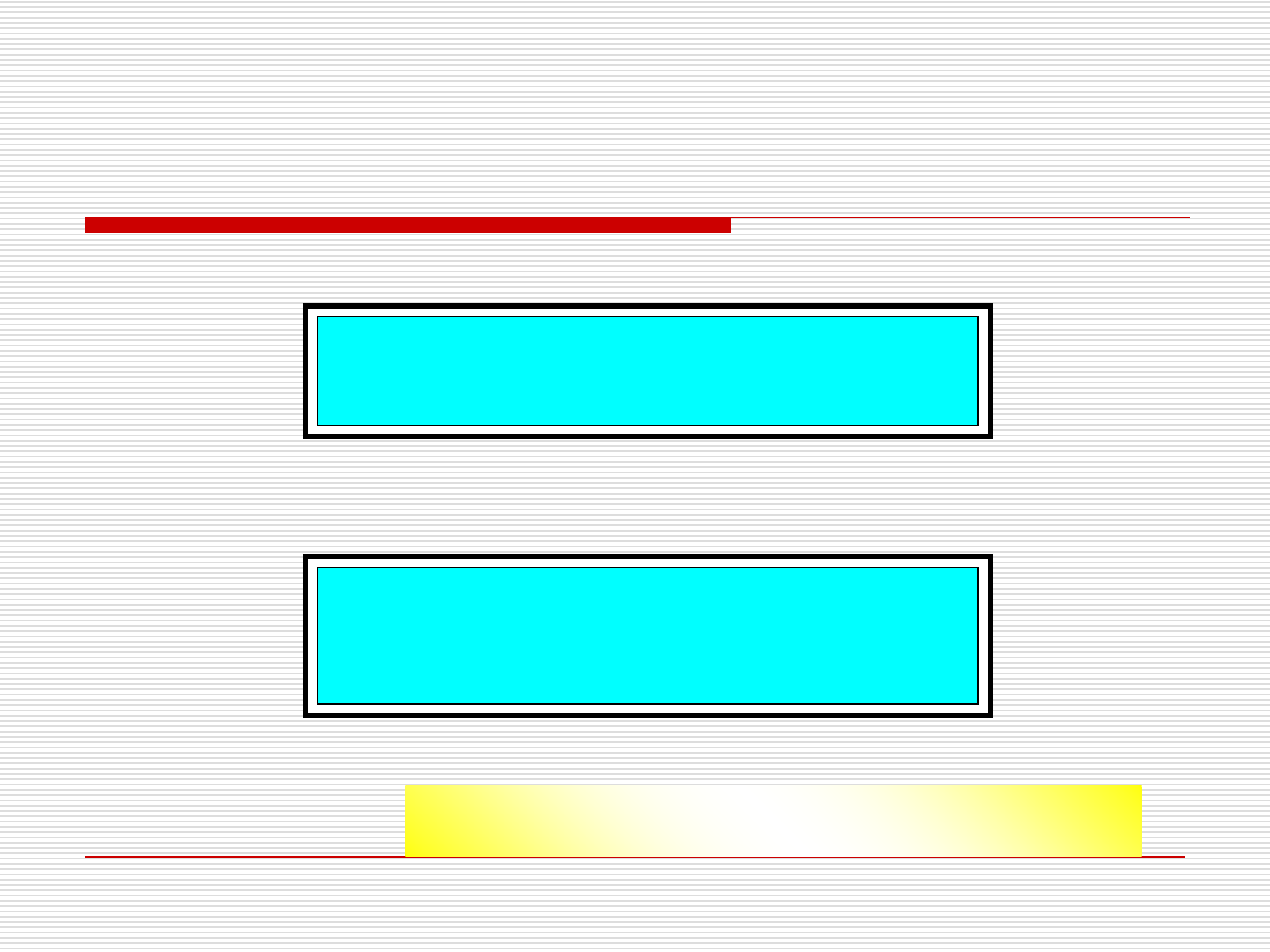
This utility will set the STENCIL height.
Press NEXT to Continue, or EXIT to Quit.
⚫ 机器会显示下面的提示在屏幕的右下角。
• 按NEXT应这个信息。
• 下面的信息将显示:
CAUTION, The machine is now going to
Move. STAY CLEAR.
Press NEXT to Continue, or EXIT to Quit.
• 这时操作员能手动慢移印刷头离开印网的孔。
11.印刷机設置
印网高度操作之前确信没有锡浆在印网上!