20121120111955_KY8030_2_Maintenance_Manual_Eng_ver1 - 第82页
82 | KY -8030 2 3D Solder Paste Inspec tion System V ersion 1.0 K OH Y OUNG T ECHNOLOGY I NC . 3.5.5. VNC P ROGRAM E XECUTION 1. Double click the [P1] icon. 2. Click the [Ok] button after in…
Maintenance Manual | 81
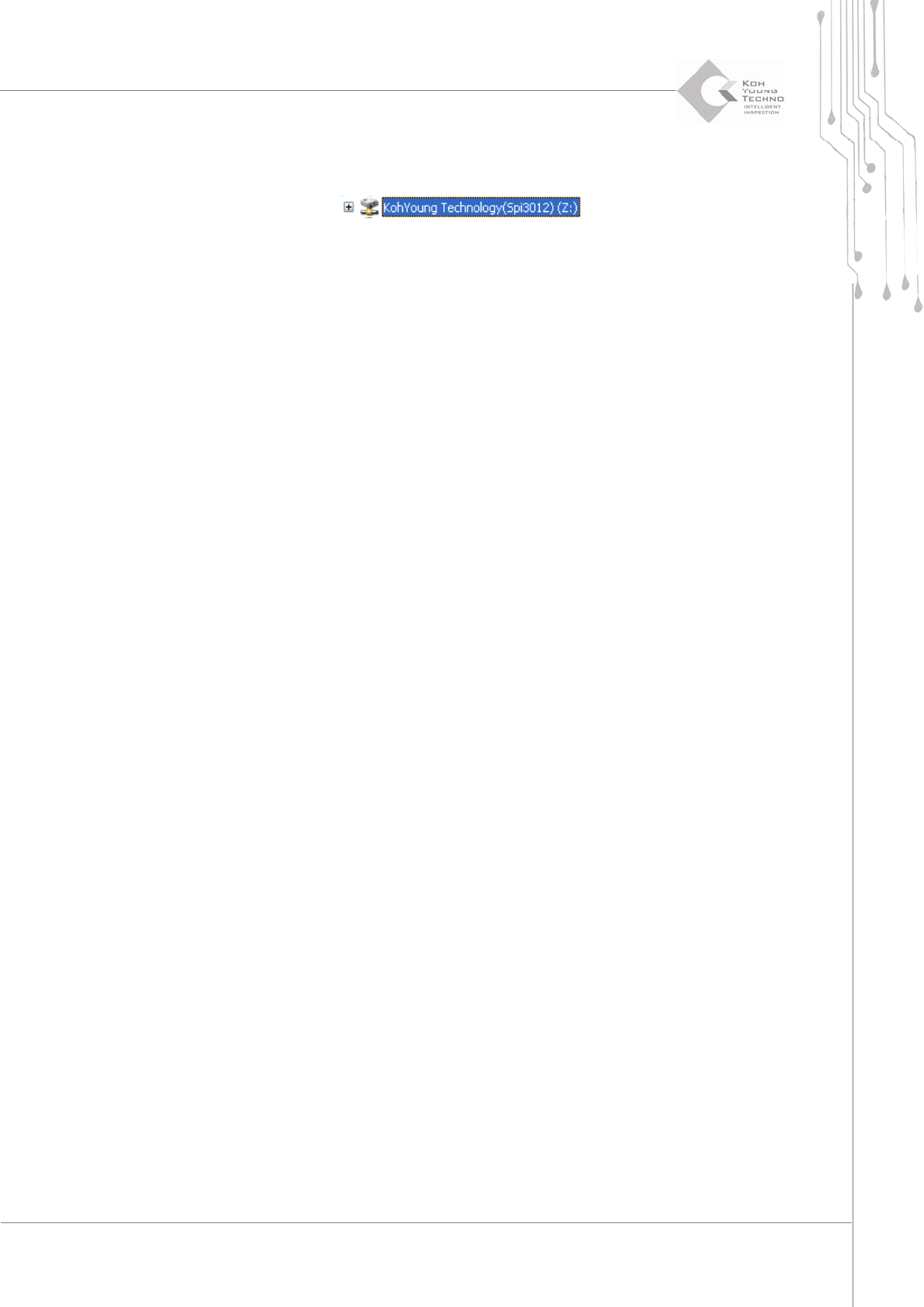
6. ThenetworkDrive“KohYoung Technology(Spi3012)”hasbeen createdinthe Window
searchlist.
82 | KY-8030 2
3DSolderPasteInspectionSystem
Version 1.0
KOH YOUNG TECHNOLOGY INC.
3.5.5. VNC PROGRAM EXECUTION
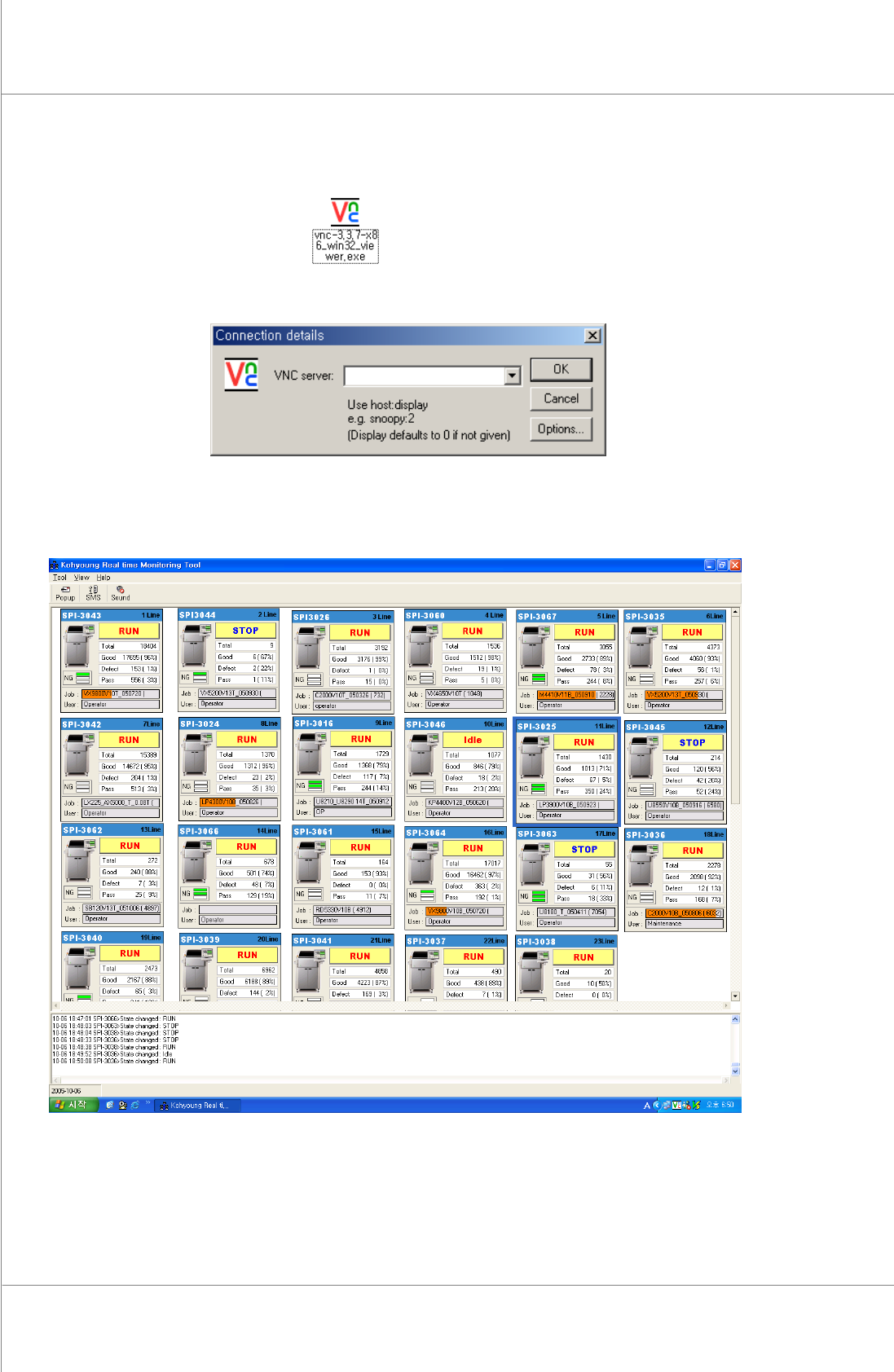
1. Doubleclickthe[P1]icon.
2. Clickthe[Ok]buttonafterinputtingtheIPofthemachine.
3. The inspection process appearson theremote screen. Up to 100machines can connect
withremotefeature.
Figure 3-8. 24 machines monitoring in Main PC
Maintenance Manual | 83
3.6. Remote Control/Monitoring Setting (Client)
3.6.1. NETWORK SETTING
1. ConnecttheGUIPCandExt2withaLANcable.
※Note:TheGUIPCandExt2mayhavealreadybeenconnecteduponpurchasingtheproduct.
2. ConnectExt2tothenetwork,towhichtheremoteserverbelong,withaLANcable.
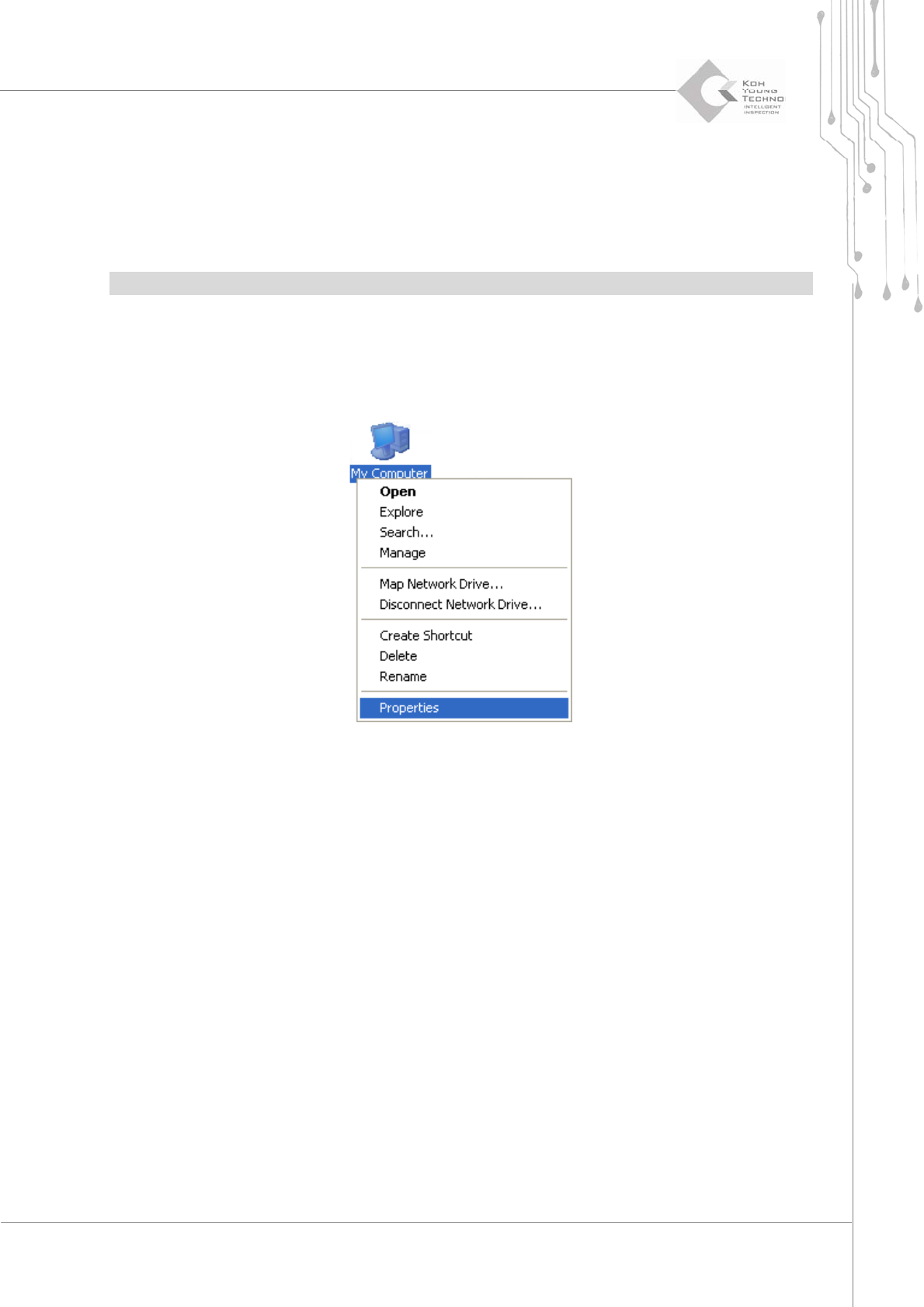
3. Clicktherightbuttonofthemouseatthe[MyComputer]andselect[Properties].