00198574-01_Process_Foundation_DEK_Micron_EN - 第45页
7 Product File and Machine Optimisation 7.1 Test and Optimise the Under Screen Cleaner Settings Process Foundation DEK Micron-Series 12/2017 45 7 Product File and Machine Optimisation 7.1 Test and Optimise the Under Scre…

Room for Your Sketches and Notes
44 Process Foundation DEK Micron-Series 12/2017

7 Product File and Machine Optimisation
7.1 Test and Optimise the Under Screen Cleaner Settings
Process Foundation DEK Micron-Series 12/2017 45
7 Product File and Machine Optimisation
7.1 Test and Optimise the Under Screen Cleaner Settings
The under screen cleaner can play an important part in maintaining a process that would otherwise
go out of control and lead to defects. It is vital therefore, that the cleaner is functioning correctly and
the settings are optimised for best performance.
Testing the Cleaner
The precise method of testing will depend on the machine type and software. The guidelines below
demonstrate the principles but may need to be modified slightly for your machine.
Testing the cleaner regularly will:
●
Improve performance
●
Reduce defects
●
Save consumable costs
Method
●
Remove the foil and mesh from an old stencil leaving just the frame
●
Load this into the cleaner and perform a W/V/D clean while observing the performance
through the front cover. This is best done in step mode so you can mark how much paper is
being rotated between cleans to ensure clean paper is present
7 Product File and Machine Optimisation
7.1 Test and Optimise the Under Screen Cleaner Settings
46 Process Foundation DEK Micron-Series 12/2017
Exercise
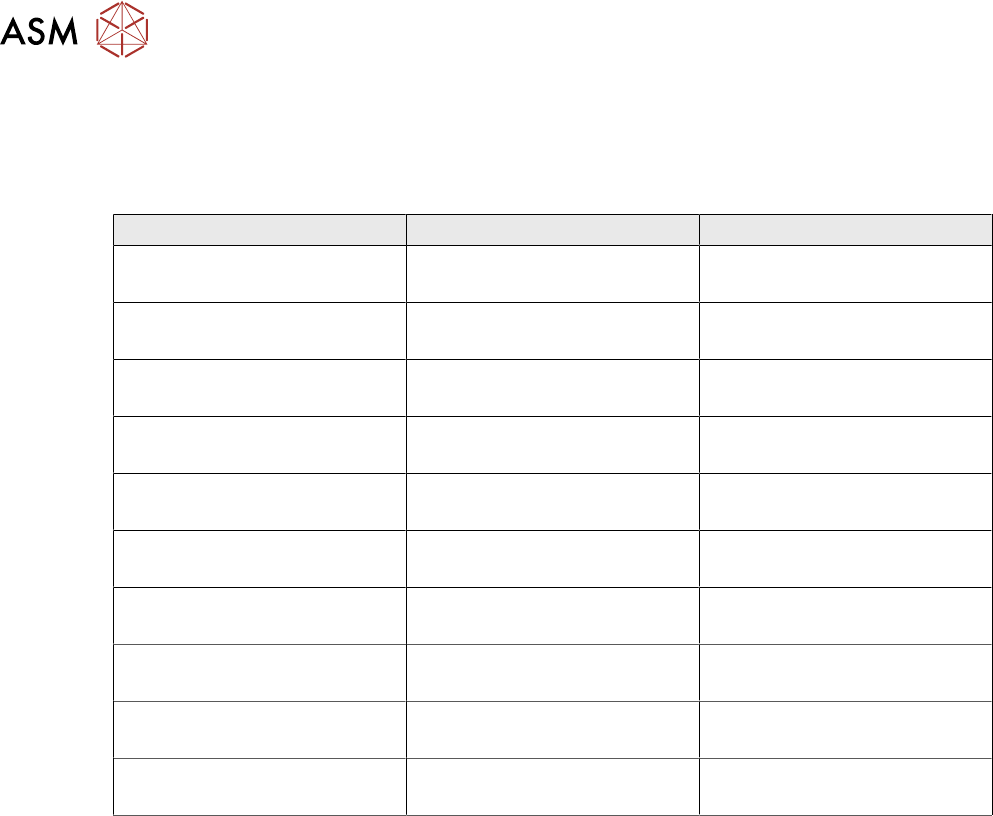
Using the method above: test and, if necessary, adjust the USC settings for best performance.
Complete the table below by identifying the set up parameters and their optimum values:
Under Screen Cleaner Settings:
Parameter Value Comments
Best Working Practices
●
Use Under-Screen Cleaning as seldom as possible
●
Train operators in the correct procedures for consumable replenishment
●
Don't rely on the USC to get rid of heavy deposits – the stencil will still need to be taken out
and cleaned in a "proper" cleaner after the production run
●
Perform an under-screen clean before a downtime period
●
Store spare paper roll close to the machine
●
Store a funnel for the solvent close to the machine
●
Never mix solvent types
●
Inspect pipes and hoses for blockage or damage daily
●
Clean up solvent spillage immediately (to reduce corrosion risk)
●
Check power and machine connections to the vacuum unit daily