00198574-01_Process_Foundation_DEK_Micron_EN - 第52页
7 Product File and Machine Optimisation 7.4 Provide a Definition of all Advanced Product File and Machine Set up Parameters 52 Process Foundation DEK Micron-Series 12/2017 7.4 Provide a Definition of all Advanced Product…
7 Product File and Machine Optimisation
7.3 Design a Paste Knead Strategy
Process Foundation DEK Micron-Series 12/2017 51
Exercise
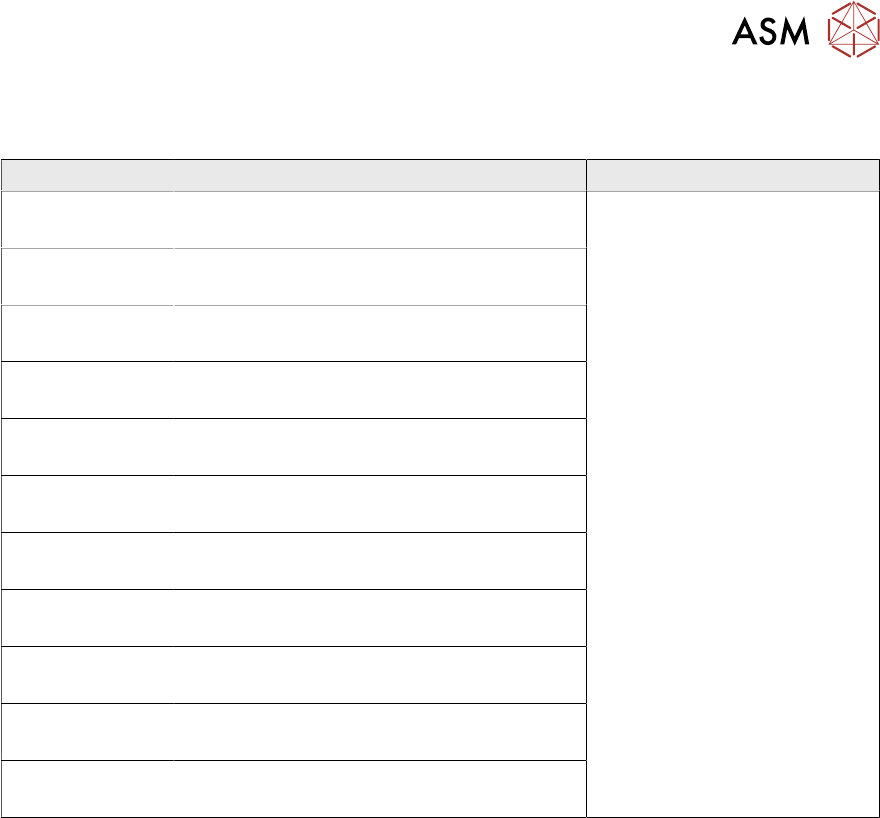
Discuss the knead parameters with your instructor and complete the table below.
Parameter Description Comments
A careful inspection should be
made of the print quality on a
board that has been used for
kneading. Multiple print strokes
can increase the risk of
excessive print deposits or
bridging.

7 Product File and Machine Optimisation
7.4 Provide a Definition of all Advanced Product File and Machine Set up Parameters
52 Process Foundation DEK Micron-Series 12/2017
7.4 Provide a Definition of all Advanced Product File and
Machine Set up Parameters
The DEK software contains many programmable parameters. All of these serve a useful purpose,
but maybe not all at the same time or for the same application. For instance: some parameters are
only used for printing low viscosity materials such as ink; some are for adhesive printing; others for
solder paste. It is important that the person designing a new product file is aware of which
parameters are relevant to their particular application.
Exercise
Review all the parameters in the product file and machine set up menus then answer the following
questions.
Q1 Which parameter controls the speed that the squeegee moves upwards off the stencil at the
end of a print stroke?
………………………………………………………………………………………………
………………………………………………………………………………………………
………………………………………………………………………………………………
………………………………………………………………………………………………
Q2 Under what circumstances would this parameter be adjusted?
………………………………………………………………………………………………
………………………………………………………………………………………………
………………………………………………………………………………………………
………………………………………………………………………………………………
Q3 Which parameter enables the option to perform an automatic paste dispense whilst a screen
clean is being performed?
………………………………………………………………………………………………
………………………………………………………………………………………………
………………………………………………………………………………………………
………………………………………………………………………………………………
Q4 List a minimum of four other product file or machine set up parameters that can be adjusted
to achieve the following:
1. Increase Machine Throughput
……………………………………………………………………………………………
……………………………………………………………………………………………
……………………………………………………………………………………………
2. Decrease Cost of Production
……………………………………………………………………………………………
……………………………………………………………………………………………
……………………………………………………………………………………………
3. Increase Percentage of Effective Printed Boards
……………………………………………………………………………………………
……………………………………………………………………………………………
……………………………………………………………………………………………
Notes:
………………………………………………………………………………………………………………
………………………………………………………………………………………………………………

7 Product File and Machine Optimisation
7.5 Optimise Parameters to Produce Acceptable Quality Prints at Higher Throughputs
Process Foundation DEK Micron-Series 12/2017 53
7.5 Optimise Parameters to Produce Acceptable Quality
Prints at Higher Throughputs
Aim
To optimize the product file and machine set up parameters to be capable of printing twenty
consecutive boards at the stated throughput with zero print defects.
Required throughput: 300 boards/ hour
Step 1
Calculate the required cycle time for the stated throughput ………………..s
Hint: Calculate the cycle time assuming that there will be no under screen cleaning but be
aware that if cleaning becomes necessary it will significantly reduce throughput hence the
cycle time will need to be increased.
Step 2
Estimate the required separation speed ………………..mm/s
Estimate the required separation distance ………………..mm
Hint: Use 10mm/s and 2mm distance if you are unsure of the paste performance.
Step 3
Determine through experimentation what print speed will
achieve the desired cycle time
………………..mm/s
Hint: Cycle a batch of boards through the machine left to right with no squeegees fitted and print
pressure set to 0kg. Vary the print speed until the desired cycle time and throughput is
achieved.
Step 4
Record below any other product file or machine set up parameters that you had to change to
achieve the required cycle time.
Note: Speeding up the cycle time can lead to instability of the process so any changes should
be monitored closely.