00900057-02_IM_Performance_Monitor_2.1_EN.pdf - 第23页
ASM Performance Monitor 2.1 / Installation Manual 01/2021 Edition 23 4.7 Specifying ASM Post Mast er Configuration Figure 4- 11 : ASM Post Master C onnection dialog ► Enter the IP address or t he hostname of ASM Post Mas…

ASM Performance Monitor 2.1 / Installation Manual 01/2021 Edition
22
Windows Authentication
► Enter the user name and the corresponding password that you want to use for your login.
The operating system or, if present, the domain controller performs the authentication.
NOTICE
SQL Server role "sysadmin"
The given login must have the "sysadmin" SQL server role, regardless of the
Authentication in which you log in.
If you want to specify further SQL related settings that differ from the default settings, select the
Show dialogs to change the database settings option and follow the instructions in section 4.14.
► In default case, click the Next button.
The setup will validate the connection to the given database instance and only continue if it is valid.
The ASM Post Master Connection dialog is displayed.
ASM Performance Monitor 2.1 / Installation Manual 01/2021 Edition
23
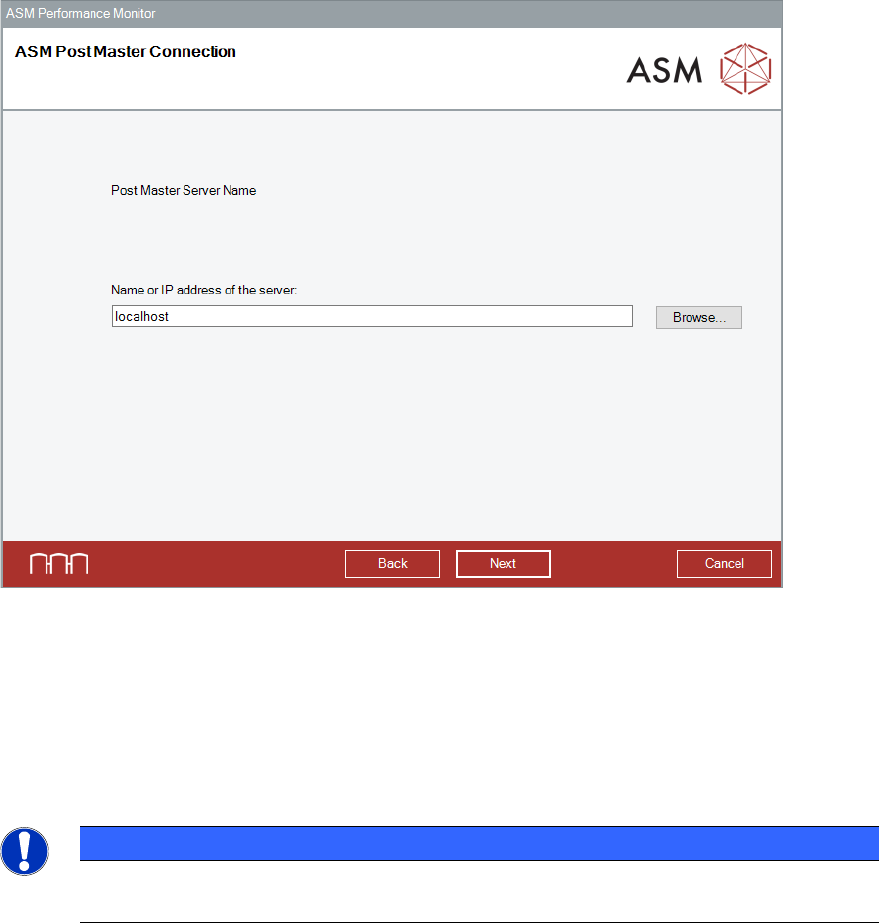
4.7 Specifying ASM Post Master Configuration
Figure 4-11: ASM Post Master Connection dialog
► Enter the IP address or the hostname of ASM Post Master server.
► Alternatively, click the Browse button to select the computer on which the Post Master server
is located.
► Click the Next button.
The Post Master Server Port Number Configuration dialog is displayed.
NOTICE
All Post Master configuration dialogs are not displayed in every scenario. For example,
when configuring Post Master only, Client Port number configuration is not needed.
ASM Performance Monitor 2.1 / Installation Manual 01/2021 Edition
24
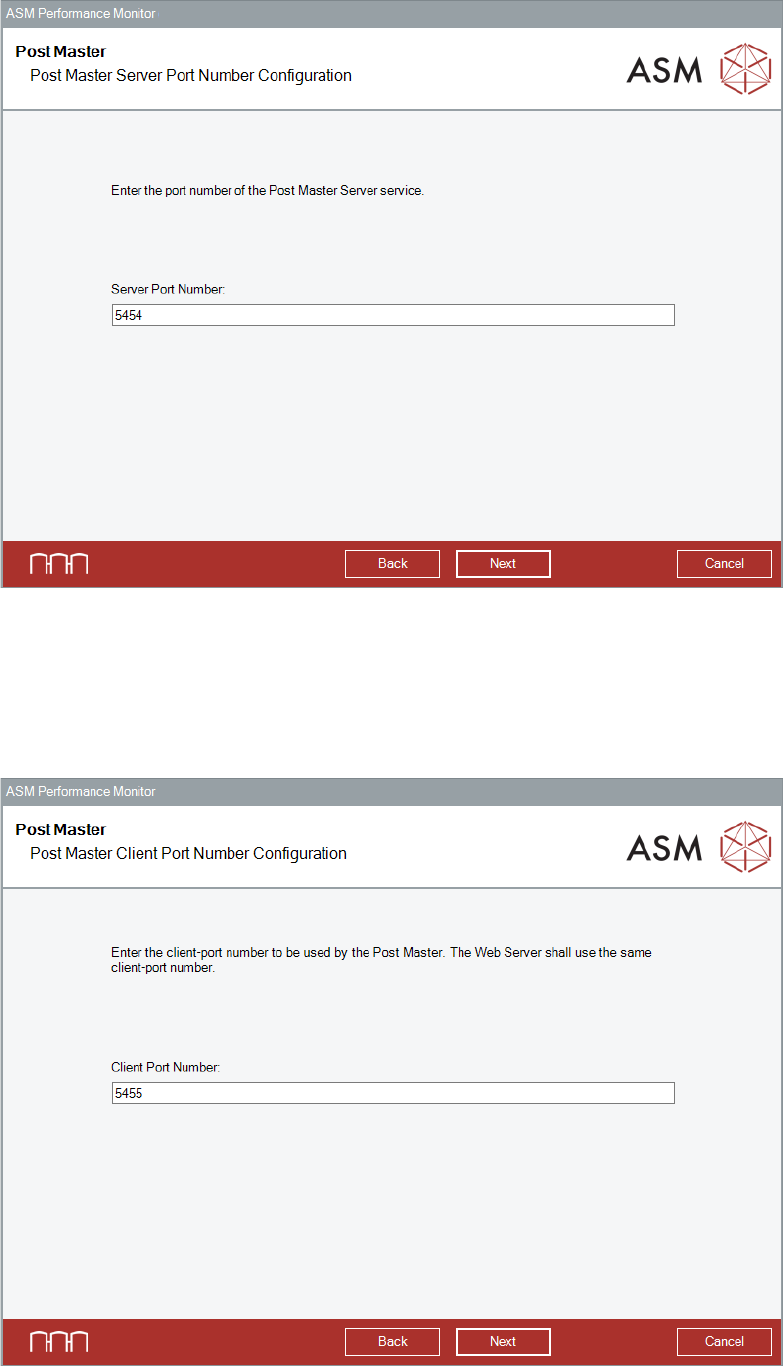
Figure 4-12: Post Master Server Port Number Configuration dialog
► Enter the server port number to set up the Post Master.
► Click the Next button.
The default values are displayed in the wizard.
The Post Master Client Port Number Configuration dialog is displayed.
Figure 4-13: Post Master Client Post Number Configuration dialog