00900057-02_IM_Performance_Monitor_2.1_EN.pdf - 第31页
ASM Performance Monitor 2.1 / Installation Manual 01/2021 Edition 31 4.11 Entering User Passwords If the APMDBA User does not exist, the installer will create it . If the account already exists, you will have to enter th…
ASM Performance Monitor 2.1 / Installation Manual 01/2021 Edition
30
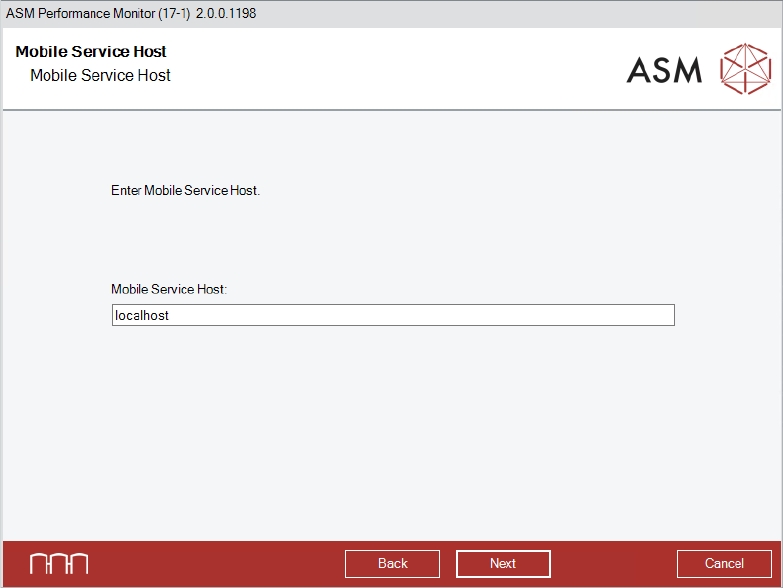
Figure 4-19: Mobile Service Host dialog
► Enter the Mobile Service Host.
► Click the Next button.
The APMDBA User dialog is displayed.
ASM Performance Monitor 2.1 / Installation Manual 01/2021 Edition
31
4.11 Entering User Passwords
If the APMDBA User does not exist, the installer will create it.
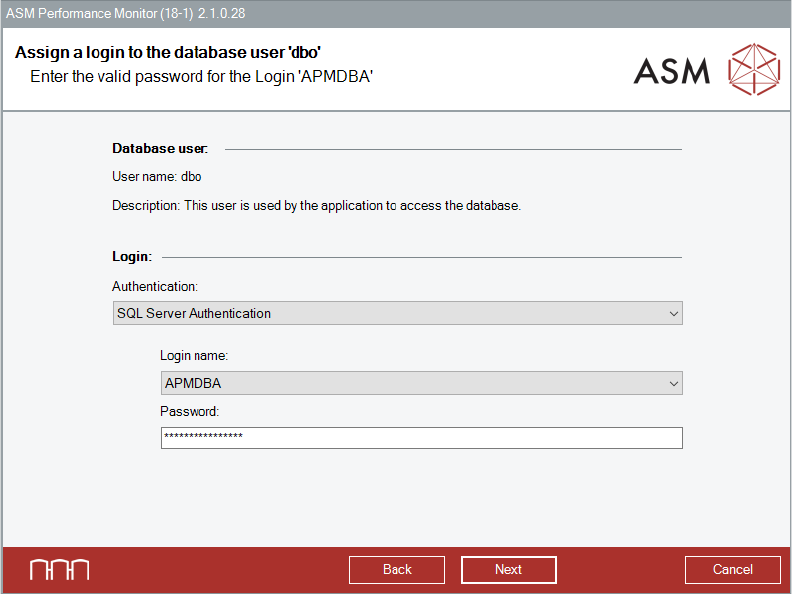
If the account already exists, you will have to enter the correct password for the existing accounts.
Figure 4-20: Password for APMDBA user dialog
► Select the authentication method for the user.
► Select the login name.
► Enter the correct password for the existing APMDBA User account.
All databases will be created and accessed by this account.
► Click the Next button.
ASM Performance Monitor 2.1 / Installation Manual 01/2021 Edition
32
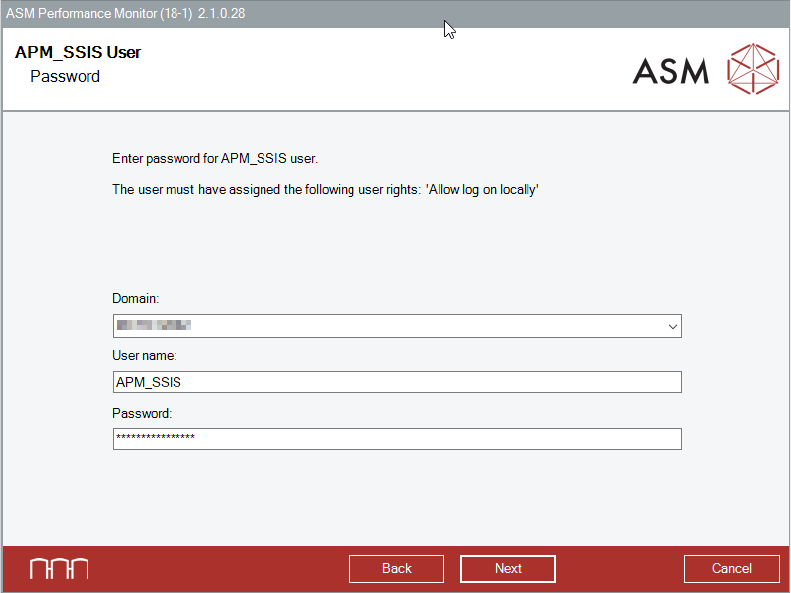
Figure 4-21: Password for APM_SSIS user
► Select the domain for the APM_SSIS User account.
► Enter the user name.
► Enter the correct password for the already existing APM_SSIS User account.
This account is used to back up the 'APMFactoryDB' database.
► Click the Next button.
The ASM Performance Monitor Administrator User Account dialog is displayed.