00900057-02_IM_Performance_Monitor_2.1_EN.pdf - 第36页
ASM Performance Monitor 2.1 / Installation Manual 01/2021 Edition 36 Figure 4- 27 : Setup status dial og After successful installation , the following dialog is displayed: Figure 4- 28 : Setup succes sfully completed dia…
ASM Performance Monitor 2.1 / Installation Manual 01/2021 Edition
35
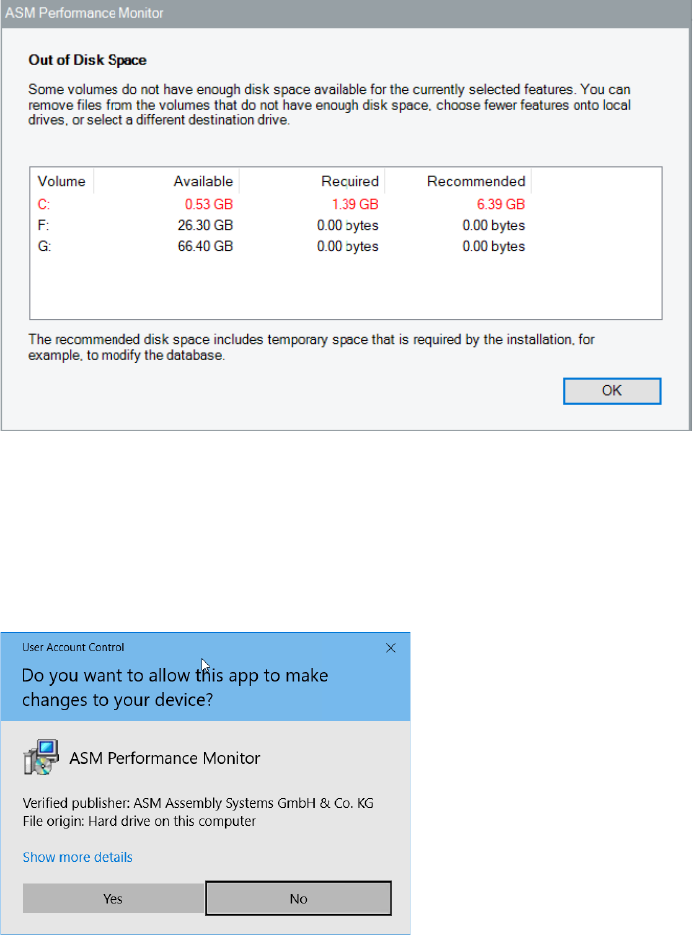
Now the setup explicitly checks the available, required and recommended disk space again. If your
free disk space does not match the recommended disk space the following dialog is displayed:
Figure 4-25: Out of Disk Space dialog
► Click the OK button and solve the problem.
The Ready to Install dialog will be automatically displayed as soon as the required disk space is
available.
If User Account Control is enabled on Windows, the following dialog is additionally displayed
before the installation starts:
Figure 4-26: User Account Control dialog
► Click the Yes button to allow the ASM software installation.
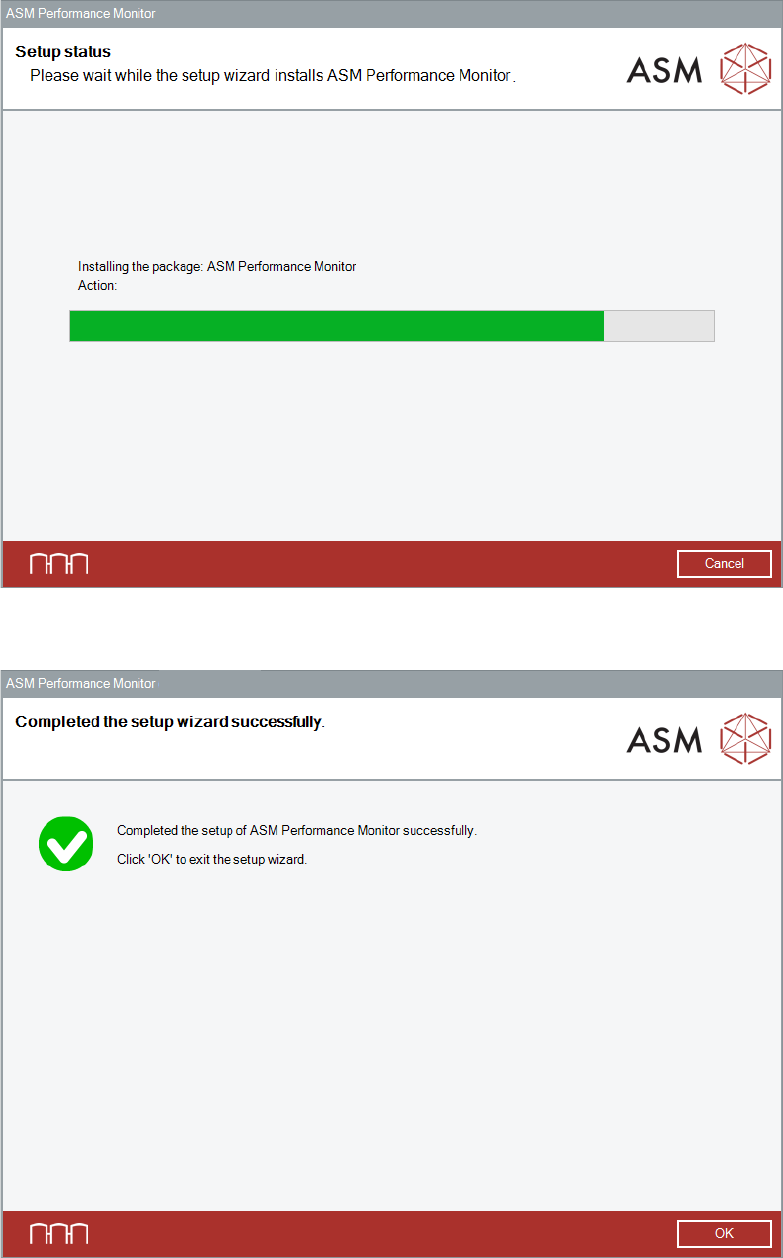
The setup status is displayed during installation.
ASM Performance Monitor 2.1 / Installation Manual 01/2021 Edition
36
Figure 4-27: Setup status dialog
After successful installation, the following dialog is displayed:
Figure 4-28: Setup successfully completed dialog
► Click the OK button to exit the setup wizard.
ASM Performance Monitor 2.1 / Installation Manual 01/2021 Edition
37
4.14 Changing Default Database Settings (Option)
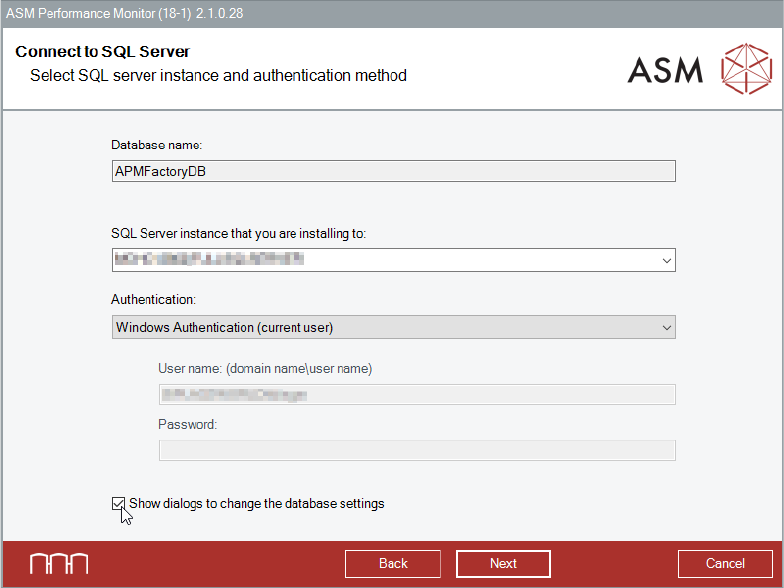
The default database settings can be changed in the Connect to SQL Server dialog, see section
4.6.
Figure 4-29: Changing default database settings
► Select the SQL Server instance that you are installing to.
► Select Show dialogs to change the default database settings if you want to change the
proposed default values for creating the database.
► Click the Next button.
The following checks are performed:
– Check for correctness of the entered login parameters and establishment of a connection.
– If the database already exists on the selected SQL server, check for the current version or a
possible update to the current version.
If the checks fail, an appropriate error message is displayed.
If the checks are passed, the next dialog is displayed. The next dialog depends on whether the
database already exists or not.