AltaPail II Bulk Melters Product Manual.pdf - 第102页
Advanced Software M elter Configuration 7 -16 Part 1121836_03 E 1 1/2014 Nordson Corporation Calibrating Pumps Use Pump Cal ibration to make sure the displayed pump RPM is accurate. Pump - Advanced Done Pump Off Delay In…
Advanced Software Melter Configuration
7-15
Part 1121836_03
E 11/2014 Nordson Corporation
Defining Pump Remote Control
Use pump remote control to manipulate the pump from a location other than
from the melter itself.
Pump - Advanced
Done
Pump Off Delay Infinite
Off
Pump Off Delay Time
0 Sec.
Pump Calibration
On
Container Low to Empty
Timer
0 Sec.
Auto Pump
Off
Remote Control
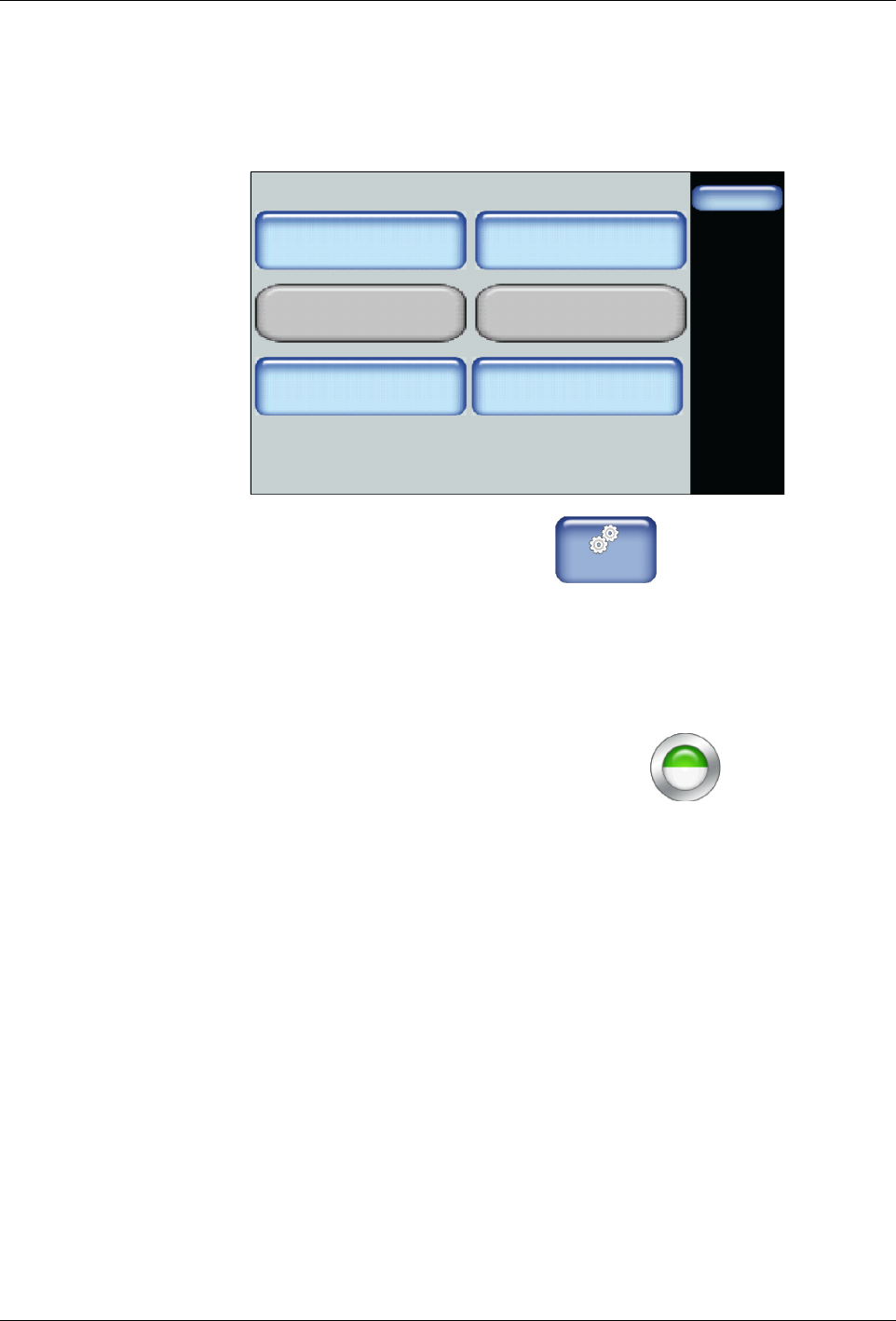
1. From the Home Display touch
Master
Controls
2. Touch Settings, then Input.
3. Touch the Input number corresponding to what you have already
hard-wired (step 1) and touch Pump Control.
4. Touch Done.
NOTE: The Pump Control button changes to half green, half
white, indicating the pump is controlled from a remote location.
Advanced Software Melter Configuration
7-16
Part 1121836_03
E 11/2014 Nordson Corporation
Calibrating Pumps
Use Pump Calibration to make sure the displayed pump RPM is accurate.
Pump - Advanced
Done
Pump Off Delay Infinite
Off
Pump Off Delay Time
0 Sec.
Pump Calibration
On
Container Low to Empty
Timer
0 Sec.
Auto Pump
Off
Remote Control
Done
Cancel
7 8 9
4 5 6
1 2 3
0
Pump Calibration RPM
Measured RPM:
Home
Pump RPM calibration should Only be
done by trained technicians. While the
pump is running from 70% to 95% of full
speed, use a tachometer to measure
actual pump RPM.
.
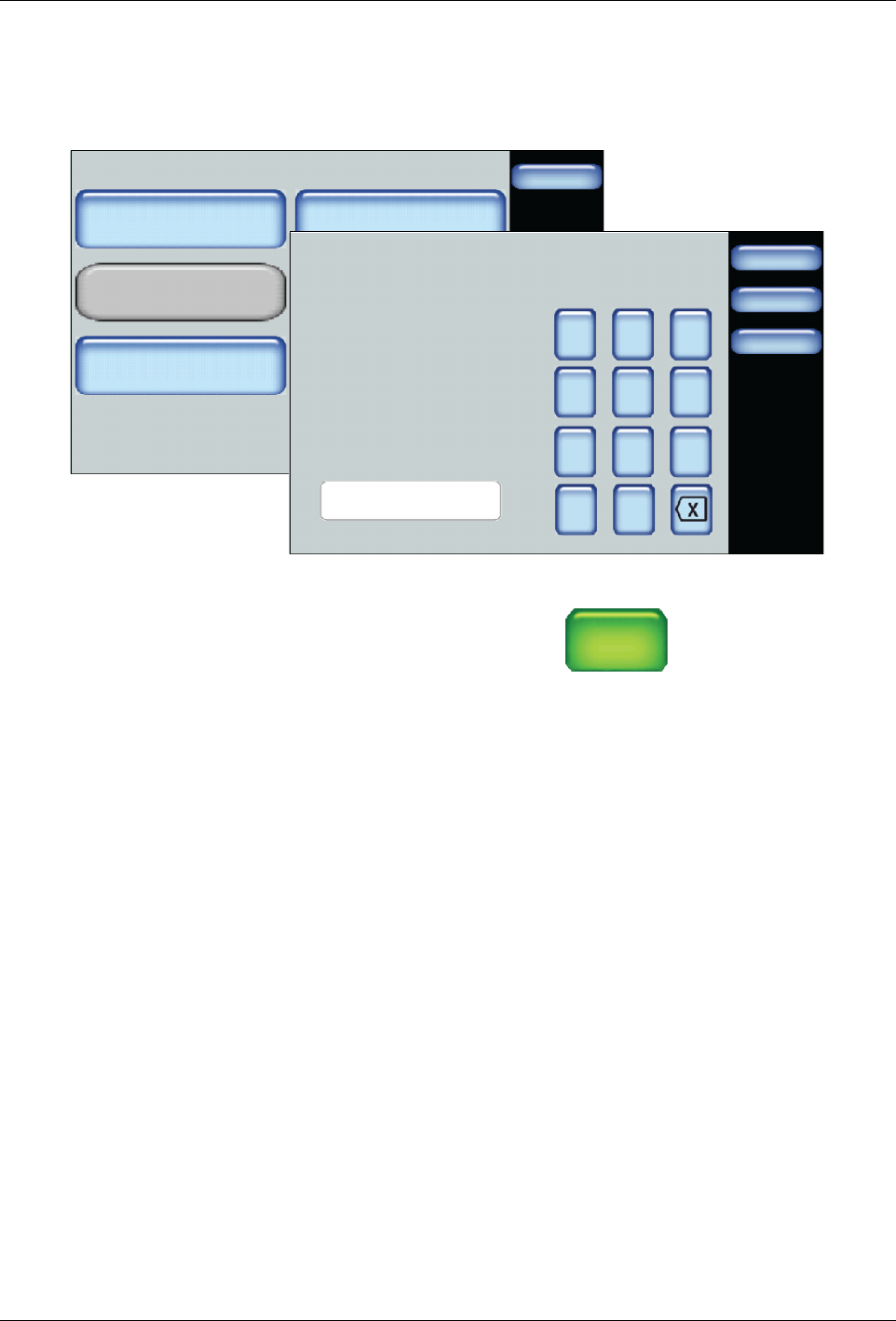
1. Wire a tachometer to the pump.
1. Access the Home screen, touch
Pump
GTL
45 RPM
then the Advanced button
2. Touch Pump Calibration and run the pump at approximately 7o to 95%
of full speed. Enter the RPM displayed on the tachometer.
3. Touch Done.
NOTE: Refer to the previous chapter, Configuring Pumps for more
information.
Advanced Software Melter Configuration
7-17
Part 1121836_03
E 11/2014 Nordson Corporation
Advanced Input/Output Settings
NOTE: Refer to Installation chapter for wiring instructions.
Settings
Done
Home
Temperature
Input
Ready Delay
Standby
Output Pump
Input 1 Disabled
Input 2 Heater Control
Input 3 Pump Control
Status:
Done
Home
Input
Input 4 Disabled
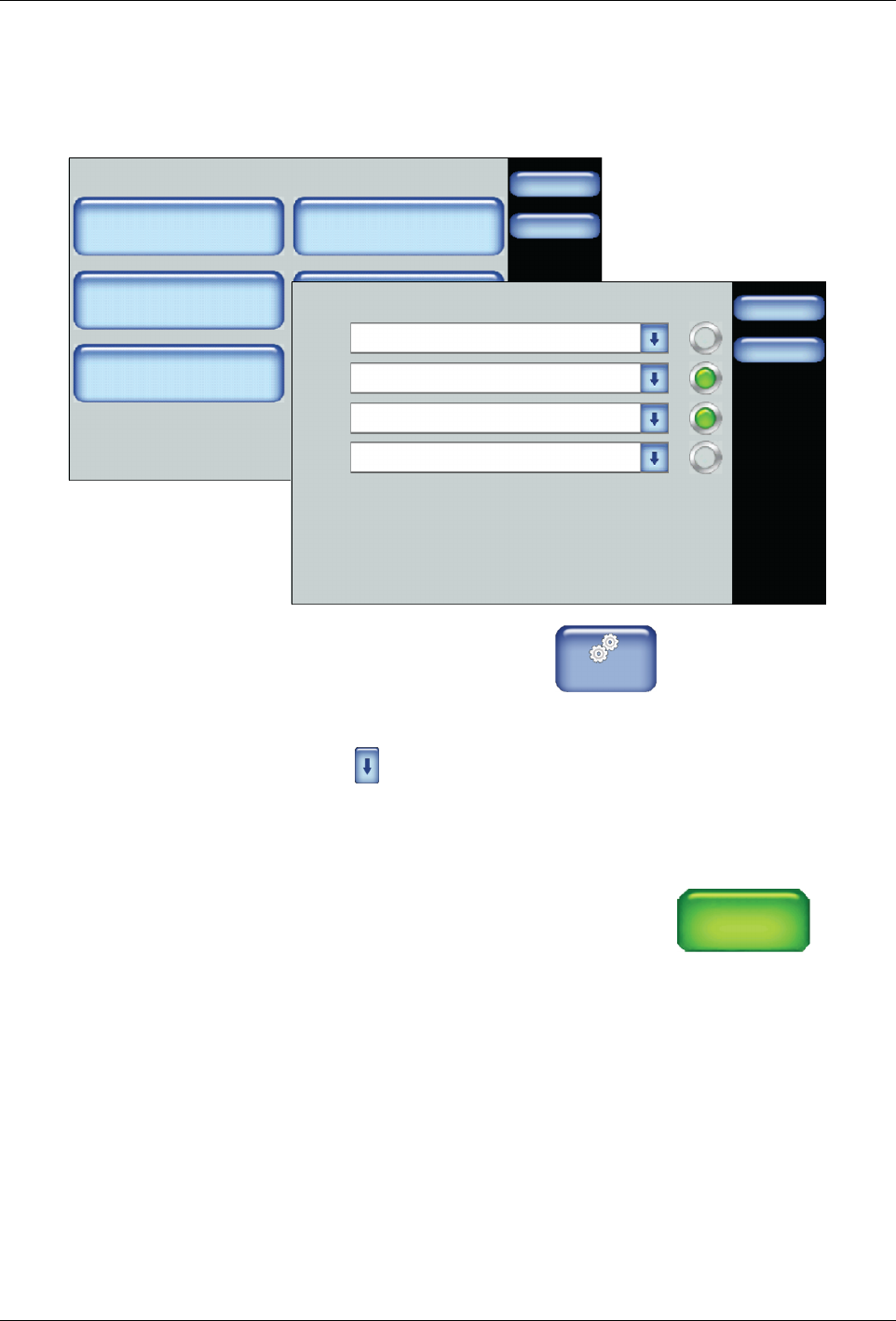
1. From the Home Display touch
Master
Controls
2. Touch Settings, then touch Input or Output.
3. Touch for the lnput or Output number you want to modify. Refer to
Default Input Settings and Default Output Settings for more information.
4. Touch Done.
NOTE: If you select the Input External Zone #A/#B option, the system
displays two opposing arrows beneath each other
←
←
to
indicate that it is controlled from a remote location.