AltaPail II Bulk Melters Product Manual.pdf - 第123页
Advanced Software Me lter Configuration 7 -37 Part 1121836_03 E 1 1/2014 Nordson Corporation Managing Re cipes Use recipes to save production setti ngs, such as zones and pump settings, as well as ot her melter sett ings…

Advanced Software Melter Configuration
7-36
Part 1121836_03
E 11/2014 Nordson Corporation
Reverting back to a Previous Version
As part of the upgrade process, the current *.dat file is automatically copied
into the \backup directory of the Customer SD Card.
Before attempting to revert to a previous version, make sure of the following:
S
You have a computer with an SD Card device with Read/Write
capabilities.
Starting
Entering Flash
Loader Version: 01.05
Found Upgrade File
Updating Firmware
Percent Complete: 40
Figure 7-2 The upgrade process.
1. Switch the melter off, and disconnect the electrical power to the melter at
the local power source. Open the door to access the CPU board.
2. Locate and remove the Customer SD card. Refer to Figure 7-1.
3. Using your PC, do the following:
S
Navigate to the \backup directory and copy the *.dat file you want.
S
Navigate to the root of the SD Card and paste the *.dat file.
4. Replace the Customer SD Card, close the access door, reconnect the
local power source, and switch the melter On. Refer to Figure 7-2.
5. The system automatically detects a new *.dat file and does the following:
S
A copy of the current *.dat file is copied into the \backup directory on
the SD Card.
S
The CPU board is upgraded first, followed by the Motor Control
board.
S
The entire upgrade process should take approximately 10 minutes.
When done, the software automatically reboots the melter. The
upgrade is complete.

Advanced Software Melter Configuration
7-37
Part 1121836_03
E 11/2014 Nordson Corporation
Managing Recipes
Use recipes to save production settings, such as zones and pump settings,
as well as other melter settings including scheduled events, and security
settings, to a file that you can use, modify, delete and share or copy with
other AltaPail II melters.
NOTE:
S
Recipes are stored in the \Recipes folder located on the Internal SD
Card. Refer to Figure 7-1 to locate the Internal SD card.
S
Refer to table 7-1 for more information about what is saved to a
recipe.
S
The melter retains the settings of the previously loaded recipe, even if
you delete or decide not to make use of a recipe.
Accessing the Recipes Screen
You can access the Recipes screen by doing one of the following:
S
From the Operator Display, touch Recipes.
-
Refer to Figure 7-3.
S
From the Master Controls | System | Administration, then touch
Recipes.
-
Refer to Figure 7-4.
Recipes:
Nothing Loaded
Touch here to create, load or modify and save recipes.
Figure 7-3 Accessing Recipes from the Operator Display
Advanced Software Melter Configuration
7-38
Part 1121836_03
E 11/2014 Nordson Corporation
Administration
Done
Home
System Reset
Display/Save Diagnostics
Recipes
Lockout Communication
Reset Password Display System Data
Off
Next
Cancel
Recipes
Load or Delete
a Recipe
Home
Do not use a Recipe
Save Recipe
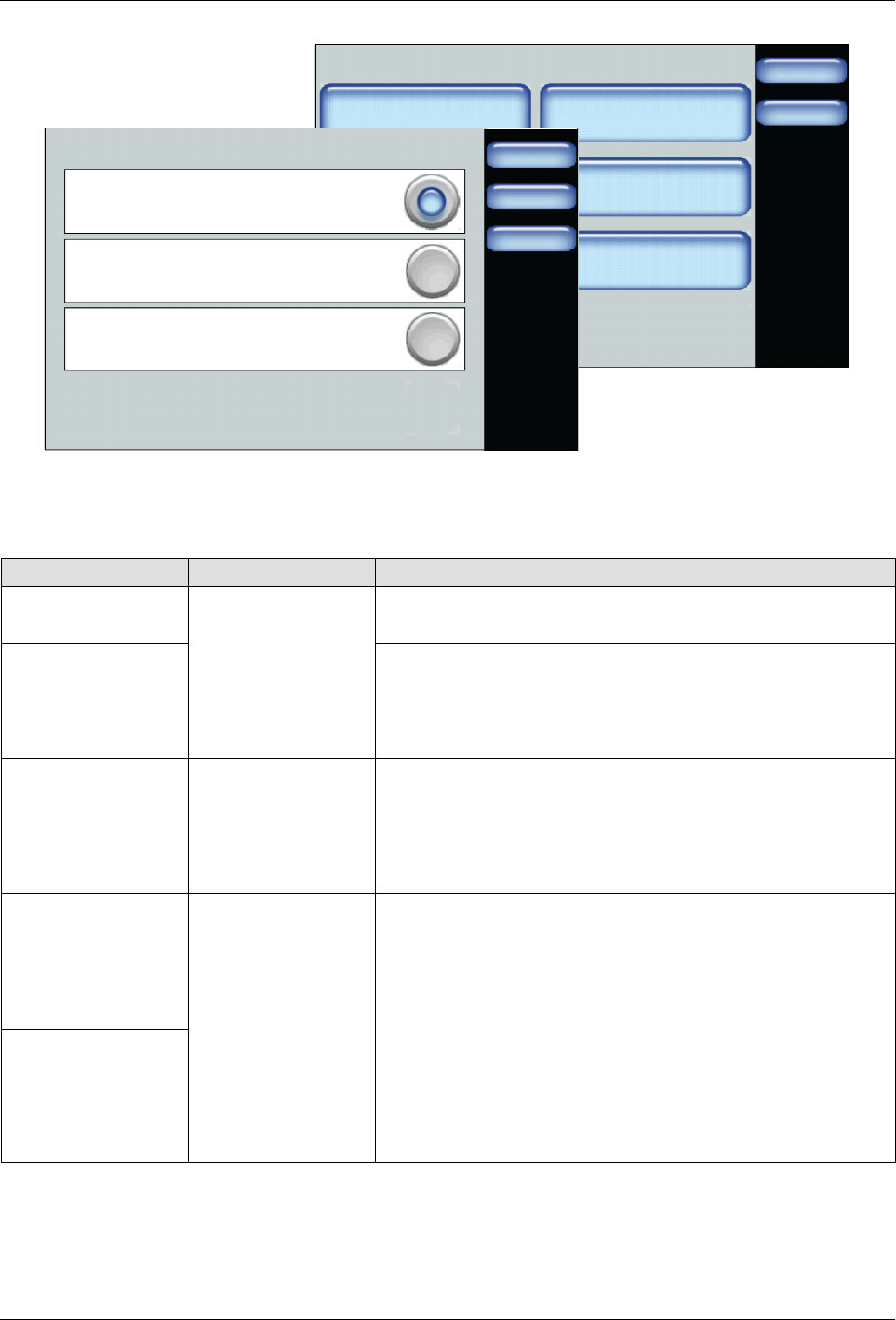
Figure 7-4 Accessing Recipes from the Master Controls | Administration screen
1. Access the Recipes screen.
2. Decide what you want to do and touch Next to continue.
Task Touch Description
Load a recipe
Load or Delete a
Recipe
Select an existing recipe you want use.
Touch Load to continue.
Delete a recipe Select an existing recipe you no longer want to use.
Touch Delete to continue.
NOTE: The melter retains the settings of the previously
loaded recipe.
Unload and/or not
make use of any
recipe
Do not use a
Recipe
Unloads the currently loaded recipe.
Select this option when troubleshooting or performing
maintenance on the melter.
NOTE: The melter retains the settings of the previously
loaded recipe.
Create a new
recipe
Save Recipe
Do
the
following:
1. Configure and test melter settings until it meets your
manufacturing requirements.
2. Access the Recipes screen, touch Save Recipe and
enter an easily identifiable recipe name.
NOTES:
S
To update the settings of the recipe, enter the exact
same recipe name.
S
The system unloads the currently loaded recipe, then
saves
the
new
settings
and
automatically
loads
it.
Modify an existing
recipe