AltaPail II Bulk Melters Product Manual.pdf - 第125页
Advanced Software Me lter Configuration 7 -39 Part 1121836_03 E 1 1/2014 Nordson Corporation Distributing Recip es with other AltaPail II Melters Before distributing o r sharing recipes with other AltaPail II melt ers, m…
Advanced Software Melter Configuration
7-38
Part 1121836_03
E 11/2014 Nordson Corporation
Administration
Done
Home
System Reset
Display/Save Diagnostics
Recipes
Lockout Communication
Reset Password Display System Data
Off
Next
Cancel
Recipes
Load or Delete
a Recipe
Home
Do not use a Recipe
Save Recipe
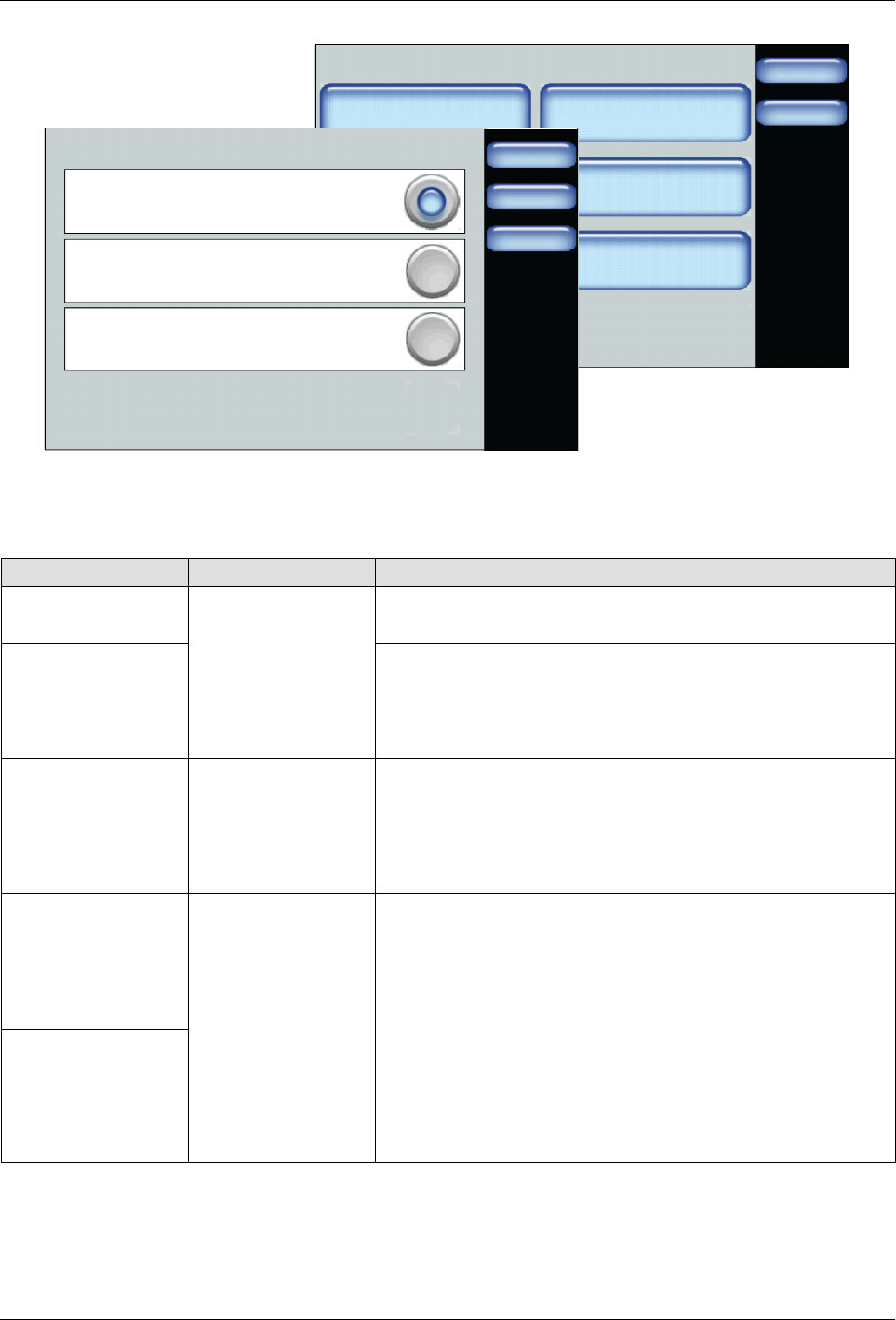
Figure 7-4 Accessing Recipes from the Master Controls | Administration screen
1. Access the Recipes screen.
2. Decide what you want to do and touch Next to continue.
Task Touch Description
Load a recipe
Load or Delete a
Recipe
Select an existing recipe you want use.
Touch Load to continue.
Delete a recipe Select an existing recipe you no longer want to use.
Touch Delete to continue.
NOTE: The melter retains the settings of the previously
loaded recipe.
Unload and/or not
make use of any
recipe
Do not use a
Recipe
Unloads the currently loaded recipe.
Select this option when troubleshooting or performing
maintenance on the melter.
NOTE: The melter retains the settings of the previously
loaded recipe.
Create a new
recipe
Save Recipe
Do
the
following:
1. Configure and test melter settings until it meets your
manufacturing requirements.
2. Access the Recipes screen, touch Save Recipe and
enter an easily identifiable recipe name.
NOTES:
S
To update the settings of the recipe, enter the exact
same recipe name.
S
The system unloads the currently loaded recipe, then
saves
the
new
settings
and
automatically
loads
it.
Modify an existing
recipe

Advanced Software Melter Configuration
7-39
Part 1121836_03
E 11/2014 Nordson Corporation
Distributing Recipes with other AltaPail II Melters
Before distributing or sharing recipes with other AltaPail II melters, make sure
of the following:
S
You have a computer with an SD Card device with Read/Write
capabilities.
S
The other AltaPail II melters are running the same firmware version.
1. Switch the melter off, and disconnect the electrical power to the melter at
the local power source. Open the door to access the CPU board.
2. Remove the Internal SD card and place it into your SD Read/Write device
that is connected to your computer. Refer to Figure 7-1 to locate the
Internal SD card.
3. Select and copy the recipe file or files into your computers memory.
S
Navigate to the \Recipes directory and copy the recipe file or files you
want.
S
Remove the SD card.
4. Paste the recipe file or files to another Internal SD card.
S
Insert the Internal SD card from another AltaPail II melter.
S
Navigate to the \Recipes directory and paste the recipe file or files. If
the Recipes folder does exist, you must first create it before pasting
files into it. Make sure to spell the name with a capital R, the rest of
the letters in lower-case.
S
Repeat this step for each AltaPail II melter.
5. When done, replace the Internal SD card back to the melter, close the
access door, reconnect the power and switch the melter On.
6. Access the Recipe screen to Load the recipe you want.

Advanced Software Melter Configuration
7-40
Part 1121836_03
E 11/2014 Nordson Corporation
What's Being Saved in a Recipe
The following highlights what a recipe is saving to a file.
Table 7-1
Recipe Details
General Information Administration Information
S
Software Version
S
Language
S
Date, Time, and Temp unit format
S
Under and Over Temperature threshold values
S
Configuration settings for standard and expanded
Inputs and Outputs
S
Service Alerts (enabled or disabled)
S
Service Interval value
S
RTD Type value
S
Scheduler (enabled or disabled) Settings and
events for each day of the week
S
Selected password level
S
Numeric password code for each password
level
S
Password Timeout value
Temperature Information Zone Information
S
Standby Temperature
S
Standby (enabled or disabled)
S
Auto Exit Standby (enabled or disabled)
S
Auto Exit Standby Time value
S
Auto Heaters Off Time value
S
Auto Standby Time value
S
Zone (enabled or disabled)
S
Default and user-defined names
S
Set Point values
S
PID values
Pump Information
S
Pump (enabled or disabled)
S
Auto Pump On (enabled or disabled)
S
Remote Pump (enabled or disabled)
S
Specific pump operation mode settings