AltaPail II Bulk Melters Product Manual.pdf - 第94页
Advanced Software M elter Configuration 7 -8 Part 1121836_03 E 1 1/2014 Nordson Corporation Defining Standby Setti ngs Settings Use the standby option to reduce the set point tempera ture of all hea ted zones (platen , h…
Advanced Software Melter Configuration
7-7
Part 1121836_03
E 11/2014 Nordson Corporation
Defining Ready Delay Settings
Use Ready Delay to define the amount of time you want to elapse after all of
zones have reached their set point temperatures before the melter
Ready\OK status appears.
Default Minimum Maximum
0 (Zero) minutes 0 (Zero) minutes 60 minutes
NOTE: The ready delay time only functions when the temperature of the
platen, at the time the melter is turned on, is more than 27 °C (50 °F) from its
set point temperature.
NOTE: The ready delay time begins when all components are within 3 °C (5
°F) of their respective set point temperatures.
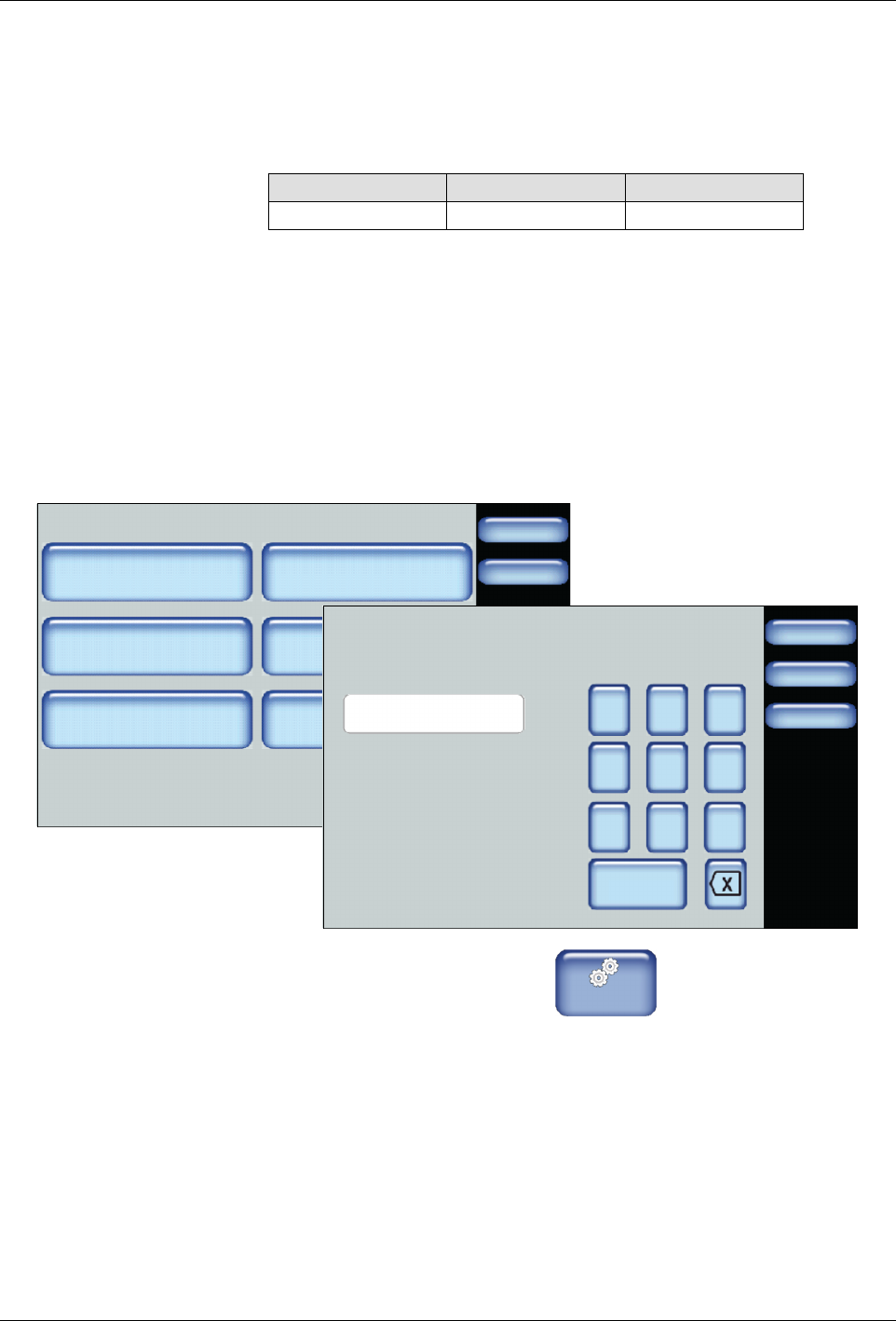
Accessing Ready Delay Settings
Settings
Done
Home
Temperature
Input
Ready Delay
Standby
Output Pump
Done
Cancel
7 8 9
4 5 6
1 2 3
0
Ready Delay
0
Home
min
1. From the Home Display touch
Master
Controls
2. Touch Settings, then Ready Delay.
3. Enter the number of minutes you want to delay the Ready\OK melter
status.
4. Touch Done.

Advanced Software Melter Configuration
7-8
Part 1121836_03
E 11/2014 Nordson Corporation
Defining Standby Settings Settings
Use the standby option to reduce the set point temperature of all heated
zones (platen, hoses and applicators) while the melter is temporarily not in
production, such as during shift changes.
Item Default
Automatic Standby Disabled
Auto Exit standby Time Disabled
The benefits of making use of the standby option include:
S
Allows for quicker ready for production time between shift changes,
since the heated zones are by default only within 50 °C (100 °F) of
their set point temperatures.
S
Conserves power usage.
About Standby Operation Options
There are two methods of Standby operation:
Standby
Operation
Description
Automatic Allows you to define under what melter conditions
to automatically enter and exit Standby mode.
NOTE: Refer to the following section for more
information.
Manual Allows you to manually enter and exit Standby
mode.
Advanced Software Melter Configuration
7-9
Part 1121836_03
E 11/2014 Nordson Corporation
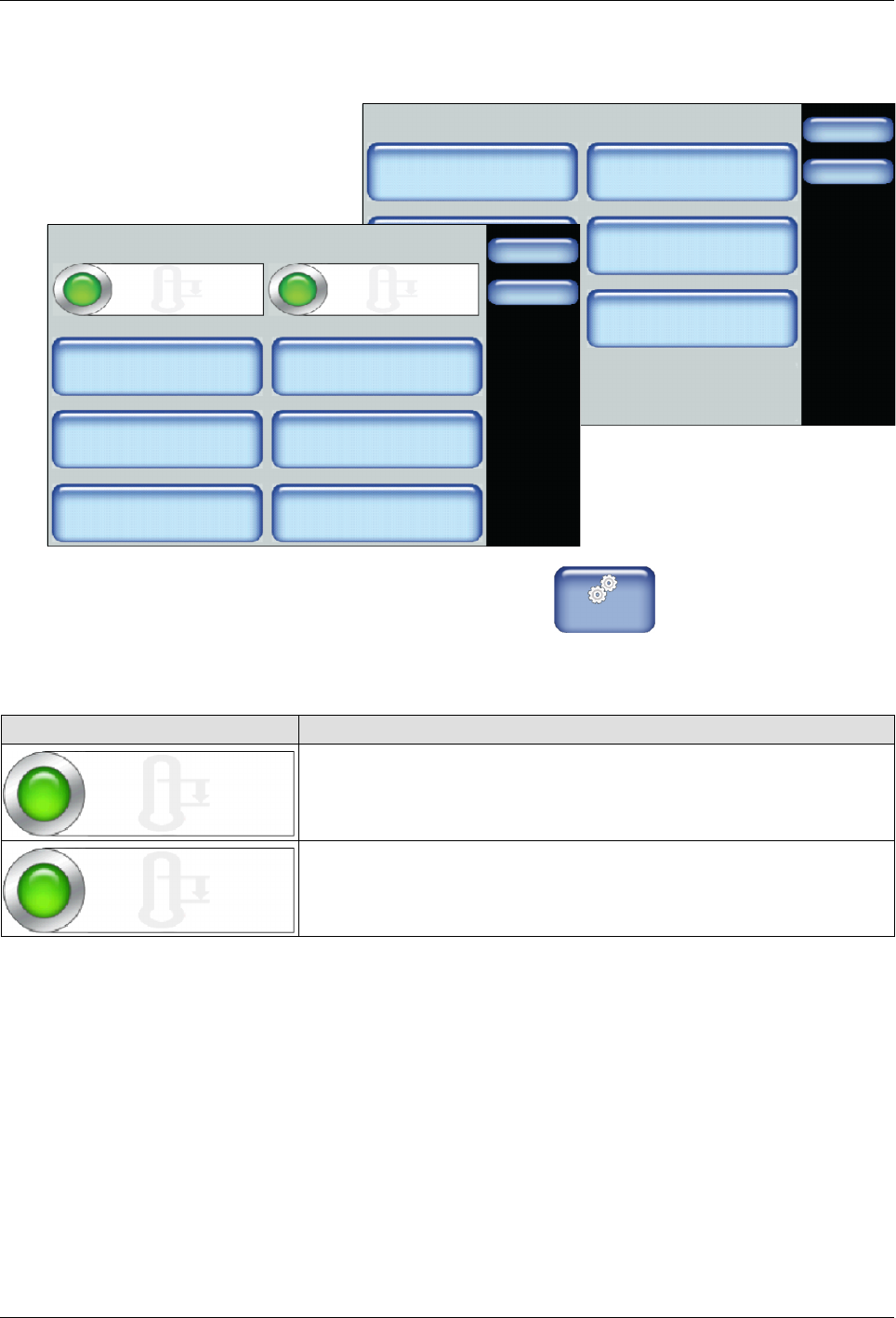
Accessing Standby Settings
Settings
Done
Home
Temperature
Input
Ready Delay
Standby
Output Pump
Standby Settings
Done
Home
Auto Standby Start Time Platen Standby
Temp Offset
Hoses Standby
Temp Offset
Applicator Standby
Temp Offset
Auto Heaters Off Time
Auto Exit Standby Time
Auto Exit Standby Time
Enabled
Automatic Standby
60 min.
60 min.
60 min.
60_C
60_C
60_C
Enabled
1. From the Home Display touch
Master
Controls
2. Touch Settings, then Standby.
3. Do the following to continue.
Touch Description
Automatic Standby
Enabled
Enables the system the ability to automatically place the melter into
standby mode.
Default: Disabled
Auto Exit Standby Time
Enabled
Enables the system the ability to automatically exit the melter out of
standby mode.
Default: Disabled