GD450 说明书(中英文版) - 第72页
- 72 - 图 4- 16 (帮助菜单) Pix 4-16(help menu) 7 : : 注册按钮。 单击该按钮打开注册界面如图 4- 17 , 在此输入注册码后成为 正式版本,可无限期使用; : Registration. En ter into registration interface by clicking this button. See pix 4-17. Inputting the registration cod…
- 71 -
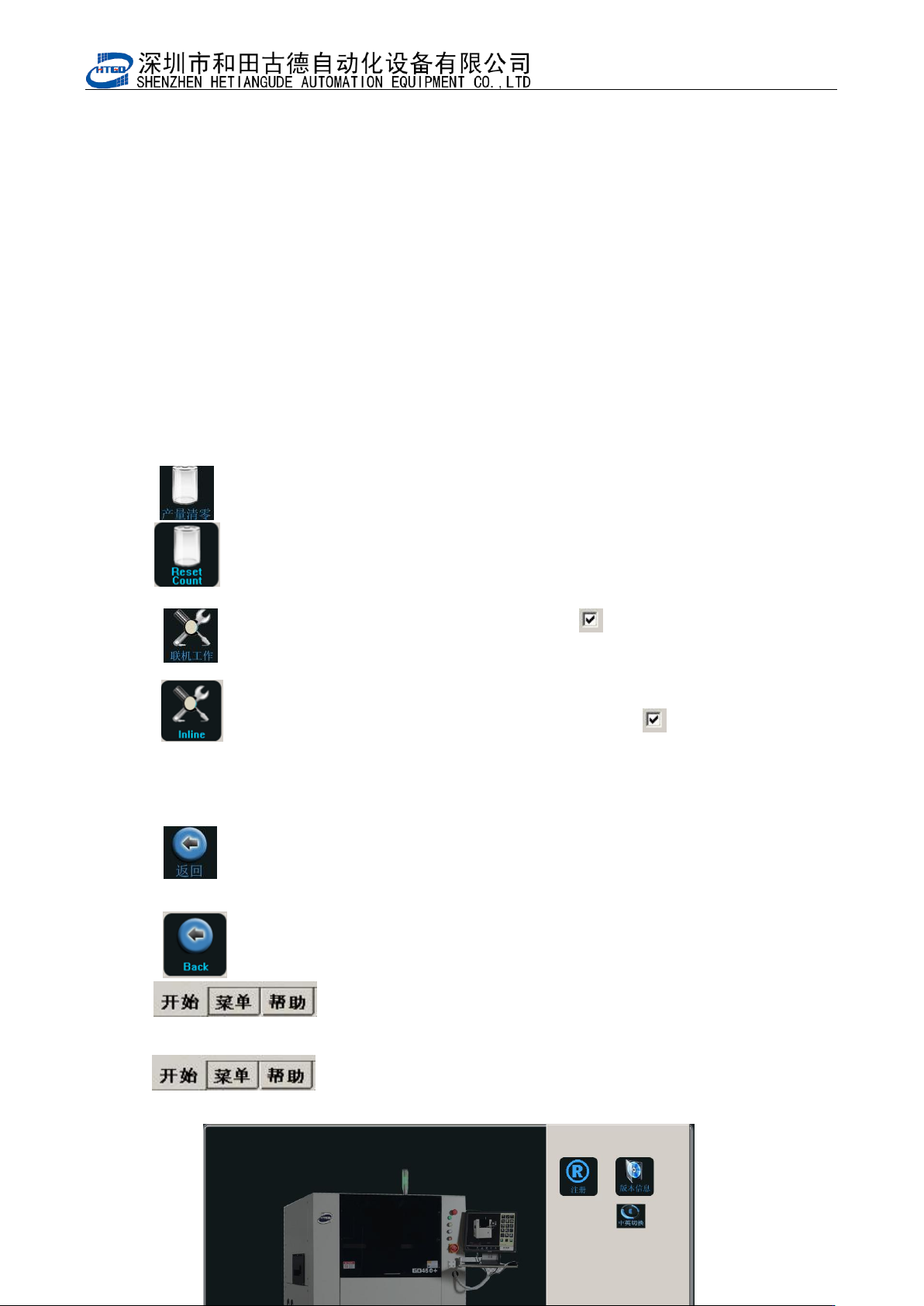
图 4-15(操作菜单) Pix 4-15(operation menu)
3: : 产量清零按钮。在图 4-15 中点击产量清零按钮按提示操作清除产量;
: Reset on the output. Clicking this button in pix 4-15 will reset the output.
4: : 联机工作按钮。单击该按钮一次切换‘ ’状态,此状态表示自动在线生
成开启;
: On-line operation.Click this button and shift ‘ ’state one time. This
state means the start of automatic online.
5: : 返回按钮。单击该按钮关闭操作菜单回到图 4-14;
: Return. Clicking this button will close the operation menu and Come
back to the interface in the pix 4-14
6: : 帮助按钮。单击该按钮打开帮助菜单如图 4-16;
: Help. Enter into help menu by clicking this button. See pix
4-16.
- 72 -
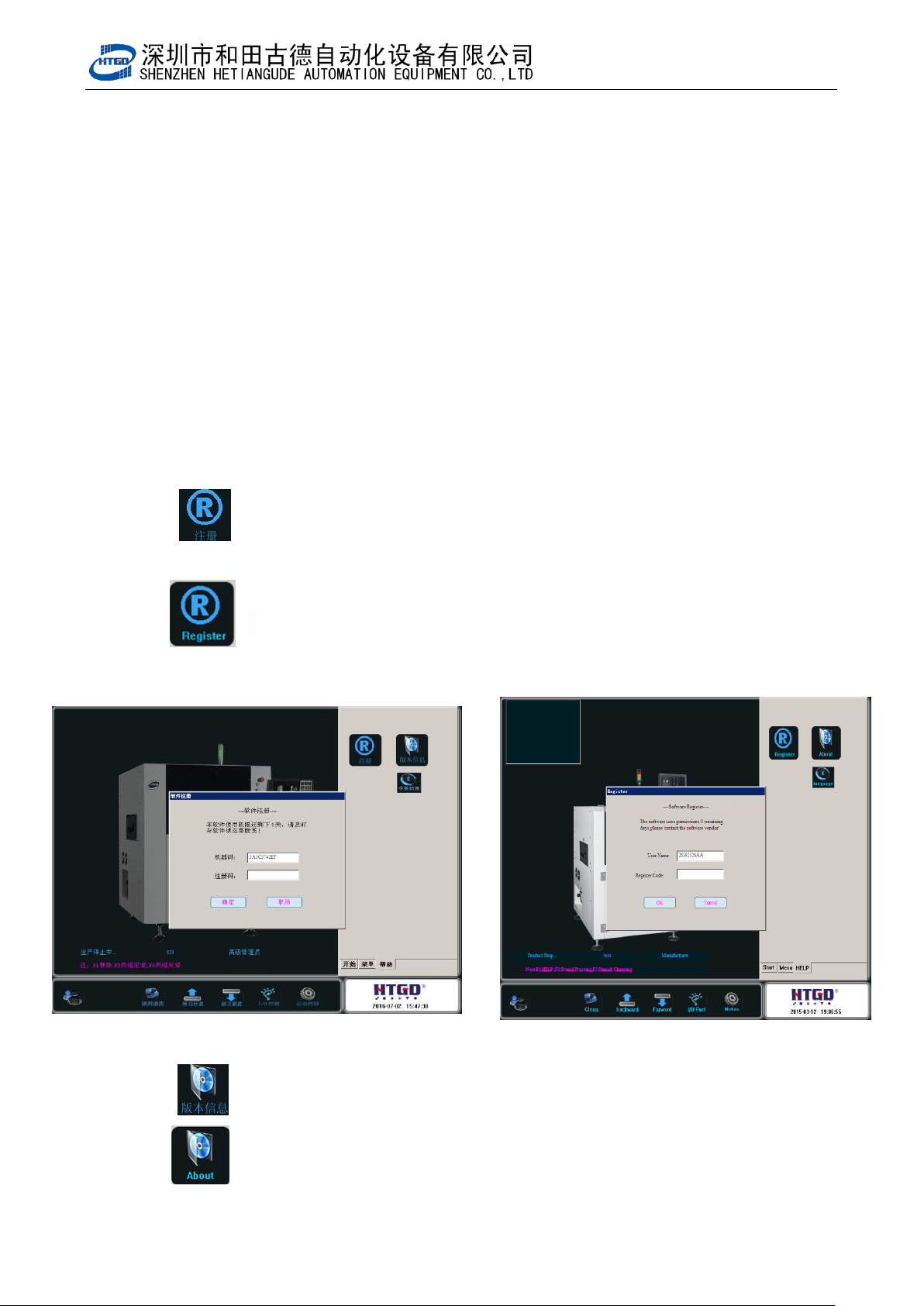
图 4-16(帮助菜单)
Pix 4-16(help menu)
7: : 注册按钮。单击该按钮打开注册界面如图 4-17,在此输入注册码后成为
正式版本,可无限期使用;
: Registration. Enter into registration interface by clicking this button.
See pix 4-17. Inputting the registration code will become official version and can be
operated indefinitely.
图 4-17(注册界面) Pix 4-17(registration interface)
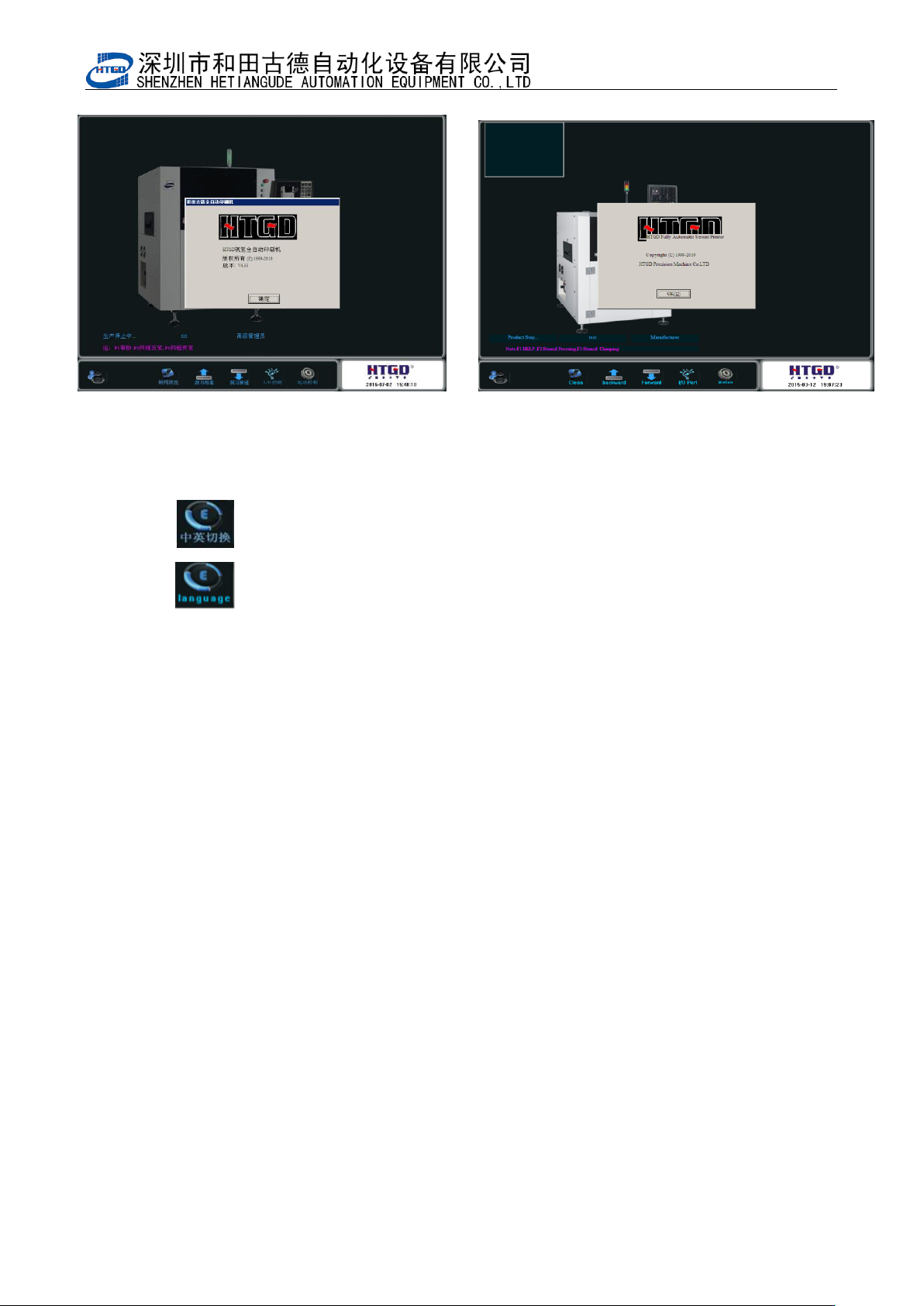
8: : 版本信息按钮。单击该按钮打开如图 4-18,
: Version information. Enter into the interface in pix 4-18 by clicking this
button.
- 73 -
图 4-18(版本信息) Pix 4-18(version information)
9: : 中英切换按钮。单击该按钮将中文界面切换成英文;
: Chinese and English shift. The Chinese interface will be shifted to
English interface by clicking this button.