00193802-01.pdf - 第86页
3 Technical data User Manual SIP LACE CF 3.7 Component barc ode reader Software version S R.101.xx 06/2003 US Edition 86 track allocat ion Four-dig it barco de strips ar e attached to th e lateral safety sc reens fo r th…
User Manual SIPLACE CF 3 Technical data
Software version SR.101.xx 06/2003 US Edition 3.7 Component barcode reader
85
3.7 Component barcode reader
3.7.1 General
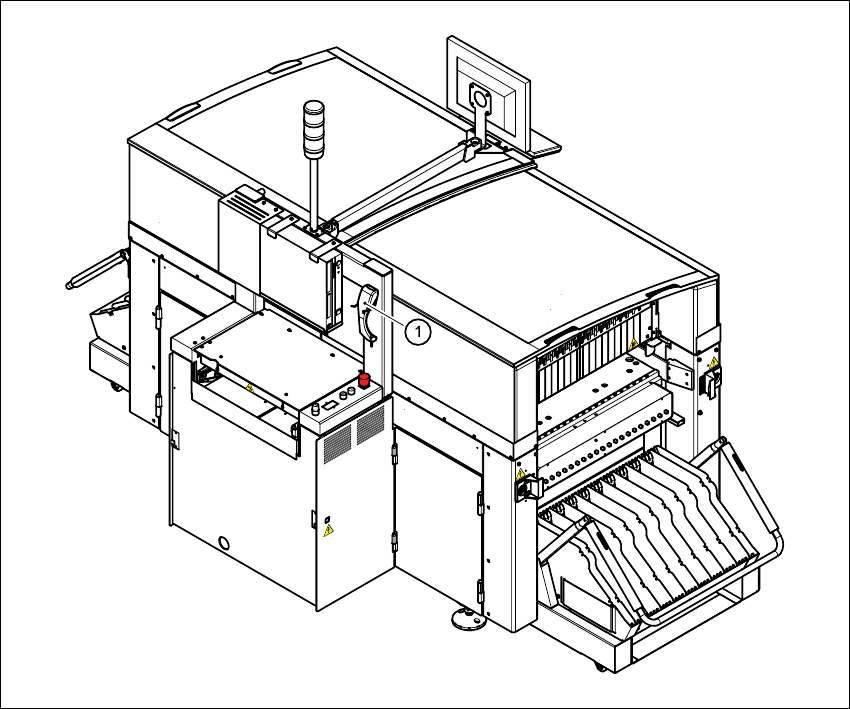
With the placement system, a barcode reader can be used to check that the track allocation is
correct and to read component data from component reels.
Fig. 3.7 - 1 Component barcode reader
3
(1) Component barcode reader

3 Technical data User Manual SIPLACE CF
3.7 Component barcode reader Software version SR.101.xx 06/2003 US Edition
86
track allocation
Four-digit barcode strips are attached to the lateral safety screens for the purposes of track allo-
cation. The first digit is used to identify the component table (1 or 2), while the remaining three
digits specify the track number. There are also return barcodes at both ends of the barcode strip.
The barcode strips are numbered consecutively in intervals of two (1, 3, 5, 7...) and each repre-
sents 2 tracks (barcode 1 = track 1 and 2).
Components
Data can be read from the component reels to compare the stock of components against the
quantity specified in the set-up file (refill check), for example.
An audible signal is given when each dataset has been read successfully.
NOTE 3
The component barcode reader option must be configured on the SIPLACE C Pro computer.
Barcodes that start with the number 1 or 2 and are 5 digits long are interpreted as track barcodes.
All other barcodes that do not start with number 1 or 2 are regarded as component barcodes. 3
3.7.2 Technical data
3
Component barcode reader
Connection Station computer
Data entry Via barcode scanner or keyboard
Number of characters Up to 40
Not permissible Barcodes starting with a 1 or 2 and less than 5
characters long
Number of barcodes Up to 6 per component
Filter for suppressing data Up to 1 per barcode
Preset code types Code 39 (standard or ASCII)
Code 2 of 5, interleaved and normal,
Code 128, UPC/EAN/JAN codes
(others available upon request)
User Manual SIPLACE CF 3 Technical data
Software version SR.101.xx 06/2003 US Edition 3.8 Gantry
87
3.8 Gantry
3.8.1 Position of the gantry
3
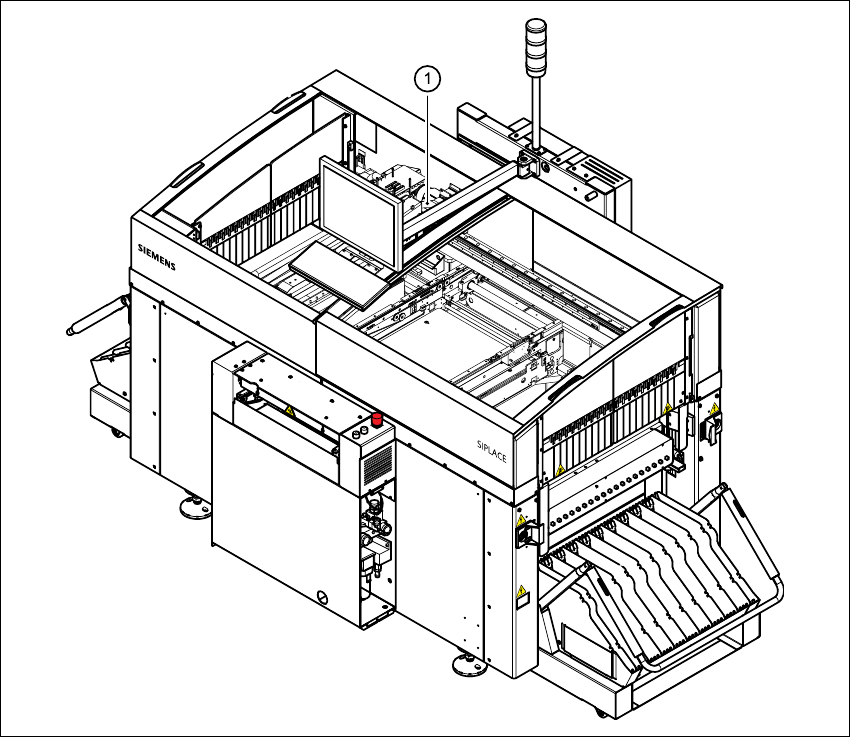
Fig. 3.8 - 1 Position of the gantry
3
(1) Gantry 1
The gantry system consists of two functional groups
– X axis and
–Y axis