80S-2080F480F4-680F5 User’s Manual.pdf - 第290页
SIPLACE 80S-20/F4/F4-6/F5 User’s Manual 5 Vision Functi on s Edition 03/98 from S oftware Version SR.404.xx 5.5 Teach Fiducial Line engi neer 5 - 69 5.5. 6.4 PCB onto Center Conveyor Option Click o n the PCB to ce nter c…
5 Vision Functions SIPLACE 80S-20/F4/F4-6/F5 User’s Manual
5.5 Teach Fiducial Edition 03/98 from Software Version SR.404.xx
5 - 68 Line engineer
5.5.6.3
Move X/ Y Axes
Option
When you select this option from the Test fiducial menu, the station computer will have the following actions
carried out:
– The screen will close the Test fiducial menu and will switch over to the video image. At the same time the
current camera position will be displayed and the operator field option dropped down.
– If there is the risk of a crash the axis controllers will be blocked.
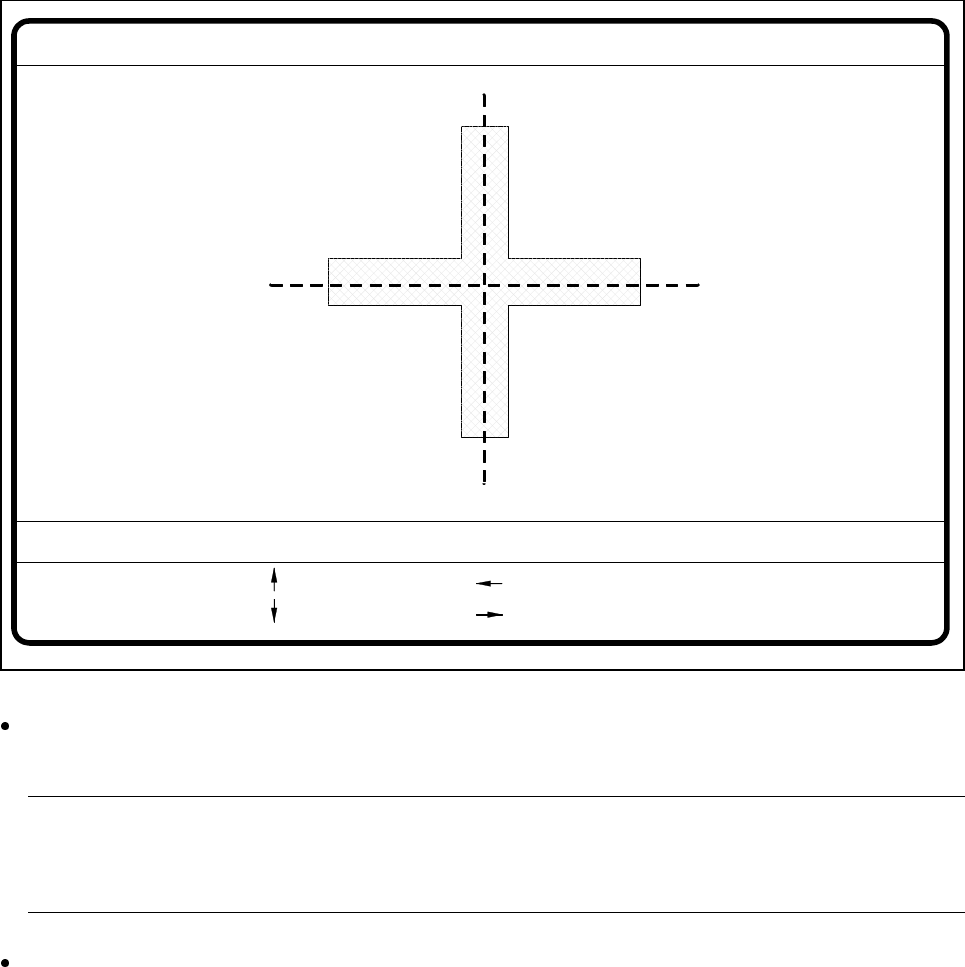
Fig. 5.5.19 Test fiducial menu, Move x/y axes video image
After selecting the step width (by choosing a number between 1 and 6) you can use the arrow keys to
change the camera position of gantry 1.
NOTE
The default teaching gantry is always Gantry 1. You can however select Gantry 2 for this by using the
Select gantry option (see Section 5.5.3.1, Page 5 - 49).
With Esc you can quit the option. The Test fiducial menu will be displayed again.
: x axis +
: x axis -
: y axis +
: y axis -
1..6: x/y step
x pos. cam = y pos. cam =
Move x/y axes
x/y step width =

SIPLACE 80S-20/F4/F4-6/F5 User’s Manual 5 Vision Functions
Edition 03/98 from Software Version SR.404.xx 5.5 Teach Fiducial
Line engineer 5 - 69
5.5.6.4
PCB onto Center Conveyor
Option
Click on the PCB to center conveyor button and the following actions will be executed:
1. There is a board on the input conveyor.
– The conveyor belt starts and conveys the board as far as the stopper.
– The board will be clamped.
2. There is no board on the input conveyor.
– The message appears: ’No PCB on the input conveyor’.
– Insert a board.
– Click on the PCB to center conveyor button.
– The conveyor belt starts and conveys the board as far as the stopper.
– The board will be clamped.
NOTE
If there is already a board on the center conveyor, this function will be blocked. You will then see a mes-
sage informing you that there is already a board on the center conveyor.
NOTE
If a twin conveyor is installed you can use the buttons in the option box ’Conv. selection’ to select con-
veyor 1 or conveyor 2.
5.5.6.5
PCB to Output Conveyor
Option
This function will only be executed when there is a board on the center conveyor.
NOTE
When you quit the menu the board will be transported automatically onto the output conveyor.
NOTE
If a twin conveyor is installed you can use the buttons in the option box ’Conv. selection’ to select conveyor 1
or conveyor 2.
5 Vision Functions SIPLACE 80S-20/F4/F4-6/F5 User’s Manual
5.5 Teach Fiducial Edition 03/98 from Software Version SR.404.xx
5 - 70 Line engineer