80S-2080F480F4-680F5 User’s Manual.pdf - 第304页
SIPLACE 80S-20/F4/F4-6/F5 User’s Manual 5 Vision Functi on s Edition 03/98 from S oftware Version SR.404.xx 5.6 Test Component Line engi neer 5 - 83 5.6. 4.1 Pick Up Component Opt ion NOTE Before y ou can a ctivate this …
5 Vision Functions SIPLACE 80S-20/F4/F4-6/F5 User’s Manual
5.6 Test Component Edition 03/98 from Software Version SR.404.xx
5 - 82 Line engineer
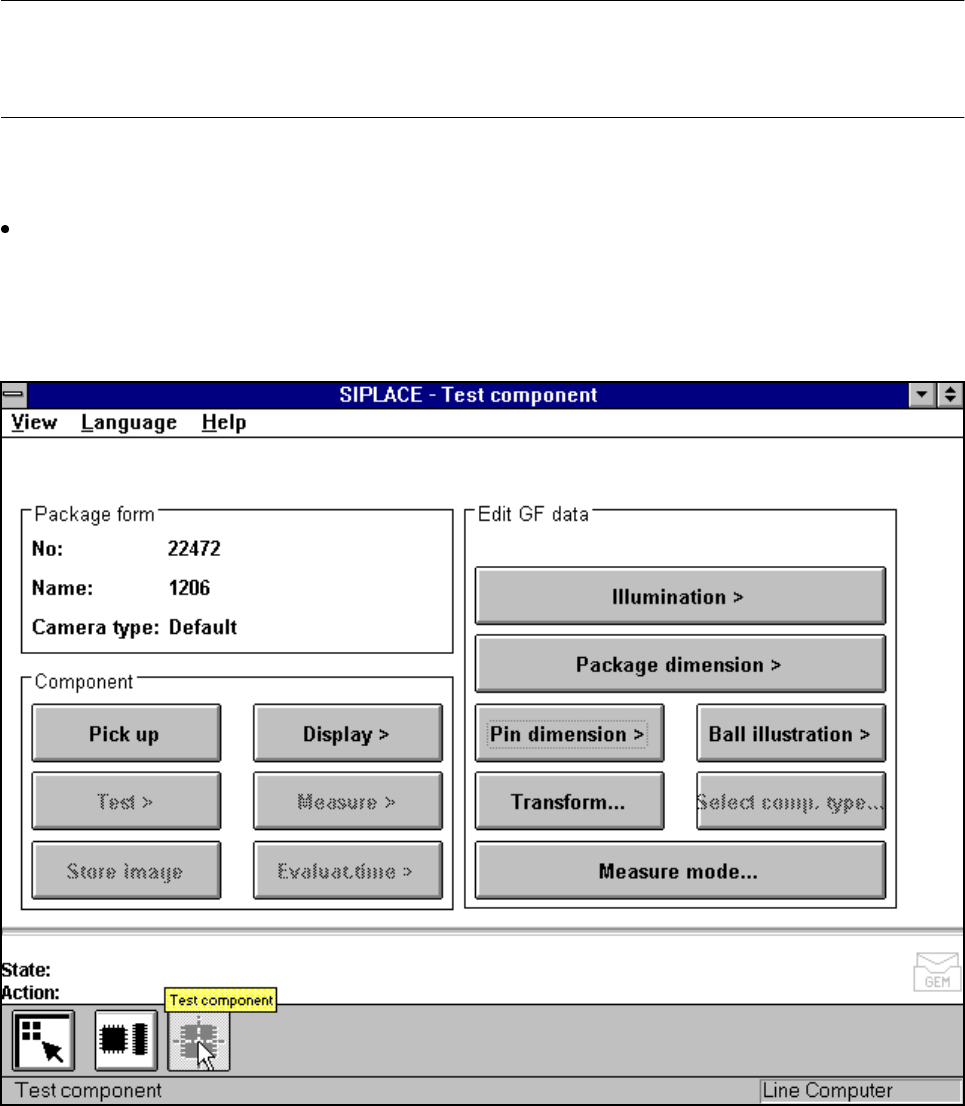
NOTE
Buttons are active when the text on the button is black (rather than gray). This means that you can launch the
associated function by clicking on the button with the mouse.
If you have not yet loaded a package form all options will be inactive.
From the Select package form menu load a package form (see Section 5.6.3 from Page 5 - 77). The
loaded package form will be displayed in the Package form display field with package form number, pack-
age form name and camera type. All options are accessible with the exception of Test, Measure, Store
image and Evaluat. time. The Component type option is reserved for the 80F
4
, 80F
4
-6 or 80F
5
machine
and only available there.
Fig. 5.6.8 Test component menu, options
SIPLACE 80S-20/F4/F4-6/F5 User’s Manual 5 Vision Functions
Edition 03/98 from Software Version SR.404.xx 5.6 Test Component
Line engineer 5 - 83
5.6.4.1
Pick Up Component
Option
NOTE
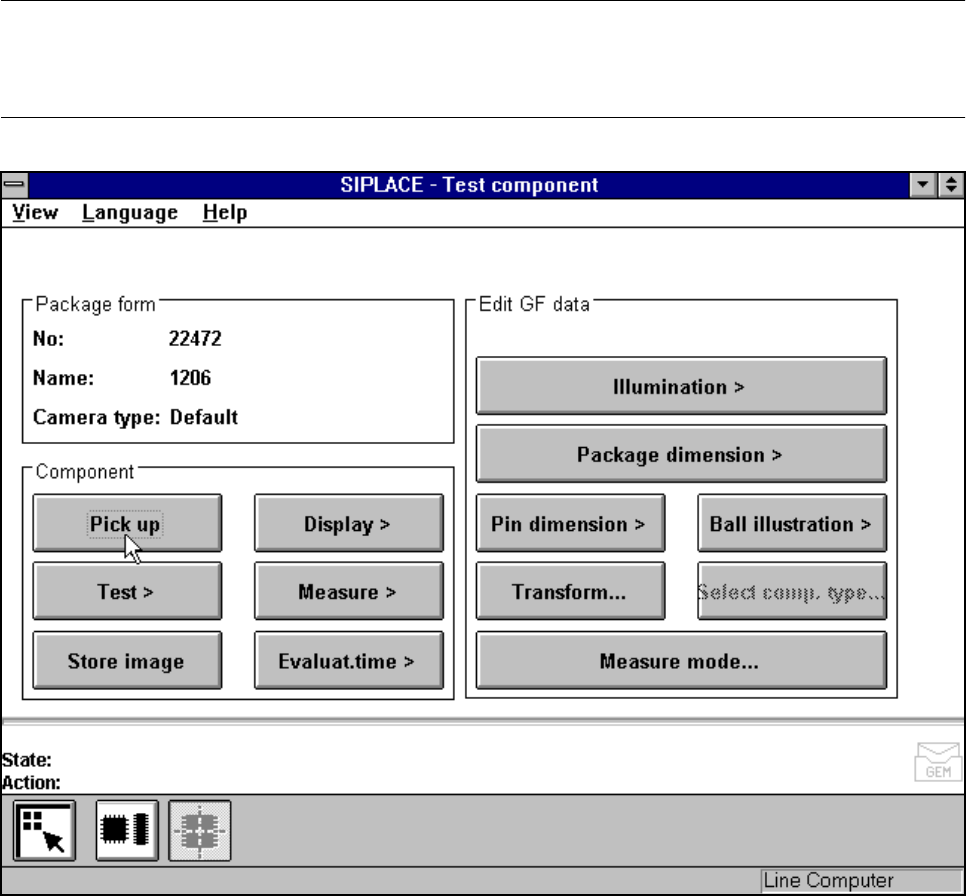
Before you can activate this option you must have already loaded a package form number. If this is not the
case, the button will remain inactive.
Fig. 5.6.9 Test component menu, Pick up component option
When this option is activated the following actions are started:
– A component is picked up from a specific track.
– If there already is a component beneath the component camera it will be discarded.
– The options Test and Measure can be clicked on.
5 Vision Functions SIPLACE 80S-20/F4/F4-6/F5 User’s Manual
5.6 Test Component Edition 03/98 from Software Version SR.404.xx
5 - 84 Line engineer
5.6.4.2
Display Component
Option
NOTE
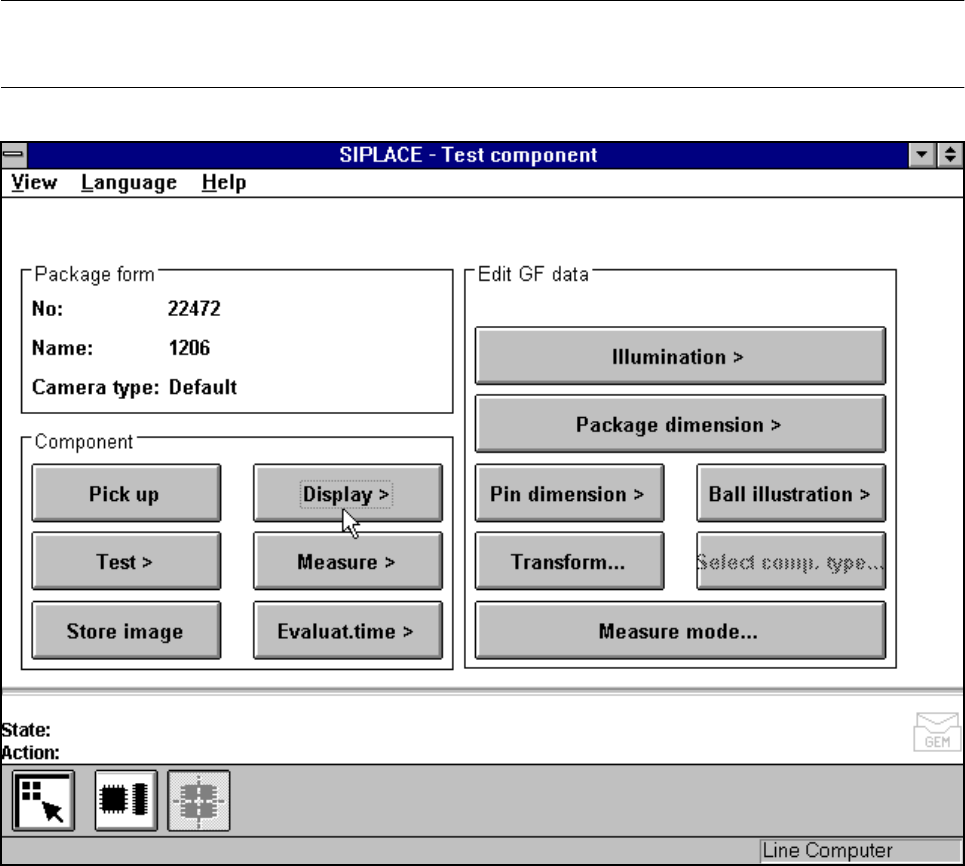
Before you can activate this option you must have already loaded a package form number.
Fig. 5.6.10 Test component menu, Display component option
When this option is activated the following actions are started:
– The teach command will be given.
– The vision system generates the outside contours of the component from the synthetic description.
– The video image with the real camera image and the model displayed on it will be displayed on the screen.
– The header with commentaries is displayed.
The operator can now check the synthetic description visually against the real image.