182050 User manual.pdf - 第110页
semi automatic 0$&+,1( 352*5$ 00,1* 67$786 3$*( 1.100 User Manual Software Ve rsion 07SP02 Rates The fo llowing ta ble list s all t he items that can be displ ayed in the Rates informat ion panel: The Rates p anel …
semi automatic
0$&+,1(352*5$00,1*
67$7863$*(
Software Version 07SP02 User Manual 1.99
Information
Windows
Three information windows are displayed on the status page as follows:
• Printer - Status
• Process - Parameters
• Rates
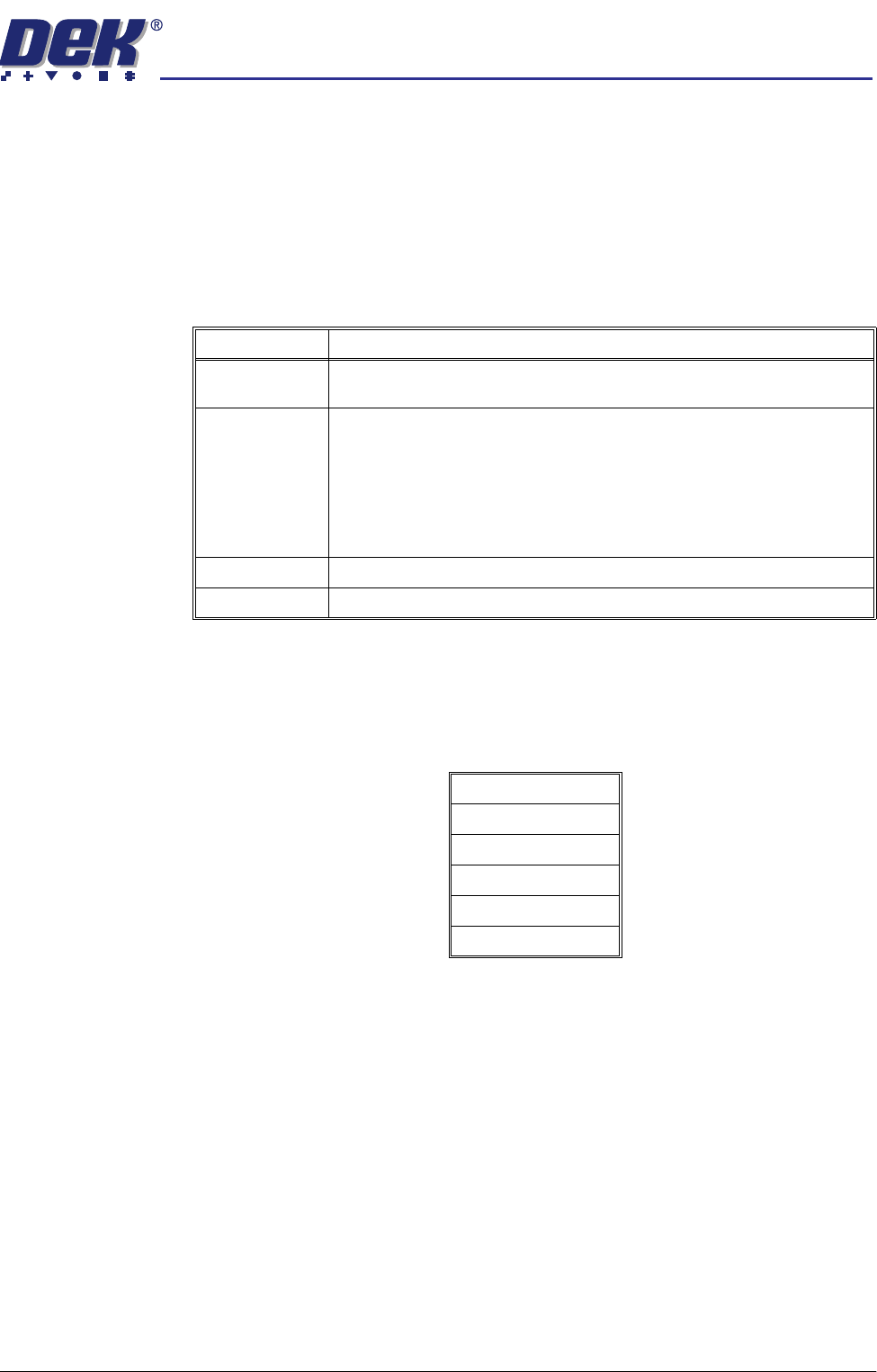
Printer - Status The following table lists all the items that can be displayed in the Printer - Status
information panel:
The Printer - Status panel can display up to a maximum of 14 items.
Process -
Parameters
The following table lists all the items displayed in the Process - Parameters
information panel:
The Process - Parameters panel can display up to a maximum of 6 items.
The values of the Process - Parameters are set in the product file of the loaded
product.
Item Description
Status The printers current status is displayed. Options are:
Maintenance; Operator Active; Ready; Machine Set Up.
Mode Displays the current mode of operation of the printer. Options are:
Step - The printer operates one step at a time;
Auto - The printer completes a print cycle and displays the message
‘Remove the Completed Board’;
Single - The printer prints the board but leaves the board at the print station;
SPC Mode - The printer cycles boards in and out of the printer, continuously.
Product Displays the current product loaded onto the printer.
SW Version Displays the version of software currently loaded on the printer.
Print Mode
Front Print Speed
Rear Print Speed
Front Pressure
Rear Pressure
Separation Speed
semi automatic
0$&+,1(352*5$00,1*
67$7863$*(
1.100 User Manual Software Version 07SP02
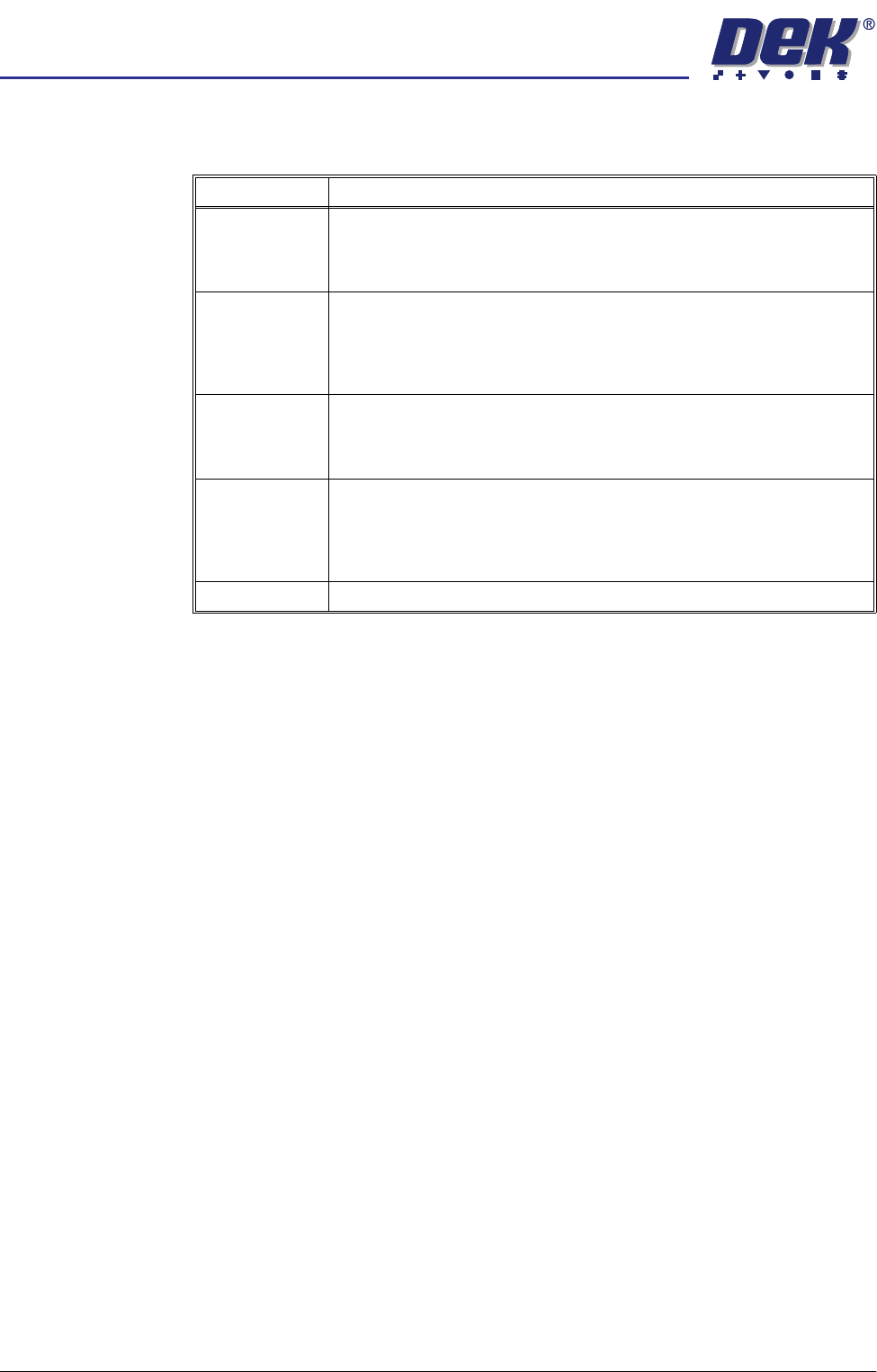
Rates The following table lists all the items that can be displayed in the Rates
information panel:
The Rates panel can display up to a maximum of 6 items.
Item Description
Batch Count/
Limit
The first figure displays the amount of boards printed in the current batch.
The second figure displays the total amount of boards to be printed in the
current batch. The batch count limit is set in Batch Limit in the Monitor
menu.
Board Count/
Limit
The first figure displays the amount of boards printed in the current board
count. The second figure displays the total amount of boards to be printed
in the current board count. The board count limit is set in Board Count in
the Edit Data menu. The board count limit allows a separate board count
to be set within the total batch count.
Paste Disp. Cnt/
Rate
The first figure displays the amount of boards printed since the last paste
dispense. The second figure displays the amount of boards to be printed
between each paste dispense. The paste dispense count/rate is set in
Paste Dispense Rate in the Edit Data menu.
Clean 1 Count/
Rate
The first figure displays the amount of boards printed since the last screen
clean mode 1 was carried out. The second figure displays the amount of
boards to be printed between each screen clean mode 1. The clean 1 count/
rate is set in Screen Clean Rate 1 in the Edit Data menu. This parameter
is only displayed while a blue or silver under screen cleaner is fitted.
Print Direction Displays the print direction for the next board to be printed.
semi automatic
6(735()(5(1&(6
,1752'8&7,21
Software Version 07SP02 User Manual 2.1
CHAPTER 2 SET PREFERENCES
INTRODUCTION
The Set Preferences function allows for the setting of preferred machine control
options.
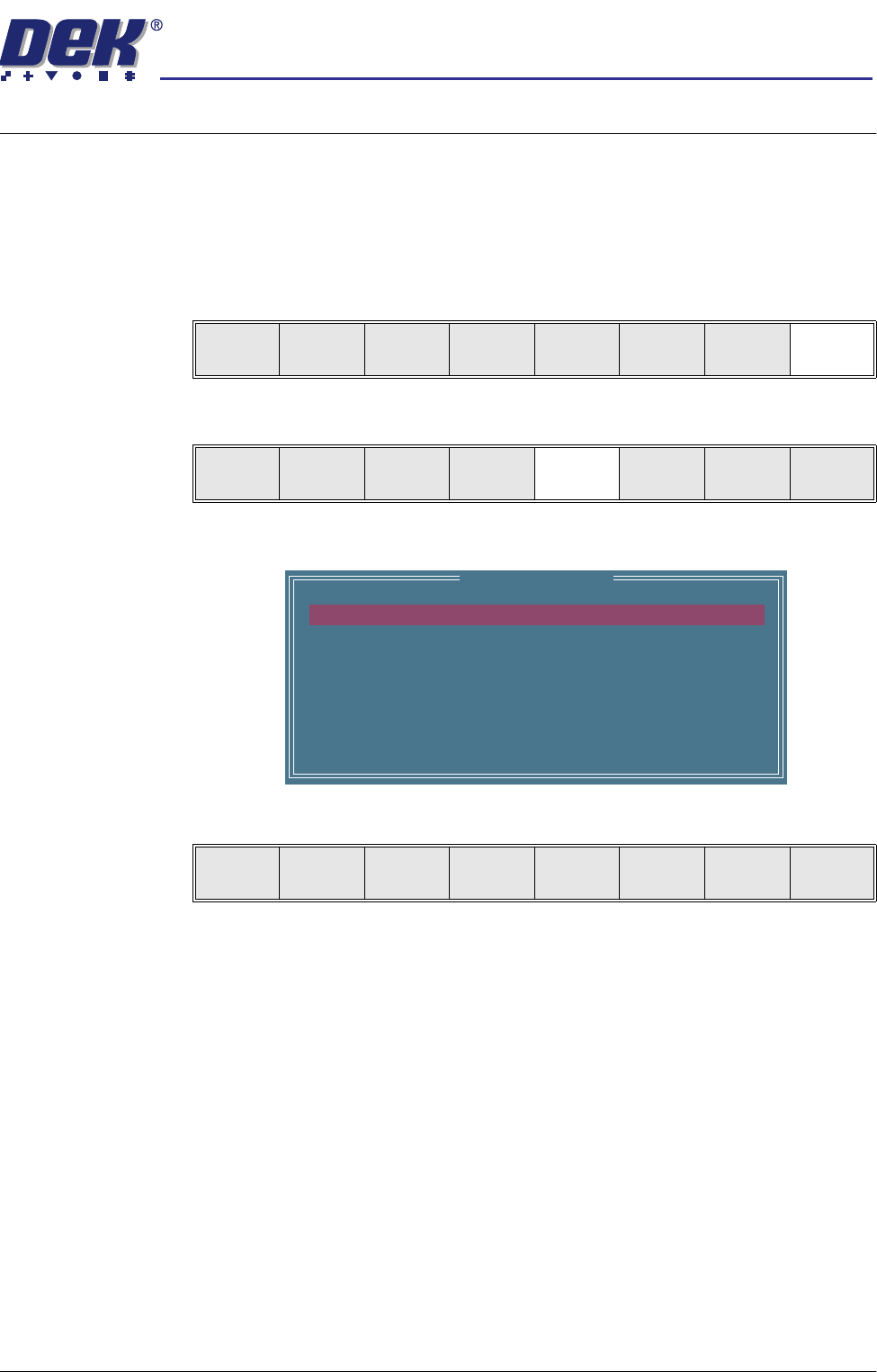
To access the set preferences window proceed as follows:
1. Select Maint. (F8).
2. Select Set Prefs (F5).
The set preferences window is displayed:
The menu bar changes to give the following options:
Next and Previous move the highlight between the various parameters.
Incr. and Decr. alter the value of the highlighted parameter.
Run
Open
Cover
Paste
Load
Clean
Screen
Setup Monitor Maint.
Calibrat
Pressure
Calibrat
Offset
Calibrat
Vision
House
Keeping
Set
Prefs
Diagnost
Te st
Cycles
Exit
Set Preferences
MACHINE UNITS
TOOLING HARDWARE
PRESSURE H/W
SCREEN SIZE
2D INSPECTION
IMAGE RECORDING
BOARD STOP X OFFSET
MACHINE LOCATION
UNDER SCREEN CLNR
Metric
PLAIN
NOT FITTED
265
DISABLED
OFF
28.0 mm
VACUUM
Next Previous Incr. Decr. Exit