182050 User manual.pdf - 第152页
semi automatic 021,725 &/($5%$ 7&+ 5.2 User Manual Software Version 0 7SP02 CLEAR BA TCH Allo ws the user to reset cycl e time, batch count , board count and throughput informat ion on the status p age. T o rese…
semi automatic
021,725
,1752'8&7,21
Software Version 07SP02 User Manual 5.1
CHAPTER 5 MONITOR
INTRODUCTION The Monitor function allows for the setting of the following functions:
• Clear Batch
• Batch Limit
• System Disable
To access the monitor functions proceed as follows:
Select the Monitor button from the run menu.
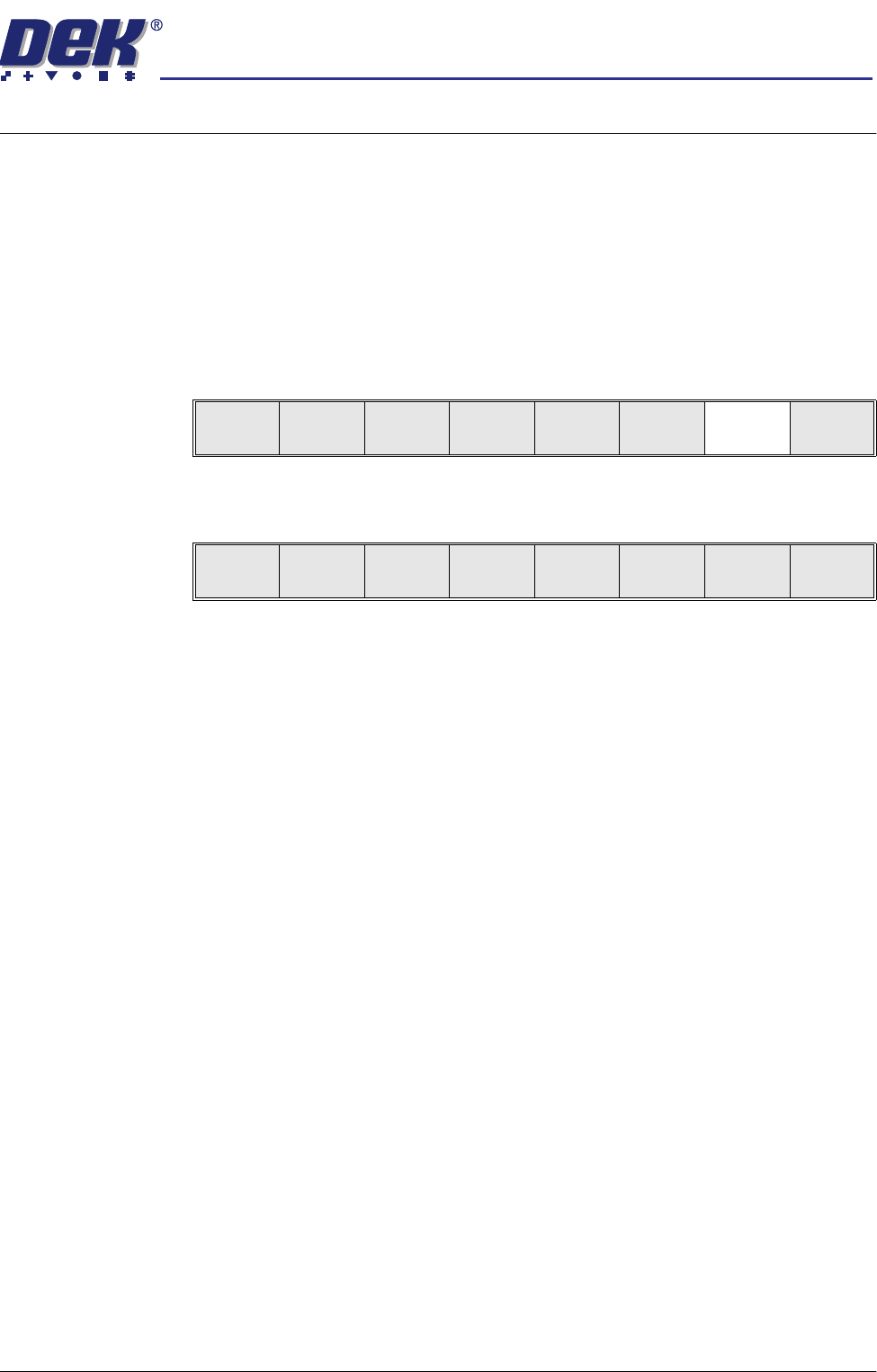
The menu bar displays the following options:
Run
Open
Cover
Paste
Load
Clean
Screen
Setup Monitor Maint.
Clear
Batch
Batch
Limit
System
Disable
Exit
semi automatic
021,725
&/($5%$7&+
5.2 User Manual Software Version 07SP02
CLEAR BATCH Allows the user to reset cycle time, batch count, board count and throughput
information on the status page. To reset the batch proceed as follows:
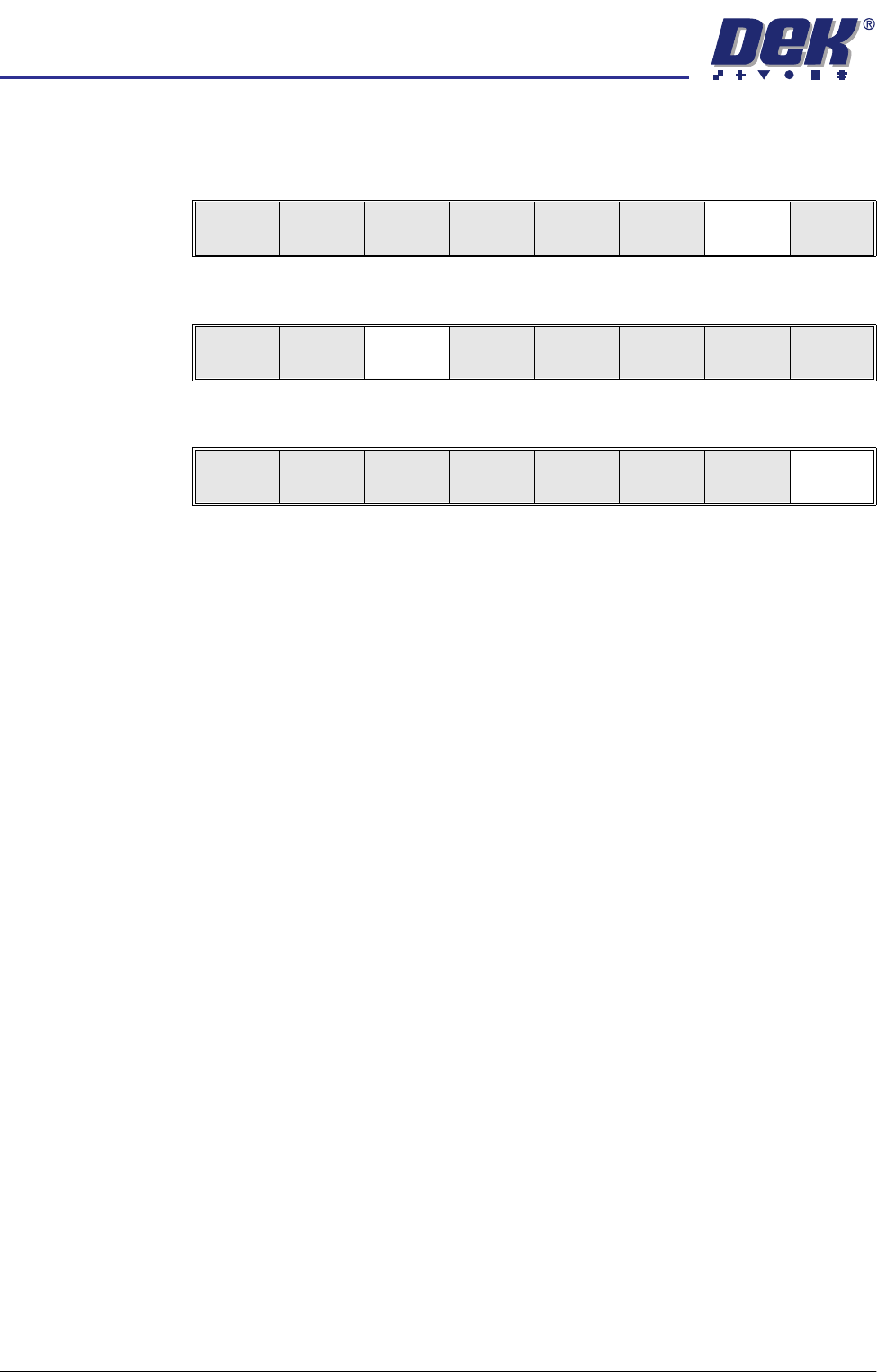
1. Press Monitor (F7).
2. Press Clear Batch (F3).
3. Press Exit (F8).
Run
Open
Cover
Paste
Load
Clean
Screen
Setup Monitor Maint.
Clear
Batch
Batch
Limit
System
Disable
Exit
Clear
Batch
Batch
Limit
System
Disable
Exit
semi automatic
021,725
%$7&+/,0,7
Software Version 07SP02 User Manual 5.3
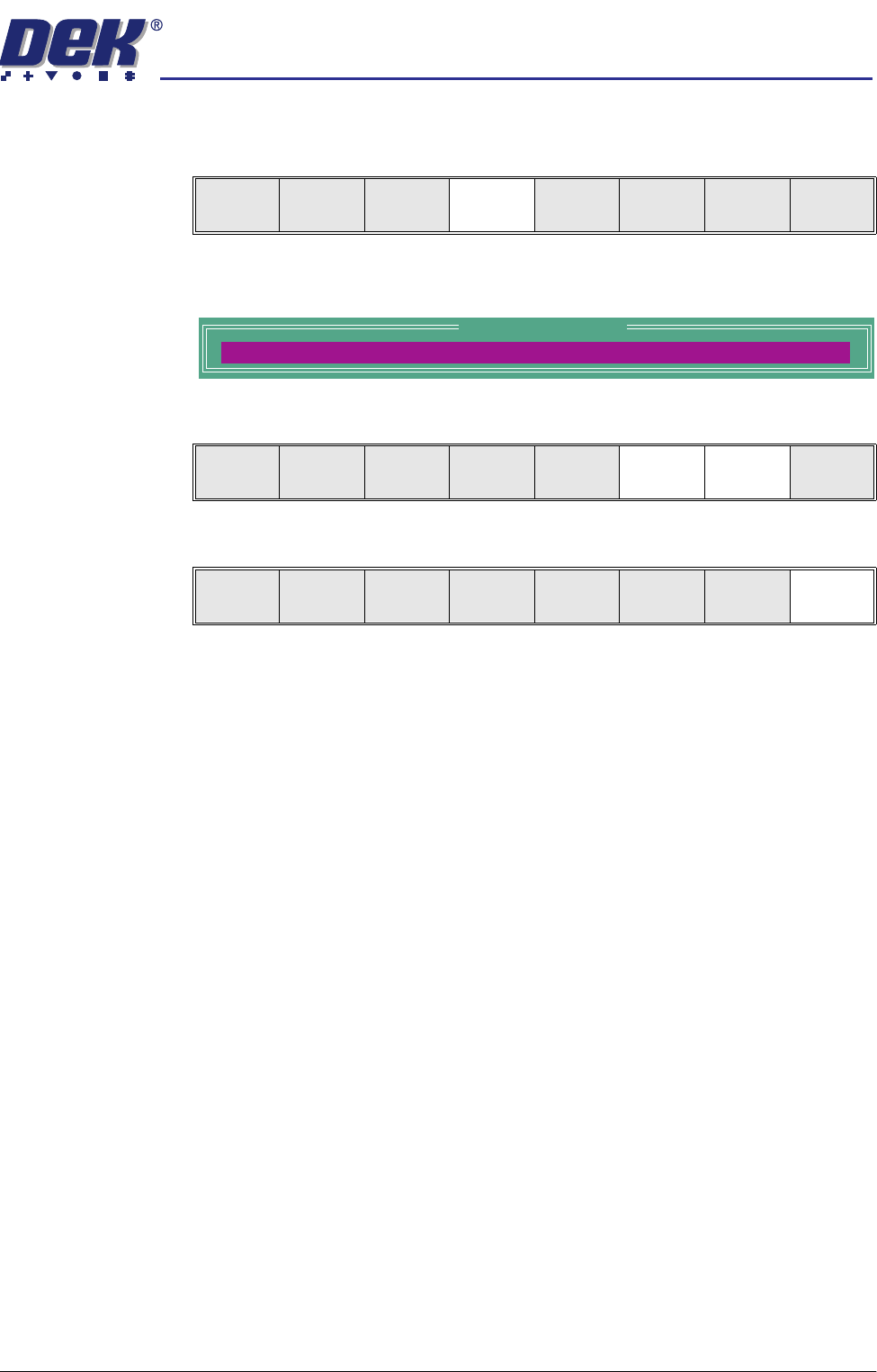
BATCH LIMIT To set the batch limit proceed as follows:
1. Select Batch Limit (F4).
The Batch Count Limit window is displayed as follows:
2. Using the Incr. (F6) and Decr. (F7) keys as required set the batch limit.
3. Select Exit (F8).
Clear
Batch
Batch
Limit
System
Disable
Exit
Batch Count Limit
BATCH LIMIT
0
Incr. Decr. Exit
Incr. Decr. Exit