182050 User manual.pdf - 第169页
semi automatic +286 (.( (3, 1* )($785( /,&(16,1 * Software Version 07SP02 User Manual 6.15 2. Select Customer Info . The fol lowing window i s display ed: 3. Enter the information req uired and sel ect Save . The i…
semi automatic
+286(.((3,1*
)($785(/,&(16,1*
6.14 User Manual Software Version 07SP02
FEATURE LICENSING
Introduction This standalone program accessed from the taskbar, enables a user to request
and install a licence to run a new feature on the machine. The opening window
lists all the licences available on the dongle and applicable to the machine.
Each licence enabled or requested is signified by a tick beside the feature listed.
The features available on the dongle are updated at software upgrades.
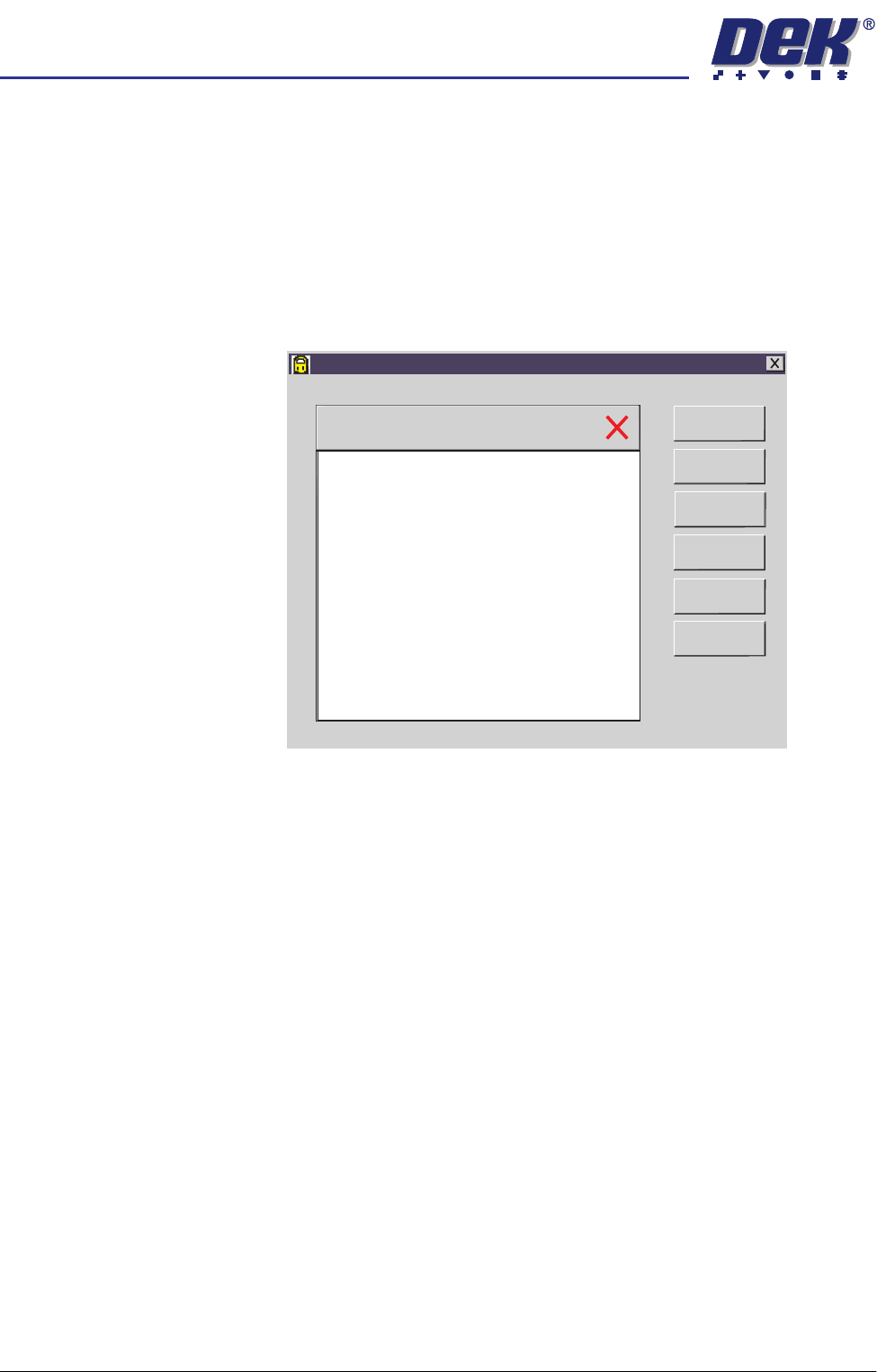
License Request 1. Select Start on the taskbar, Programs and Feature License. The following
window is displayed:
Feature License
Version 01. 02
Serial Number 113375
Basic Board Insp.
PC Type 1
PC Type 2
Customer Info
Print Features
Print Request
Install Licence
Refresh
Exit
semi automatic
+286(.((3,1*
)($785(/,&(16,1*
Software Version 07SP02 User Manual 6.15
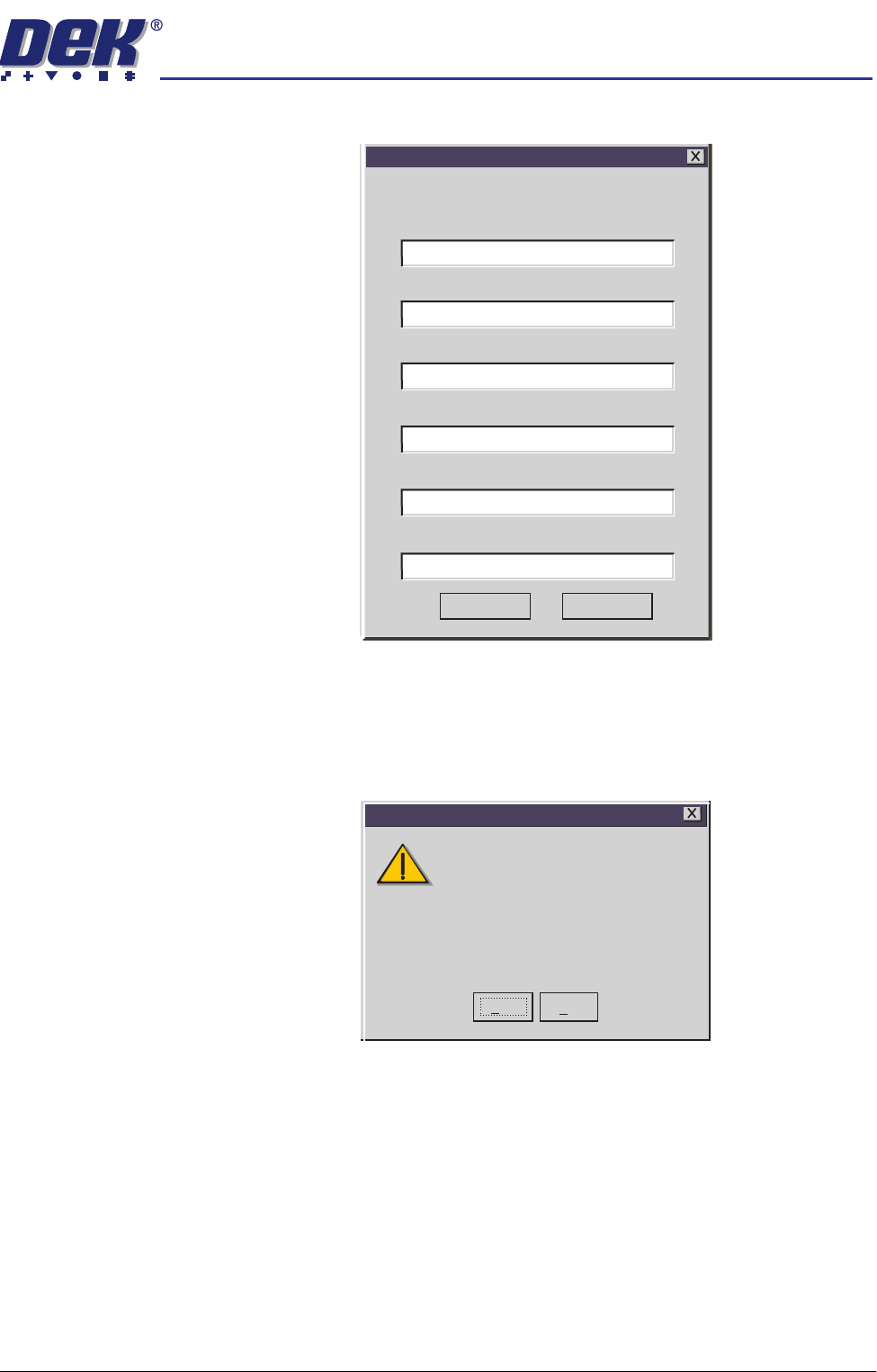
2. Select Customer Info. The following window is displayed:
3. Enter the information required and select Save. The information is written
to a ‘customer.txt’ file and attached to all licence request files, the window is
closed.
4. Scroll down the menu for the feature required. Select the feature, the
following window is displayed:
Customer's Own Information
Company
Contact
Company Purchase Order Number
Another Company
1234567
01305 123456
01305 234567
Craig
Phone
Fax
Email
craig@another.com
Save
Cancel
Yes
No
Do you want to obtain a licence to use
112731
on
Basic Board Insp.
Feature Licensing
semi automatic
+286(.((3,1*
)($785(/,&(16,1*
6.16 User Manual Software Version 07SP02
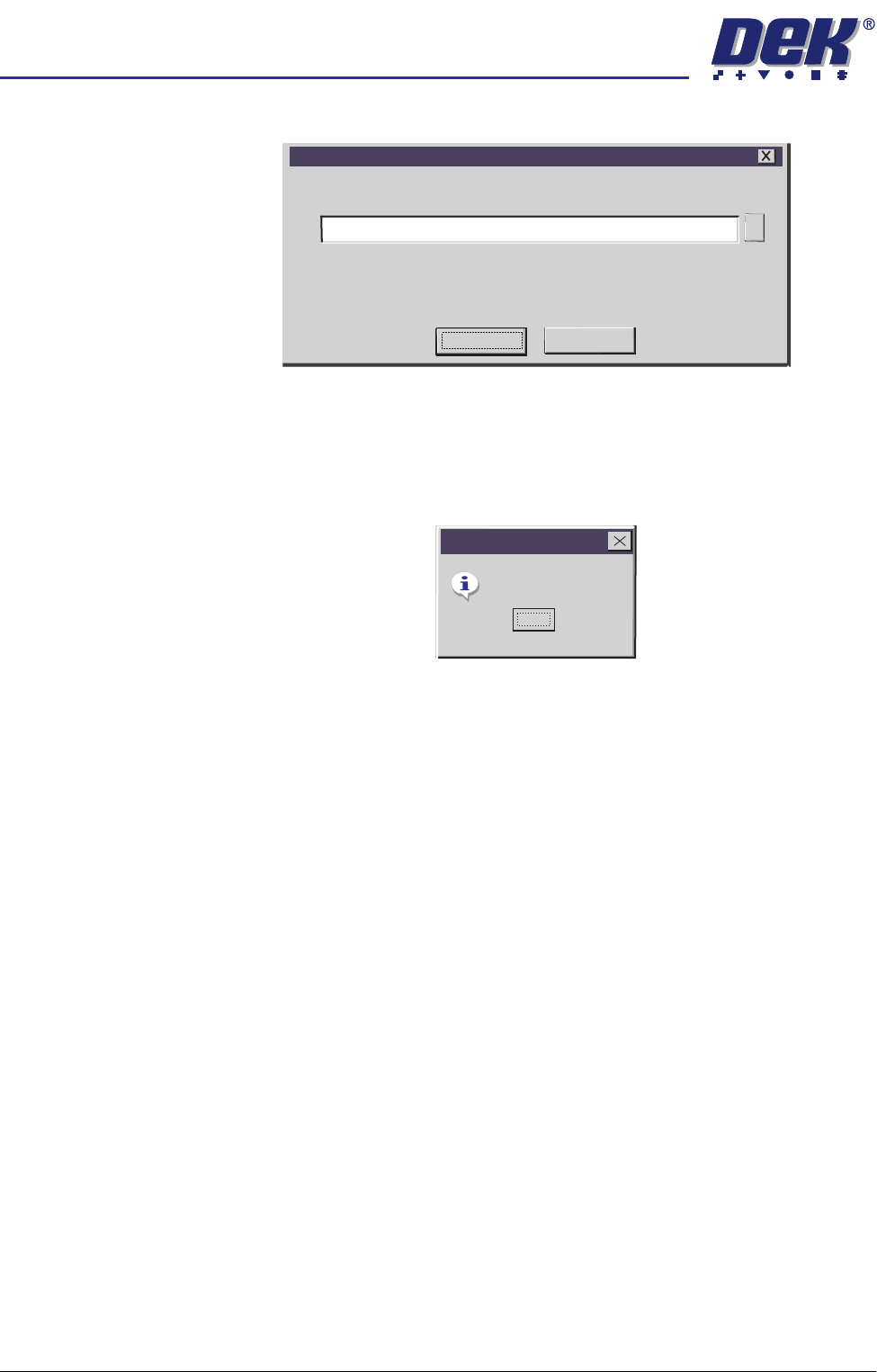
5. Select Yes, the following window is displayed:
6. Select Proceed, a request is written to the file indicated in the window. If
successful, the following window is displayed:
NOTE
Carry out Steps 4 - 6 if the source of the licence is file.
Carry out Steps 7 - 9 if the source of the licence is keyboard.
7. The licence request.txt file can now be forwarded to your local DEK agent
for processing.
Feature Licence Request
Feature Licence Request
A request to licence the feature you have selected
will be written/appended to the above file.
A:\Request.txt
Proceed
Cancel
...
Request Generated
Feature Licensing
OK