182050 User manual.pdf - 第238页
semi automatic &21680$ %/(5(3/ (1,6+0 (176 9257(;3/86 81'(5 6&5((1 &/($ 1(5 8.30 User Manual Software Ve rsion 07SP02 Cleaning Casset te and Solvent Replenishment The cleani ng cassette and solvent r…

semi automatic
&21680$%/(5(3/(1,6+0(176
9257(;3/8681'(56&5((1&/($1(5
Software Version 07SP02 User Manual 8.29
5. Repeat Steps 3 and 4 for all remaining parameters.
6. Press Save (F2) on completion of parameter setup.
7. Press Exit (F8).
8. Press Exit (F8).
Save Next Previous Incr. Decr. Exit
Save Next Previous Incr. Decr. Exit
Mode
Load
Data
Edit
Data
Setup
Squeegee
Change
Screen
Change
Tooling
Change
Language
Exit
semi automatic
&21680$%/(5(3/(1,6+0(176
9257(;3/8681'(56&5((1&/($1(5
8.30 User Manual Software Version 07SP02
Cleaning Cassette
and Solvent
Replenishment
The cleaning cassette and solvent replenishment can take place with the
cleaner unit in the printer. When the cleaning cassette or solvent needs
replenishment a warning window is automatically displayed on the monitor. The
warning window varies, depending on the setting of the consumable action
option in set preferences. The message in the warning window depends on
whether the cleaning cassette or solvent or both require replenishment.
If the set preference is set to warn, continue with Step 1. If the set preference
is set to pause or suspend go to Step 4.
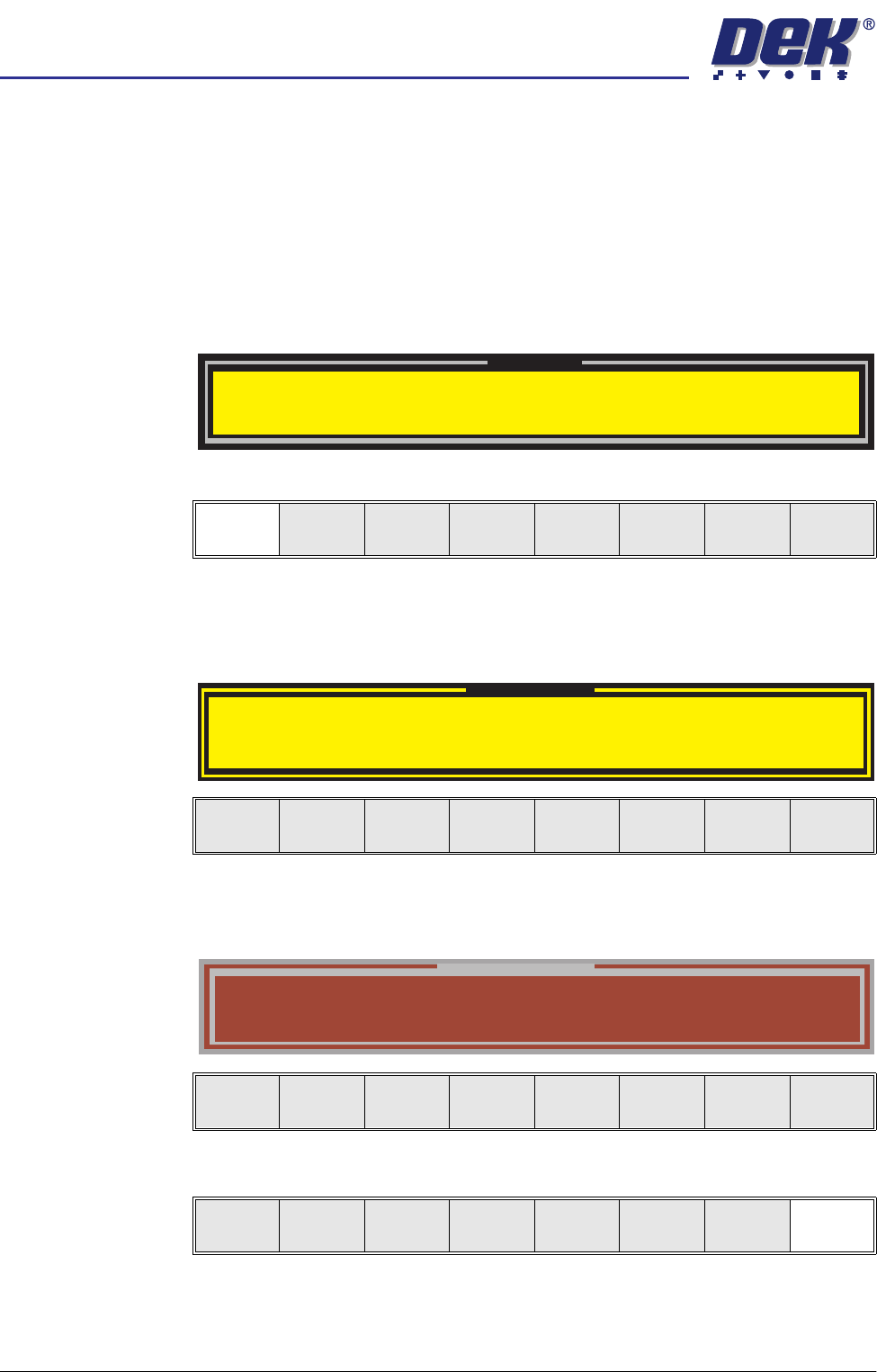
1. If the set preference is set to warn, the following window is displayed:
2. Select Confirm (F1).
3. Go to Step 7.
4. If the set preference is set to pause, the following window and menu bar is
displayed:
If the set preference is set to suspend, the following window and menu bar
is displayed:
5. Select Cancel (F8).
Warning
Cleaner Solvent Low. Please Refill.
Vortex cleaning cassette expired. Please replace
Confirm
Pause on Warning
Cleaner Solvent Low. Please Refill.
Vortex cleaning cassette expired. Please replace
Cancel
Suspend on Warning
Cleaner Solvent Low. Please Refill.
Vortex cleaning cassette expired. Please replace
Cancel
Cancel

semi automatic
&21680$%/(5(3/(1,6+0(176
9257(;3/8681'(56&5((1&/($1(5
Software Version 07SP02 User Manual 8.31
6. Press Open Cover (F2).
7. Raise the printhead cover.
8. Press Change Screen (F2).
9. If the Vortex cleaning cassette is to be replaced continue with this procedure
If the solvent tank only is to be replenished, go to the Solvent Replenishment
section.
10. Remove the screen.
11. Go to the Cleaning Cassette Replenishment section.
Run
Open
Cover
Paste
Load
Clean
Screen
Setup Monitor Maint.
Change
Screen