182050 User manual.pdf - 第248页
semi automatic &21680$ %/(5(3/ (1,6+0 (176 648((*((6 8.40 User Manual Software Ve rsion 07SP02 18. Using Ste p U p and Step Down (F6 and F7) as necessary to ra ise or lower the rear squeegee unt il it just touche s …
semi automatic
&21680$%/(5(3/(1,6+0(176
648((*((6
Software Version 07SP02 User Manual 8.39
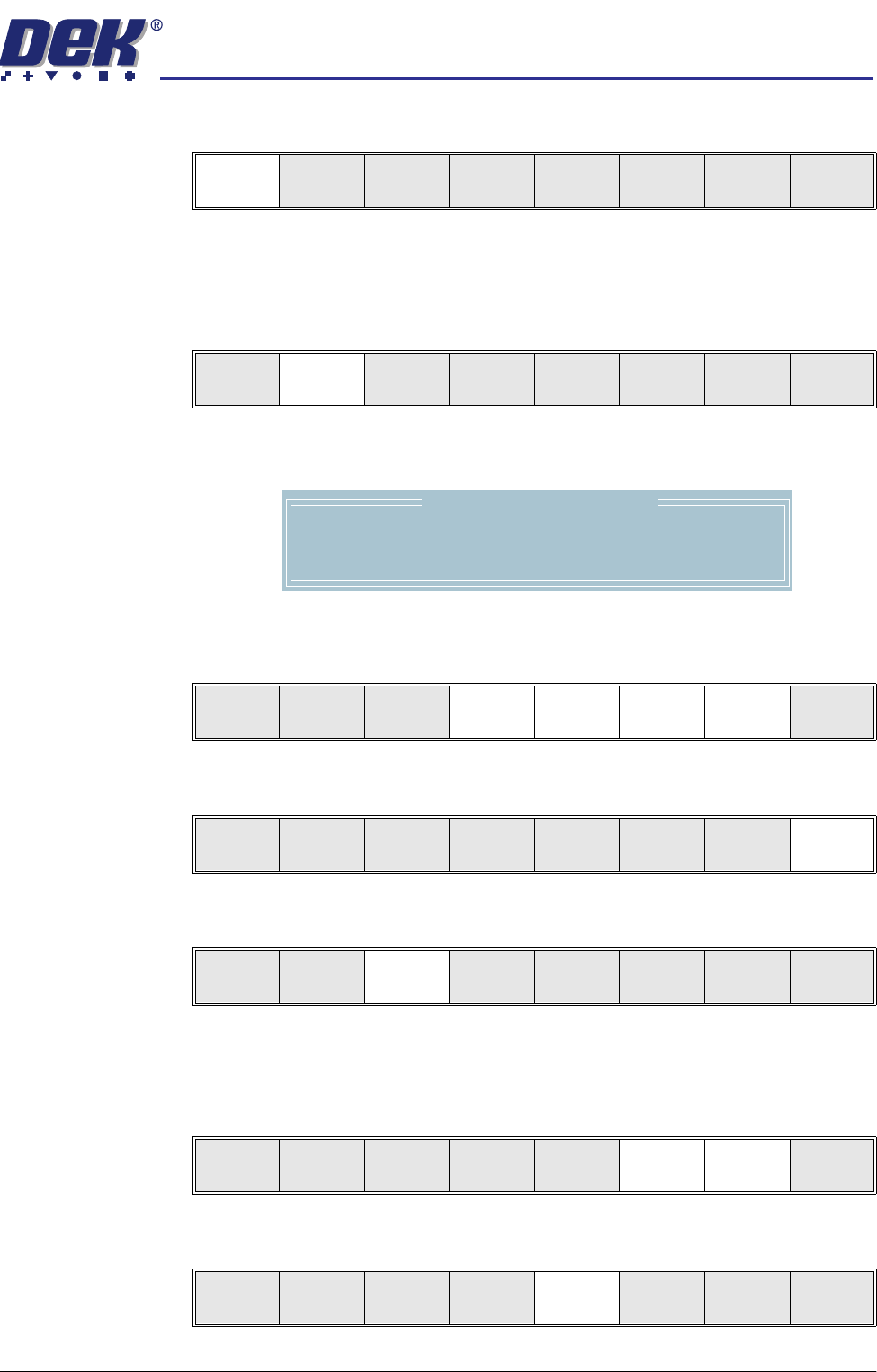
11. Press Continue (F1).
The message ‘Set Squeegee Pressure Height’ is displayed.
Either:
12. Press Adjust (F2).
The following window is displayed:
13. Using Next, Previous, Incr. and Decr. (F4, F5, F6 and F7) enter the
squeegee heights parameters as necessary.
14. Press Exit (F8).
15. Press Save (F3).
OR:
16. Using Step Up and Step Down (F6 and F7) as necessary to raise or lower
the front squeegee until it just touches the front rail.
17. Press Rear Squeegee (F5).
Continue
Restore
defaults
Exit
Adjust Save
Front
Squeegee
Rear
Squeegee
St ep
Up
Step
Down
Exit
Squeegee Heights Parameters
Front Zero Ref
Rear Zero Ref
4000
4040
Next Previous Incr. Decr. Exit
Next Previous Incr. Decr. Exit
Adjust Save
Front
Squeegee
Rear
Squeegee
St ep
Up
Step
Down
Exit
Adjust Save
Front
Squeegee
Rear
Squeegee
St ep
Up
Step
Down
Exit
Adjust Save
Front
Squeegee
Rear
Squeegee
St ep
Up
Step
Down
Exit
semi automatic
&21680$%/(5(3/(1,6+0(176
648((*((6
8.40 User Manual Software Version 07SP02
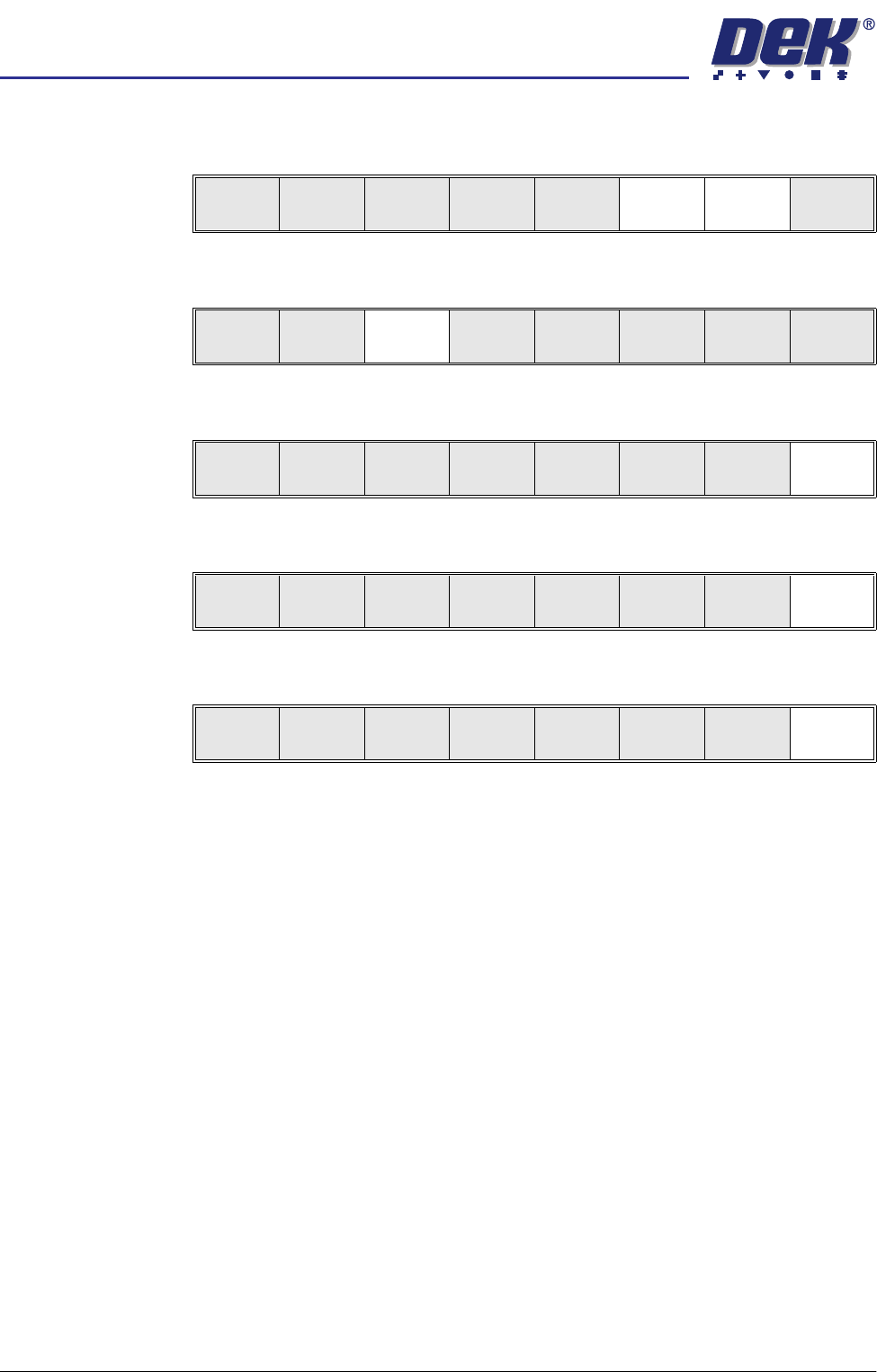
18. Using Step Up and Step Down (F6 and F7) as necessary to raise or lower
the rear squeegee until it just touches the front rail.
19. Press Save (F3).
20. Press Exit (F8).
21. Press Exit (F8).
22. Press Exit (F8).
Adjust Save
Front
Squeegee
Rear
Squeegee
St ep
Up
Step
Down
Exit
Adjust Save
Front
Squeegee
Rear
Squeegee
St ep
Up
Step
Down
Exit
Adjust Save
Front
Squeegee
Rear
Squeegee
St ep
Up
Step
Down
Exit
Change
Squeegee
Calibrat
Heights
Exit
Mode
Load
Data
Edit
Data
Setup
Squeegee
Change
Screen
Change
Tooling
Change
Language
Exit
semi automatic
&21680$%/(5(3/(1,6+0(176
352)/2:
Software Version 07SP02 User Manual 8.41
PROFLOW
Introduction This Section details the various procedures for the replenishment of the Pro-
Flow unit. A separate ‘Best Working Practices’ guide is also available, detailing
common procedures for the replenishment, housekeeping and maintenance of
ProFlow transfer heads (DEK Part No.171280). It is recommended that the
Best Working Practices guide is used in conjunction with any of the following
replenishment procedures.
NOTE
ProFlow Best Working Practices manuals can be ordered online at
http://www.dek.com or email spares@dek.com quoting DEK Part No.171280.
ProFlow Cassette
Change
It is necessary at intervals to fit a new ProFlow cassette into the ProFlow
transfer head. If the cassette is empty at the end of a print stroke, the warning
window ‘Print Medium Low. Please Replenish.’ is displayed.
WARNING
SOLDER PASTE AND SOLVENTS. WHEN USING OR HANDLING ANY SOLDER
PASTE OR SOLVENT FORMULATION THE MANUFACTURERS’ RECOMMEND
SAFETY PRECAUTIONS MUST BE STRICTLY ADHERED TO.
WARNING
PROTECTIVE CLOTHING. APPROVED PROTECTIVE CLOTHING SHOULD BE
WORN BY SOLDER PASTE AND SOLVENT HANDLERS AT ALL TIMES TO
ELIMINATE FUME INHALATION, EYE CONTACT, SKIN CONTACT AND
INGESTION.
NOTE
When using a ProFlow transfer head for the first time or if the transfer head
conditioning chamber has been cleaned, ie free from solder paste. The
conditioning chamber must be primed first with the print medium. Two ProFlow
cassettes are required, the first ProFlow cassette is used to prime the condition-
ing chamber. The second ProFlow cassette is fitted ready for machine opera-
tion.
1. If ProFlow is in the home position continue from Step 2. If ProFlow is in the
contact position go to Step 19.
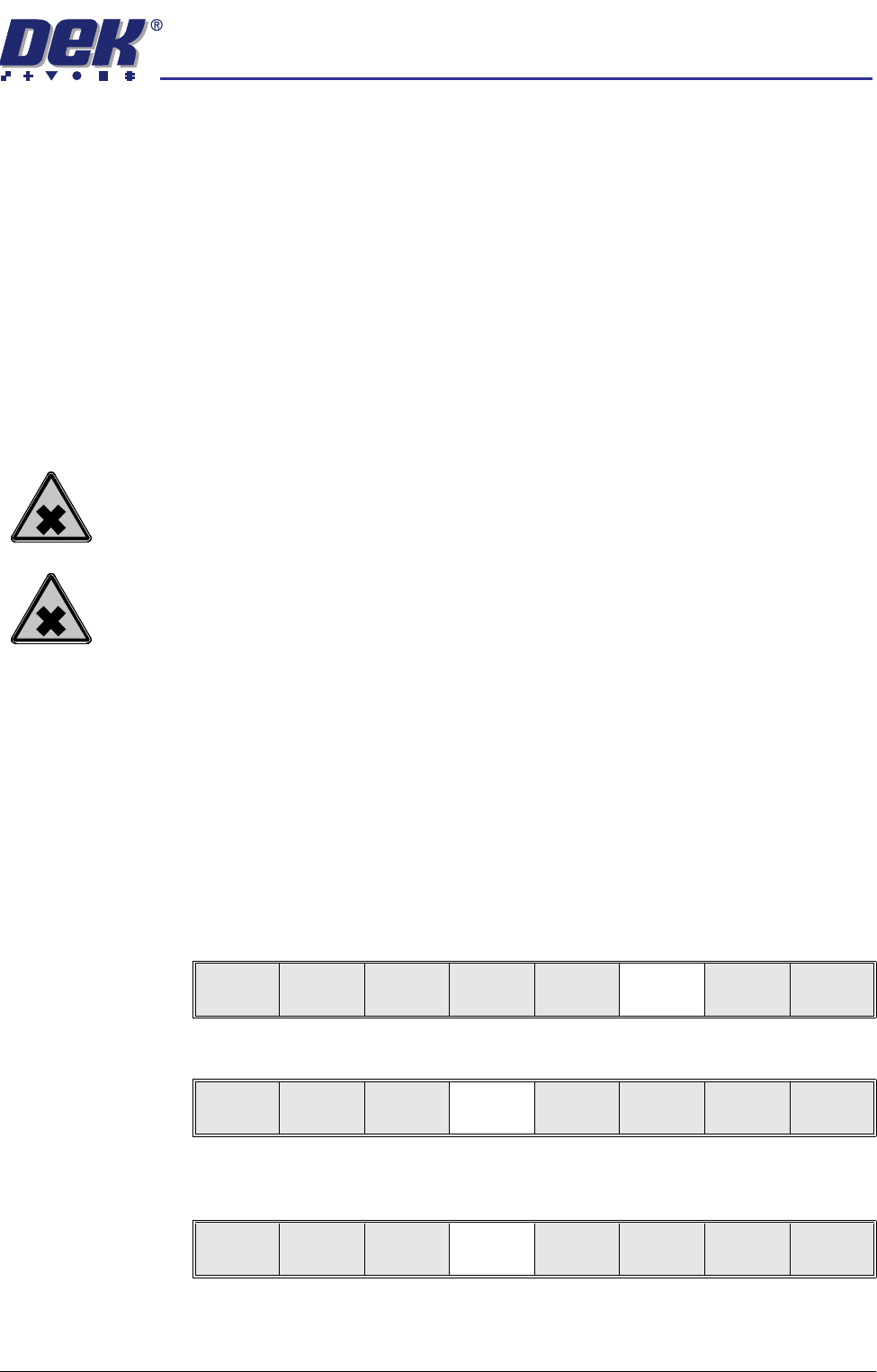
2. Select Setup (F6).
3. Select Setup ProFlow (F4).
4. Select Load Cassette (F4). The message ‘Has the ProFlow unit’s base
cover been removed?’ is displayed.
5. If the ProFlow unit’s base cover is still fitted continue with Step 6. If the
ProFlow unit’s base cover has been removed go to Step 12.
Run
Open
Cover
Paste
Load
Clean
Screen
Setup Monitor Maint.
Mode
Load
Data
Edit
Data
Setup
ProFlow
Change
Screen
Change
Tooling
Change
Language
Exit
Change
ProFlow
Load
Cassette
Prime
ProFlow
Exit